Workspaces: Part, Assembly, Drawing, Simulation, then add-ins
The workspace switcher now puts the four CAD workspaces first: Part, Assembly, Drawing and Simulation. Wiring, Teardown and Render move to an Add-ins group below. Each workspace loads only when you first open it, and the Agent tab works in every one.
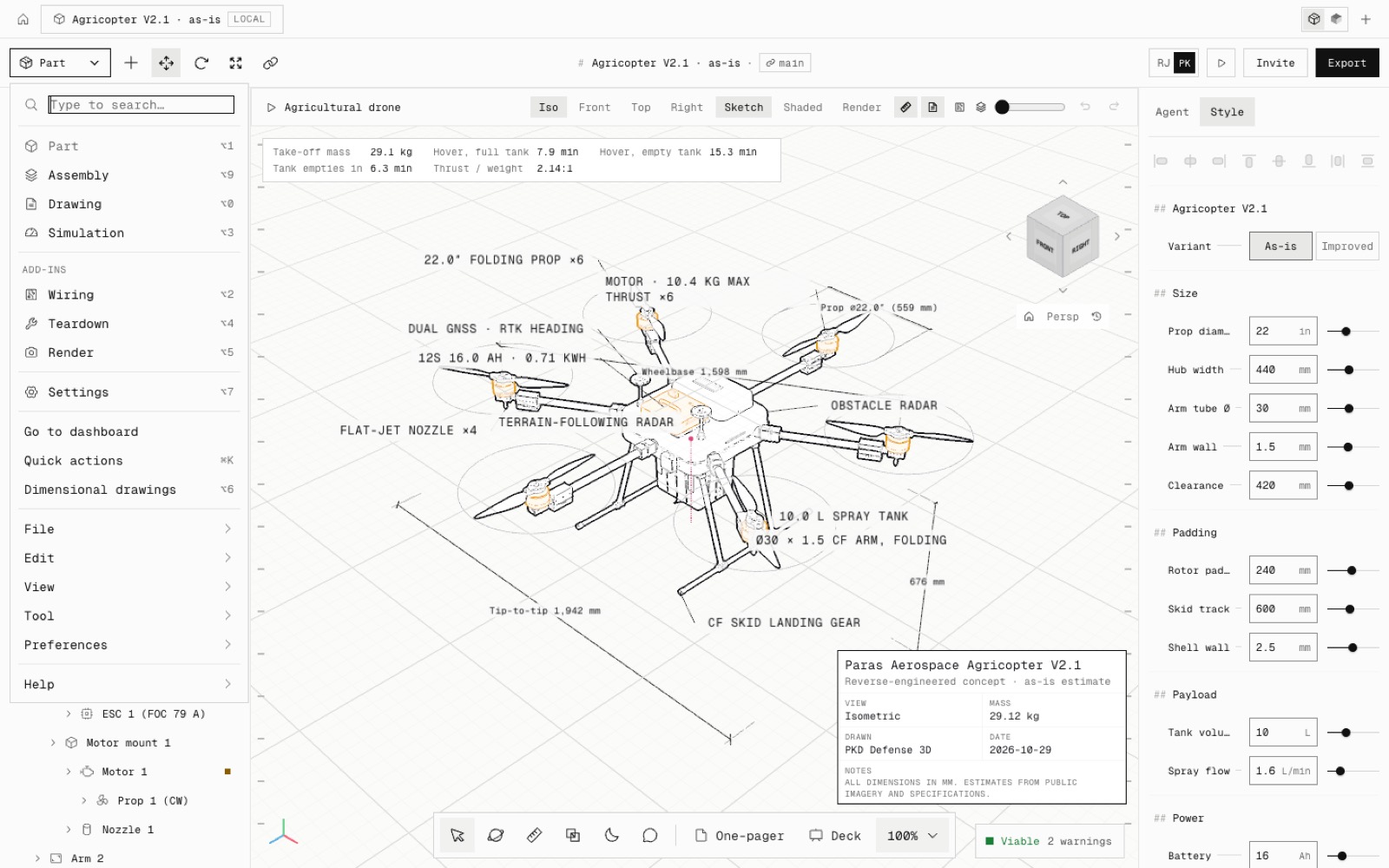
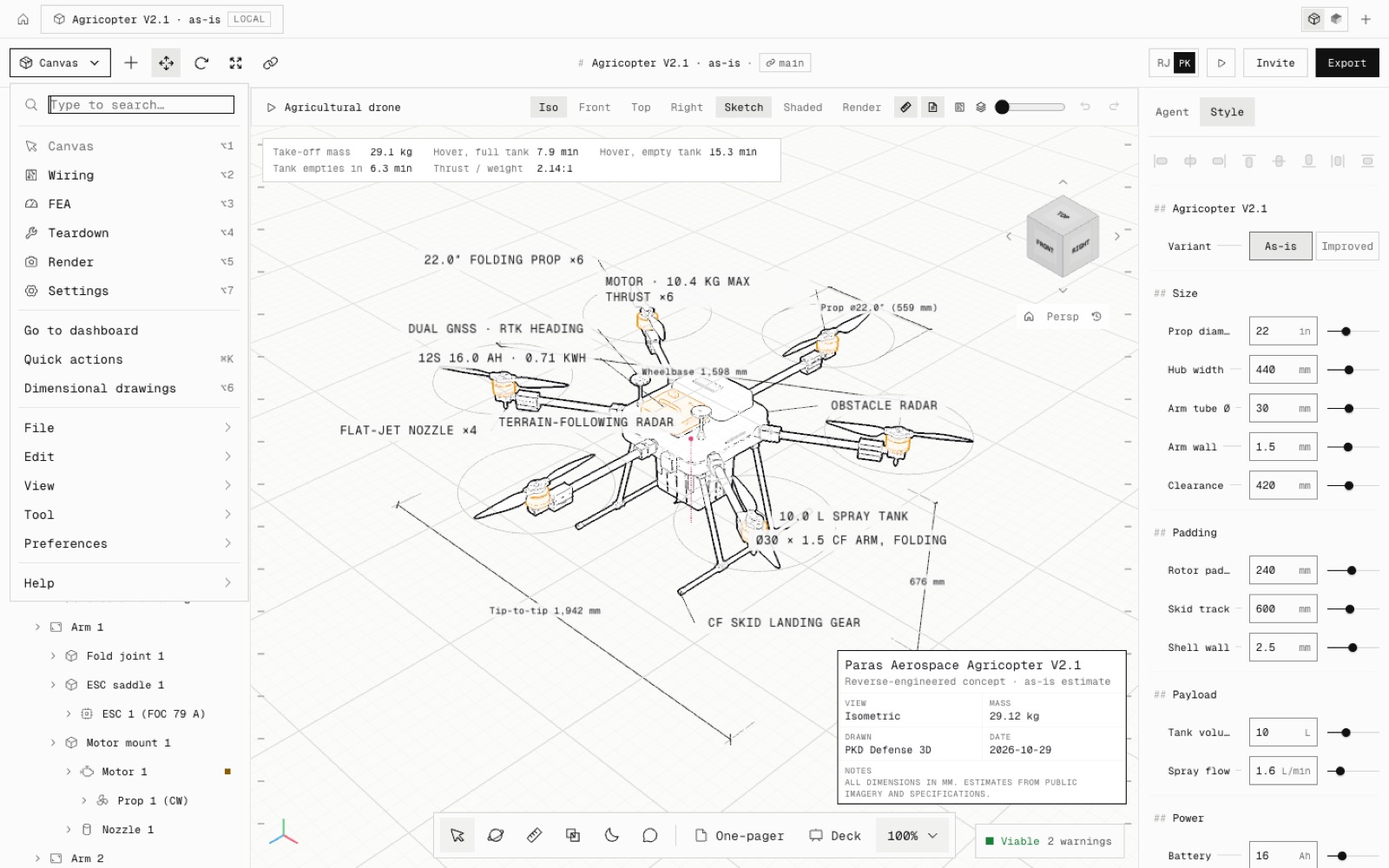
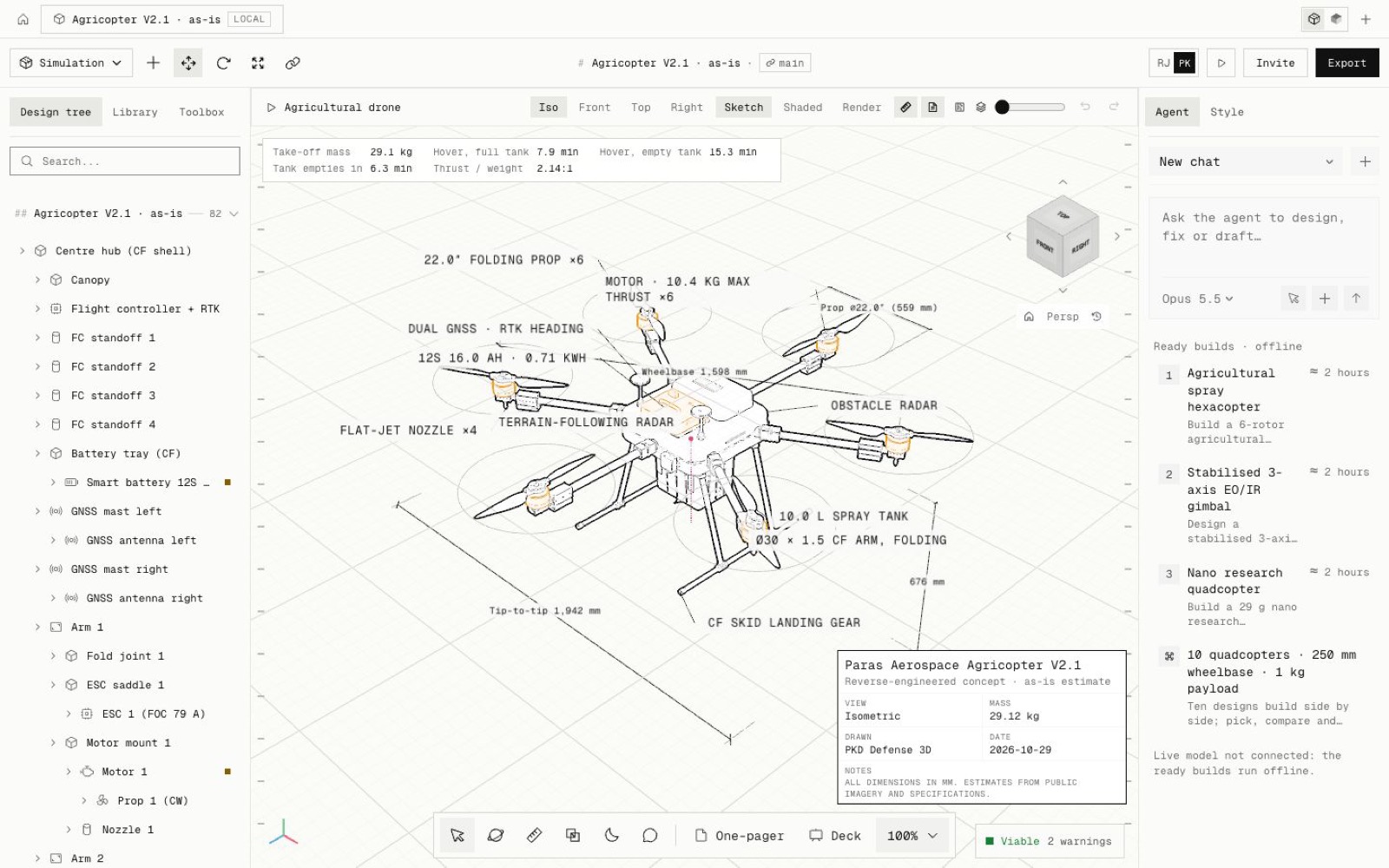
This is step N6 of the North Star plan. Part is the old Canvas workspace and Simulation the old FEA one. Their ids and shortcuts are unchanged, so ⌥1 and ⌥3 still work.
Assembly (⌥9) is new. It lists the components, shows each mate as met or not met, sums up the last interference check, and has Mate, Interference and Explode / Collapse in one place. Mating now opens Assembly.
Drawing (⌥0) is new. It drafts the one-pager, the deck or 3 to 10 sheets, reopens the last set, and draws the teardown illustration.
Each workspace panel is its own chunk, fetched the first time you open it, with a small loading state. The Agent panel stays mounted beside every workspace, so a reply in progress, its Stop button and the scroll position survive a switch.
Known limits: Part is the default workspace, so it still loads on first paint. Opening the Agent tab during a Simulation run stops the run, as before. While the drawing sheets are open they cover the sidebar.
- Added
- Assembly workspace (⌥9)
- Drawing workspace (⌥0)
- Add-ins group in the switcher
- npm run test:workspaces
- Improved
- Workspace panels load on first open
- The Agent tab works and keeps its state in every workspace
- Try it
Open the switcher at the top left, pick Assembly, then open the Agent tab.
Open Speed- Shipped in
e716fd1