One document model: Convert to features
A part is now either a modelled part (a feature history placed in the assembly) or a legacy primitive body. Convert to features turns a box, rounded box, cylinder, tube, capsule, sphere or torus into the sketch and features that build the same solid in the same place. Mass, the parts list and interference read the real B-rep.
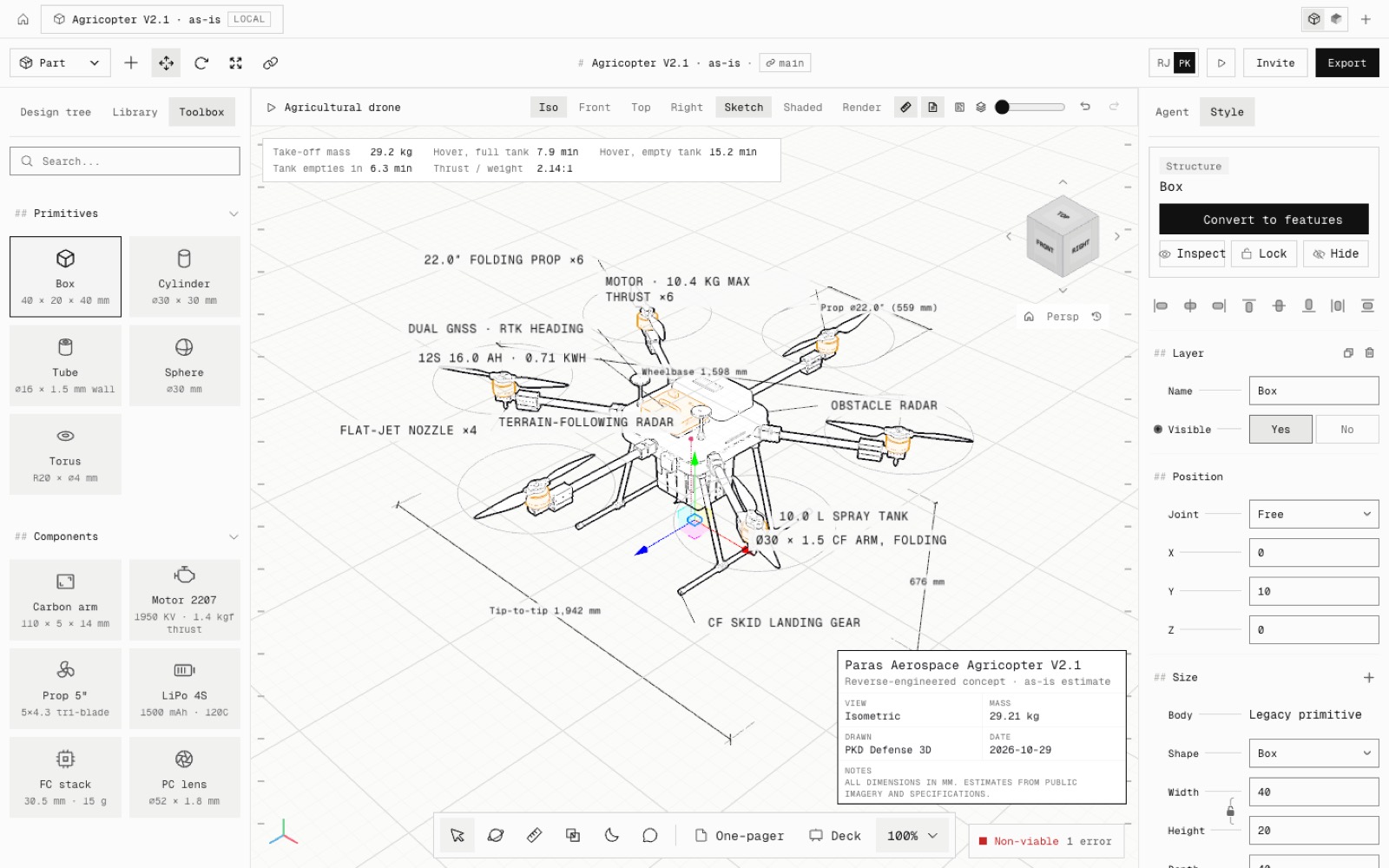
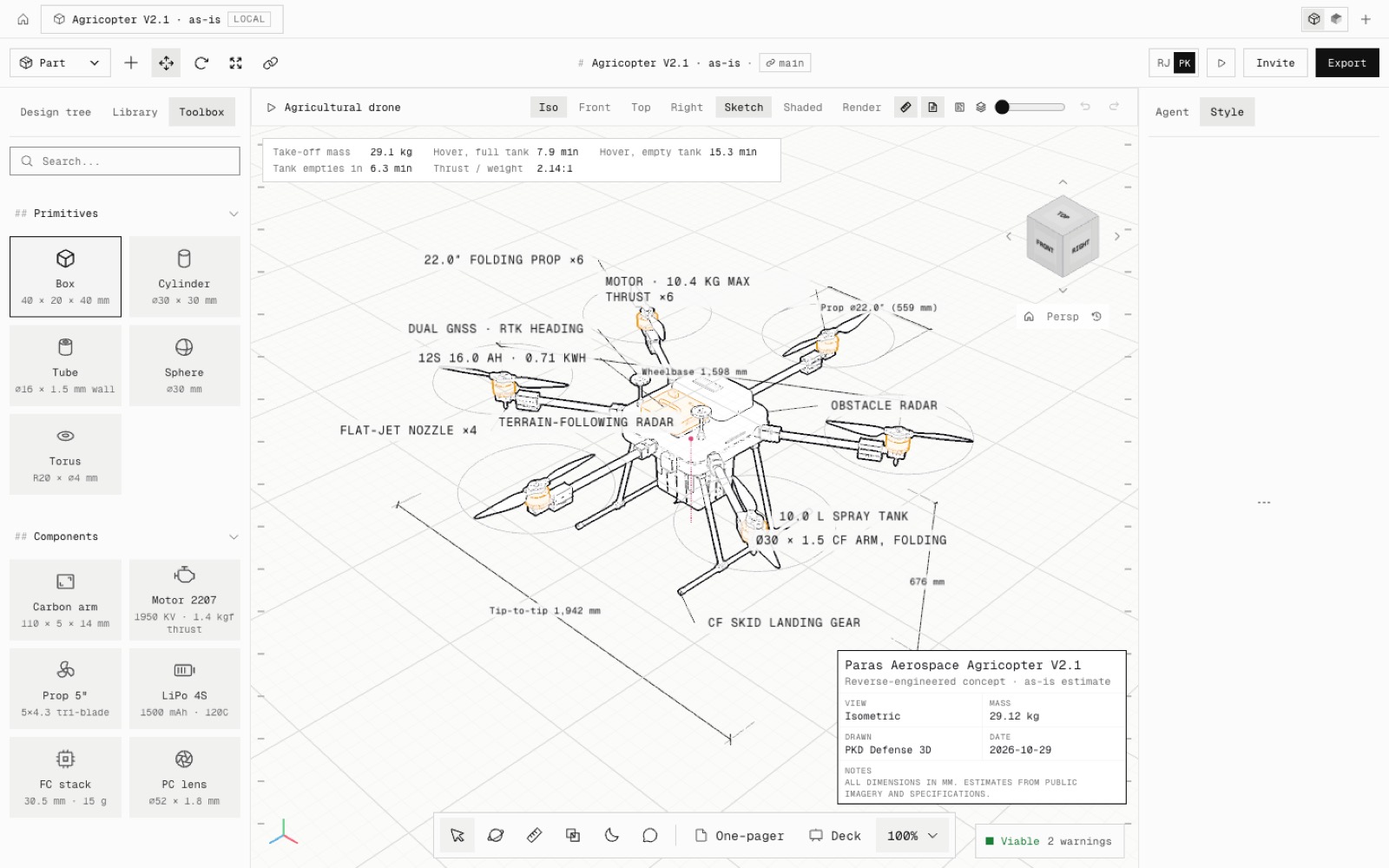
This is step N3 of the North Star plan. Primitive bodies are now labelled Legacy primitive in Style → Size, and the part card has a Convert to features button. The part keeps its id, joints, material, role and place.
Each shape gets the history an engineer would draw. A box is a centred rectangle on the Top plane extruded mid-plane, and a rounded box adds a fillet on all 12 edges. A cylinder is a circle, and a tube two circles. A sphere, capsule or torus is a revolved profile. OpenCascade builds each one to the primitive's closed-form volume and box.
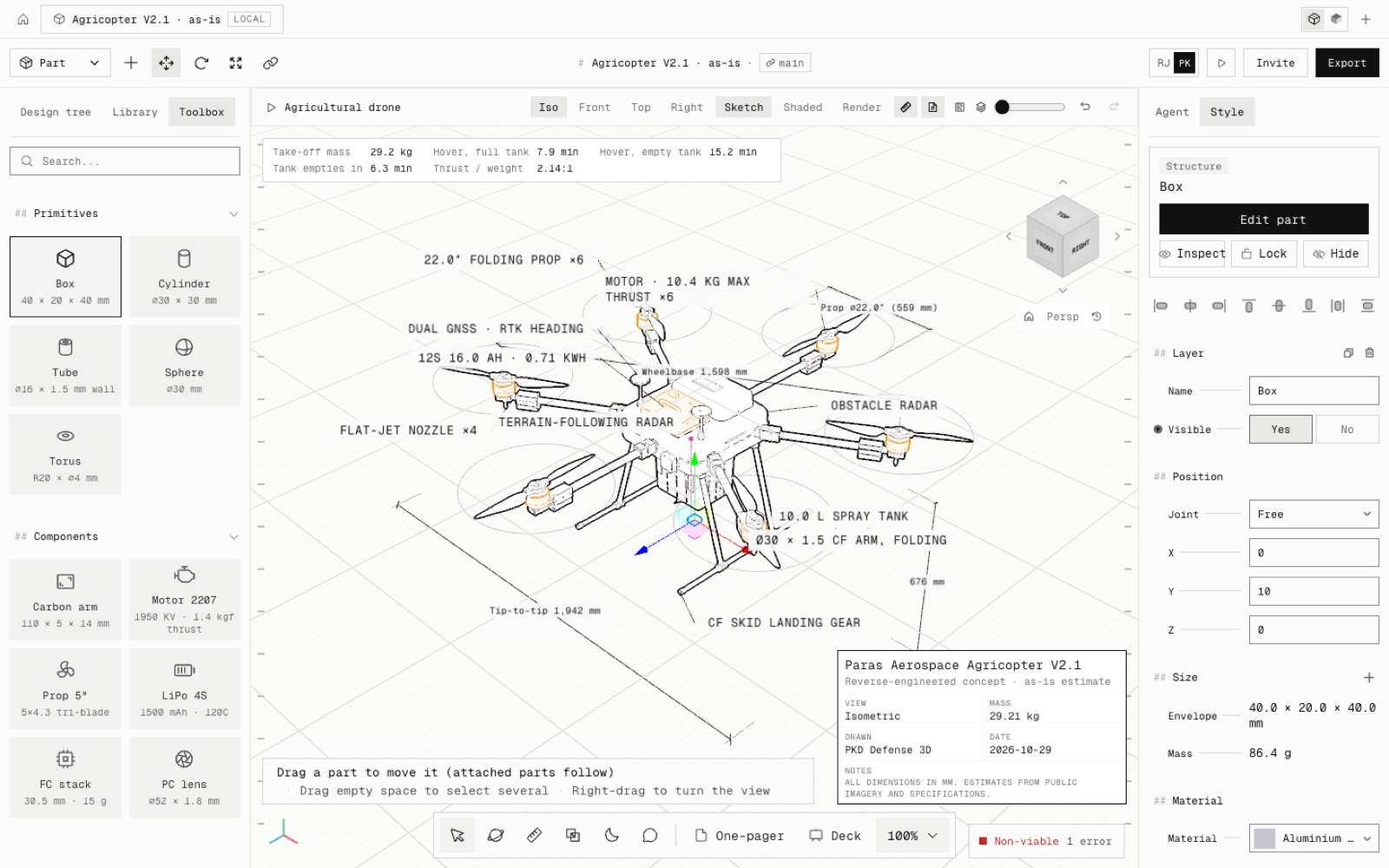
Once the kernel answers, the converted part's envelope and mass come from the solid. A 40 × 20 × 40 aluminium box reads 86.4 g. The drawings' parts list sums the same mass, and Interference detection intersects the B-rep.
Detailed parts, catalogue parts and parts with a datasheet mass keep their bodies. Converting them would replace that mass, so the command says so. The agent has the same command (convert_to_features).
- Added
- Convert to features (part card, Quick actions, agent)
- Legacy primitive label on primitive bodies
- npm run test:one-model
- Improved
- A converted part fits its envelope and mass to its solid
- Try it
Add a Box from the Toolbox, click Convert to features, then Edit part.
Open Speed- Shipped in
49ace9b