FeatureManager right-click menu, delete that asks first, and a safer Esc
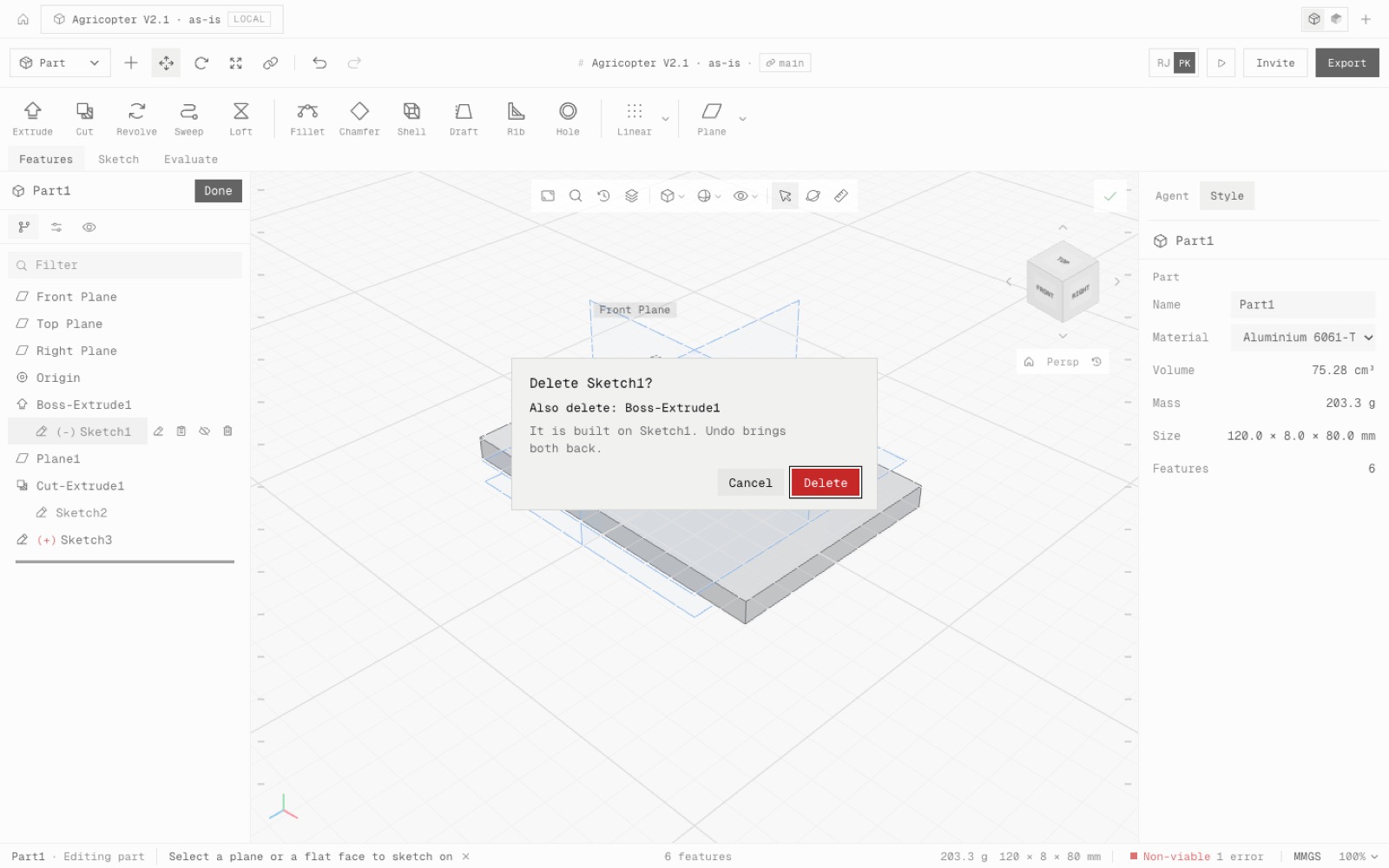
Every FeatureManager row has a right-click menu: Edit Feature, Edit Sketch, Suppress, Roll back to here, Rename, Add to new folder, Go to and Delete. Deleting something others are built on asks first and lists what goes with it. Esc steps back one level at a time and never closes the part.
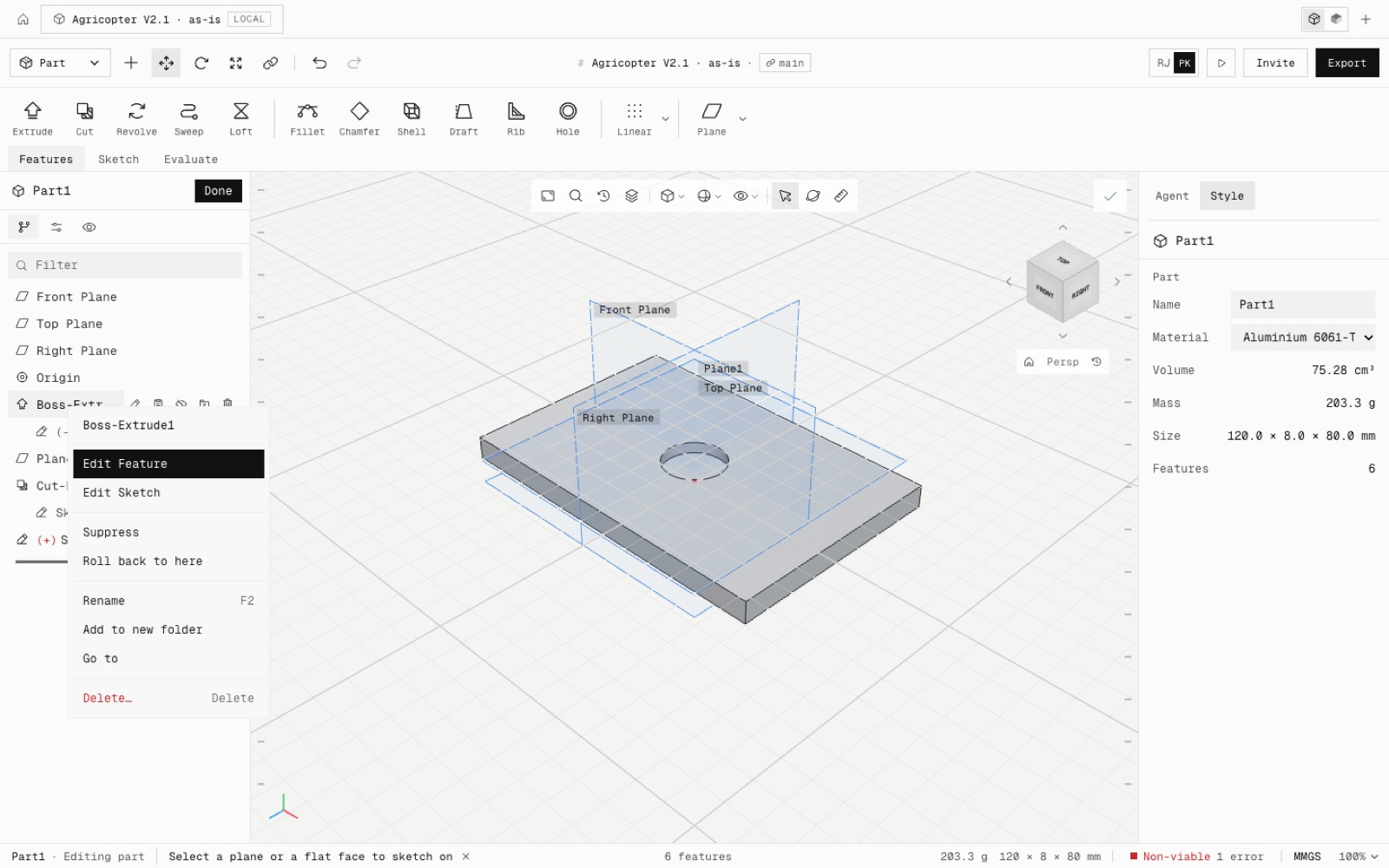
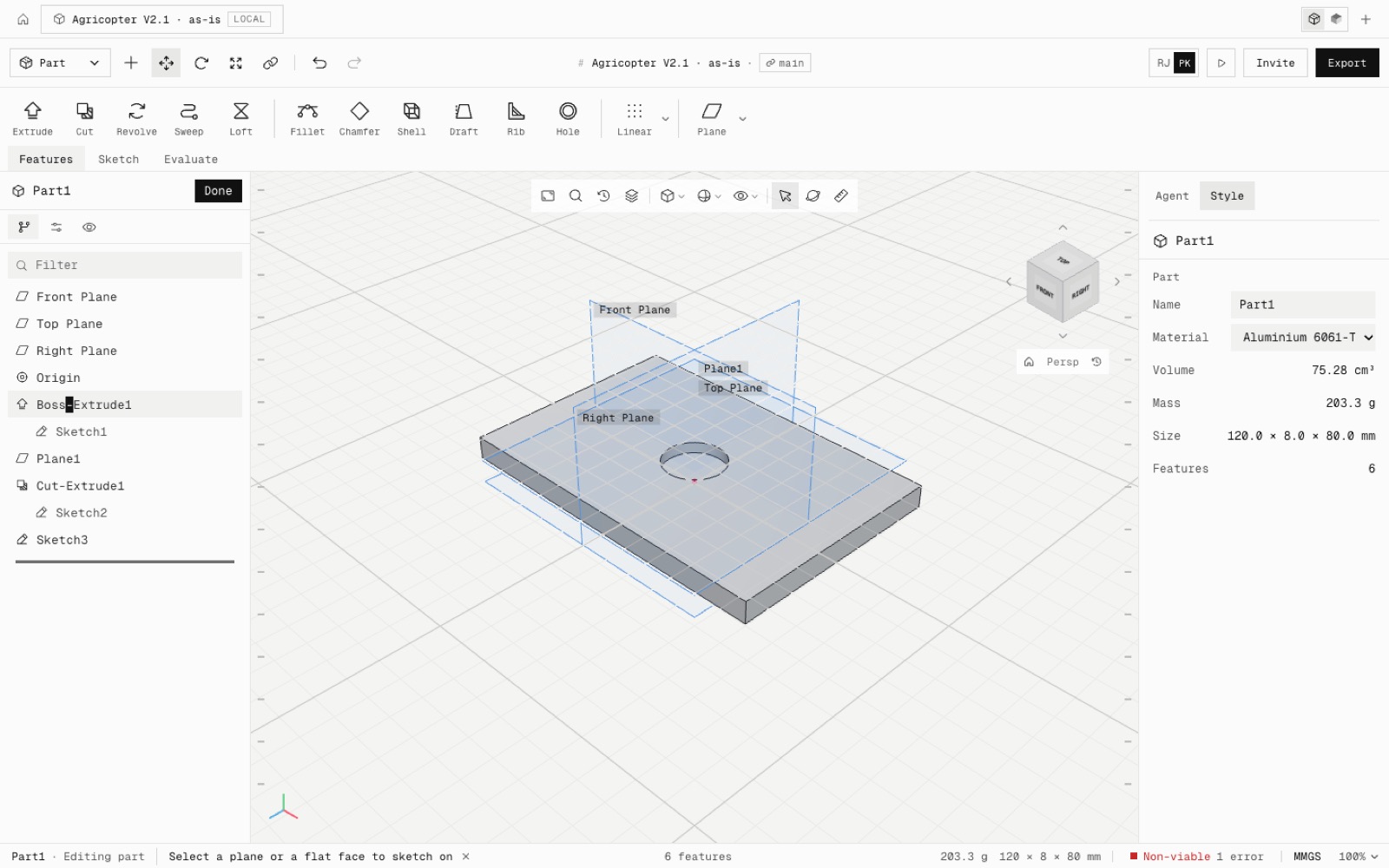
The menu works on features, the sketches nested under them, the Front, Top and Right planes, folders and the rollback bar. It opens with a right-click, Shift+F10 or the menu key, and the arrow keys, Enter and Esc move through it. Items that cannot run now show grey with the reason. Each one is a single undo step.
Delete asks first when other features depend on the one you picked, for example "Also delete: Sketch2, Cut-Extrude1". With nothing depending on it, it deletes at once. The Delete key, the row button, the menu and the Delete command all ask.
Esc closes the menu, then cancels the PropertyManager, then leaves the sketch (keeping it), then clears the prompt and the pick. It never closes the part: Done does, or the new Exit part tick in the corner of the view.
Sketch rows show (-) when under defined and (+) when over defined, as in SolidWorks.
Fixed: with a part open and nothing picked, Delete or Backspace deleted the whole part.
- Added
- FeatureManager right-click menu
- Delete confirmation listing dependents
- (-) and (+) sketch marks
- Exit part tick in the confirmation corner
- npm run test:tree-menu
- Fixed
- Delete with nothing picked deleted the open part
- Esc with nothing to cancel closed the part
- Shipped in
6a03b04