Patterns copy features in tree order; Cut opens as Blind; a direction arrow on Extrude
A linear or circular pattern of a boss and its hole built the boss over the hole when the hole was ticked first, so the copies came out solid. Patterns and mirrors now copy features in FeatureManager order. A new Cut opens as Blind, as in SolidWorks, and the Extrude preview shows which way it goes before you press OK.
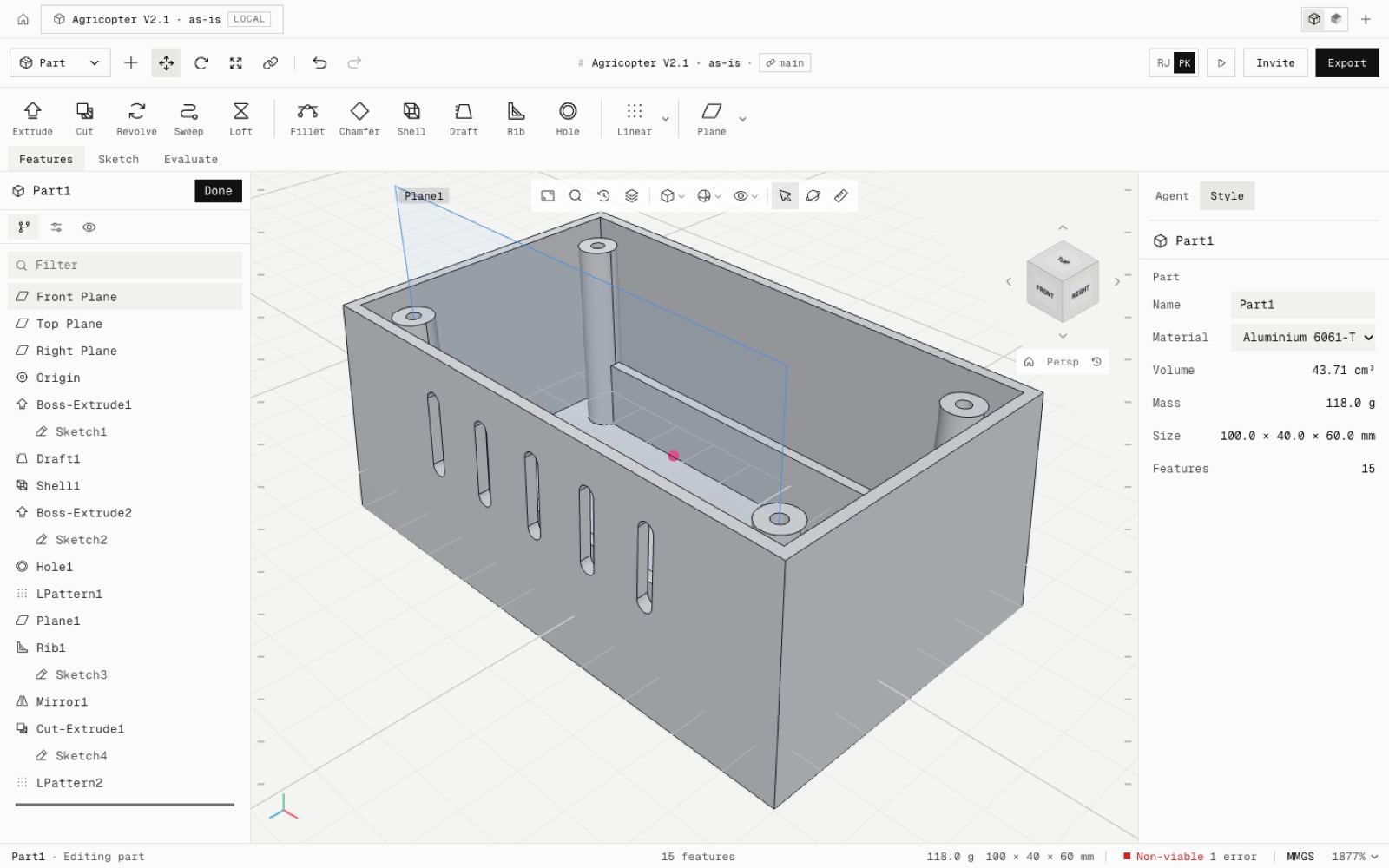
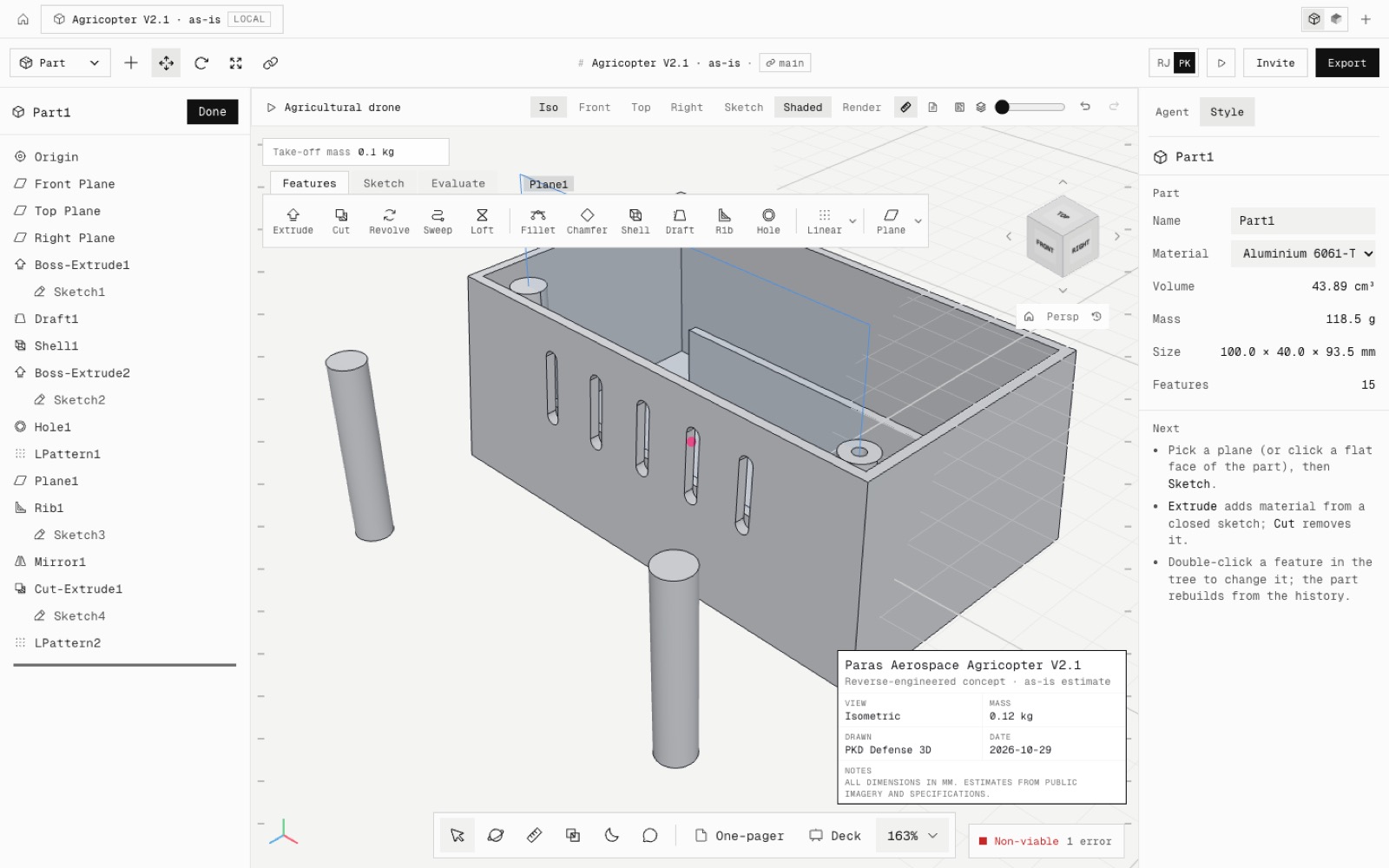
Found while building the electronics enclosure by hand. The pattern of its screw bosses had solid tops because the seeds were applied in the order they were ticked. The enclosure now builds to exactly its closed-form volume, 43,711.1 mm³, at 100 × 40 × 60 mm, with every boss and hole at (±40, ±20).
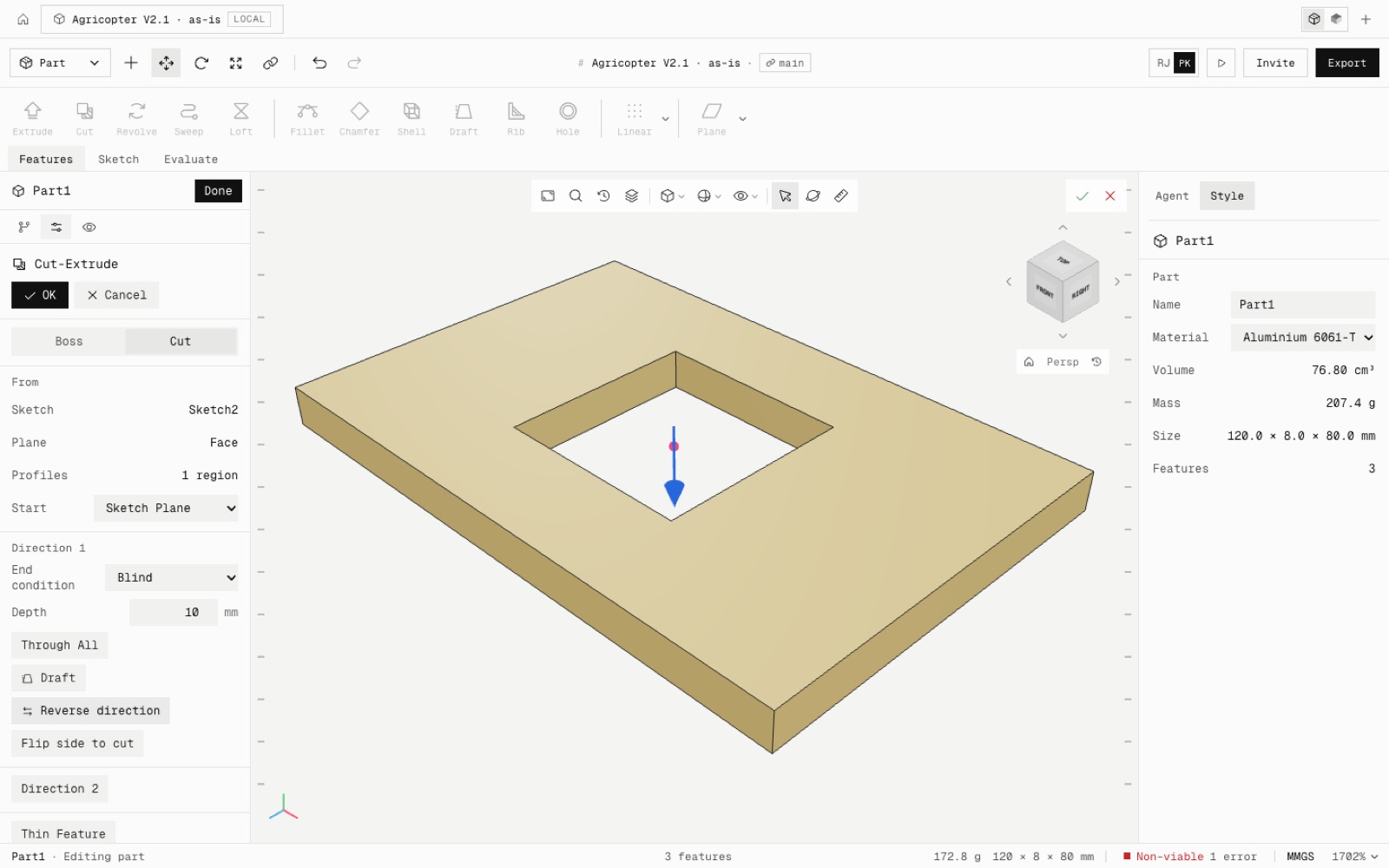
Extruded Cut opens as Blind, at the depth of the last blind cut in the part, or 10 mm. Through All is a toggle under the depth field, one click away.
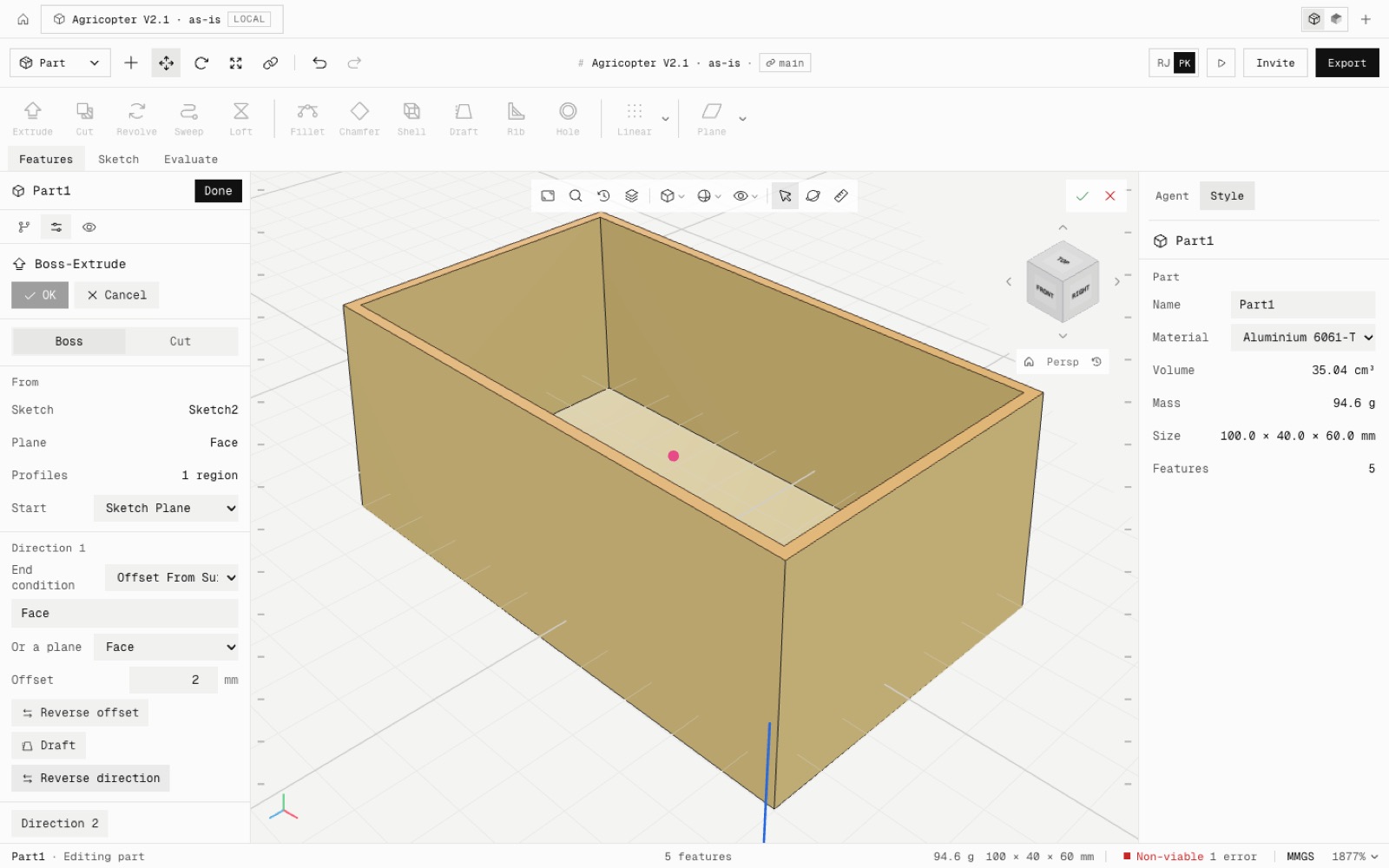
The Extrude preview draws a blue arrow from the middle of the profile, two for Mid Plane or a second direction. It turns as soon as you click Reverse, and it comes from the same calculation as the solid, so it can never disagree.
Every end condition was checked on the shelled and drafted enclosure, from its inner floor and against its slanted walls, both ways: 43 cases, all matching their closed-form volumes.
- Added
- npm run test:extrude-ends2 (43 end-condition cases on a shelled, drafted body)
- Improved
- Cut defaults to Blind with the last depth
- Extrude shows its direction before OK
- Fixed
- Patterns and mirrors applied seeds in tick order, not tree order
- Shipped in
4b0111c