A clean blank part, Zoom to Area, Select Other and steadier zoom
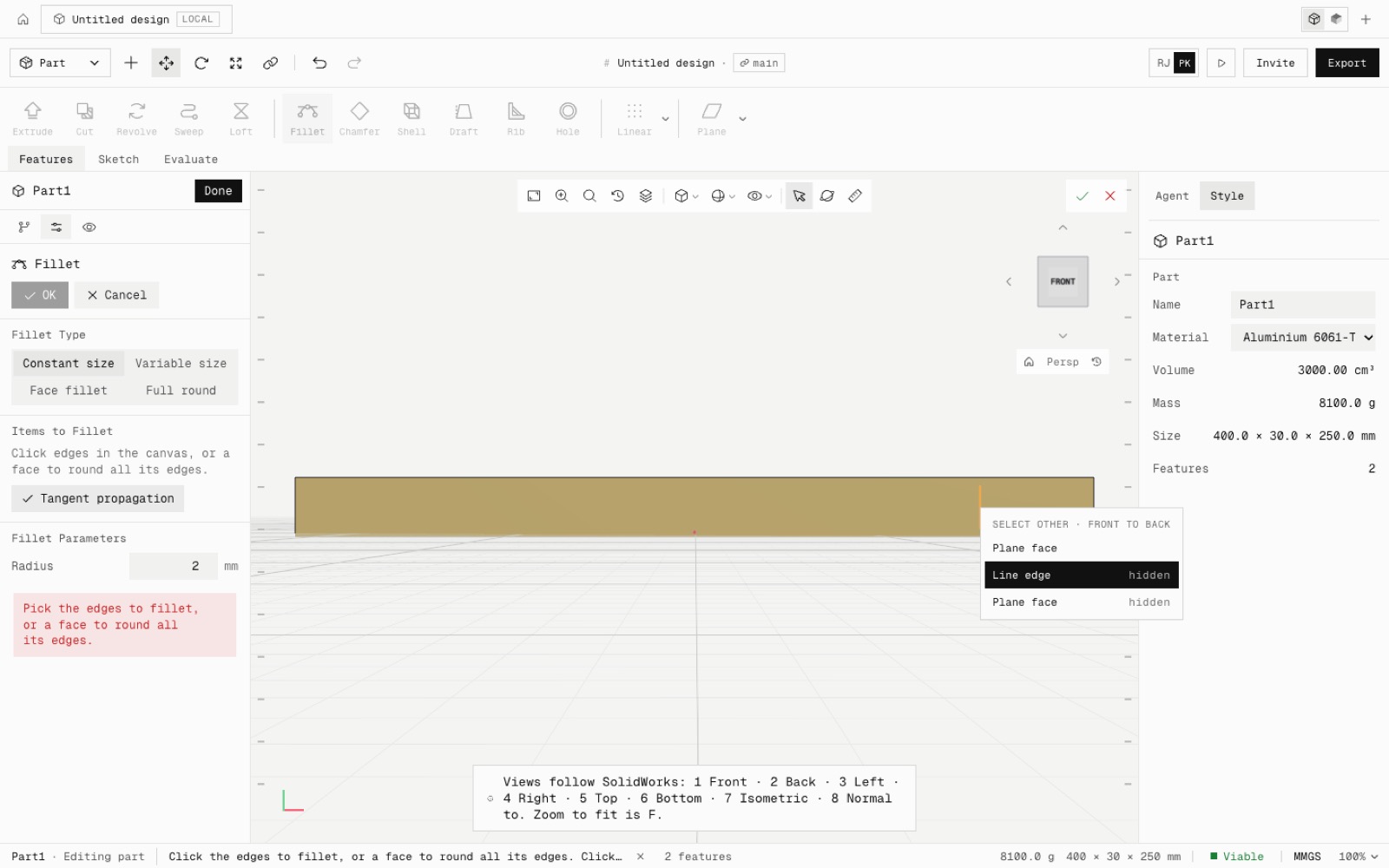
Clearing a design now leaves a truly blank Untitled design, with no old title block, callouts or error badge, and one undo brings everything back. Zoom to fit frames the part, the wheel zooms 11 % a notch, a new sketch opens square to its plane at the right size, and Zoom to Area and Select Other (for hidden faces and edges) are in the view toolbar and the right-click menu.
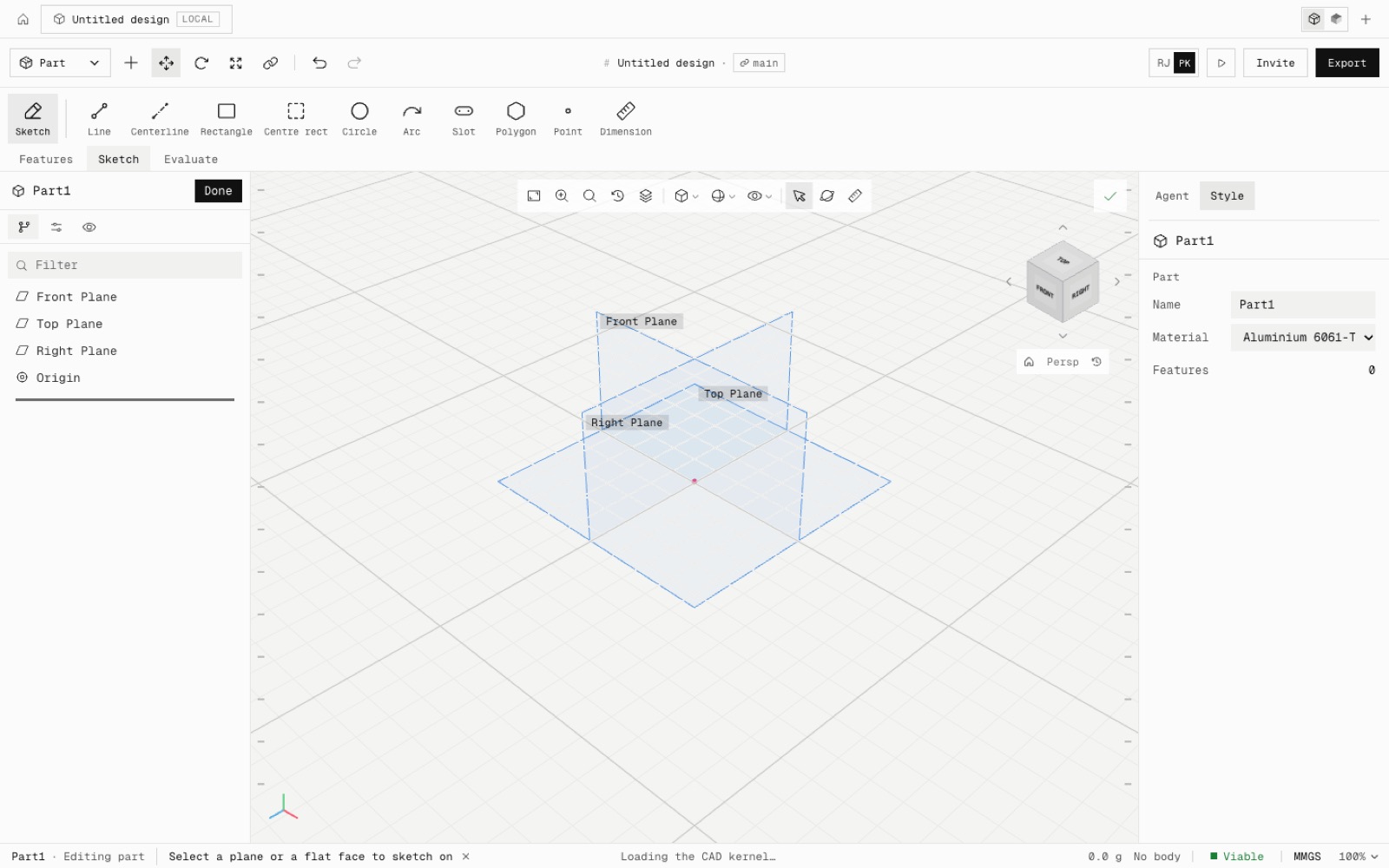
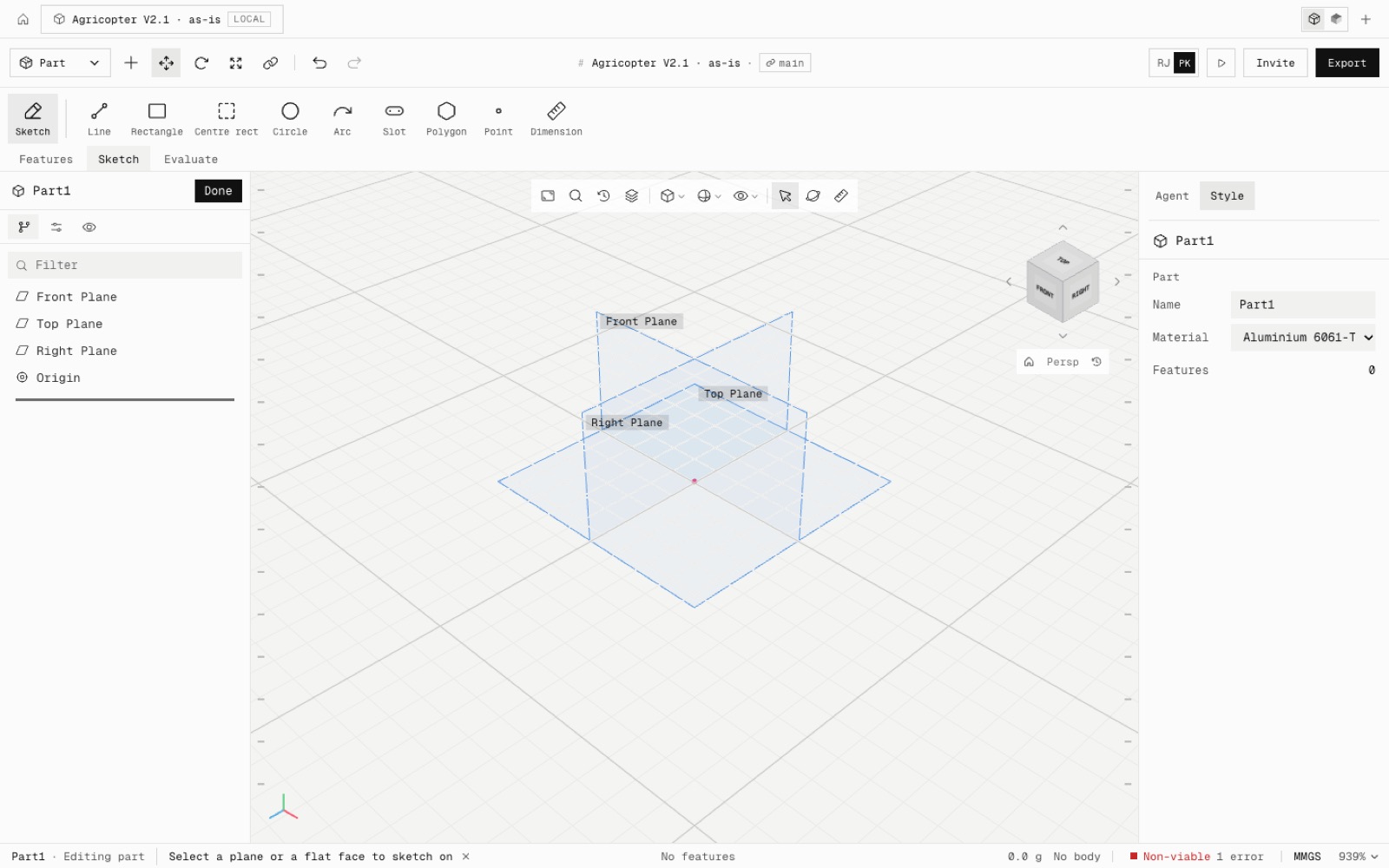
Select all and Delete clears the product, title block, callouts, figures and name, so the blank part shows only the part, and STEP and drawings use the new name. The new blank part adds no undo step of its own: one undo restores the whole design.
F and Home frame the part's solid, else its sketch, else its planes. The wheel steps 11 % per notch, trackpads scale smoothly, and a new part reads 100 % instead of 939 %. A new sketch turns square to its plane and fits the body: 455 mm across on a 400 mm plate, 100 mm on an empty part.
Zoom to Area: drag a box and the view fills with it; Esc cancels. Select Other: right-click the model to list every face and edge under the cursor, front to back, with hidden ones marked. The wheel or hover highlights each, and a click picks it for Fillet, Shell, Draft, a hole face or a sketch.
- Added
- Zoom to Area
- Select Other
- npm run test:viewport2
- Improved
- Clearing a design leaves a clean blank document
- Zoom to fit frames the part
- Wheel zoom 11 % per notch
- New sketches open square to their plane at the right size
- Zoom readout starts at 100 %
- Shipped in
6909d8c