R3 Studio moves to its own app
Rivesa R3 Studio (clients, quotes and invoices) now runs as its own app at pkd-r3-studio.vercel.app, and the CAD app no longer ships it. Old /studio links redirect there. Build it with R3 still opens a new project in the CAD app with R3 already working on the brief.
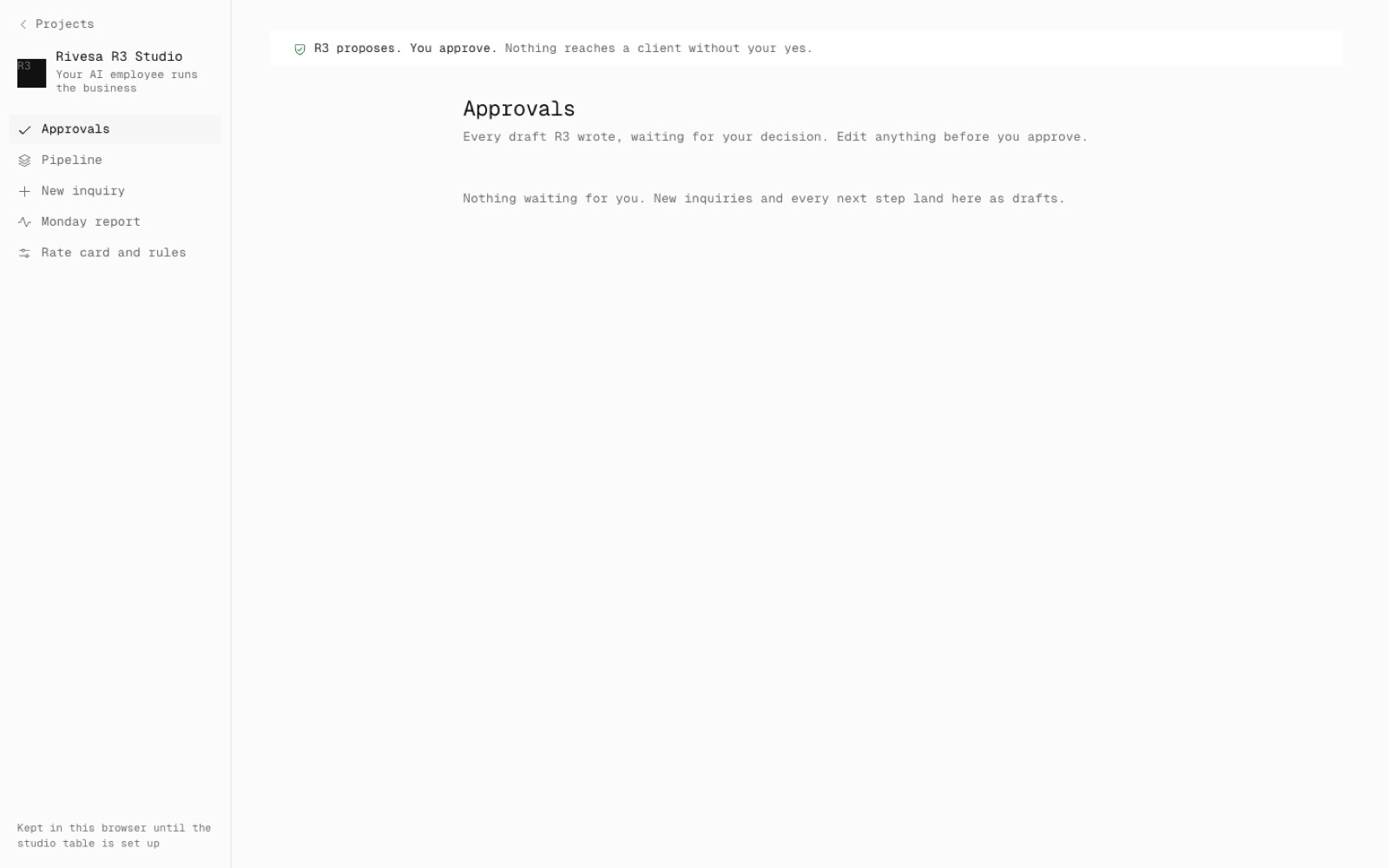
This is step N7 of the North Star plan: one app for CAD, and the studio business tools beside it. The Studio is a separate Next app in apps/pkd-r3-studio with its own Vercel project, and the CAD build no longer compiles or uploads it.
Browser storage and sign-in do not cross from one domain to the other. So Build it with R3 passes the job in the link: the Studio picks the project's id, and the CAD app creates the project in the Studio folder with the client's tag and starts R3 on the brief. Open the design reopens the same project without running R3 again.
The Studio has its own access gate (the same code). Anything saved in the old /studio belongs to the old sign-in, so the new app starts empty.
- Added
- pkd-r3-studio.vercel.app
- Studio to CAD hand-off links
- npm run test:studio-split
- Improved
- The CAD app no longer ships Studio code
- Try it
Open pkd-defense-3d.vercel.app/studio: it lands on the Studio's own app.
Open Speed- Shipped in
ce8ebac