Exact section and detail views, and fasteners drawn as vectors
Section views now cut the real solid and hatch the cut faces at 45°, detail views clip the exact edges, and screws, washers and nuts are drawn from their ISO dimensions. A 5-sheet set of a modelled part has no screenshots left and drafts in about a second instead of 70 to 100.
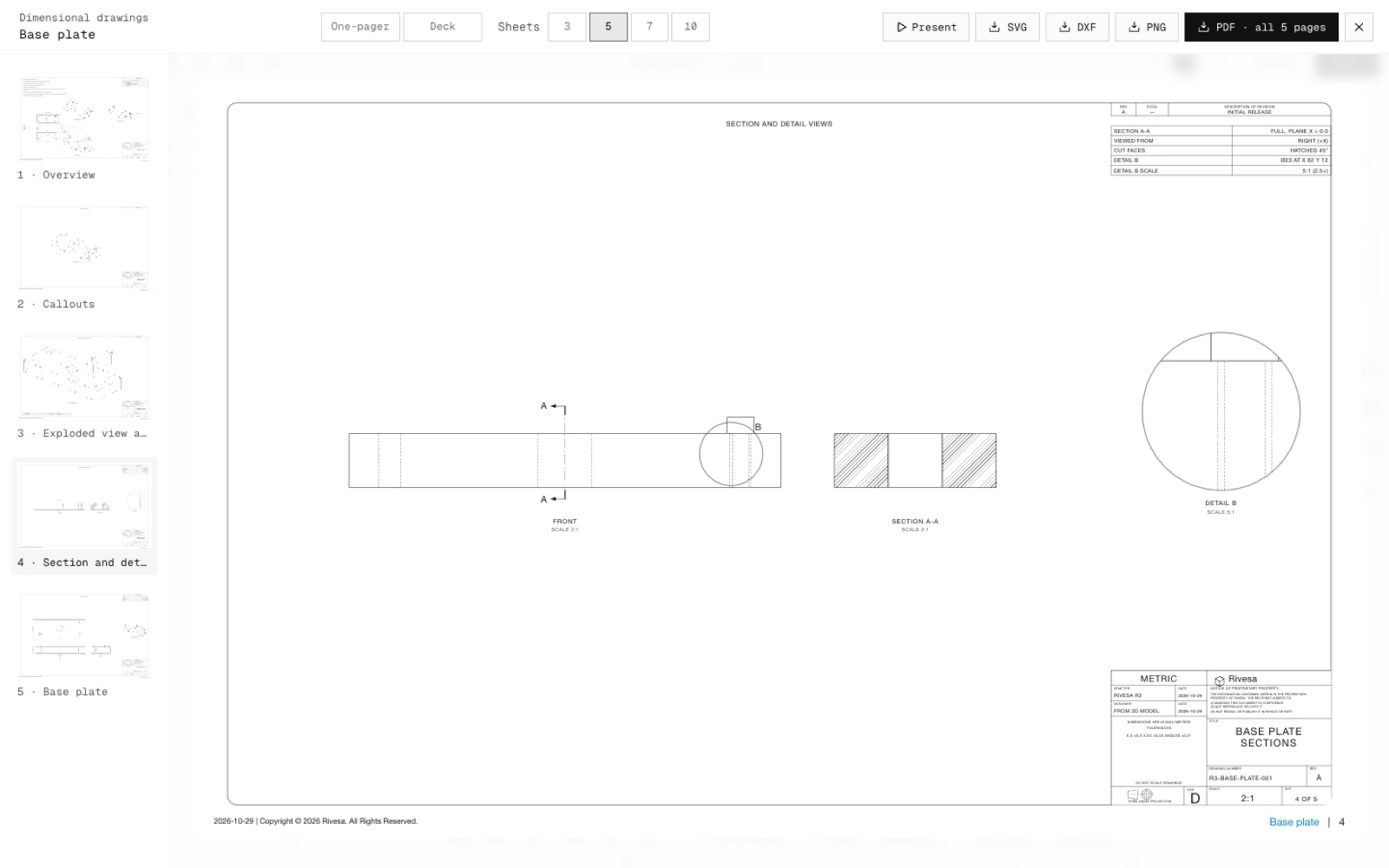
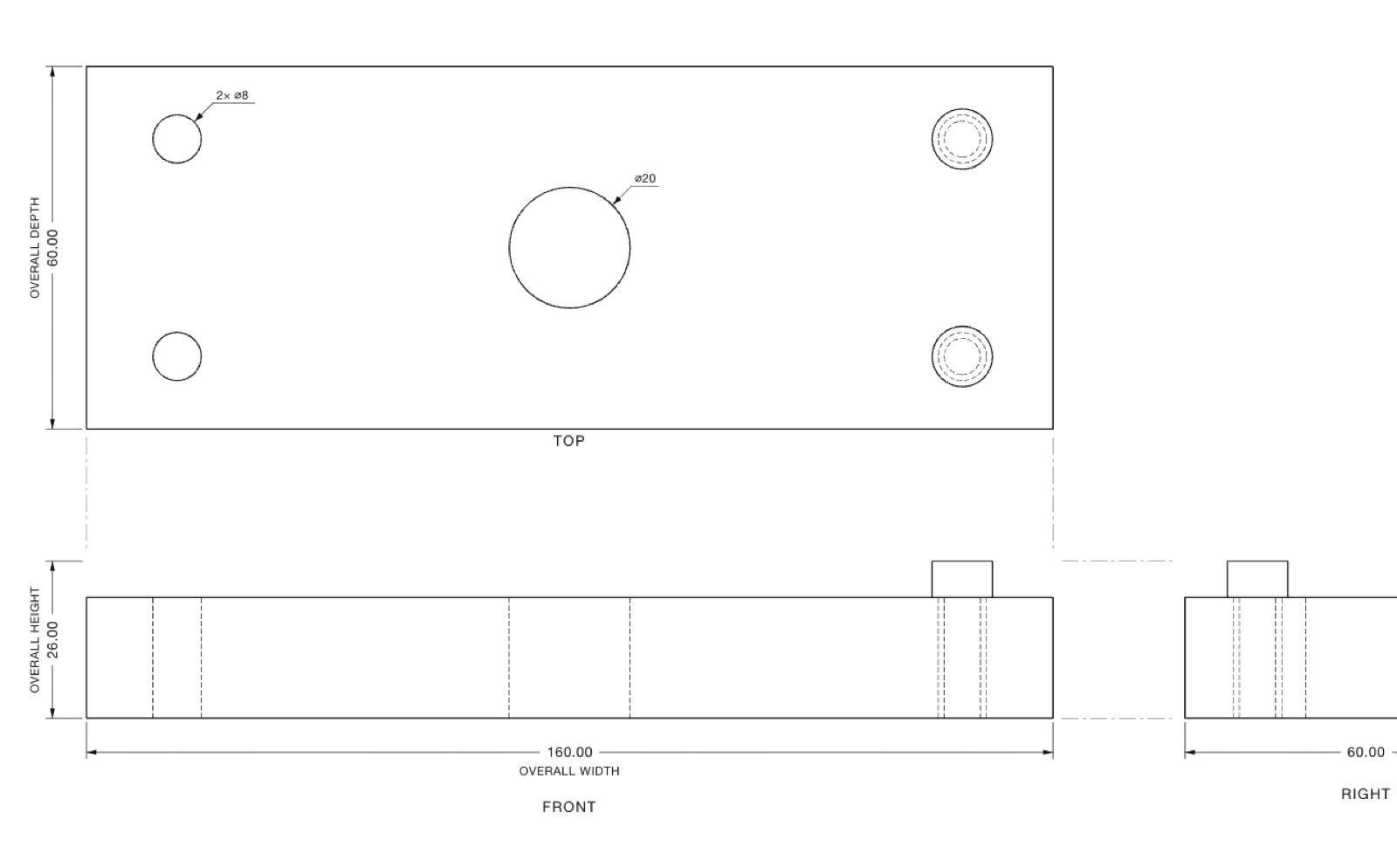
This completes step N5 of the North Star plan. For a section, the kernel worker cuts the solids with the section plane, keeps the side the arrows look at and projects it with hidden-line removal. It also returns the cut faces with their outlines. The sheet hatches them at 45°, 2.8 pt apart on paper at any scale, with holes left clear. In the DXF, the hatch is on its own SECTION layer.
A detail view is the front view's own vector edges, clipped to the detail circle: straight edges become chords and arcs stay exact.
Socket, button, countersunk, hex and set screws, washers and hex and nyloc nuts are built as simple solids from the ISO tables and placed along their axes, exploded moves included. Hole callouts skip screw heads.
Still captured from the canvas: views with bought-in parts that carry detailed geometry (motors and the like) and views of more than 160 solids. Section views also hatch fasteners, where drafting practice leaves bolts uncut.
- Added
- Exact section views with 45° hatching (SECTION layer in DXF)
- Exact detail views
- Fasteners in vector views
- Improved
- A 5-sheet set drafts in about 1 s instead of 70 to 100 s
- Try it
Open a modelled part, Export → Dimensional drawings → 5 sheets, then look at sheet 4.
Open Speed- Shipped in
6e23b09