SolidWorks wave 1: sketch tools, draft, rib, reference geometry, interference, section views
Five more SolidWorks commands land together. The sketch gains Slot, Polygon, Tangent arc, Trim, Offset and Sketch fillet. Parts gain Draft, Rib, and reference planes and axes. Assemblies get Interference detection, and drawings get Section and Detail views.
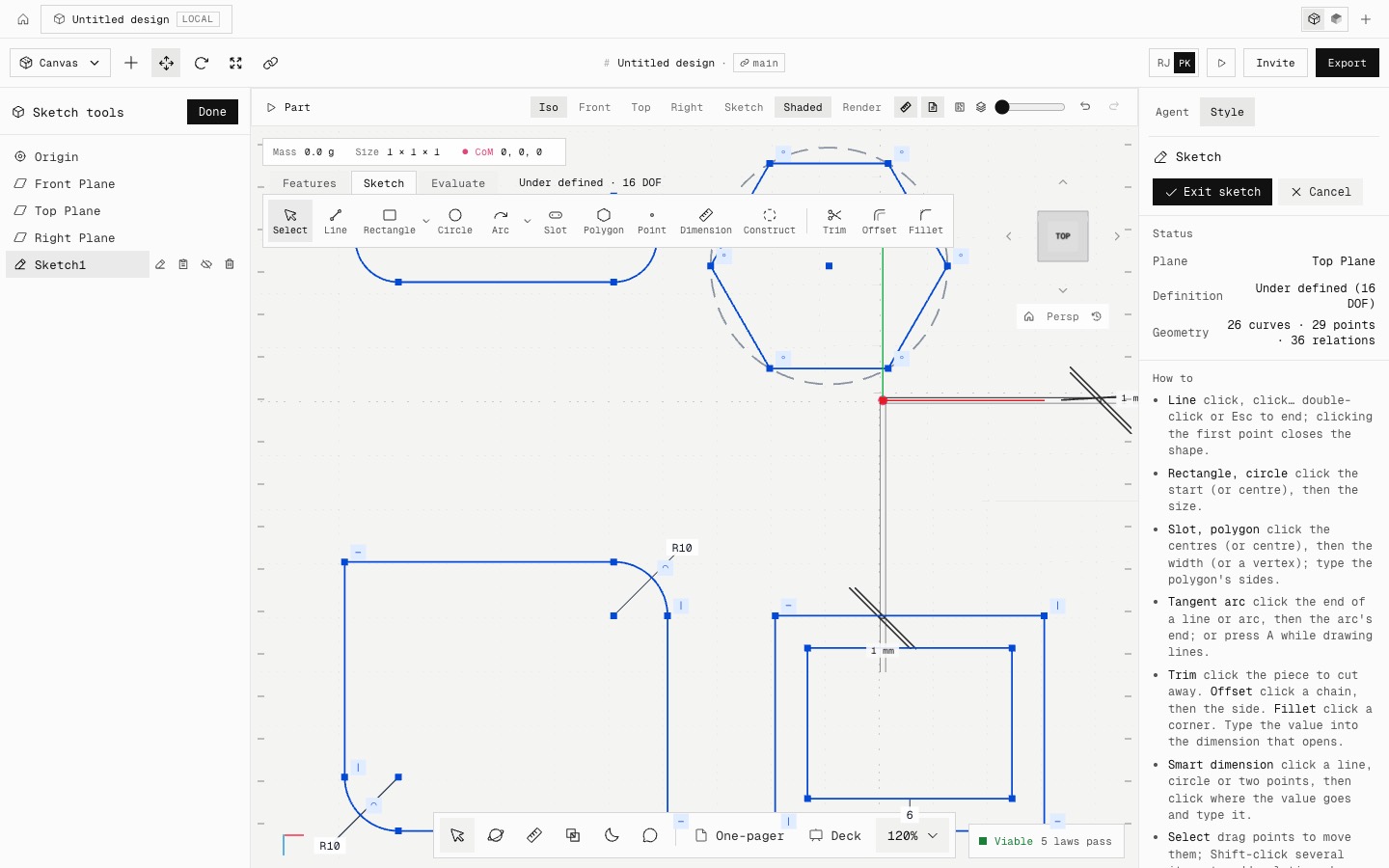
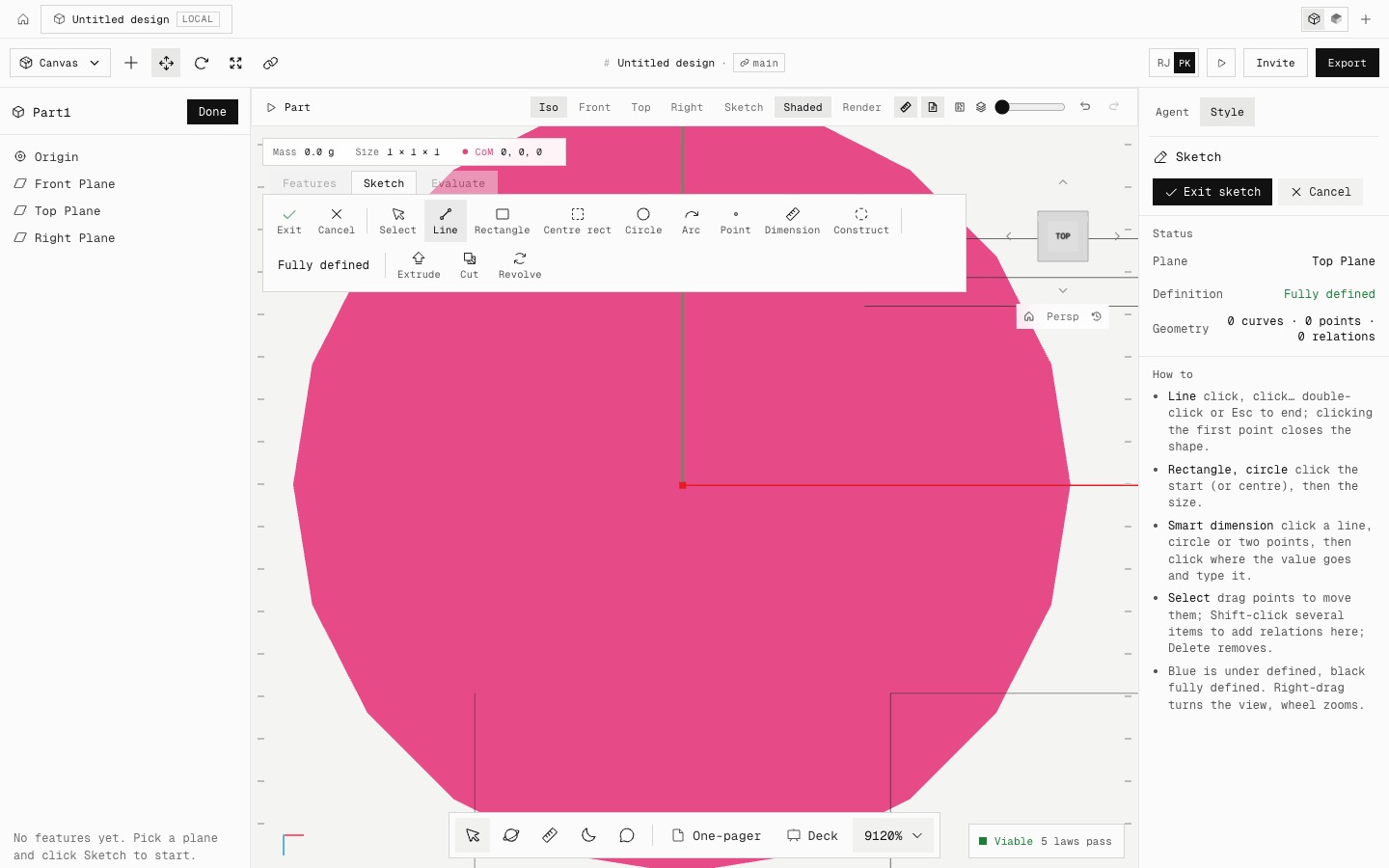
Sketch: straight slots, polygons (6 sides by default) and tangent arcs (press A while drawing lines). Trim cuts a piece back to its nearest crossings. Offset copies a chain at a distance driven by one dimension. Sketch fillet rounds a corner and trims both lines. Each adds the relations SolidWorks adds, so the degrees of freedom stay right.
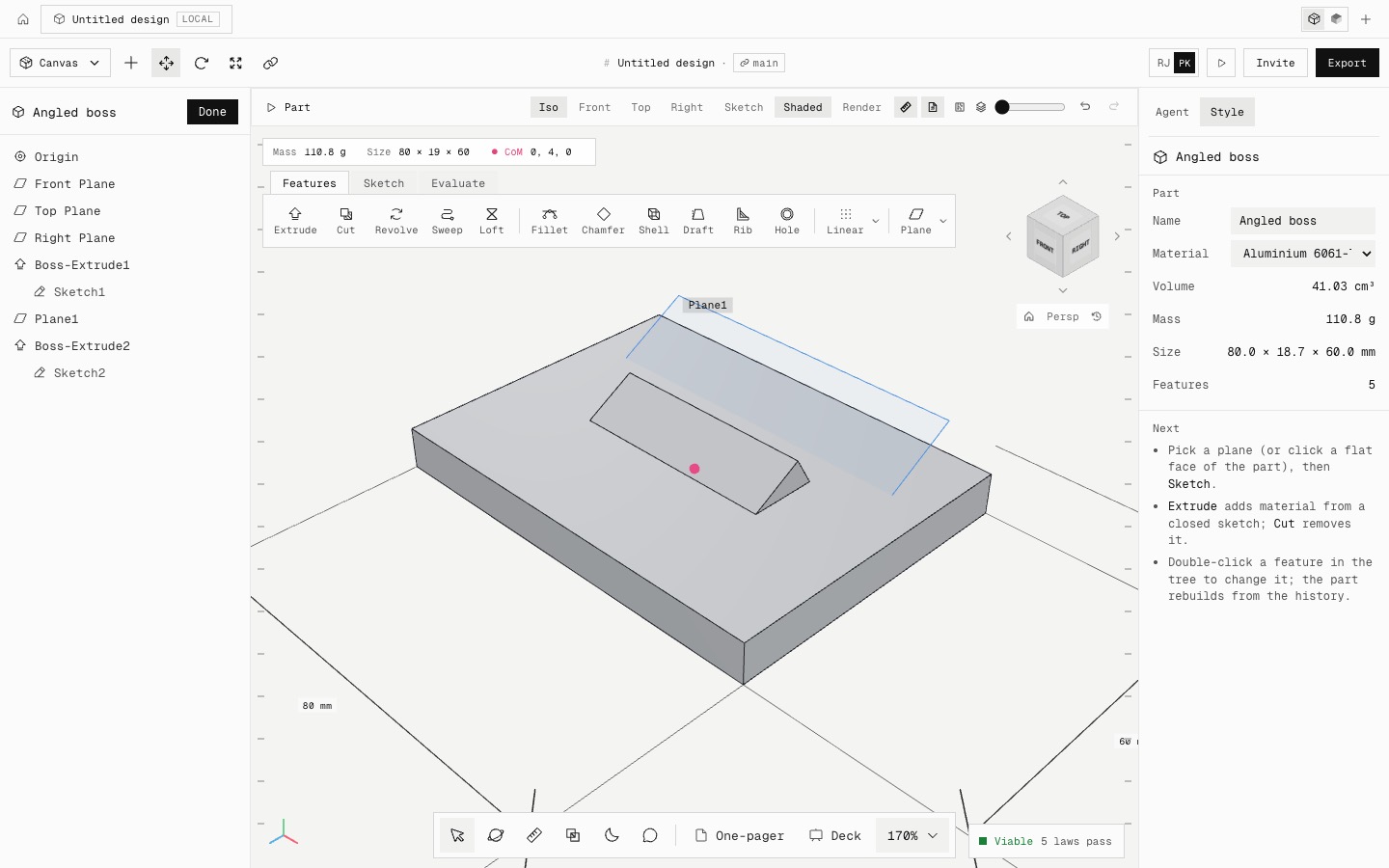
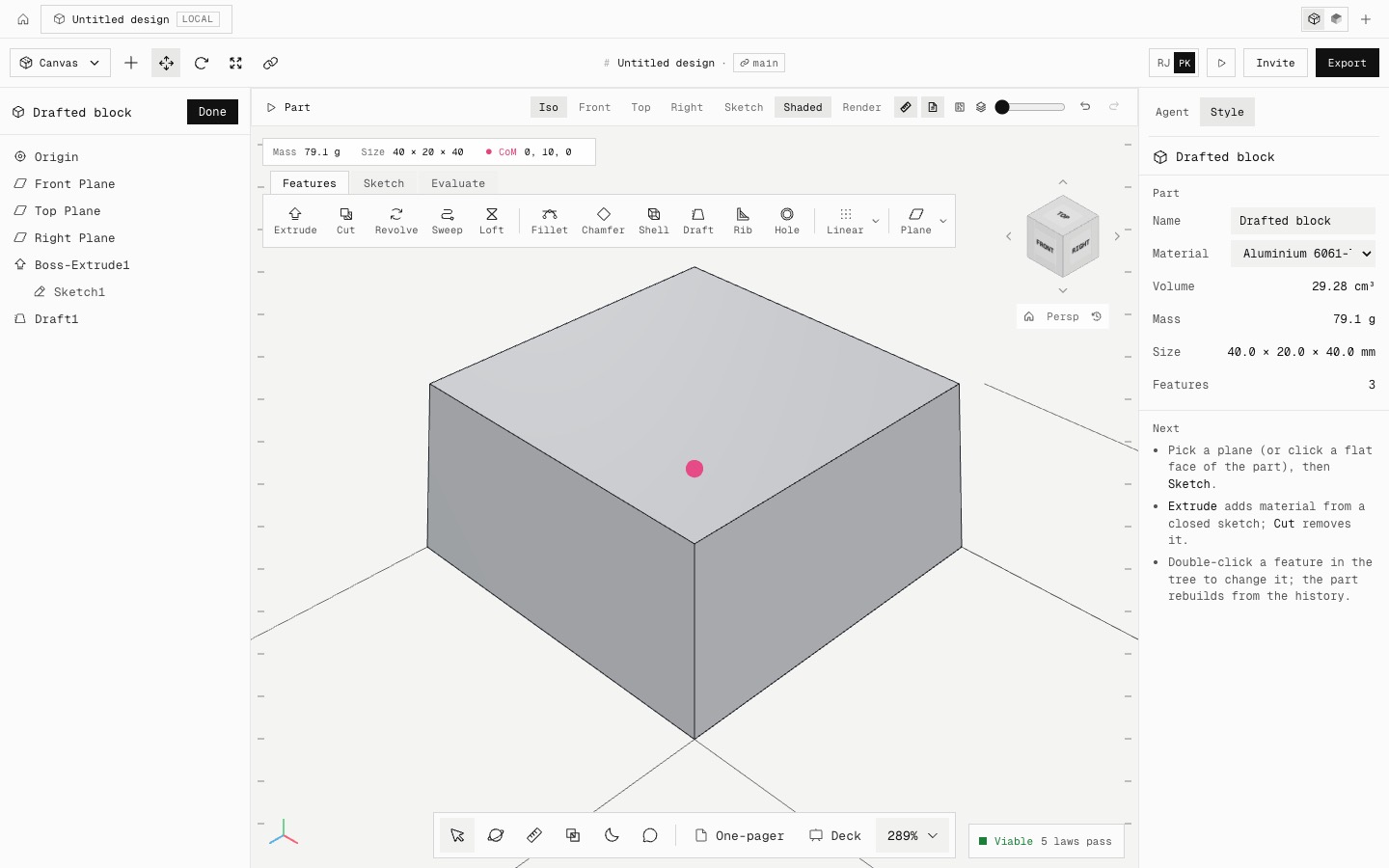
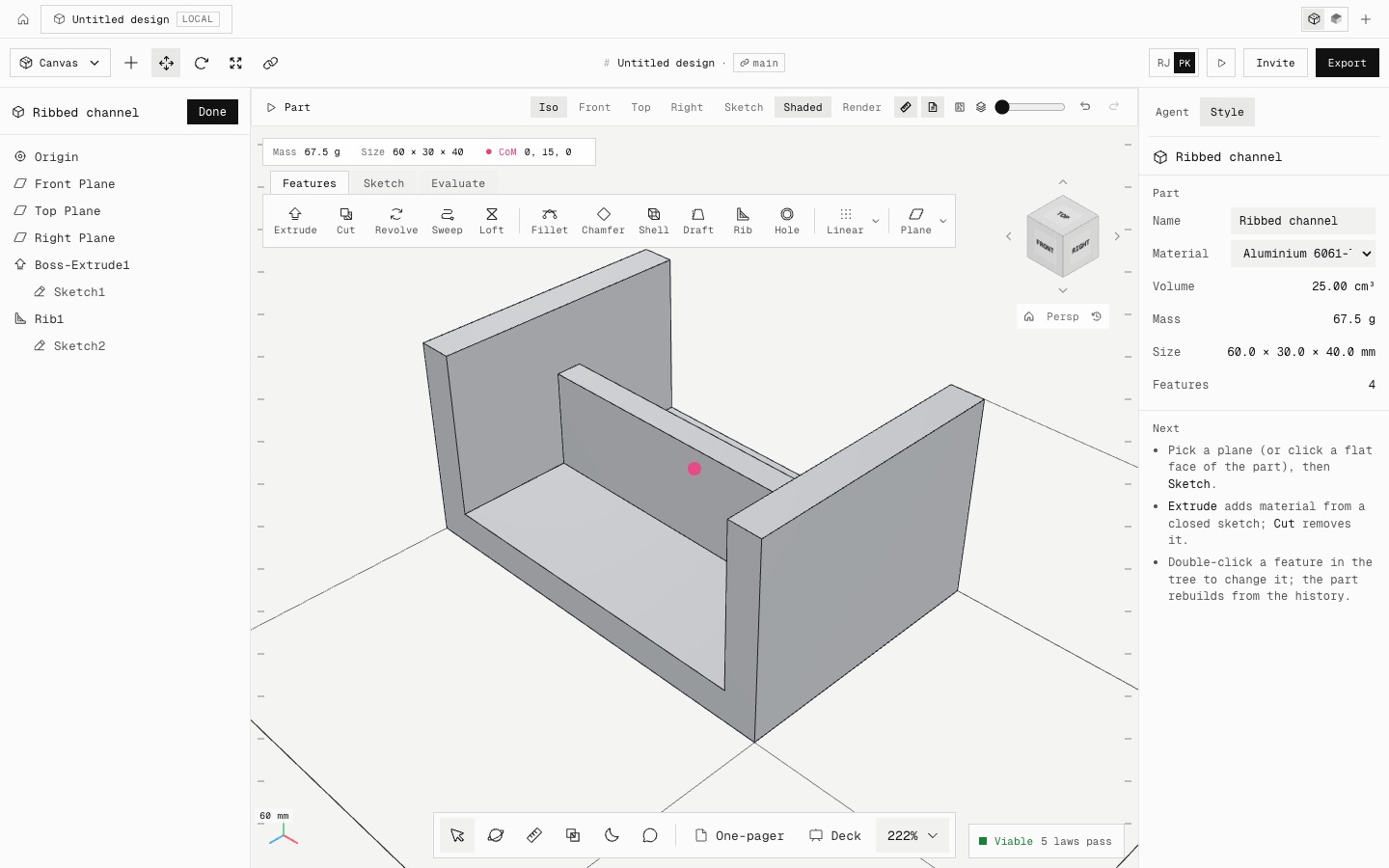
Features: Draft tapers faces about a neutral plane (a 40 × 40 × 20 block at 5° comes out at the exact frustum, 29,282 mm³). Rib makes a wall from an open sketch line and extends it until it meets the part.
Reference geometry: planes offset from, at an angle to, through 3 points of, or parallel to existing geometry, and axes through two points, along an edge, down a cylinder or where two planes meet. They follow upstream edits, you can sketch on the planes, and Revolve, Circular pattern and Mirror can use them.
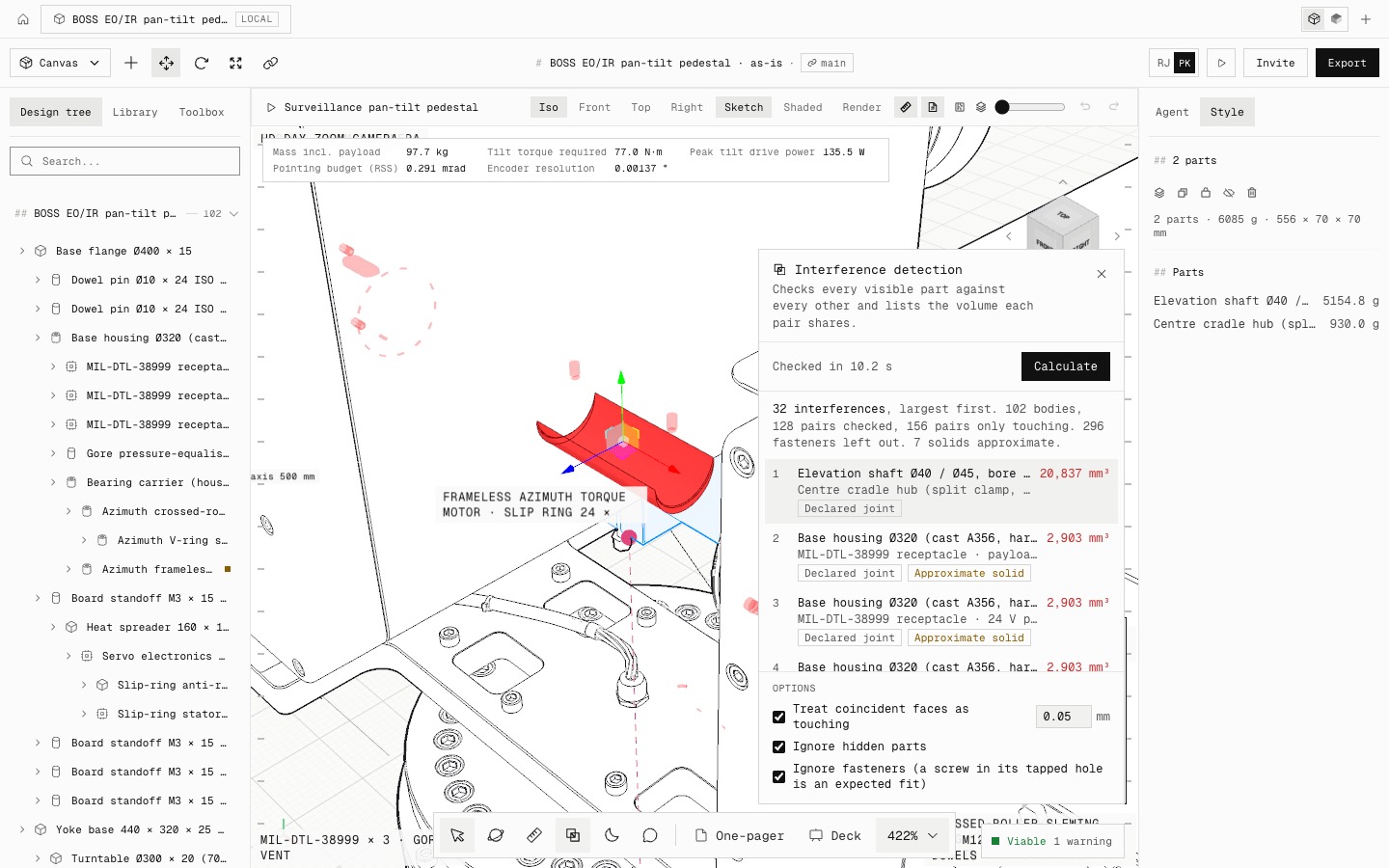
Interference detection (Shift+I, or Interference in the dock) checks every visible part against every other with exact solid intersections. It lists each pair that shares volume, largest first, and draws the overlap in red. Coincident faces count as touching, and fasteners and hidden parts can be left out.
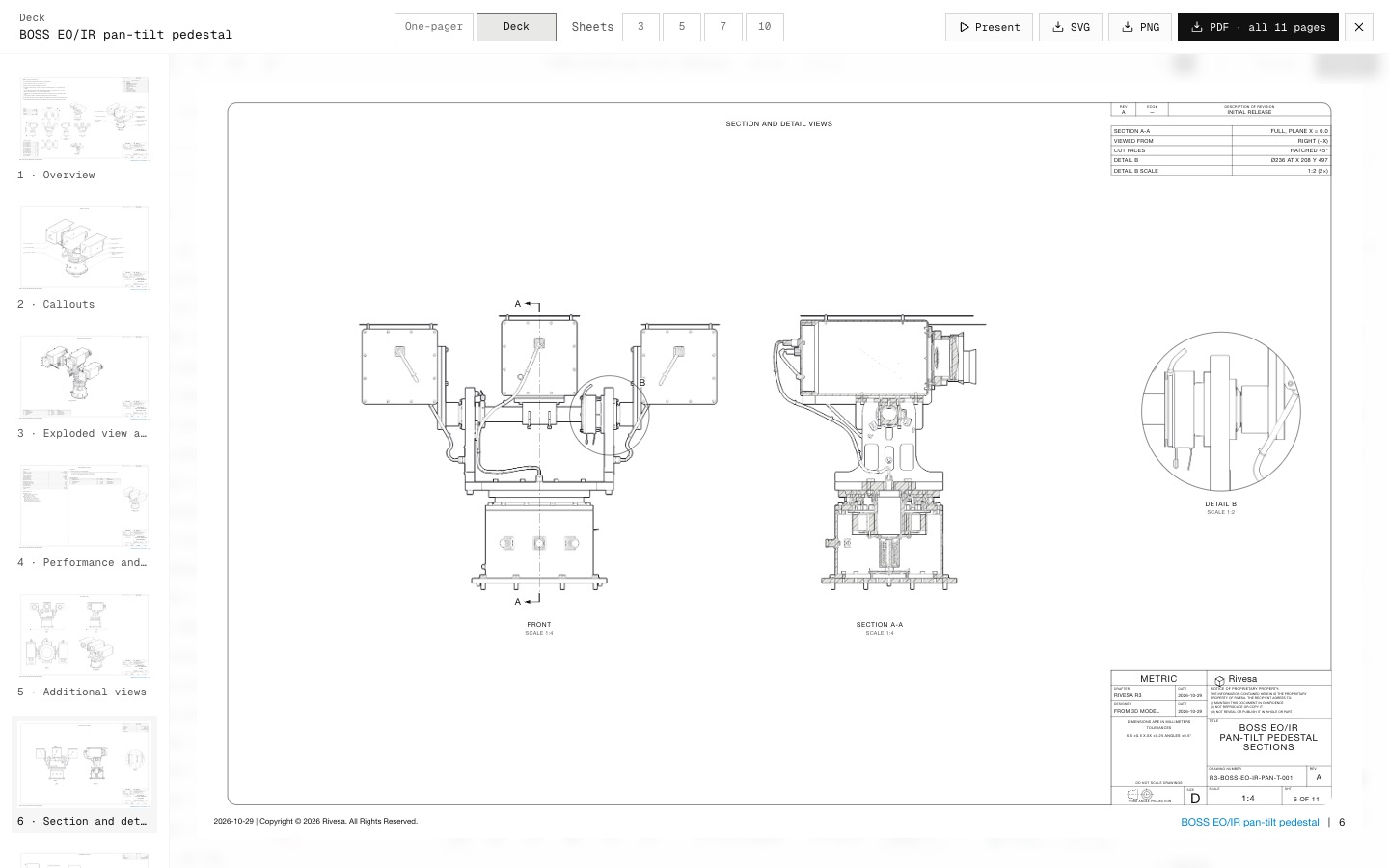
Drawings: decks and sets of 5 or more sheets get a sheet with Section A-A (cutting line with arrows, cut faces hatched at 45°) and a circled Detail B at 2:1 or more. The deck grows to 11 sheets so nothing is dropped.
To keep the bars to one row, related commands share flyouts as in SolidWorks: Rectangle, Arc, Patterns and Reference geometry. Exit sketch and Cancel are in the PropertyManager.
- Added
- Slot, Polygon, Tangent arc, Trim, Offset, Sketch fillet
- Draft and Rib
- Reference planes and axes
- Interference detection
- Section and detail views on drawings
- Improved
- Flyouts keep the command bars to one row
- Sketches open framed on their geometry
- Darker section hatching
- Try it
Open a new project, sketch a rectangle on the Top Plane, then try Fillet and Offset on the Sketch tab.
Open Speed- Shipped in
368fd80fc9635d5a9b8fa9709706b710a1dd13d1cf