One command layer for modelling
Every modelling change, from a sketch, extrude or fillet to a hole, pattern, mirror, reference plane or axis, a delete, suppress, rename or rollback, and a mate, is now one named command. The PropertyManager, the sketch editor, the FeatureManager and the Mate tool all commit through it, and each command is one undo step.
This is step N1 of the North Star plan: before this, the panels wrote straight into a part's history. Now each change goes through one named command with a parameter schema and its own checks, so a bad input is refused with a reason and nothing is half-applied.
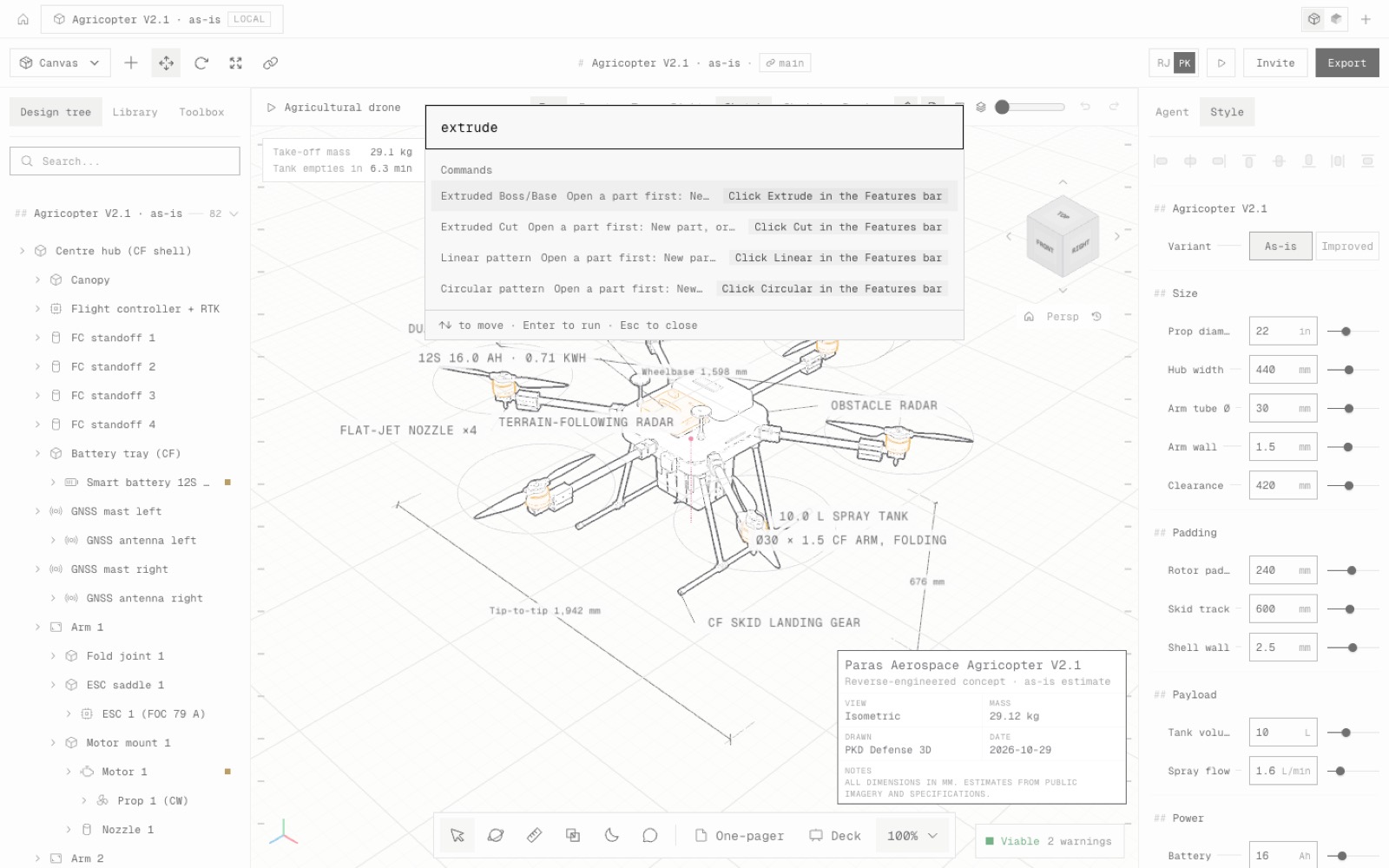
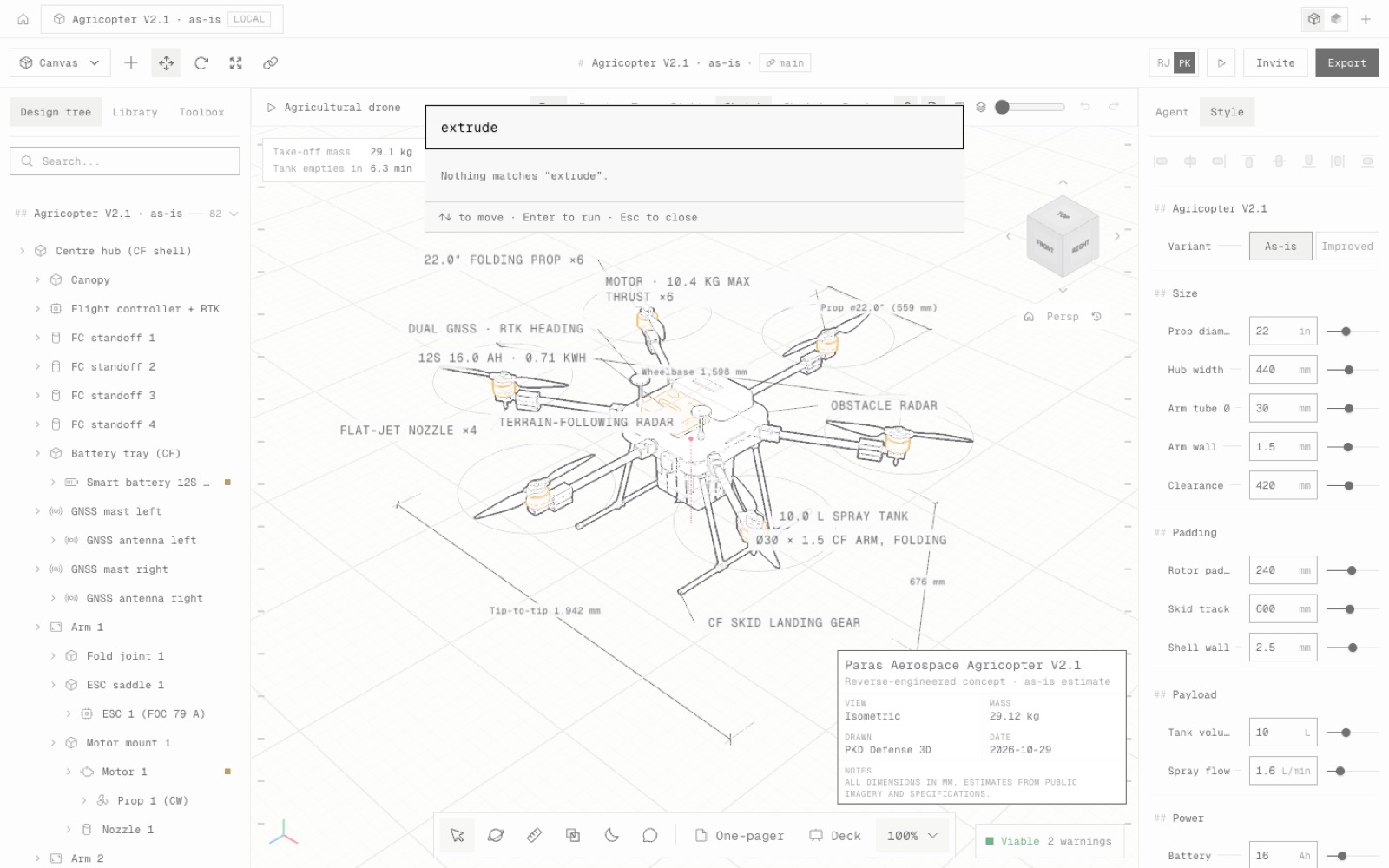
The commands are also in Quick actions (⌘K / Ctrl+K) and Settings → Commands, under a new Model category. Type extrude, fillet or hole to open that feature's PropertyManager on the part you are editing.
If OK is refused, the PropertyManager stays open with the reason (for example a sketch that no longer exists) instead of closing and losing your input.
The same commands are what the in-app agent will use next (N2), so a part built by the agent and a part built by hand get the same feature tree.
- Added
- 21 Model commands in Quick actions and Settings → Commands
- npm run test:model-commands
- Improved
- A refused PropertyManager OK keeps the panel open and says why
- Delete, suppress, rename and rollback are one undo step each, through the same commands
- Try it
Click New part, then press ⌘K and type extrude.
Open Speed- Shipped in
b8b0d41