Revolve, sweep, loft and offset planes
Turned parts from a profile and a centerline, tubes and rails swept along a path, transitions lofted between profiles on parallel planes, and sketch planes offset from any plane or face.
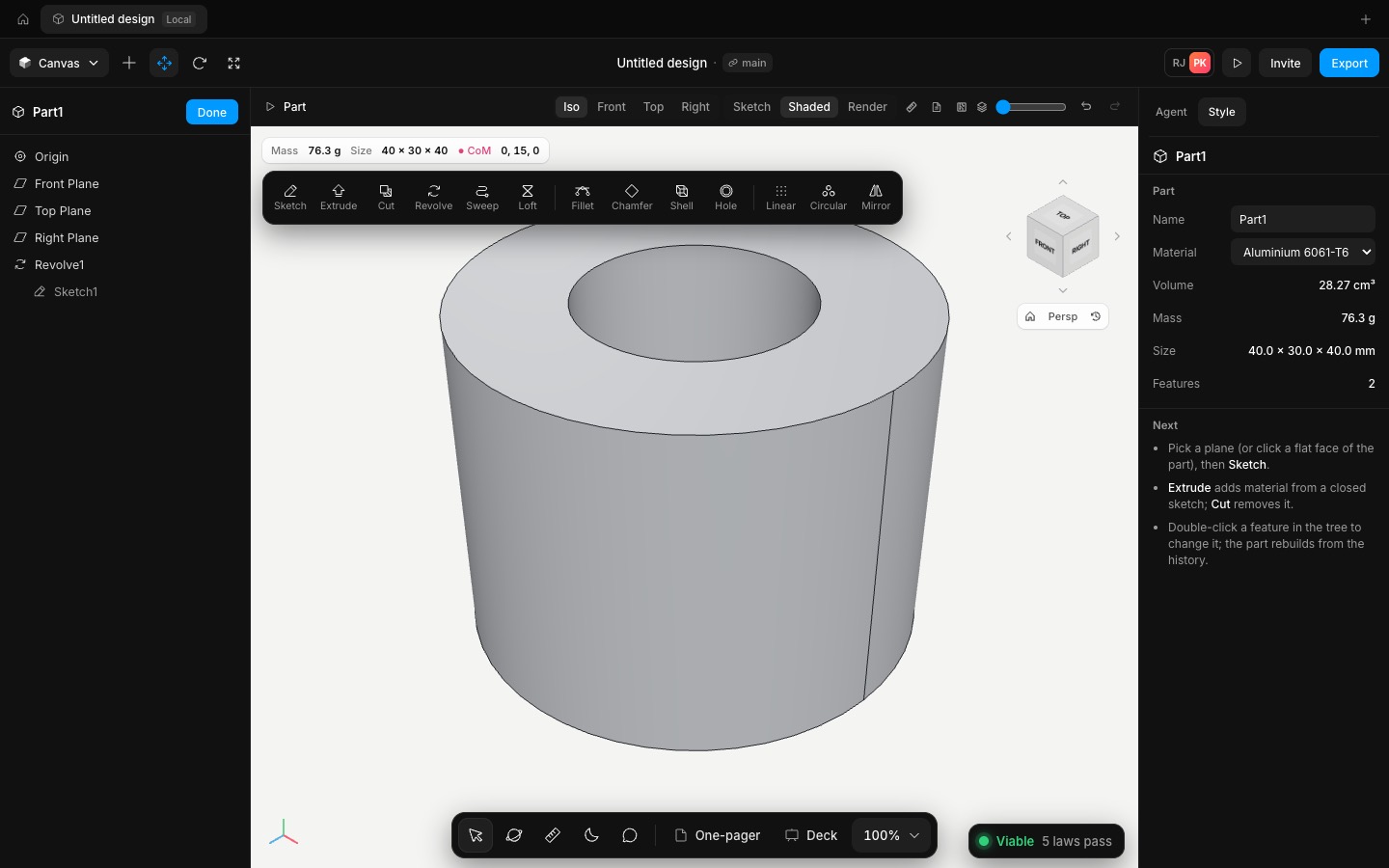
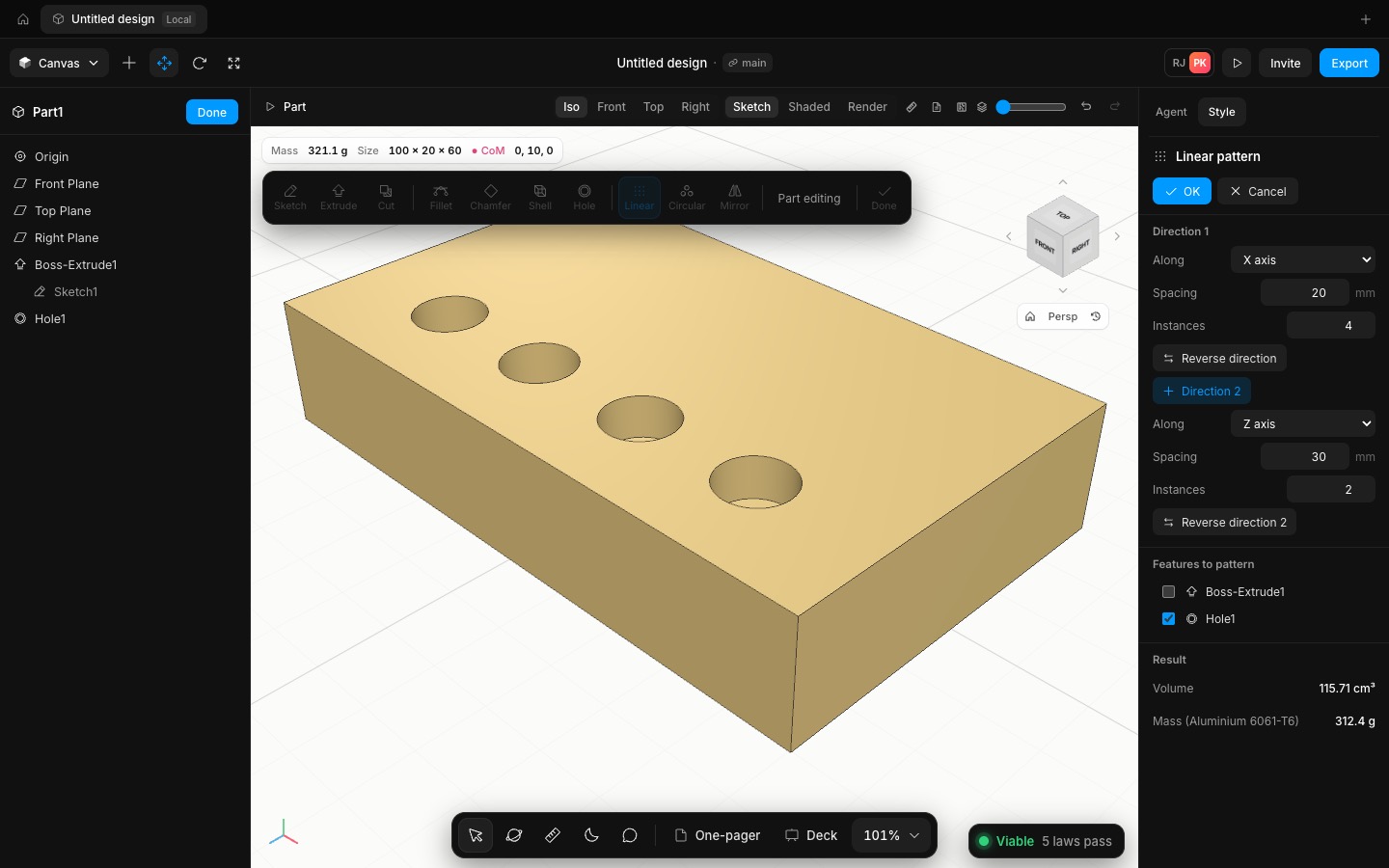
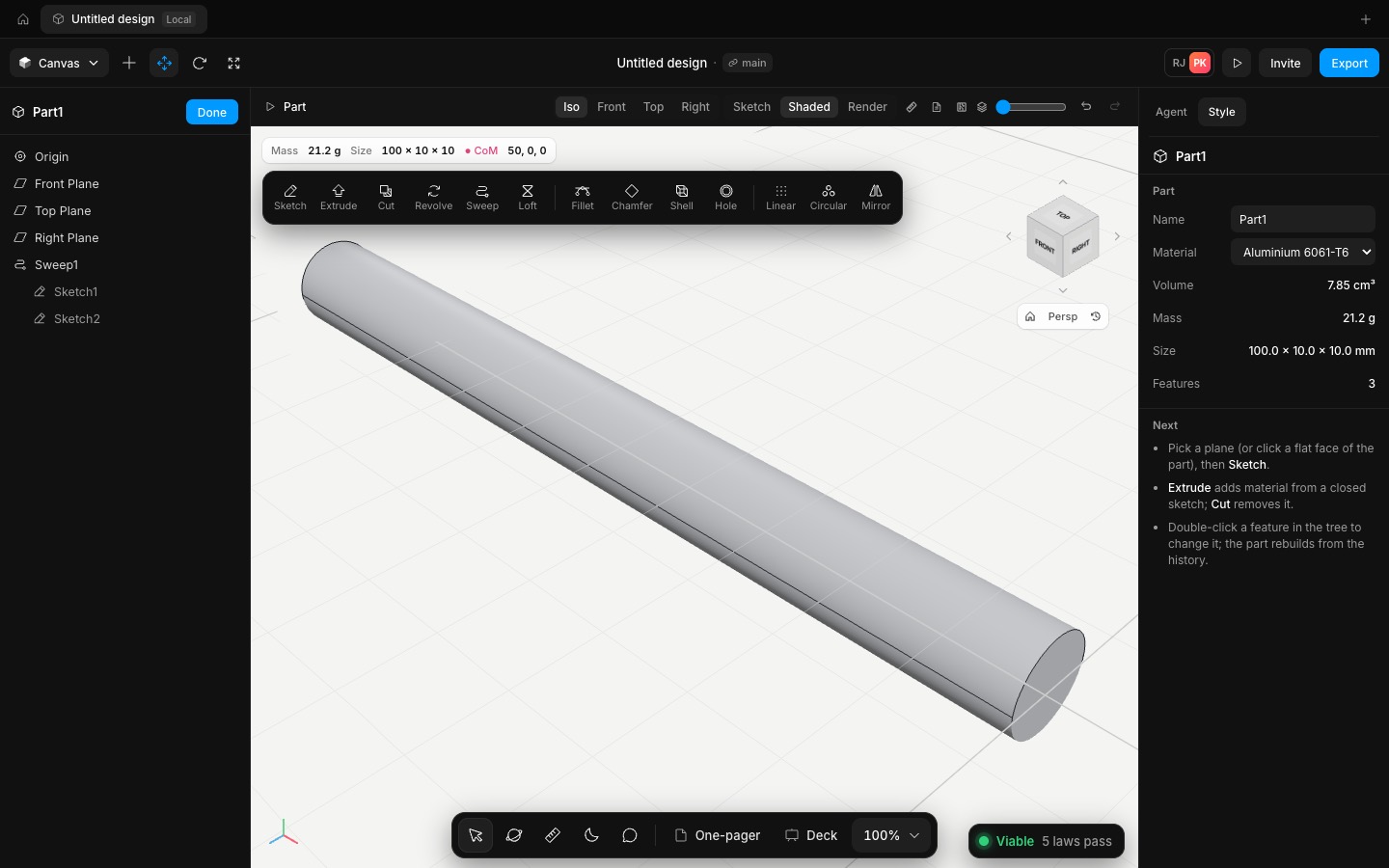
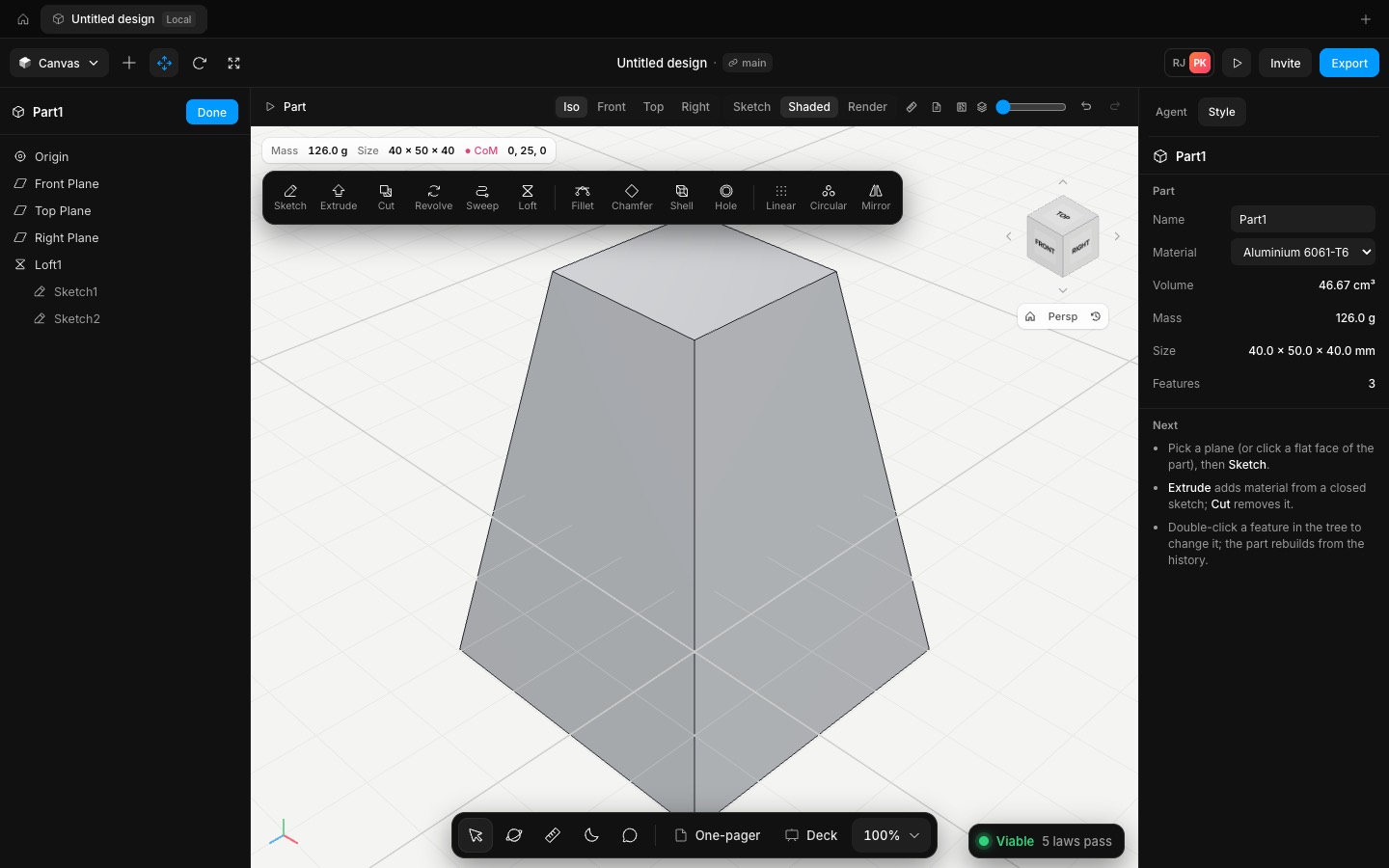
Revolve spins a sketch's closed profile about a centerline: turn on Construct and draw a line, or use the sketch's own vertical or horizontal axis. It goes a full 360° or any angle, as a boss or a cut, and you can revolve straight from inside the sketch. Sweep moves a closed profile, holes included, along a chain of lines and arcs in another sketch, with the profile kept square to the path, so a tube profile stays a tube. Loft joins two or more single-contour profiles in order, smooth or with straight sides.
Pick a plane or a face and the PropertyManager now offers Sketch on it, or Sketch on an offset of it at any distance. That is how loft sections, and features that start at a height, get their planes. The sketches a feature uses sit under it in the tree, and deleting or suppressing one takes its features with it.
Checked against the formulas: a 10 × 30 profile revolved 10 to 20 mm out gives π(20² − 10²)·30 = 28,274.33 mm³; a Ø10 circle swept 50 mm, round a R30 quarter arc and 50 mm up gives πr² × length = 11,555.08 mm³; and a ruled loft from a 40 to a 20 square over 50 mm gives the frustum's 46,666.67 mm³. Parts are edited in the shaded view with edges, and the ink sketch look comes back when you close the part.
- Added
- Added Revolve, Sweep and Loft, each as a boss or a cut
- Added offset planes: sketch on a plane offset from any plane or face
- Improved
- Improved part editing: shaded with edges while a part is open
- Try it
New part, Front Plane, draw a rectangle off the axis and a construction line on it, then Revolve.
Open Speed- Shipped in
9bcf376