Mates: put parts together the SolidWorks way
Pick a face or axis on two parts and mate them coincident, at a distance, parallel, perpendicular, at an angle or concentric. Mates are solved together, locked parts stay put, and mated parts follow when you drag a part or change its features.
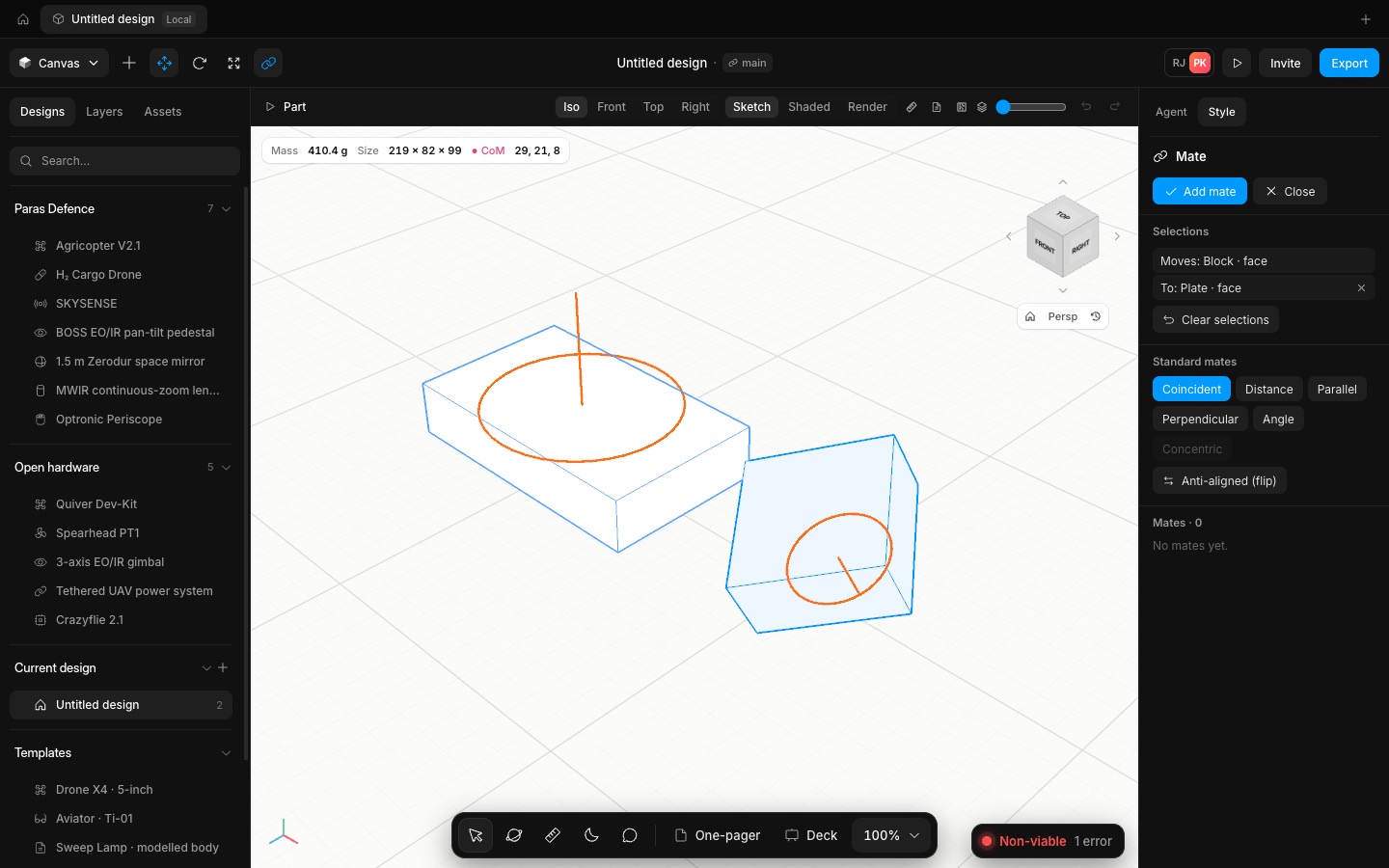
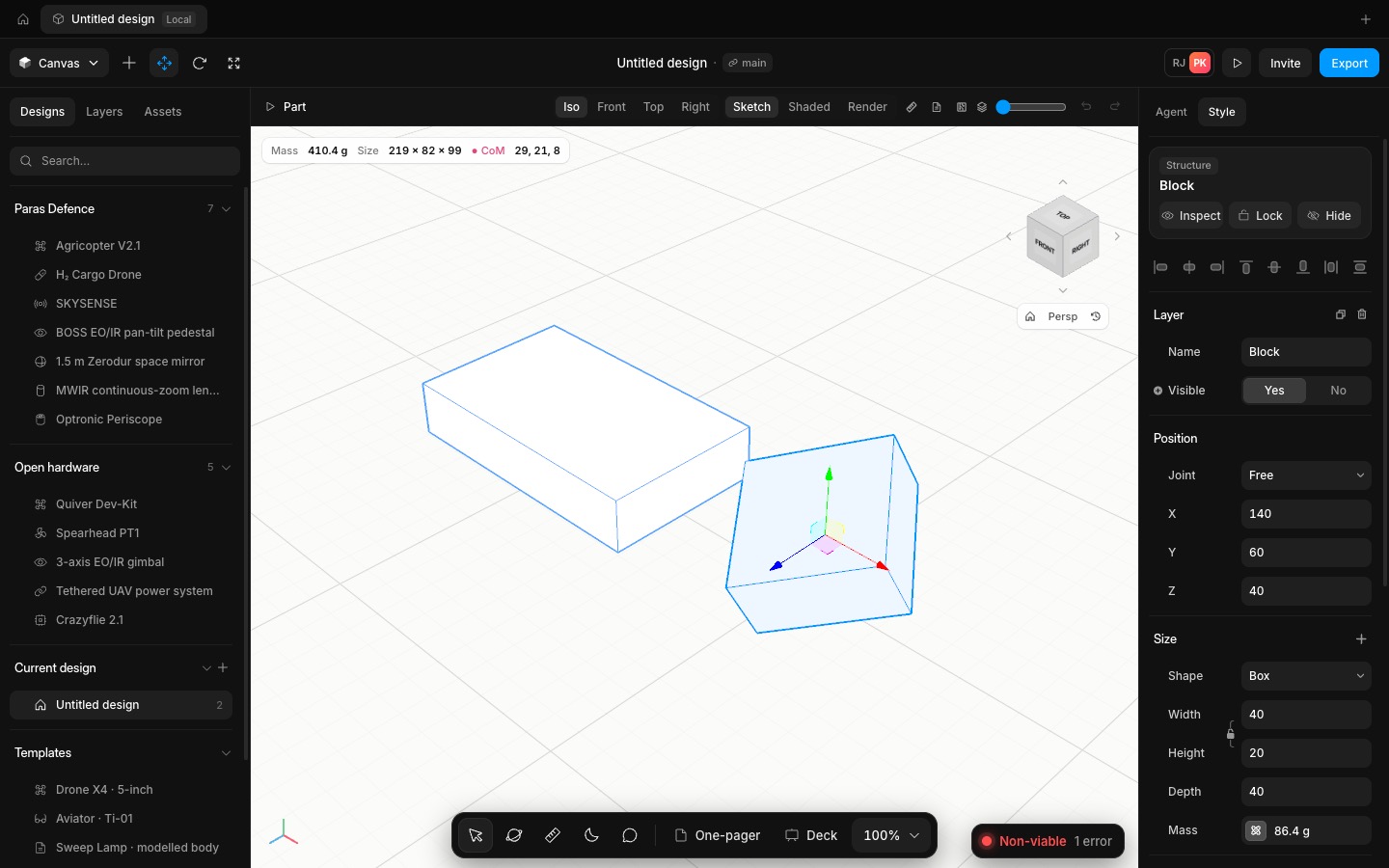
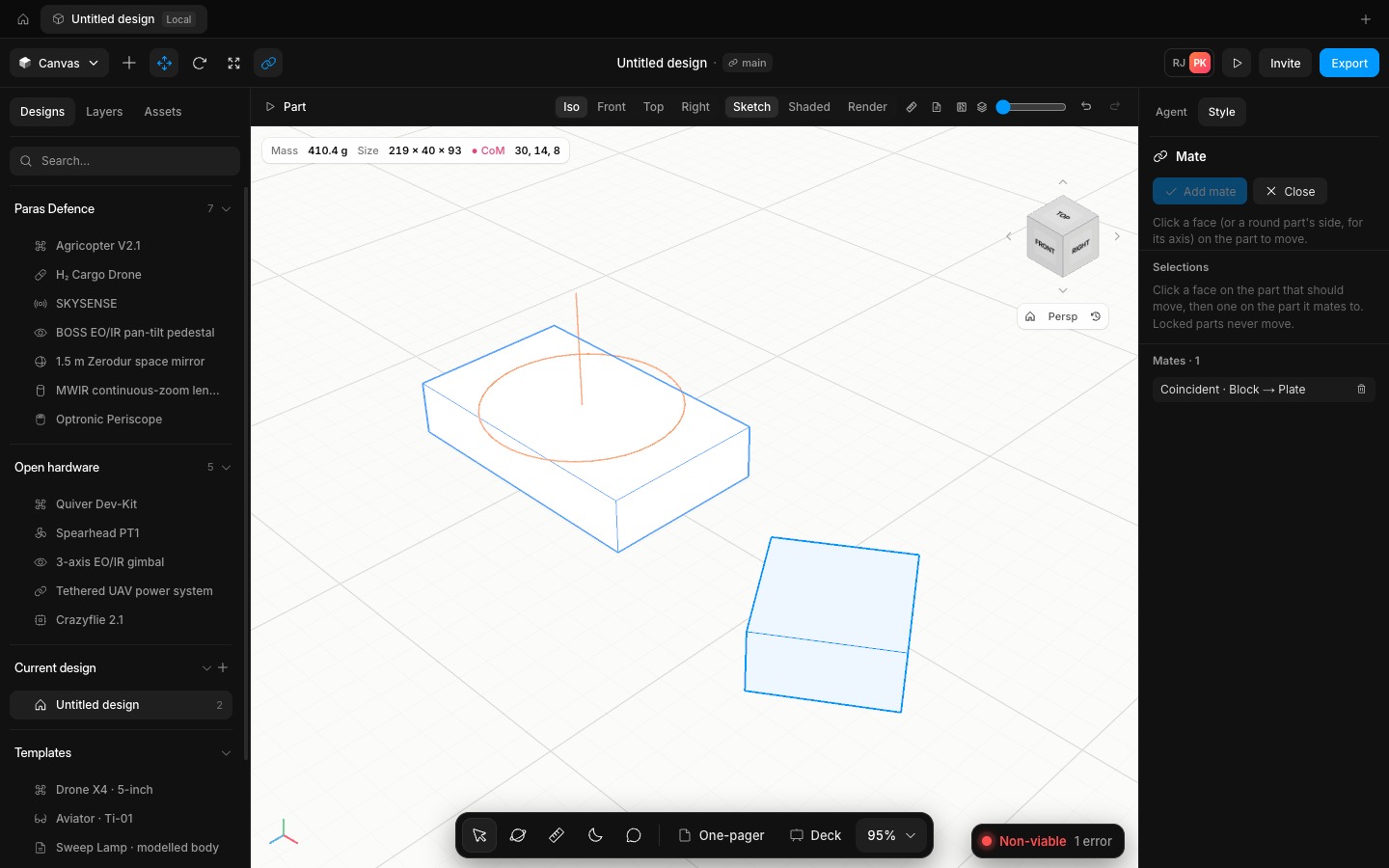
Mate in the top bar opens the Mate panel. Click a face on the part to move, then a face on the part it mates to; a round part's side gives its axis. Box faces snap to the face, cylinders give their end faces or axis, and a modelled part gives its real faces, including the axis of a hole. Only the mates that fit the two picks are offered. Coincident and Distance put flat faces together or a set gap apart, facing each other or flipped to point the same way. Parallel, Perpendicular and Angle set directions only. Concentric lines up two axes.
All mates are solved together, repeatedly until they hold, so three coincident mates fully locate a part in a corner. A locked part never moves, and a mate that cannot be met is listed in red. Each mate is one undo step, and you can change its value or delete it in the panel. Drag a part and the parts mated to it come along. Edit a modelled part's features and its mates stay on the same faces, so a block on a plate rises with it when the plate gets thicker.
The solver is checked like the modeller. A box tilted 30°, 45° and 10° lands flat on a top face; three mates put it exactly in the corner; a shaft rotated 90° lines up with a bore; an angle mate holds 30.0000°; and dragging the base 100 mm pulls the mated block the same 100 mm.
- Added
- Added mates: coincident, distance, parallel, perpendicular, angle and concentric, solved together
- Added the Mate tool and panel with the assembly's mates
- Improved
- Improved dragging: mated parts follow the part you move
- Try it
Insert two boxes, click Mate, click a face on one and the top of the other, then Add mate.
Open Speed- Shipped in
c4018f1