STEP import and export
Bring parts in from SolidWorks, Fusion, Onshape or any CAD as STEP and keep modelling on them, and export the whole design as a STEP assembly of real solids, every part named and in place.
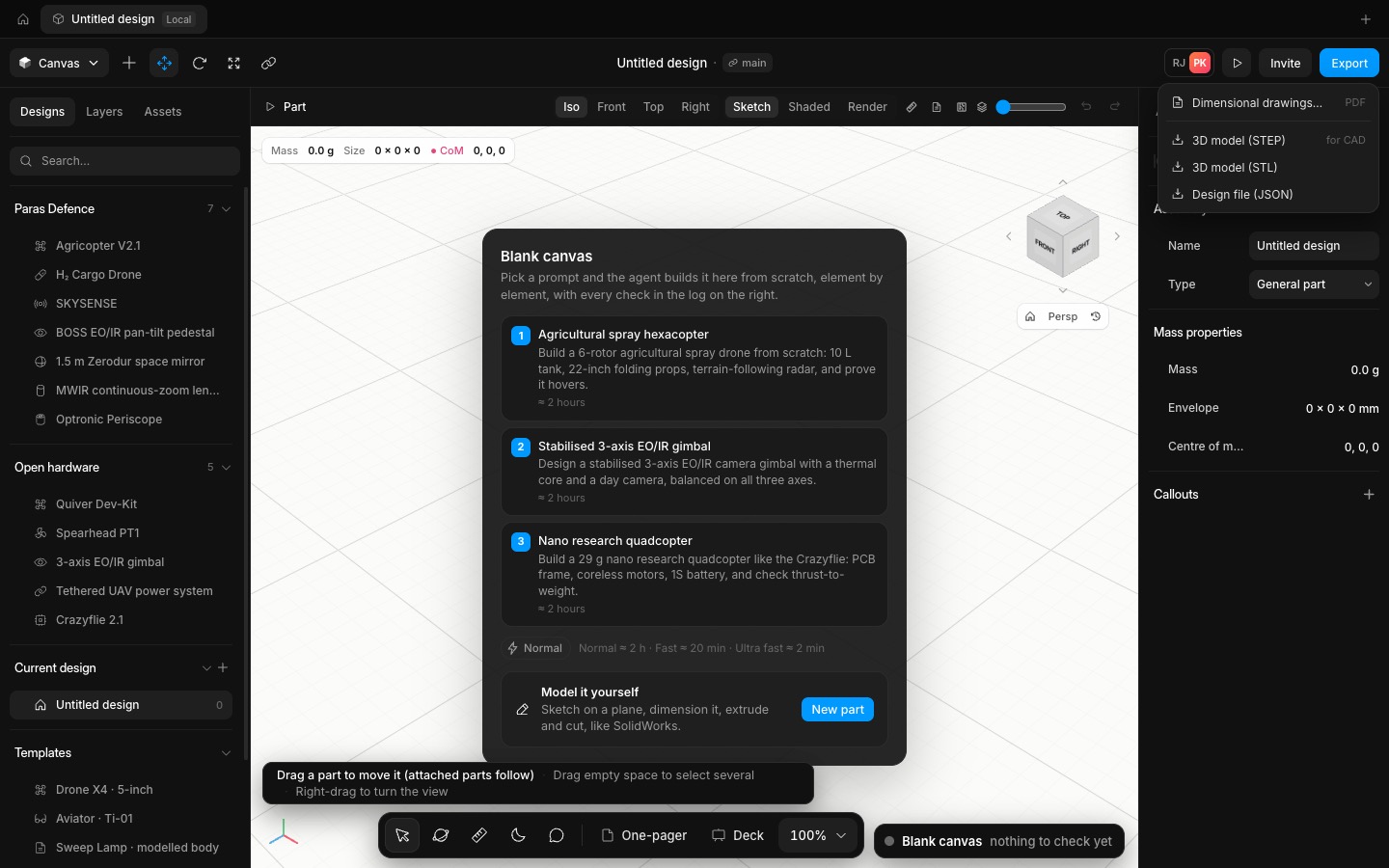
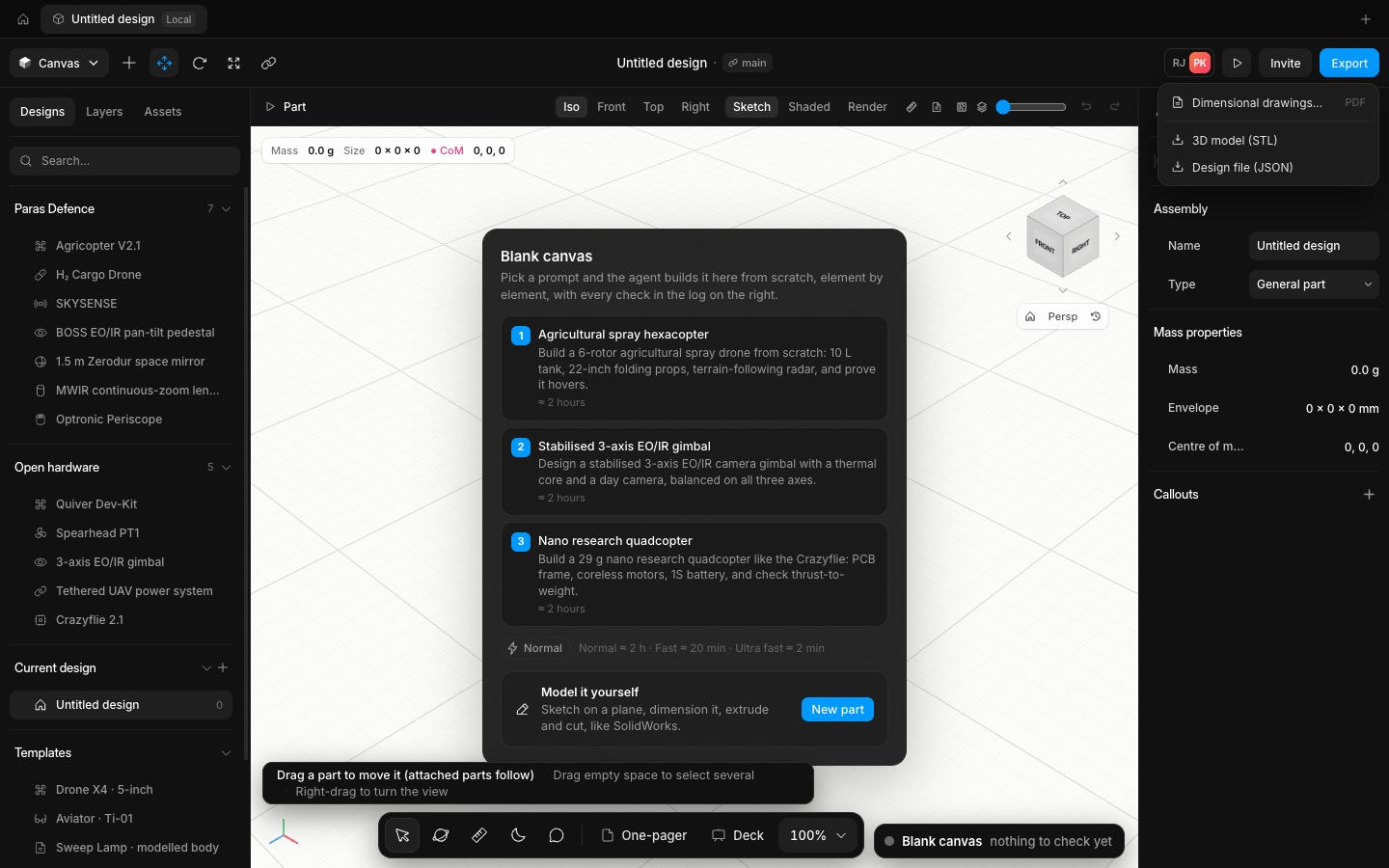
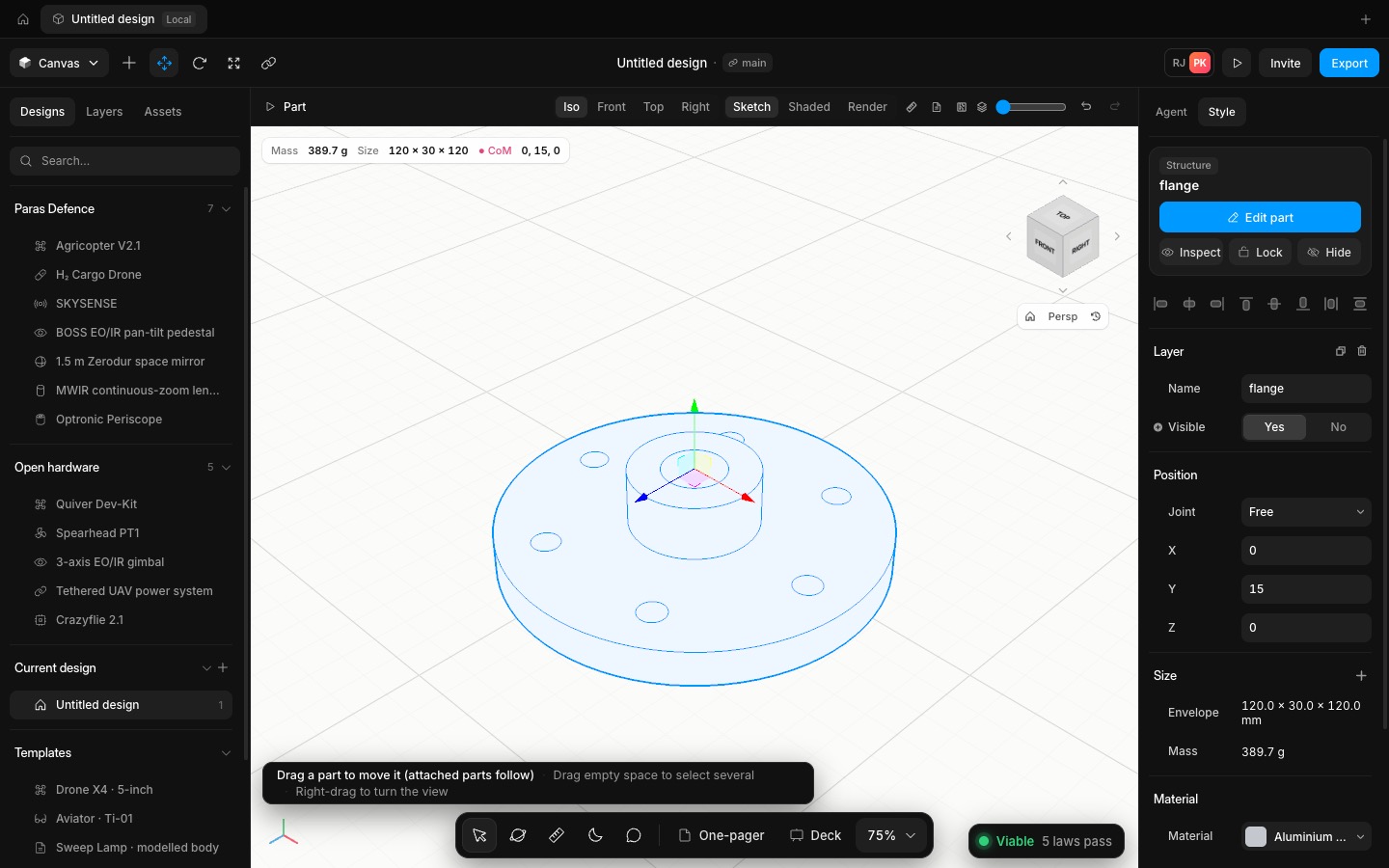
Insert → Import STEP… reads a .step or .stp file with OpenCascade. It becomes a part whose history starts with the imported solid, so you can drill holes in it, cut it, fillet it, or mate other parts to its faces. It lands where the file put it, with its true volume and mass. The file is stored in the part gzip-compressed, about 4× smaller, so it saves with the project.
Export → 3D model (STEP) writes every visible part as a solid in place, under its own name, in millimetres:
• Modelled parts go out as their exact B-rep.
• Machined plates, such as the BOSS turntable, are rebuilt from their feature lists of pockets, holes and counterbores.
• Boxes, cylinders, tubes, capsules, spheres and tori go out as true solids.
• Bought-in components (motors, boards, cameras) go out as their envelopes.
Checked end to end: a flange made elsewhere imports at exactly its 144,331.05 mm³ (389.69 g in aluminium). Exporting it with a block next to it gives a file that reads back to exactly the two solids' volume, with both names in it. A modelled part survives the round trip unchanged, and an assembly with the BOSS turntable comes back within its edge breaks.
- Added
- Added STEP import: a part that starts from the imported solid
- Added STEP export of the whole design as named solids in place
- Try it
Insert → Import STEP…, pick a .step file from your CAD, then Edit part and add a hole.
Open Speed- Shipped in
ece4f7b