Hole Wizard, patterns and mirror
Standard ISO metric holes (clearance, counterbored, countersunk, tapped) placed by clicking a face, and linear patterns, circular patterns and mirrors of extrudes, cuts and holes, or of the whole body.
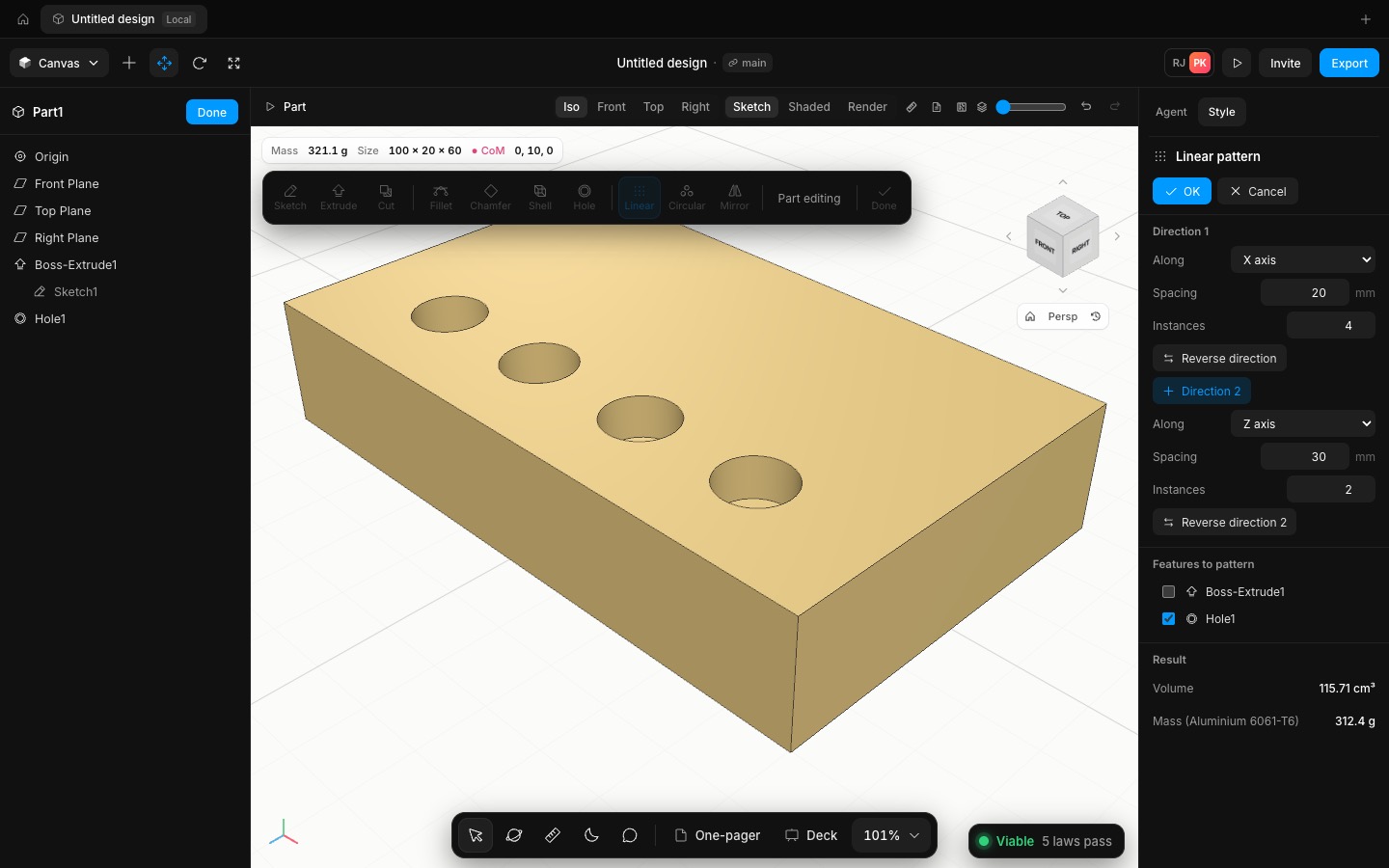
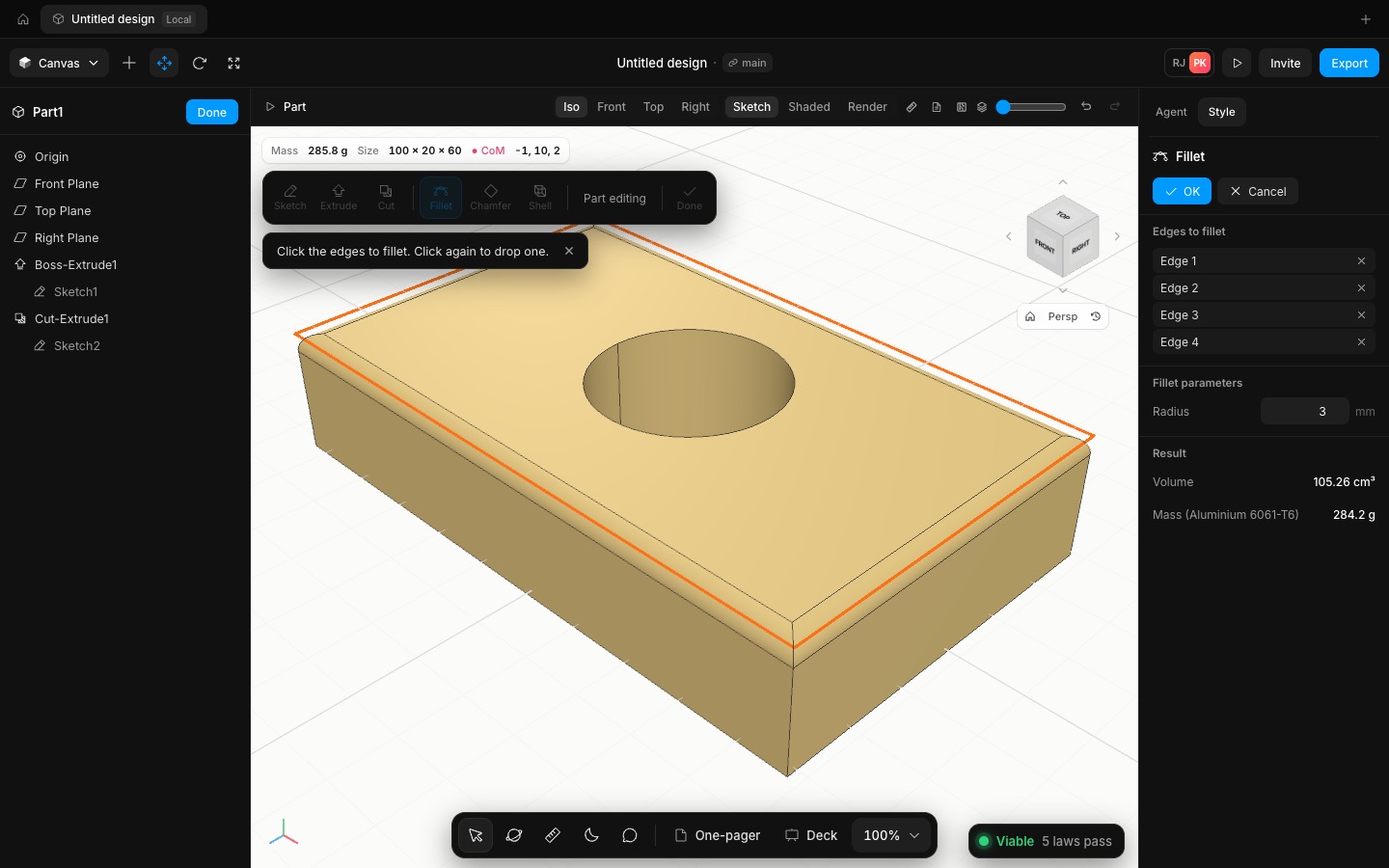
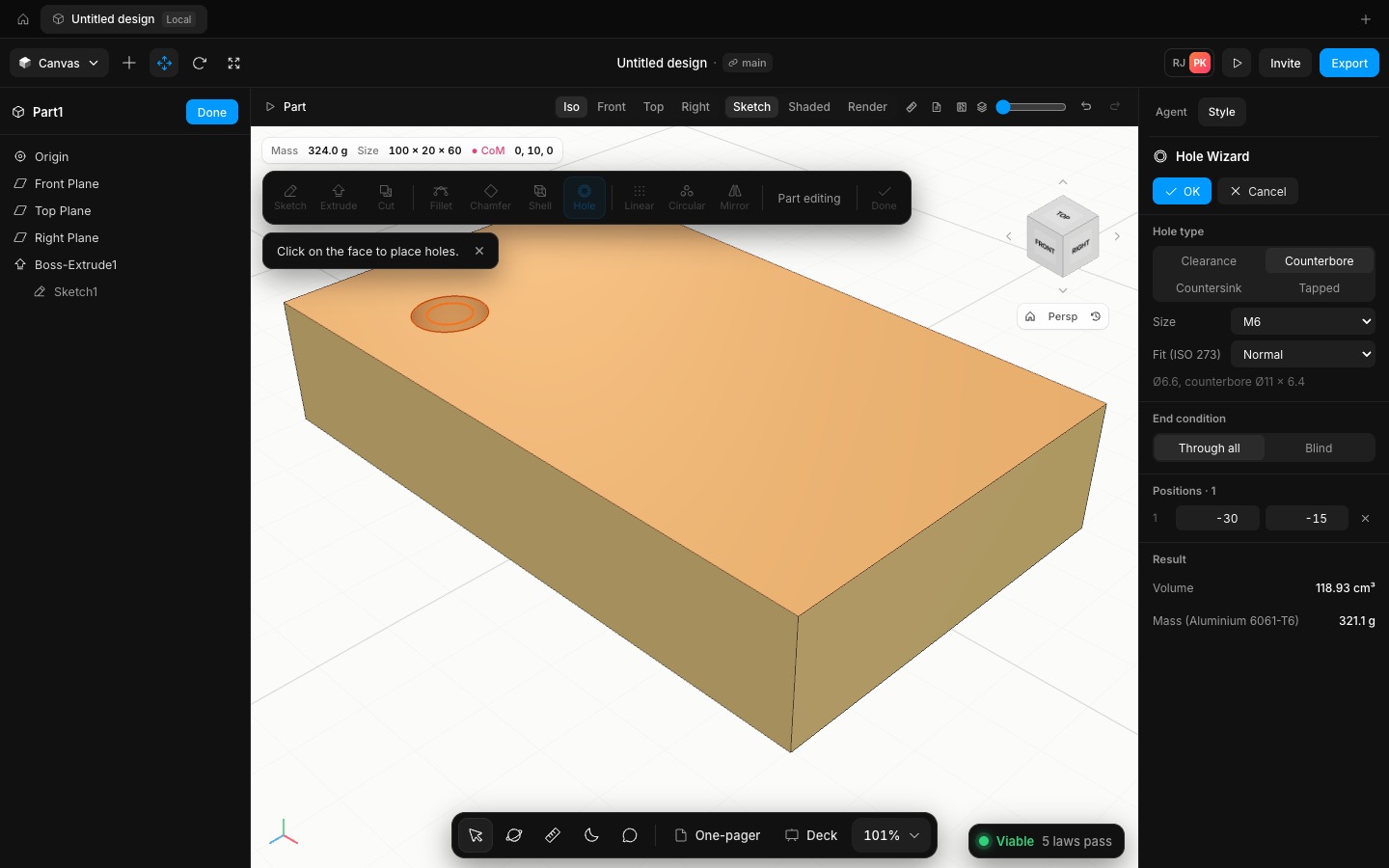
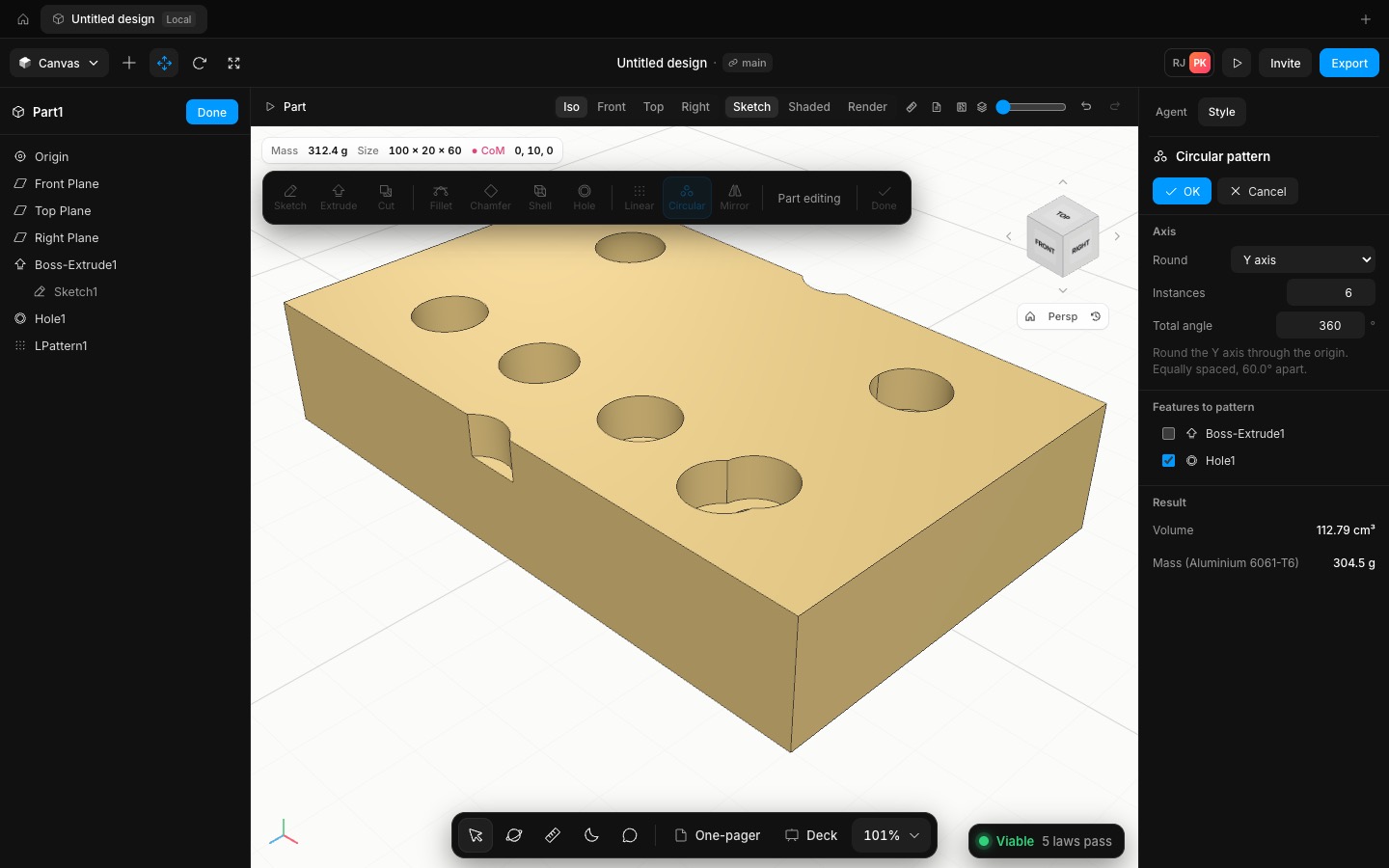
The Hole Wizard drills into a flat face. Click the face, then click where each hole goes (on a 0.5 mm grid), and type exact positions in the PropertyManager. Sizes run from M2 to M12, or a custom diameter, using the same tables as the app's screws:
• Clearance holes follow ISO 273, with close, normal and loose fits.
• Tapped holes use the ISO 2306 tap drill and carry their thread callout.
• Counterbores fit ISO 4762 socket heads, and countersinks fit ISO 10642 heads.
A hole goes through all, or is blind with the 118° drill point. Each one is cut as one exact solid. For example, an M6 counterbored hole through 20 mm removes π(5.5²·6.4 + 3.3²·13.6) = 1,073.49 mm³, which is what the kernel measures.
Linear pattern copies features along X, Y or Z, with an optional second direction, so a 4 × 2 grid is one feature. Circular pattern copies them round an axis through the origin, equally spaced over 360° or spread over any angle. Mirror copies features, or the whole body, about the Front, Top or Right plane or a picked face. A patterned cut cuts and a patterned boss adds, and deleting a copied feature updates the patterns built on it.
- Added
- Added the Hole Wizard: ISO clearance, counterbored, countersunk and tapped holes, M2 to M12
- Added linear and circular patterns, and mirror of features or the whole body
- Try it
Edit a part, click Hole, click the top face, click a spot on it, then Linear with 4 instances.
Open Speed- Shipped in
371f6ce