Fillet, chamfer and shell in the part modeller
Round or bevel the edges you click, and hollow a part by opening the faces you pick, with a live preview, the volume and mass, and edges that follow the part when you change it upstream.
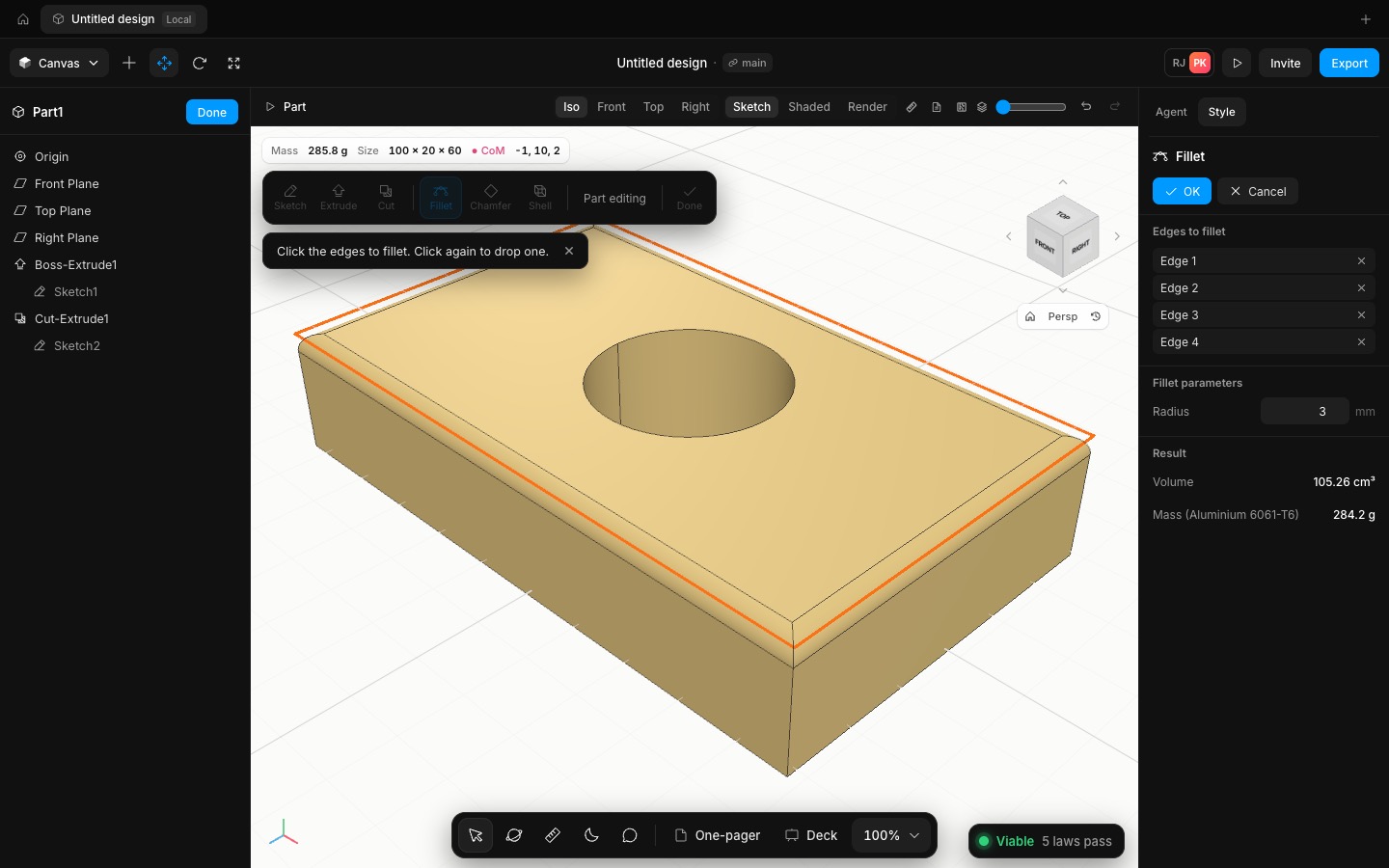
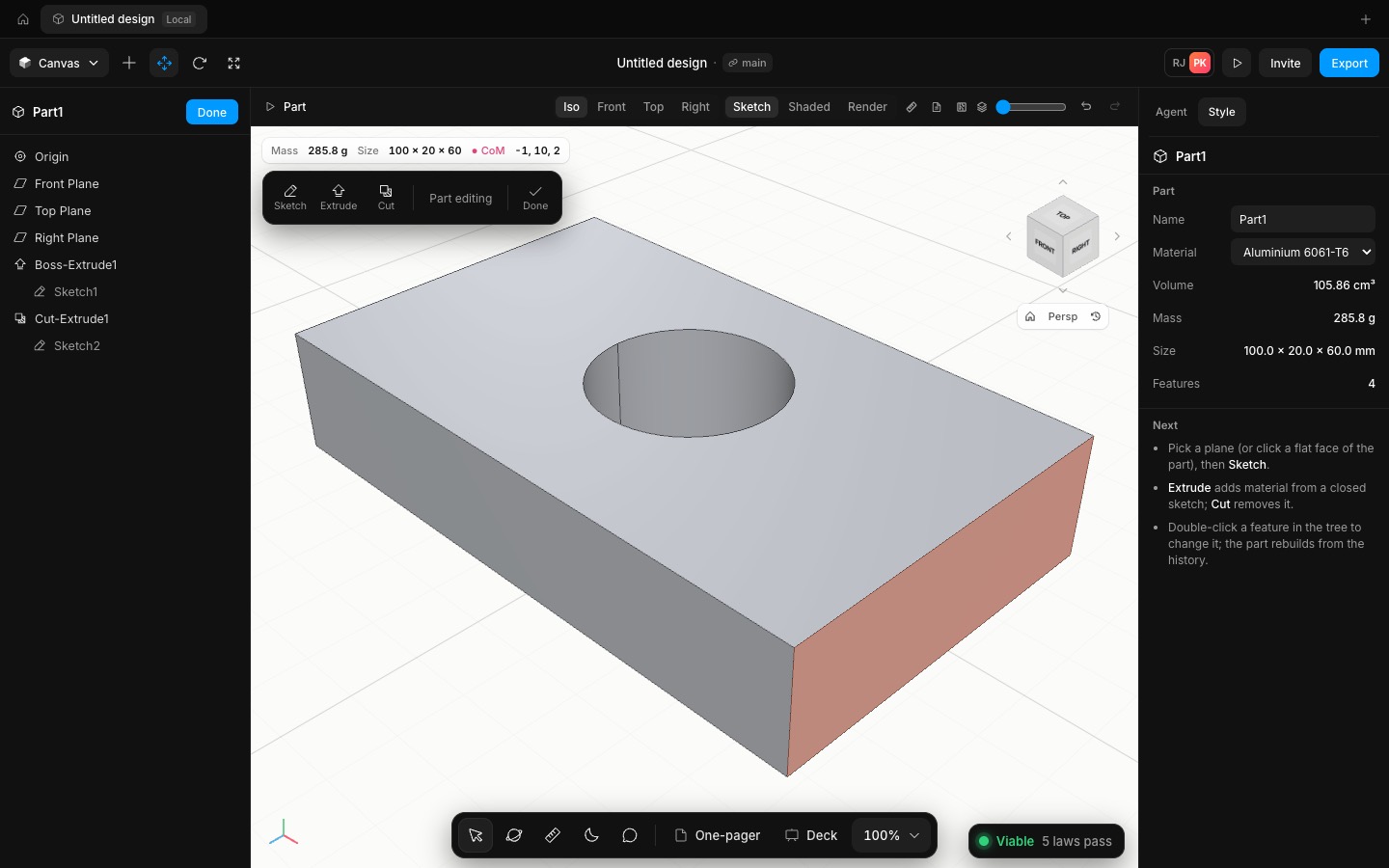
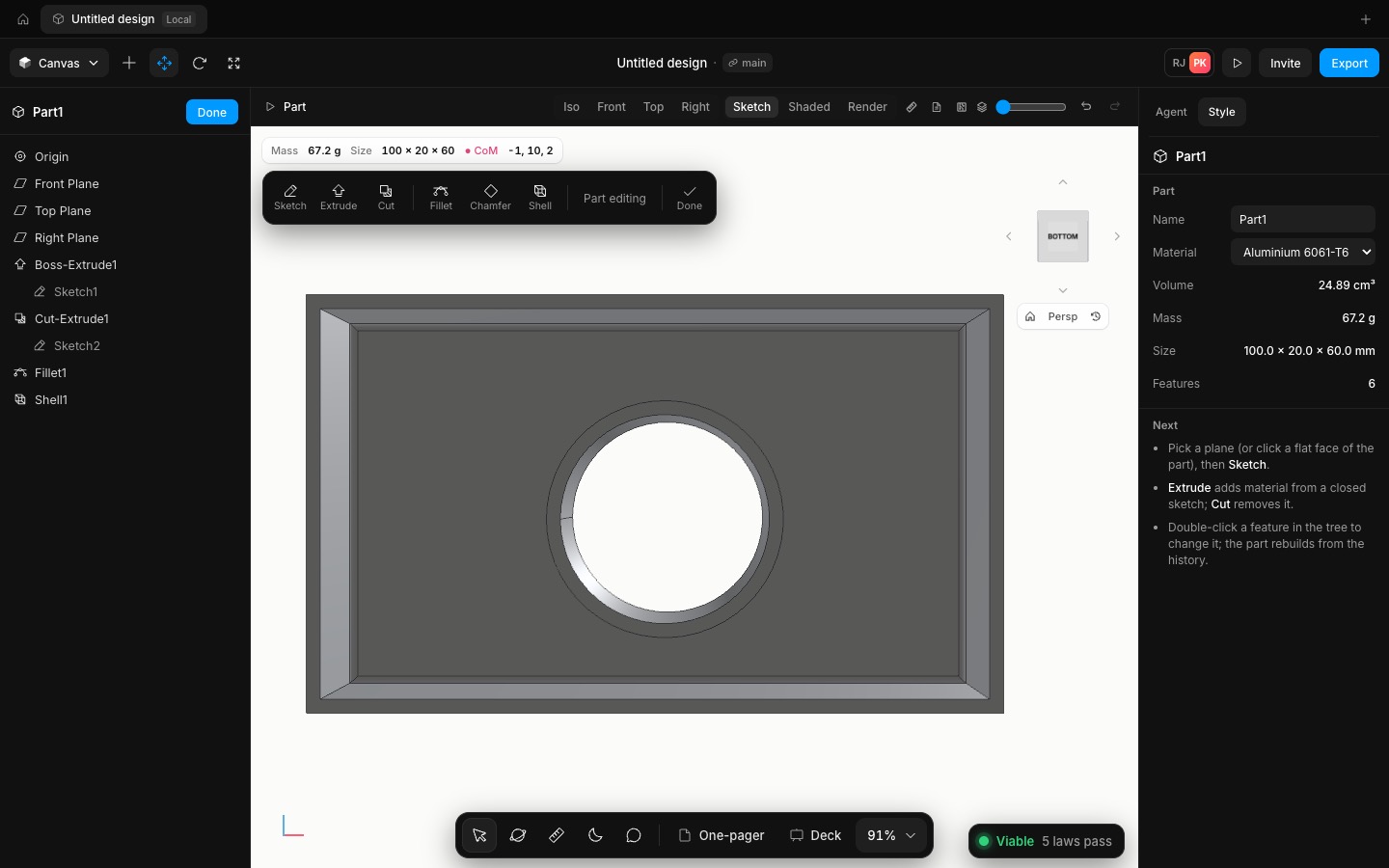
Fillet and Chamfer work on edges you click in the canvas. The nearest visible edge within a few pixels lights up as you move; edges behind the part are skipped. Each click adds an edge or drops it, the PropertyManager lists them, and the radius or distance updates the preview as you type. Shell hollows the part: click the faces to open, set the wall thickness, and the walls grow inward so the outside size stays the same.
Picked edges and faces are stored by a point on them, plus the edge's direction and length or the face's normal. When an upstream change moves them, for example a taller extrude, the feature finds them again instead of failing. If an edge or face is really gone, the feature shows the reason in the tree and the rest of the part still rebuilds.
The results match hand calculations: a 4 mm fillet on one 100 mm edge removes (1 − π/4)·r²·L = 343.36 mm³, a 3 mm chamfer on a 60 mm edge removes d²/2·L = 270 mm³, and a 2 mm shell of a 100 × 60 × 20 block opened at the top leaves exactly 23,232 mm³.
- Added
- Added Fillet and Chamfer on edges picked in the canvas
- Added Shell with faces to open and a wall thickness
- Improved
- Improved edge and face references: they follow the part when an upstream feature moves them
- Try it
Edit a part, click Fillet, click two edges, set the radius and press OK.
Open Speed- Shipped in
9385bd5