Model parts yourself: sketch, dimension, extrude, cut
A SolidWorks-style part modeller for engineers who want to build it by hand: sketches with relations and dimensions on a plane or a face, extruded bosses and cuts, and a feature tree you can edit, suppress and undo.
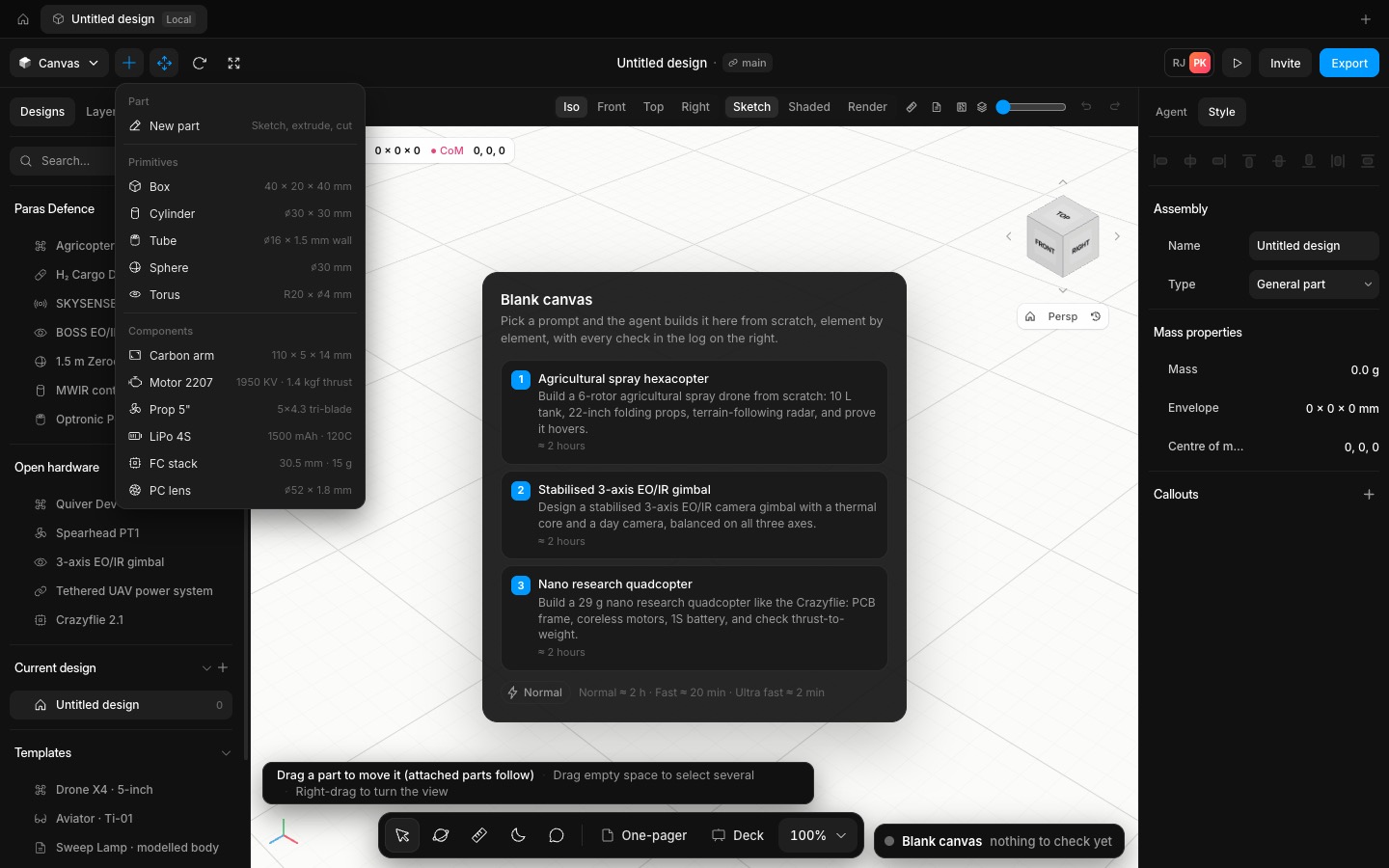
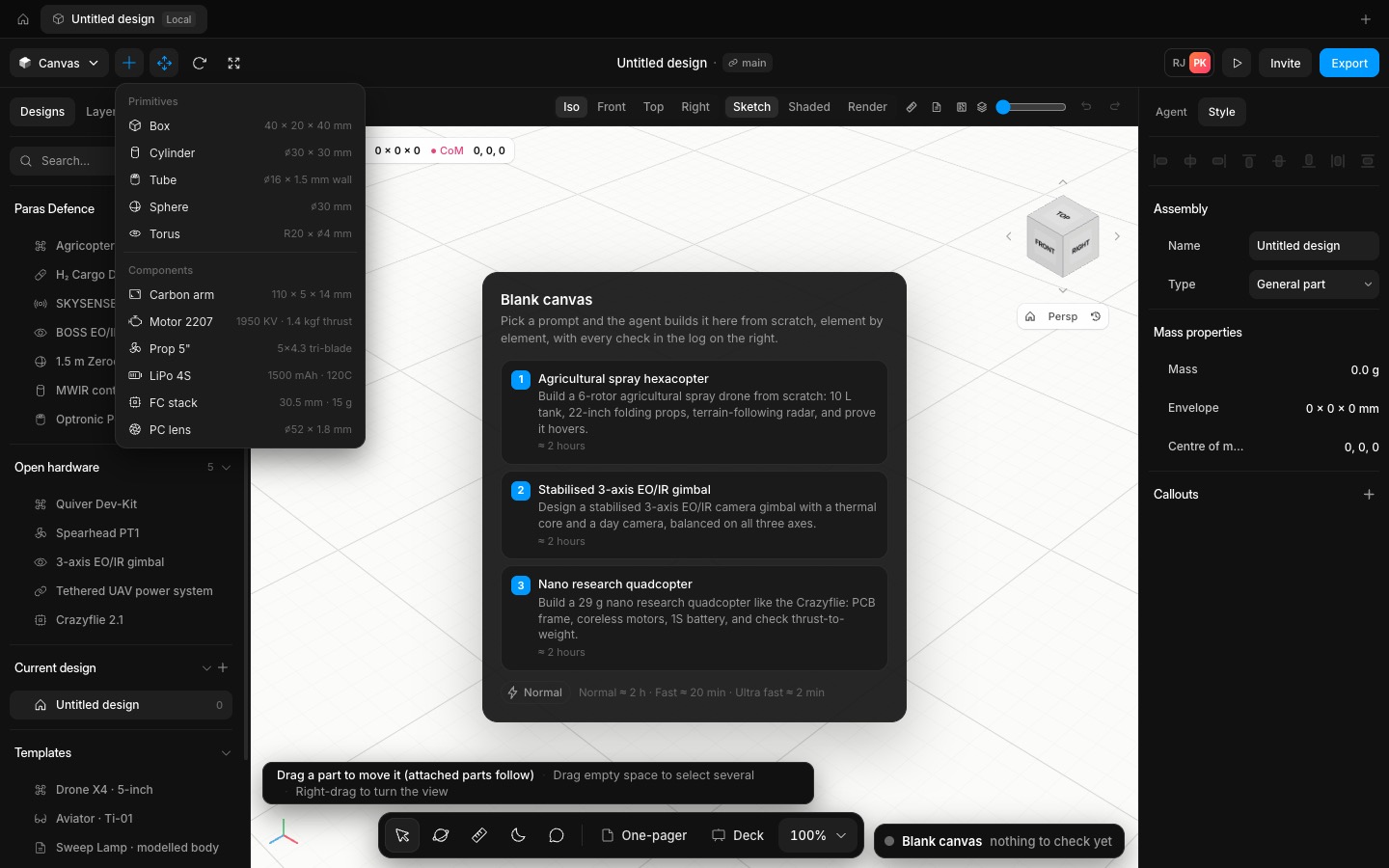
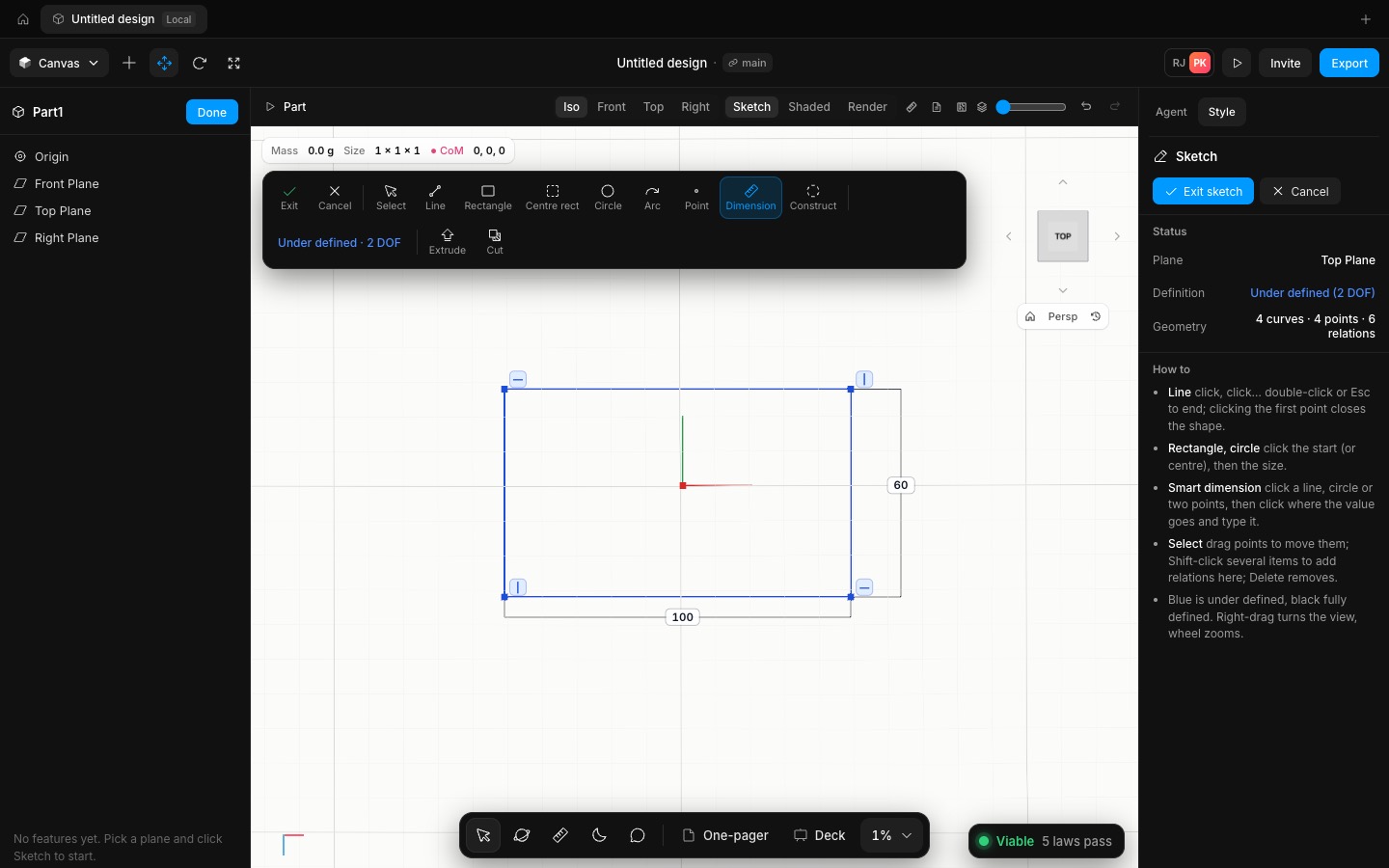
Insert → New part (or Model it yourself on a blank canvas) opens a part with Front, Top and Right planes. Pick one and sketch with lines, corner and centre rectangles, circles, 3-point arcs and points. Horizontal and vertical relations are added as you draw, ends snap to points, and Smart Dimension sets lengths, diameters, radii and angles that you type in. The sketch solver is FreeCAD's planegcs: under-defined geometry is blue, fully defined black, and a dimension that would over-define the sketch is refused with the conflict named. Select items to add coincident, parallel, perpendicular, tangent, equal, concentric, midpoint, symmetric or fix relations, drag points, and turn lines into construction geometry.
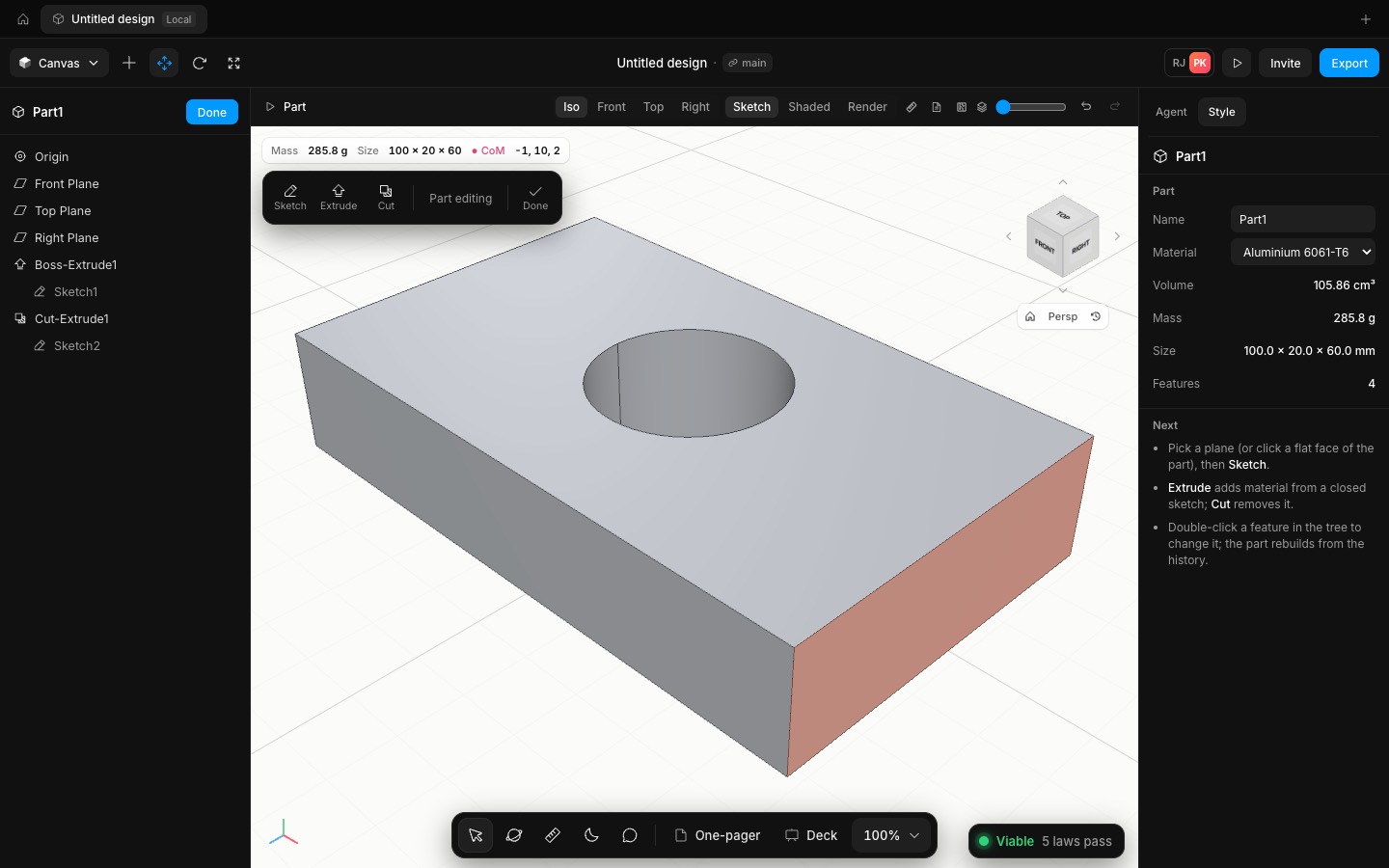
Extrude makes a boss from the closed contours (nested contours become holes) and Cut removes material: blind, mid-plane or through all, either direction, with a live preview and the volume and mass before you press OK. Click a flat face of the part to sketch on it; a cut sketched on a face goes into the material. The solid is OpenCascade's B-rep kernel running in a background worker, so the canvas stays smooth while it rebuilds.
The feature tree lists Origin, the planes and every feature with its sketch underneath. Double-click to edit, rename, suppress or delete (deleting a sketch takes its feature with it), and a feature that fails to rebuild shows the reason. Every change is one undo step. The part's mass comes from the exact solid volume and its material, physics treats it like any other part, and it goes into the drawings and the deck.
- Added
- Added the part modeller: sketches with relations and dimensions, extruded boss and cut, a feature tree
- Added New part to the Insert menu and Model it yourself to the blank canvas
- Improved
- Improved mass for modelled parts: from the exact solid volume
- Try it
Insert → New part, click Top Plane, draw a rectangle, dimension it, then Extrude.
Open Speed- Shipped in
1d9453a