One-pager and Deck, two buttons on the canvas
One button drafts a single dense sheet that explains the whole product; the other drafts a detailed ten-page deck you can present full screen.
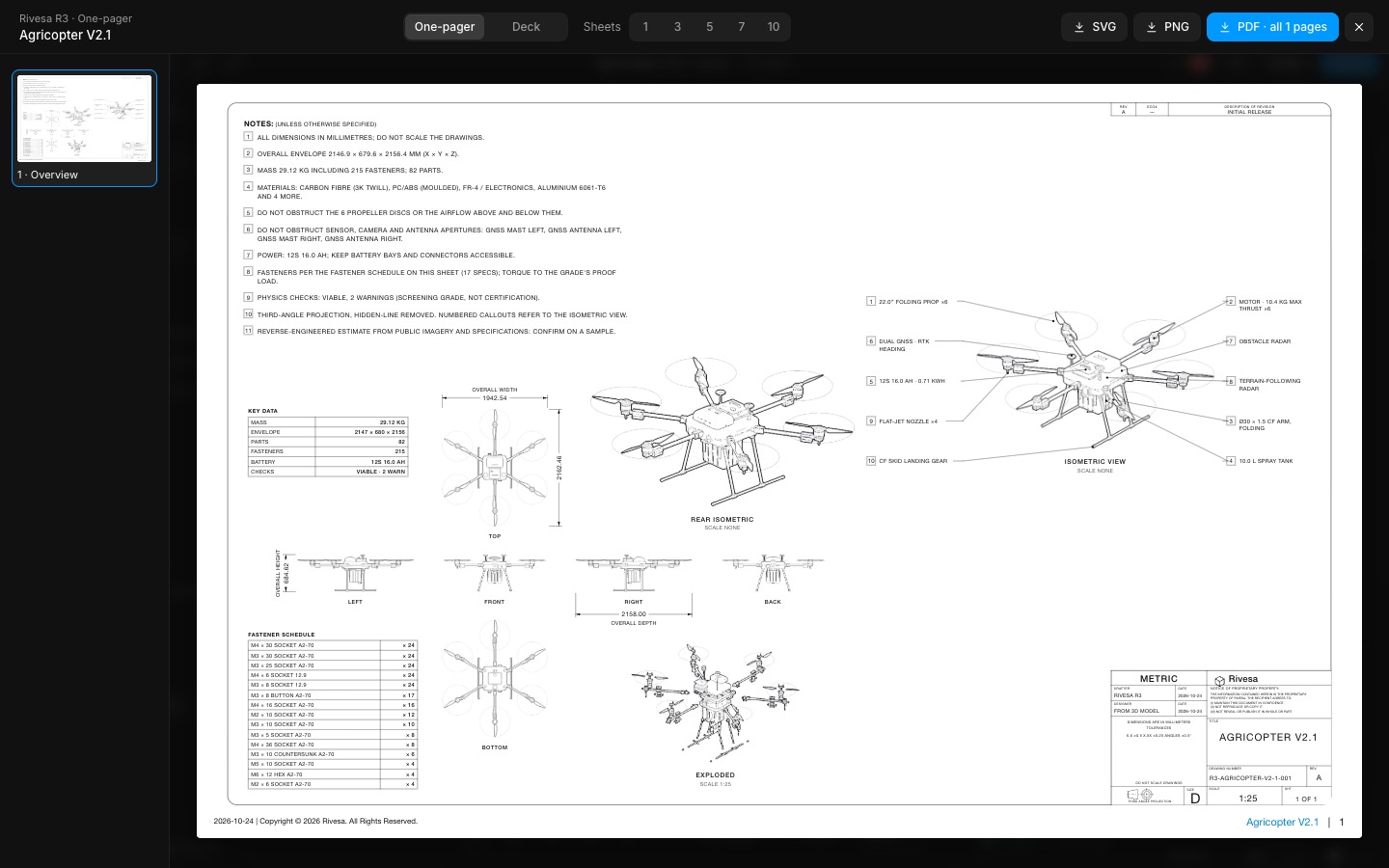
The canvas toolbar has One-pager and Deck. The one-pager is the dense overview sheet: notes, six views, rear isometric, exploded view, key data, fastener schedule and the callout isometric on one page.
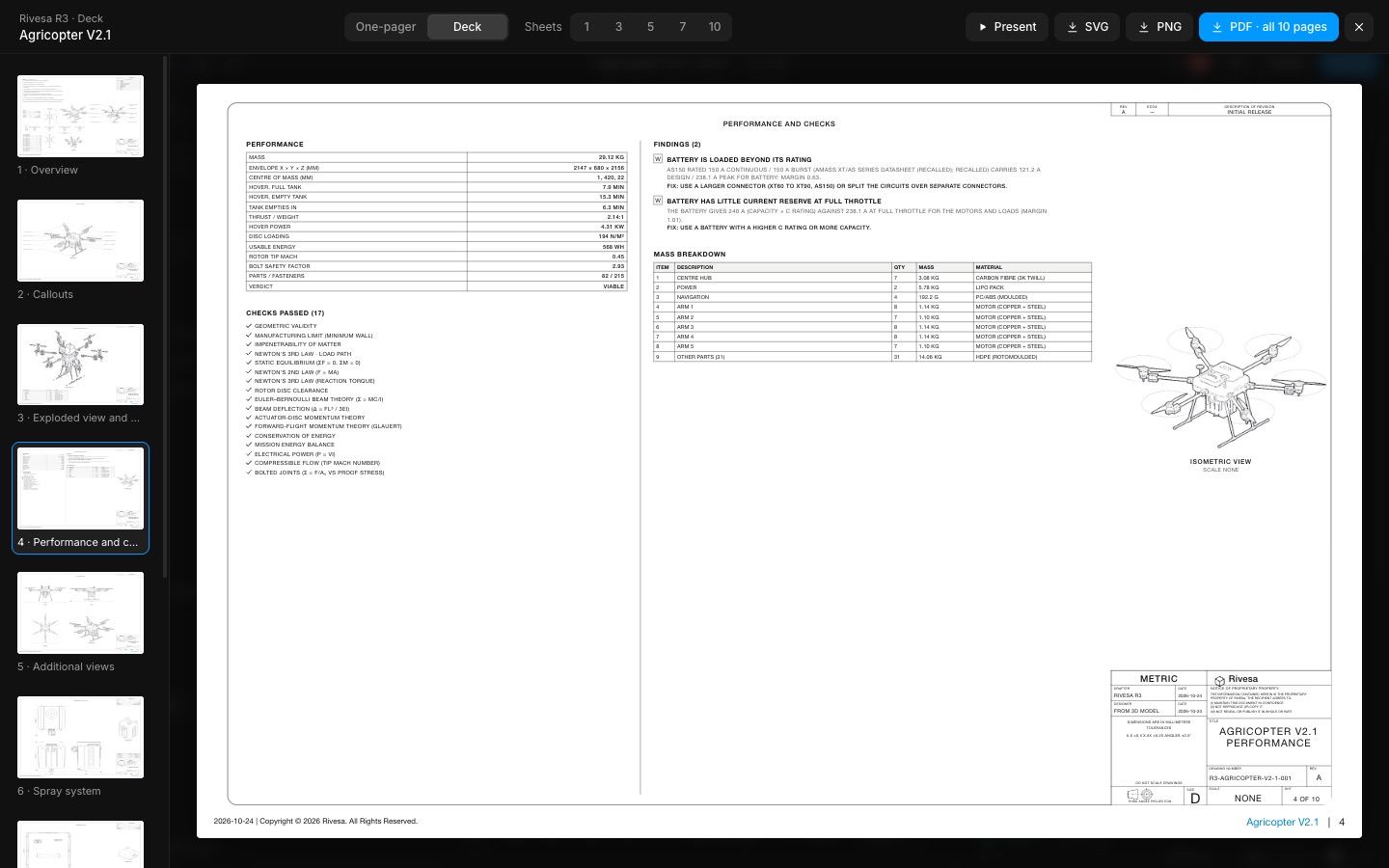
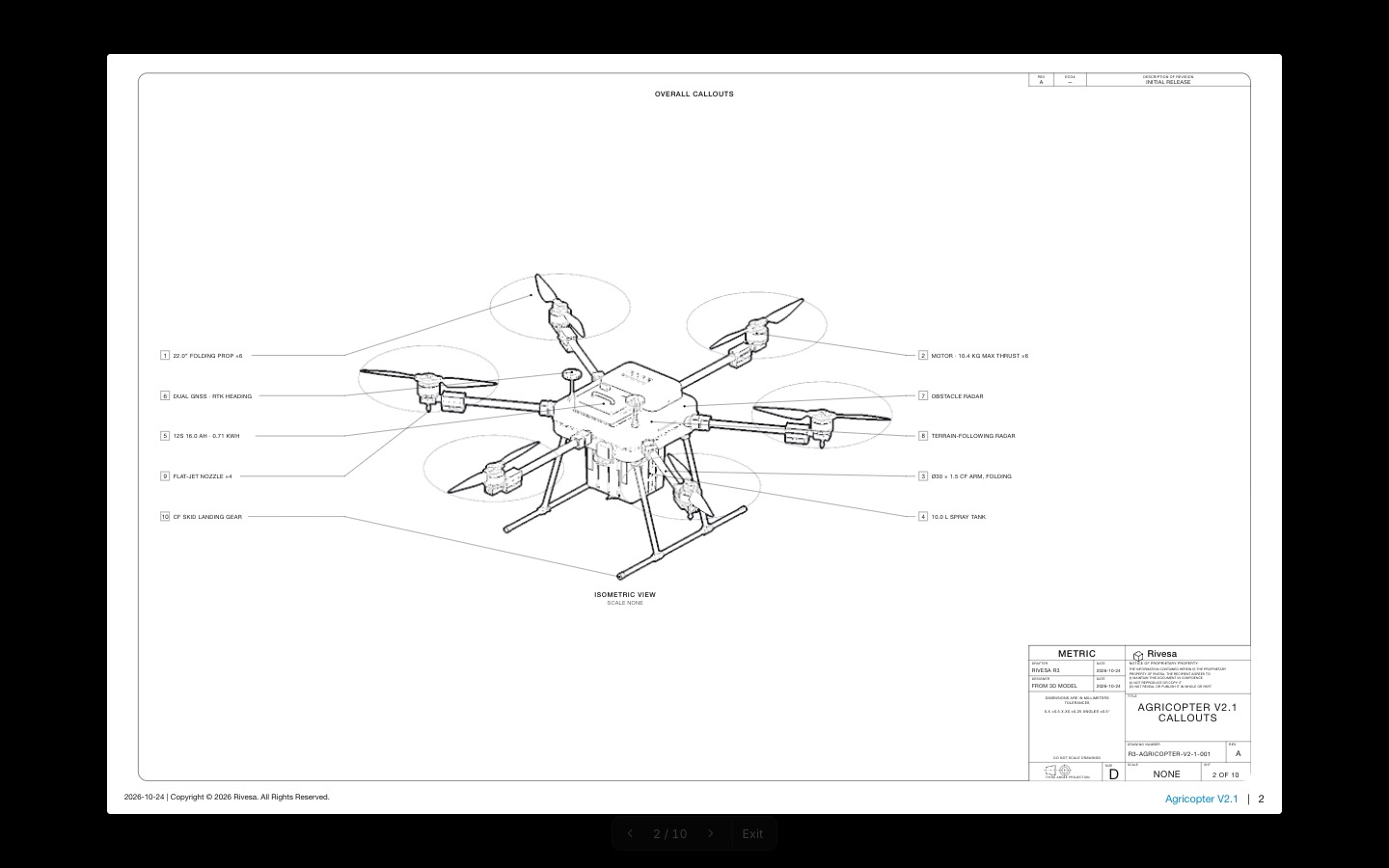
The deck is every sheet in detail: overview, callouts, exploded parts list, a new Performance and checks sheet (performance table, checks passed, each finding with its fix, mass breakdown), additional views, then the subassemblies and key parts. Present shows it full screen, one page at a time, with the arrows or space; Esc stops.
- Added
- Added One-pager and Deck buttons to the canvas toolbar
- Added the Performance and checks sheet to the deck
- Added Present: the deck full screen, page by page
- Try it
Open a design and press Deck in the bottom toolbar.
Open Speed- Shipped in
5c910ac