The Agent panel, after the updated chat layout
A chat picker on top, the composer first in an empty chat, each request in a card you can roll the design back to, and a follow-up box over the context meter.
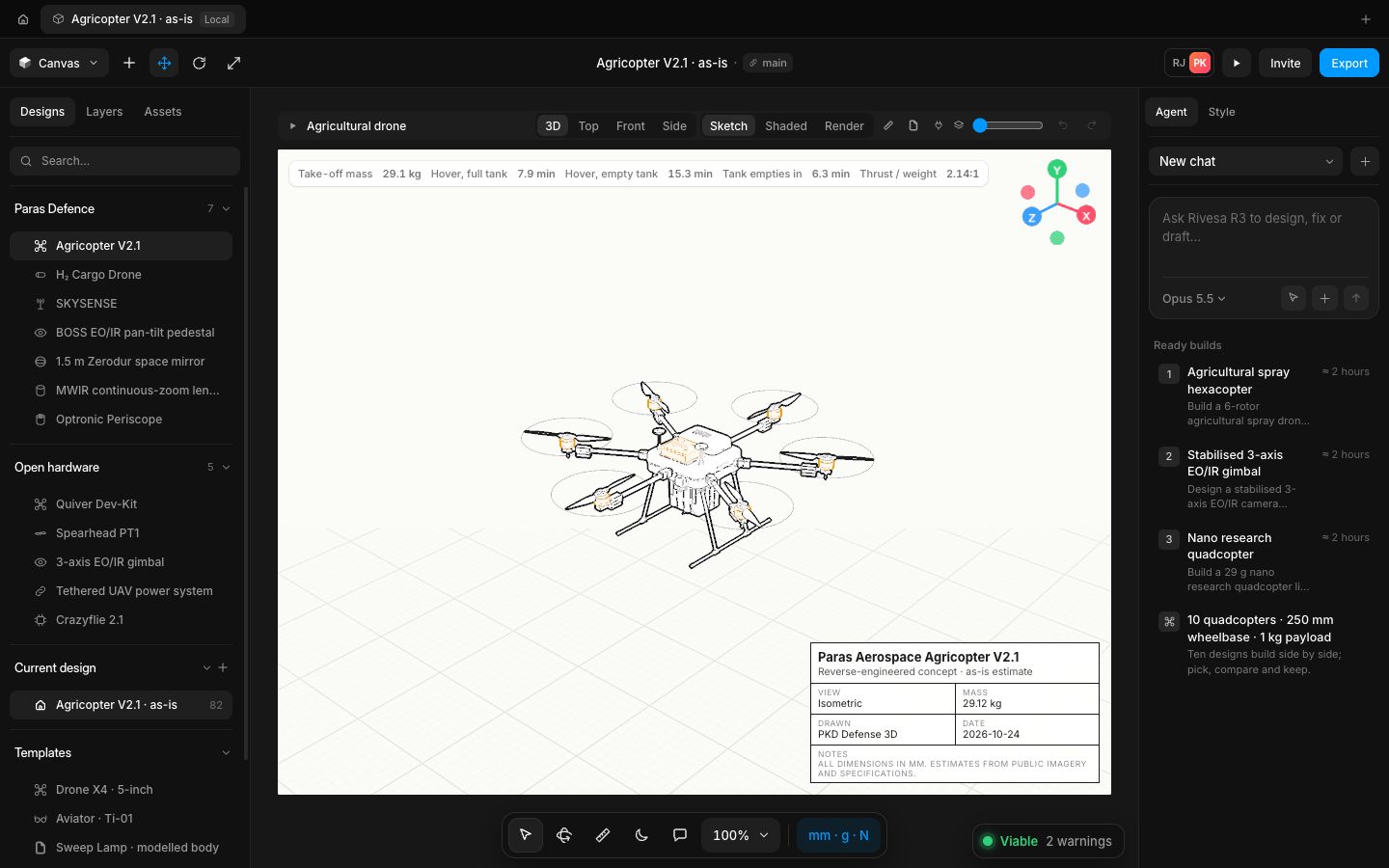
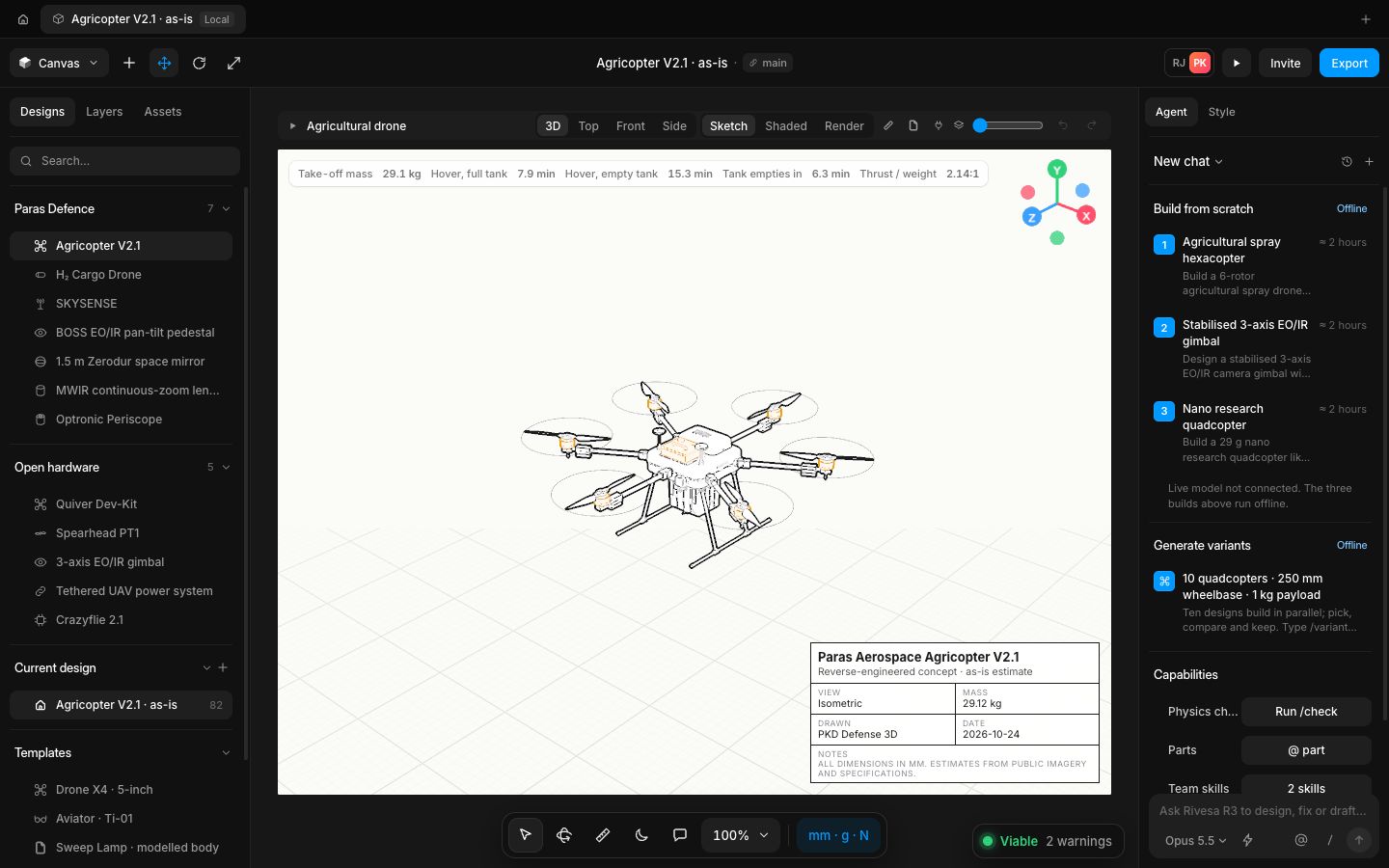
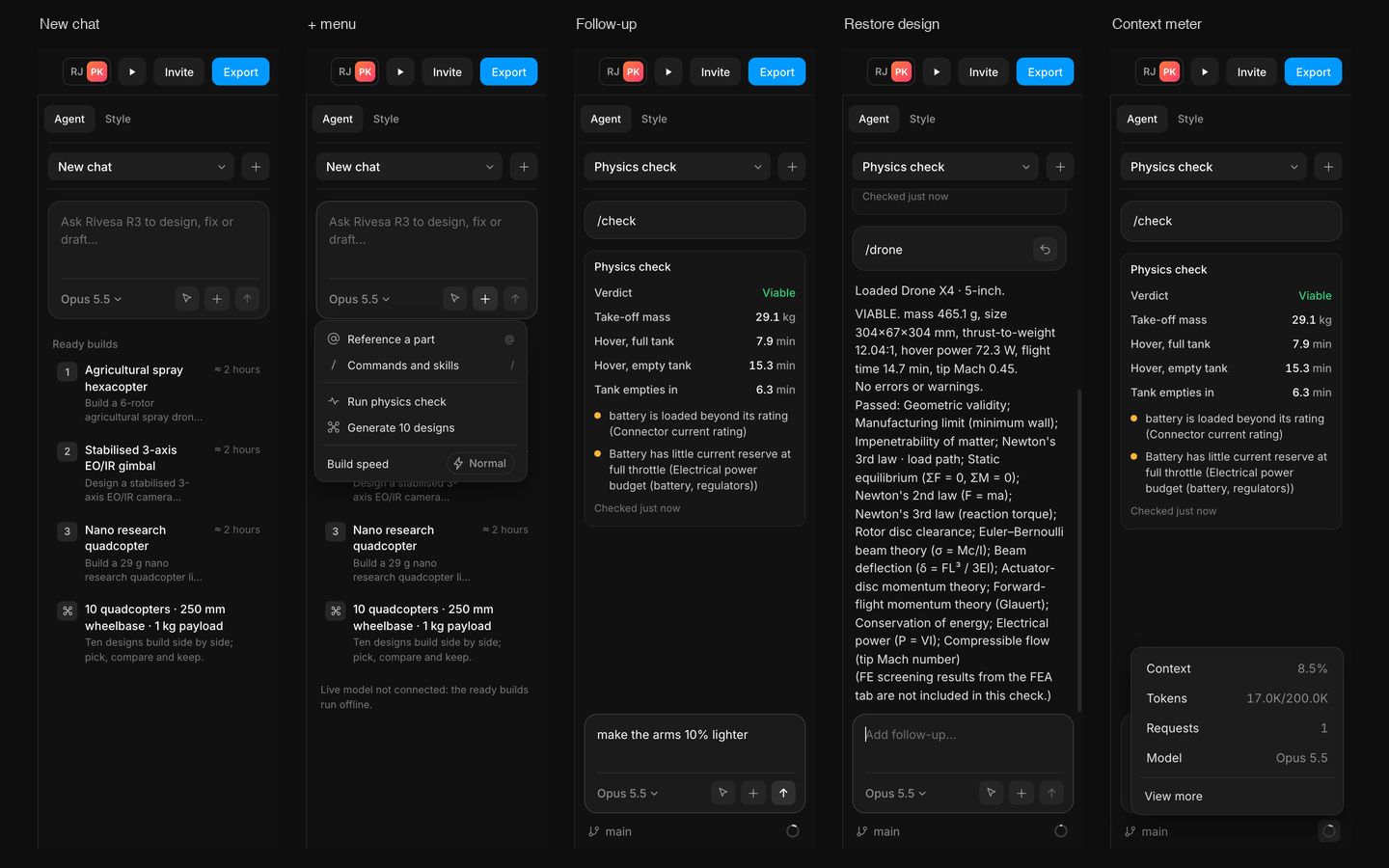
The Agent tab now reads like the dark interface's: a chat picker with a + for a new chat, and an empty chat that starts with the composer at the top (model, pick a part on the canvas, + for parts, commands, the physics check, ten designs and build speed). Ready builds and recent chats sit quietly below it.
Each request is a card with Restore design, which puts the design back to how it was before that message (Undo brings the change back). Replies show Thinking, then Thought for so many seconds. The follow-up box stays at the bottom with Stop while a reply runs, over the branch and a context meter that opens the context share, tokens, requests and model.
- Added
- Added Restore design on each request
- Added pick a part on the canvas into the message
- Added Stop while a reply runs
- Added the context meter
- Improved
- Improved the Agent tab layout to follow the updated chat layout
- Try it
Open the Agent tab and type /check.
Open Speed- Shipped in
02163b2