The canvas fills the screen; attached parts move together
No more grey margins around the 3D view, and dragging a motor brings its propeller with it.
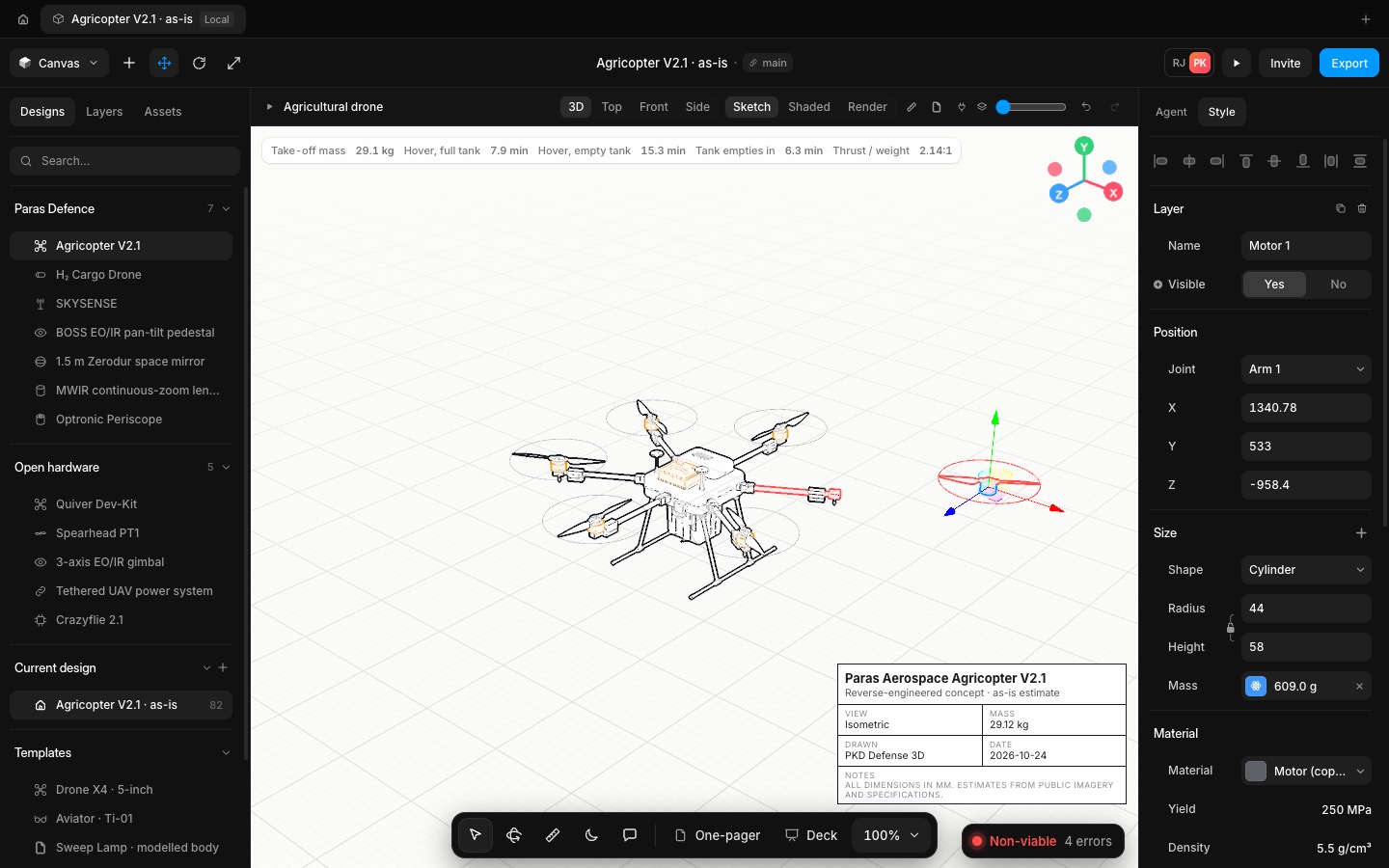
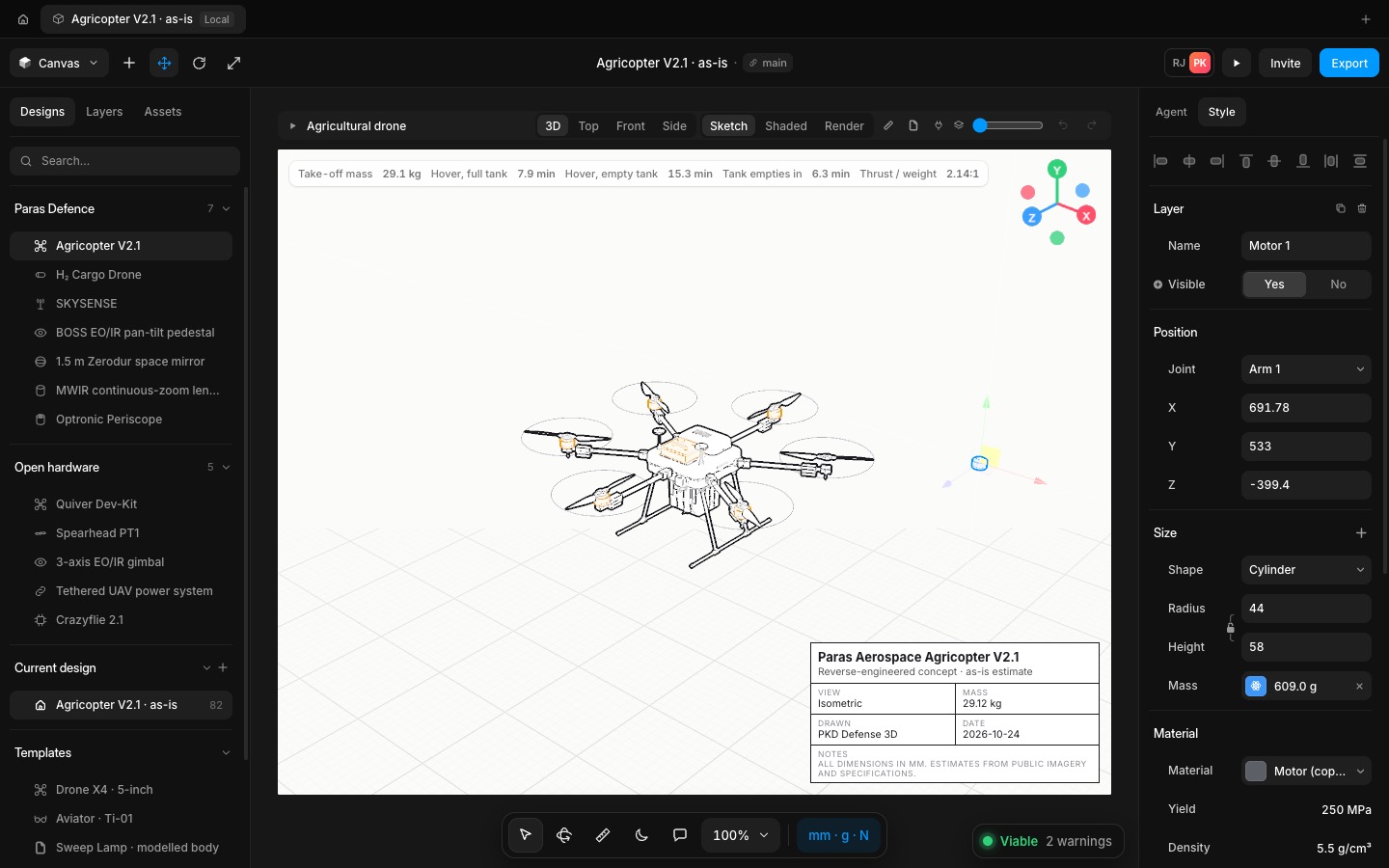
The canvas toolbar is one strip along the top and the 3D view fills everything under it, edge to edge. The bottom toolbar floats on the view, and the tool hint, toasts, title block and inspect card sit above it so nothing overlaps.
Moving a part, by dragging it or with the move gizmo, now carries every part attached to it: a motor its propeller, an arm its mount, motor and propeller. Alt-drag copies them together.
- Improved
- Improved the canvas to fill the screen edge to edge
- Improved moving a part to bring the parts attached to it
- Try it
Drag one of a drone's motors.
Open Speed- Shipped in
24c665c