The double-tap menu always opens; drawing sets open on one dense overview
A second tap on a part's centre opens its menu every time, and sheet 1 of a drawing set now explains the whole product in one typeface.
A press on the move gizmo that does not move, turn or resize the part no longer swallows the click, so a double tap on the part's centre, where the gizmo sits, opens the menu every time: 20 out of 20, up from 0 out of 20.
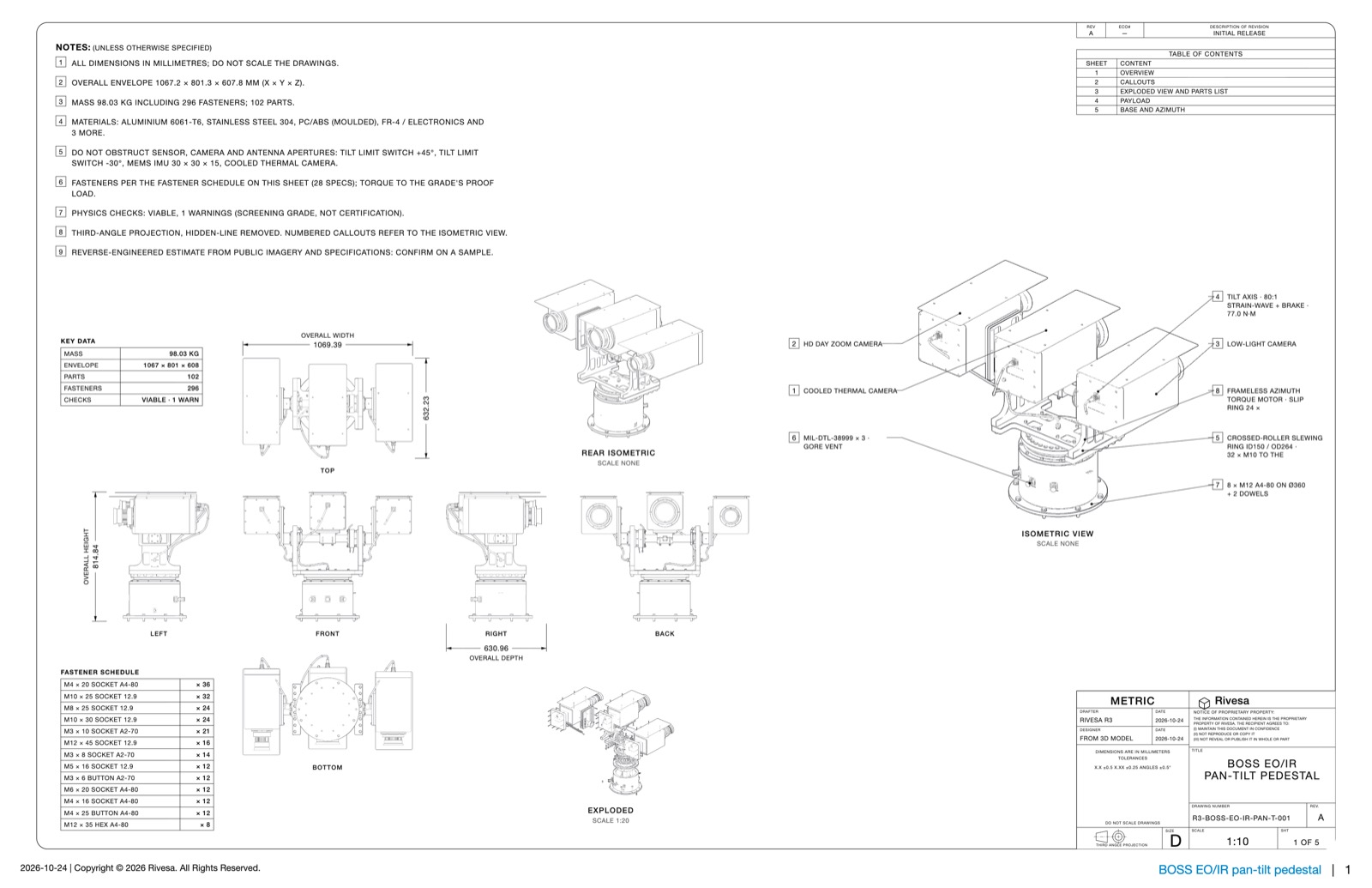
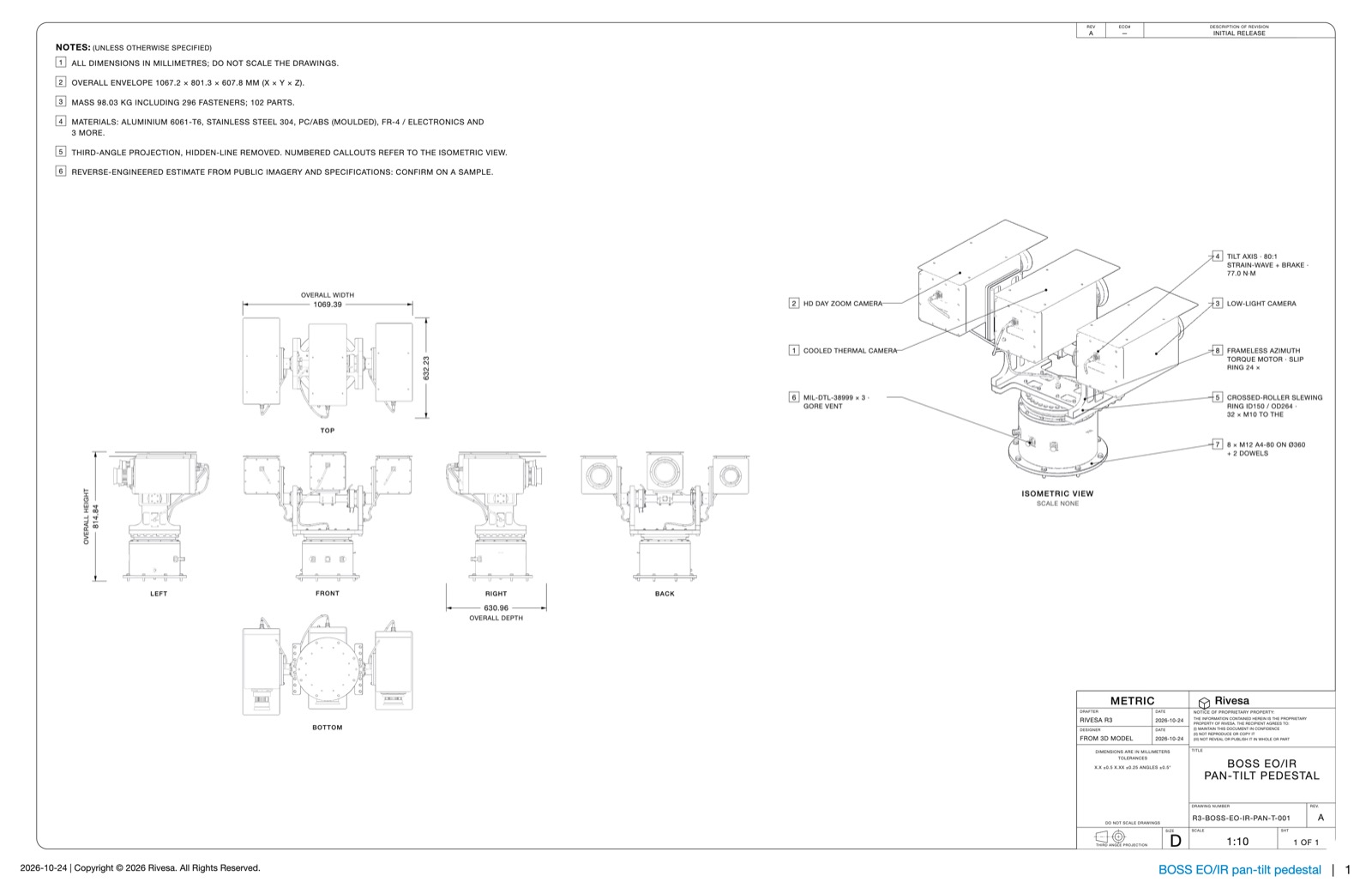
Drawing sets lose the text cover. Sheet 1 is the overview: notes written for the product (keep-outs, power, fasteners, physics checks), six views, a rear isometric, the exploded view, key data and a fastener schedule, the callout isometric, contents and the title block. Every sheet uses one typeface, type scale and spacing, the footer included.
- Improved
- Improved sheet 1 of every drawing set into a dense overview
- Improved the drawings to use one typeface and type scale
- Fixed
- Fixed double tap on a part's centre not opening the menu
- Try it
Double-tap a part, then open Export › Dimensional drawings.
Open Speed- Shipped in
a8adfe1