Settings for every project, after the project settings layout
A full-page Settings view per project: general, skills, versions, sharing, title block, exports and access.
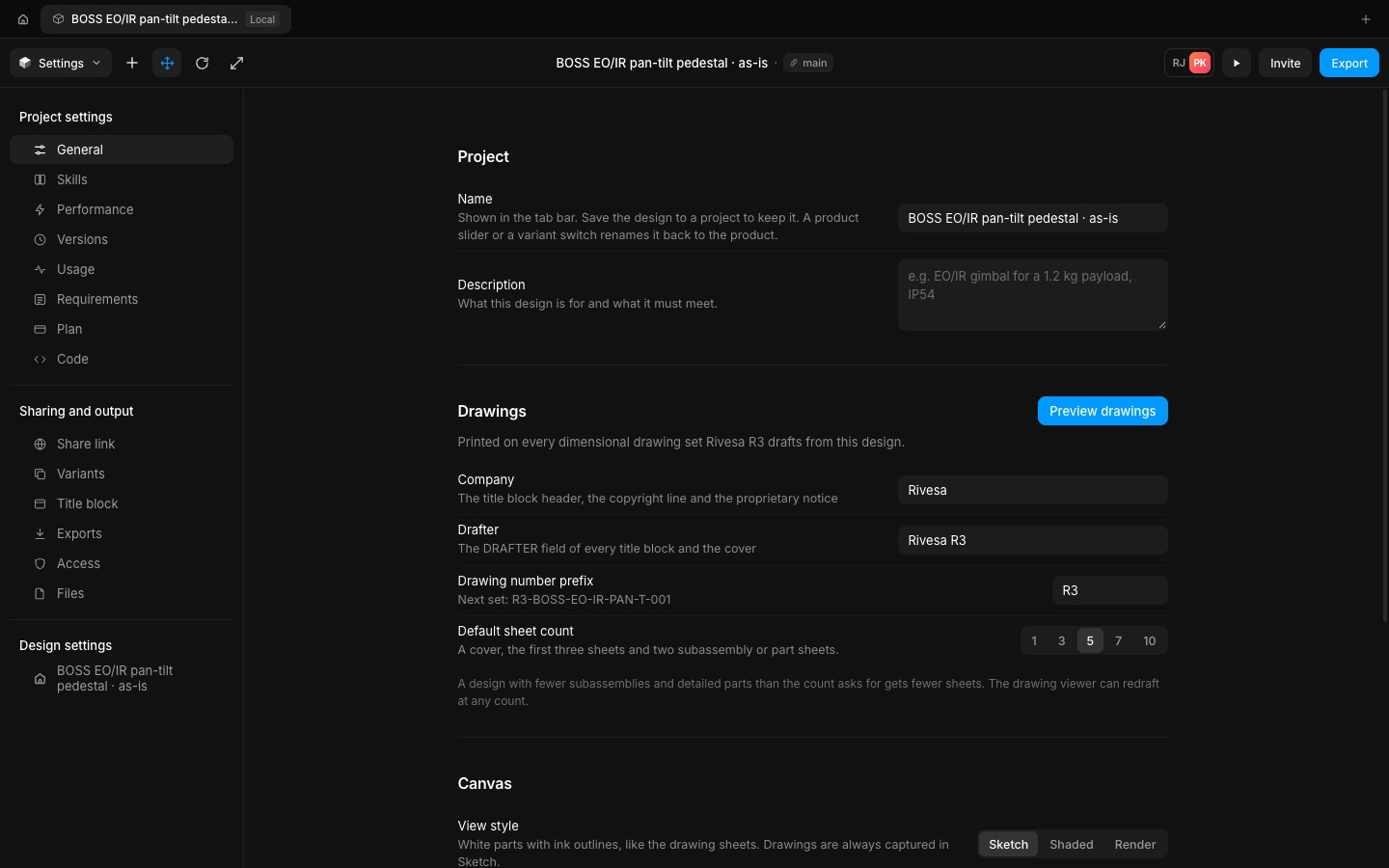
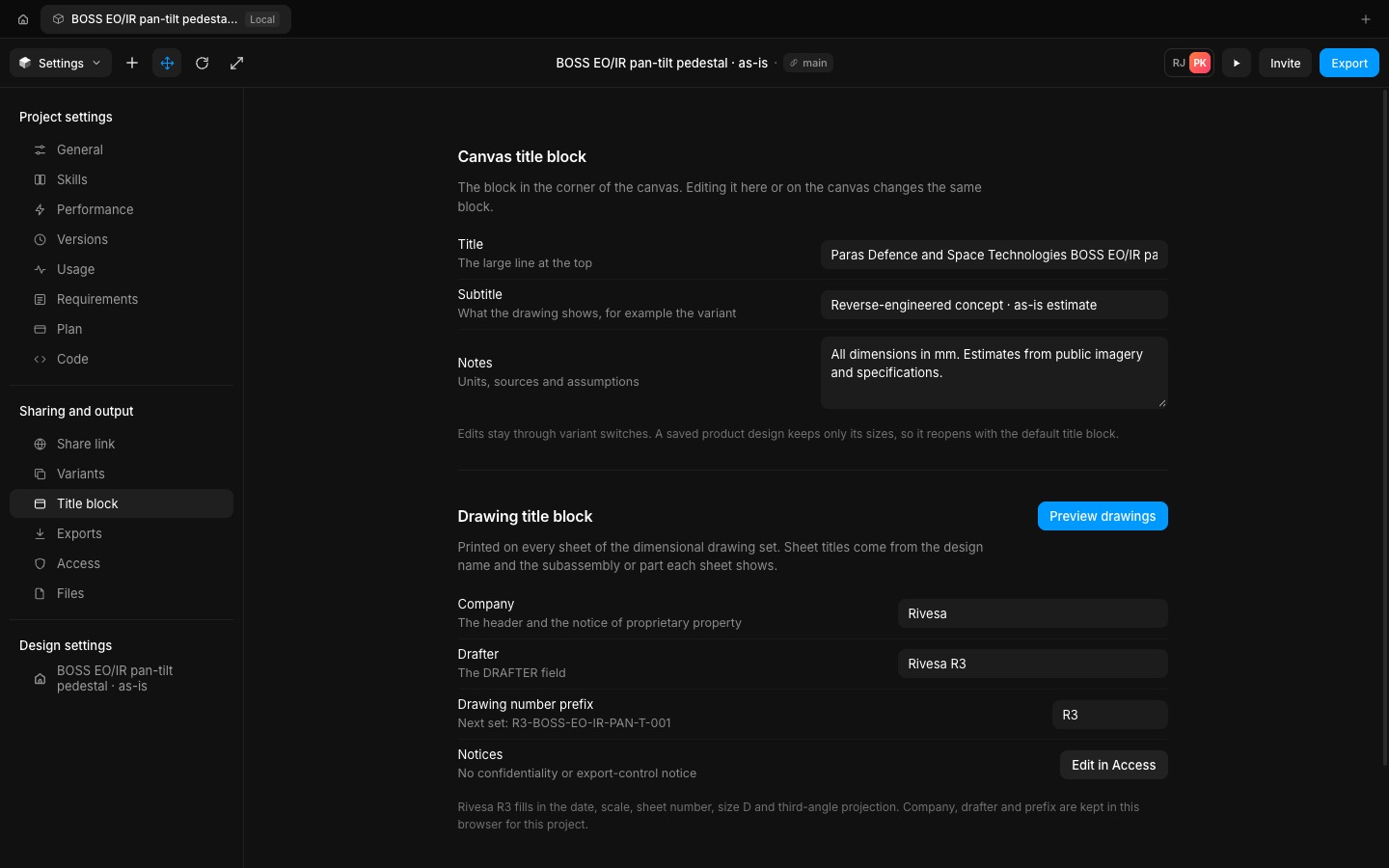
Canvas menu › Settings (Alt+7) opens a full-page view over the editor, with the 3D canvas paused underneath. The navigation follows the dark interface: Project settings (General, Skills, Performance, Versions, Usage, Requirements, Plan, Code), Sharing and output (Share link, Variants, Title block, Exports, Access, Files) and Design settings.
Company, drafter, drawing number prefix and default sheet count feed every drawing set; Confidential and EAR99 or ITAR notices print on the sheets. Up to eight saved versions restore with undo, and a session log keeps the drawings and exports you made. Every control is wired.
- Added
- Added a Settings view per project (Alt+7)
- Added saved versions that restore with undo
- Added Confidential and EAR99 / ITAR notices on drawings
- Try it
Open the Canvas menu and choose Settings.
Open Speed- Shipped in
f6c94d2