Rivesa R3 Studio: your AI employee runs the business around the designs
Inquiries, briefs, quotes, inputs, revisions, delivery and invoices, and a Monday report. R3 proposes, you approve: nothing reaches a client without your yes.
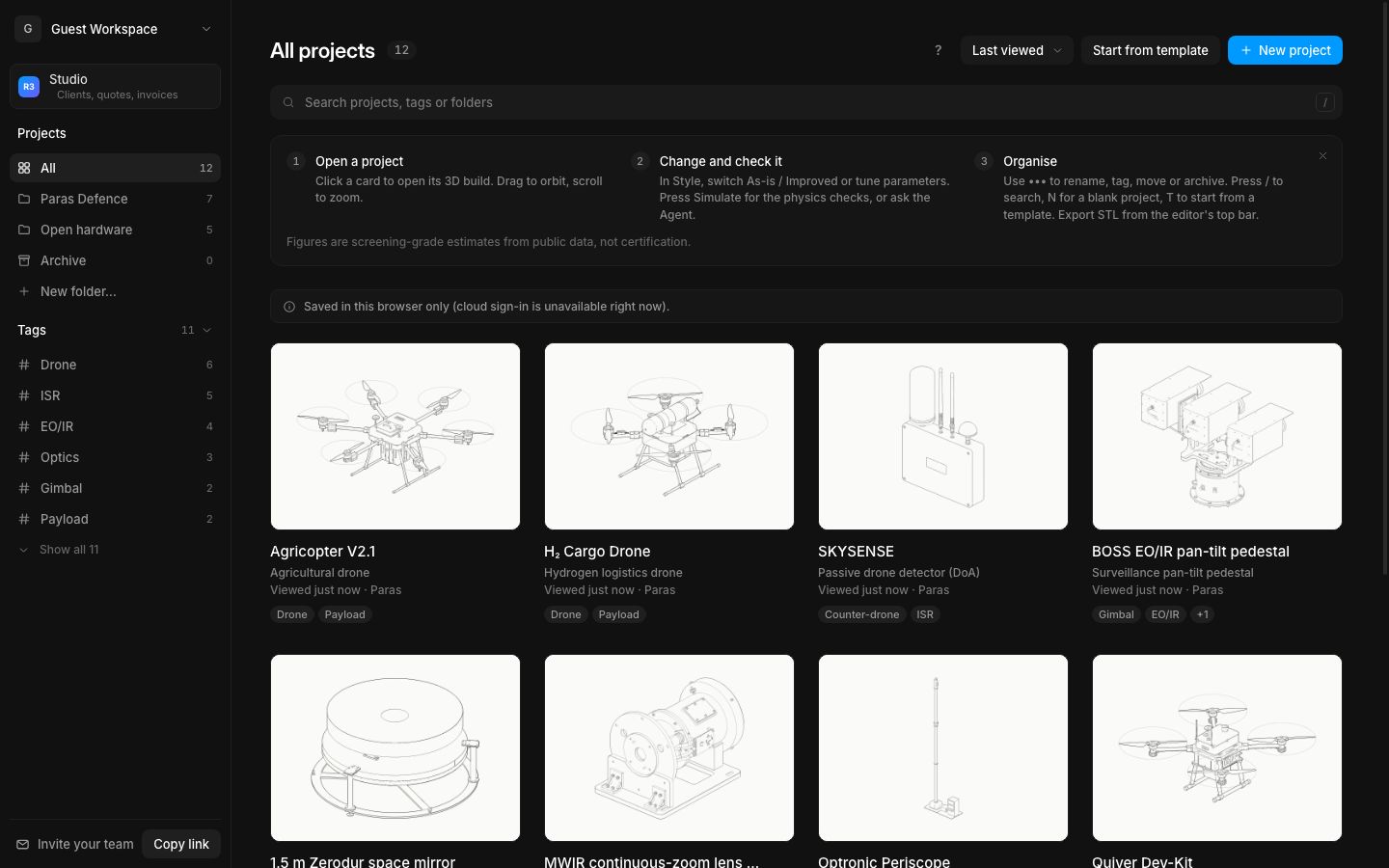
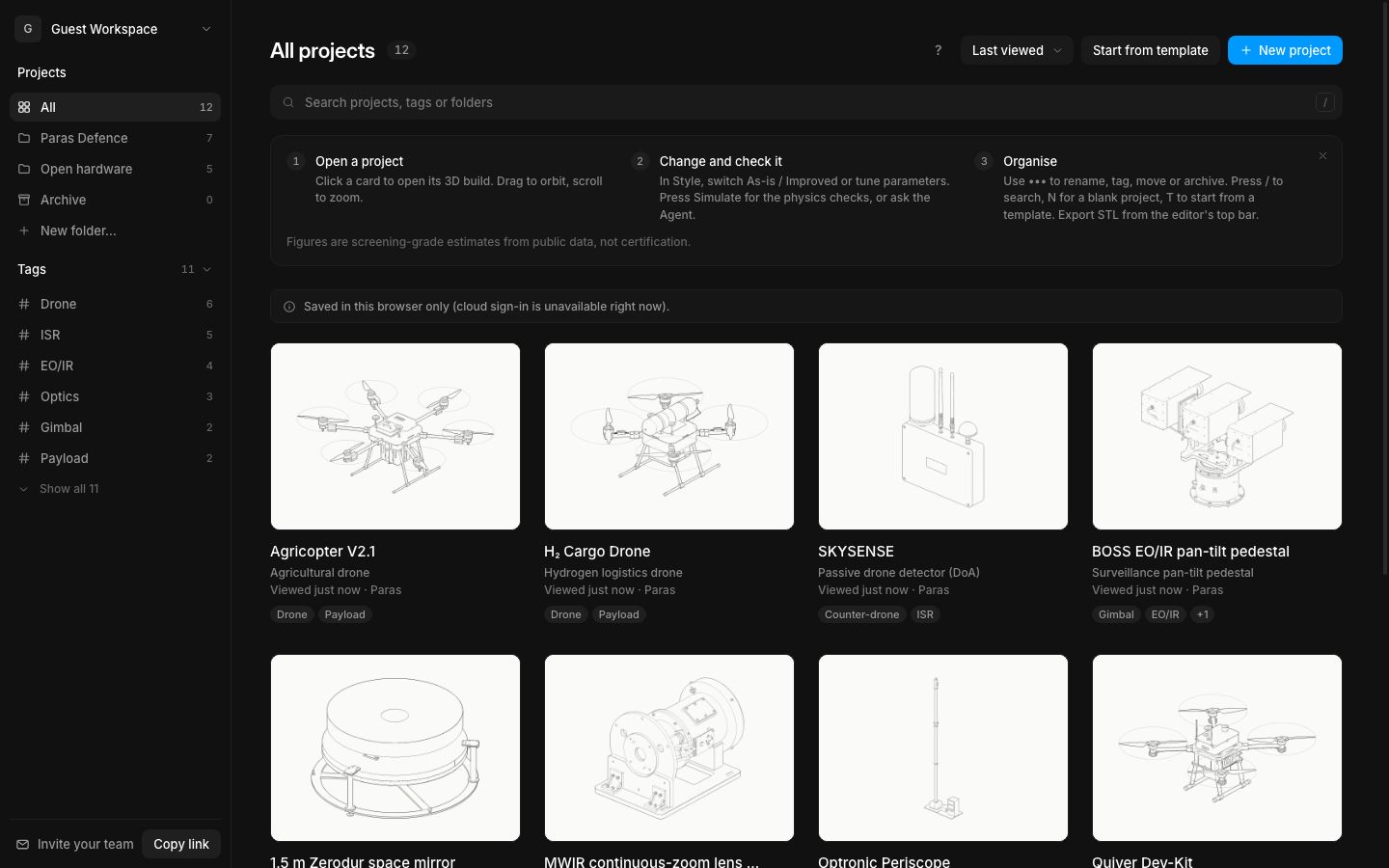
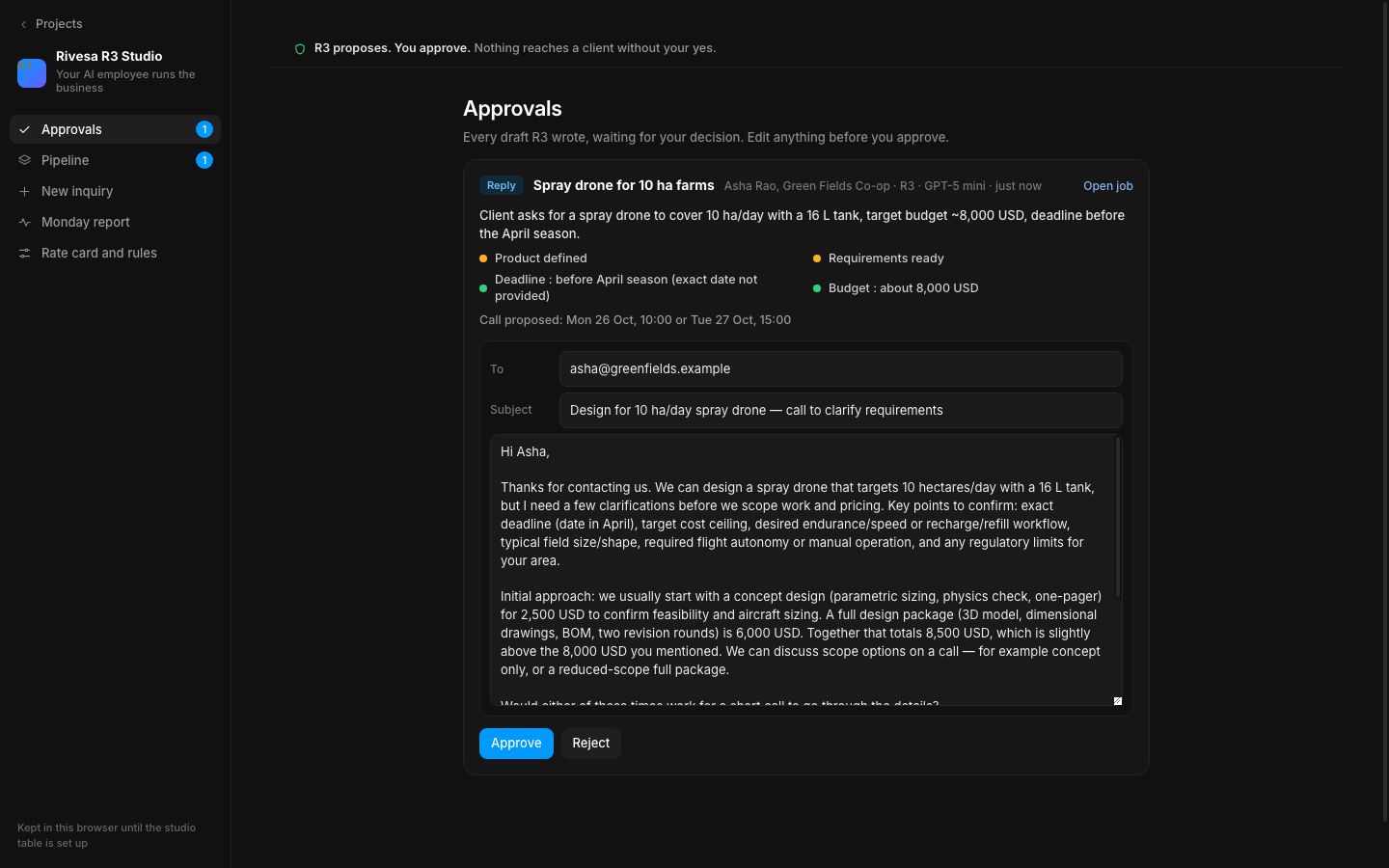
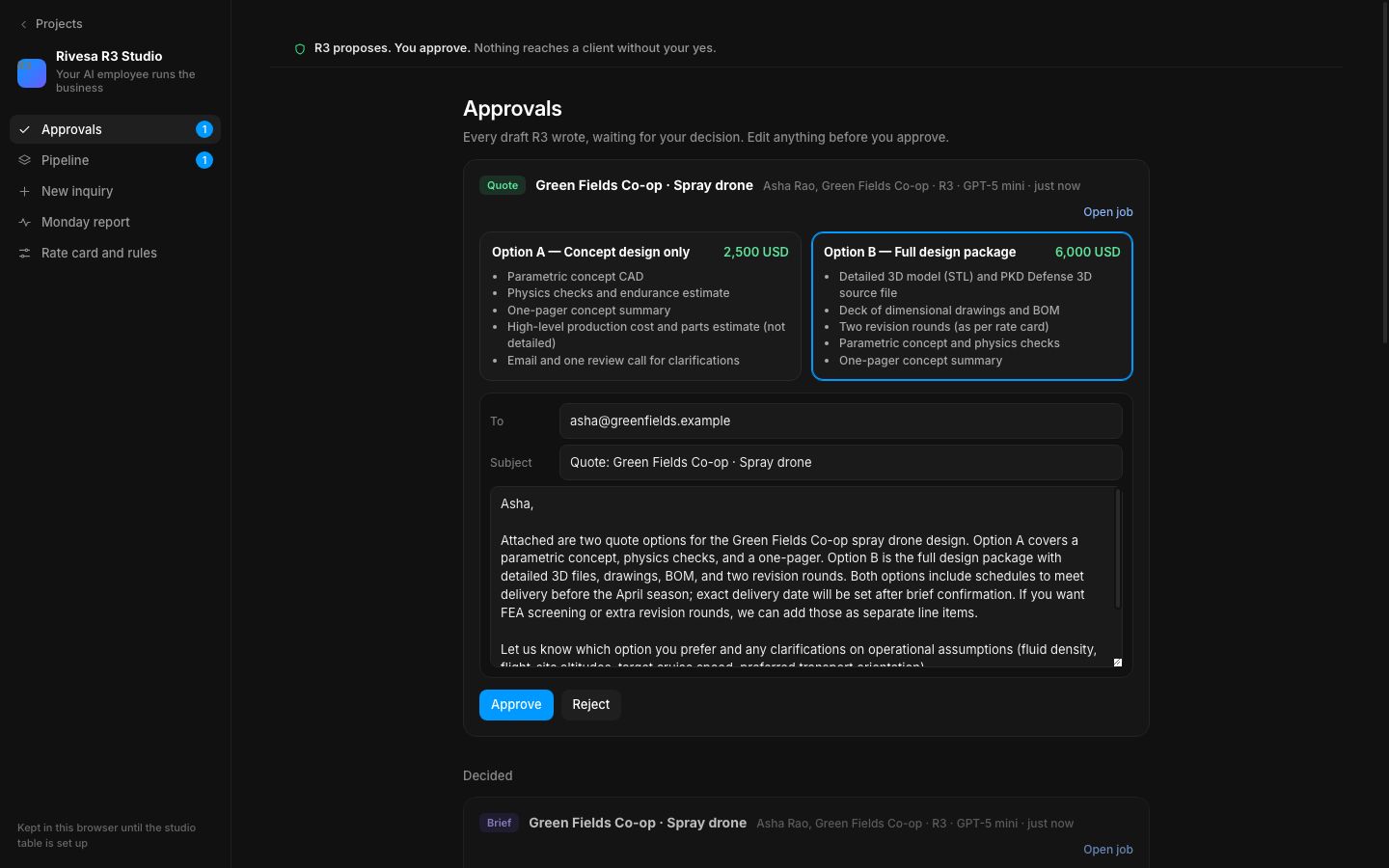
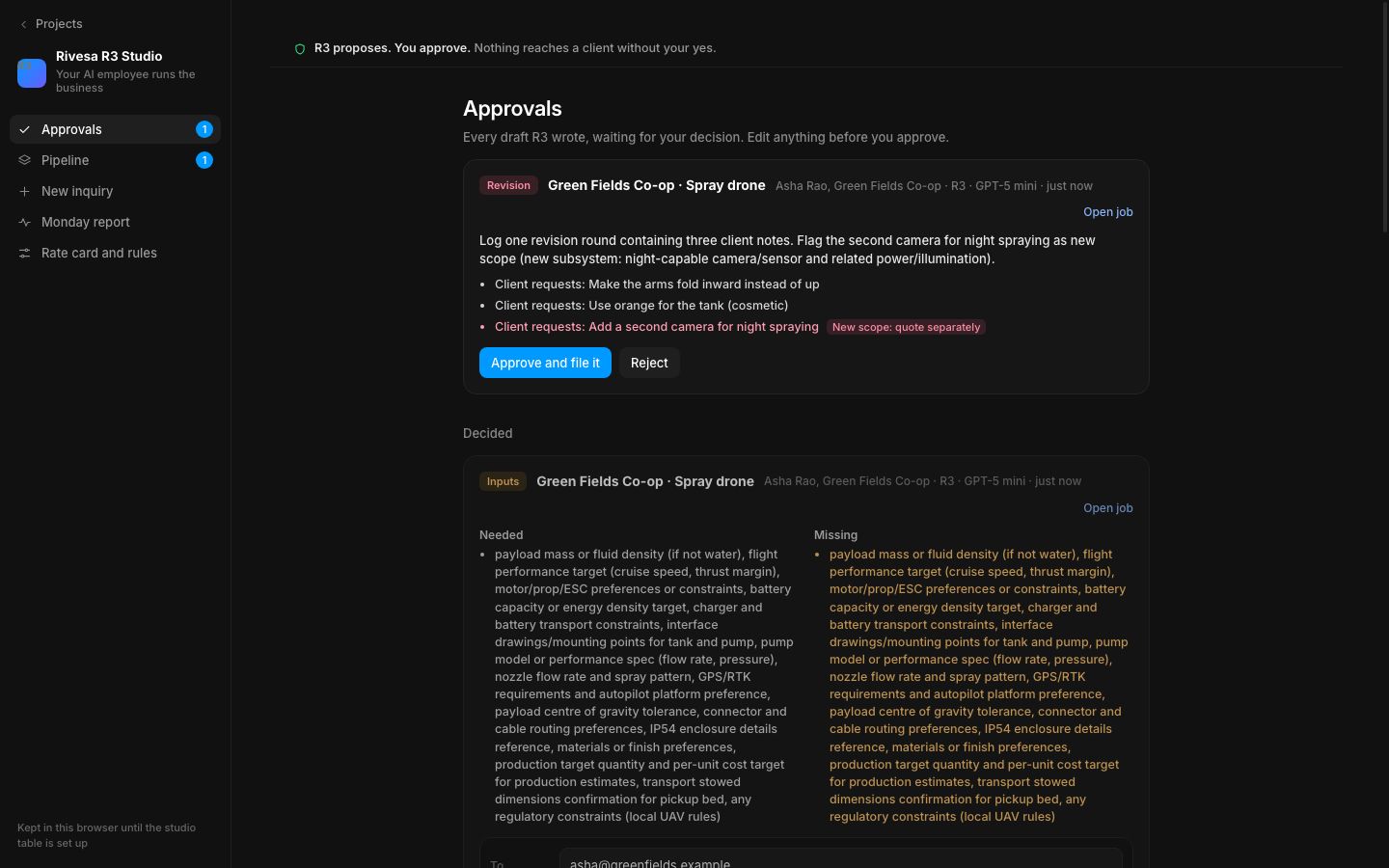
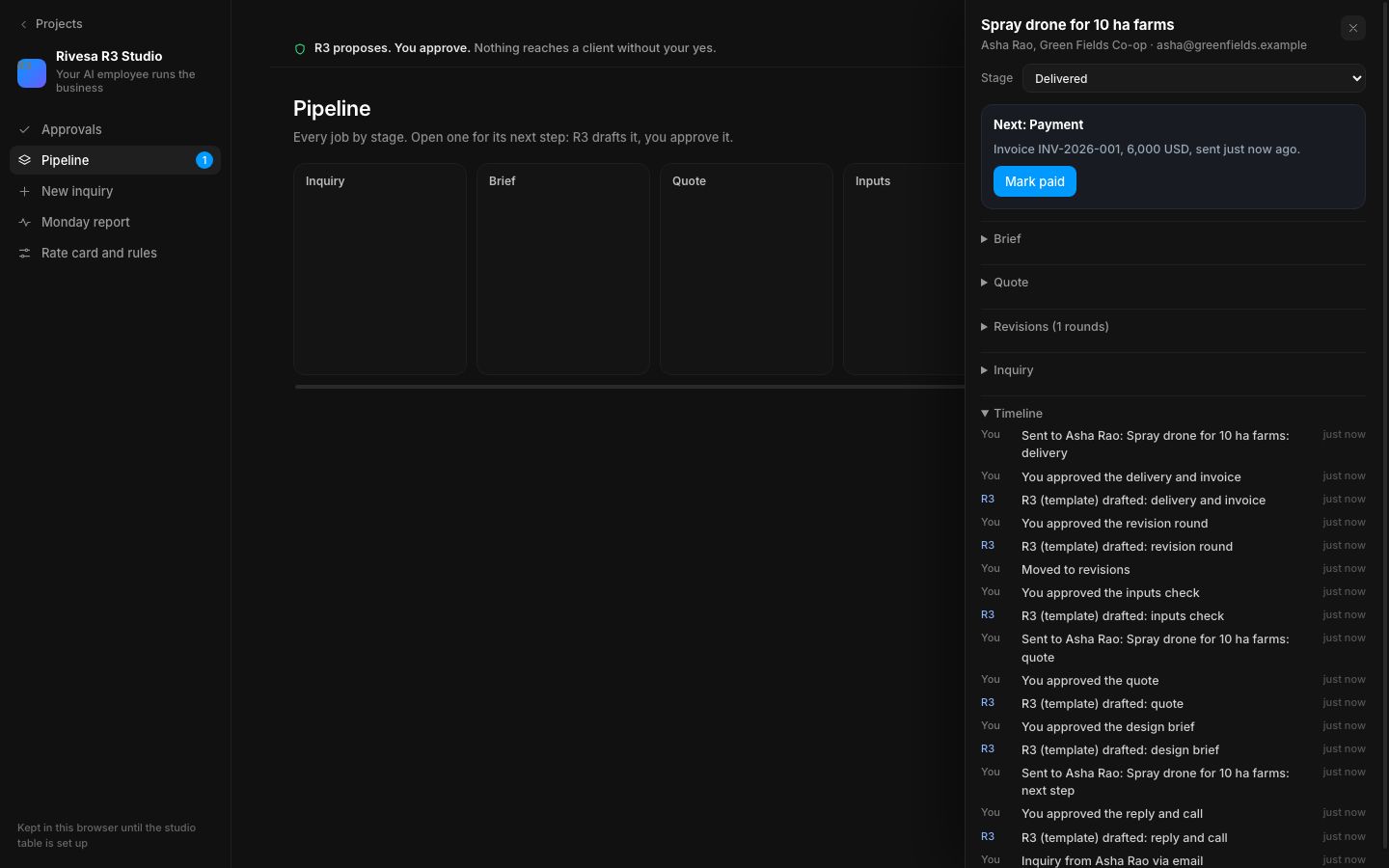
Studio sits above your projects. Paste a client's DM or email under New inquiry and R3 qualifies it (product, requirements, deadline, budget) and drafts the reply proposing a call. Every next step works the same way: your call notes become a design brief with requirements and open questions; the quote is two options from your rate card; the inputs check lists what the client still has to send; client notes become a revision round, with new scope flagged to quote separately; and the delivery comes with its invoice from the accepted option.
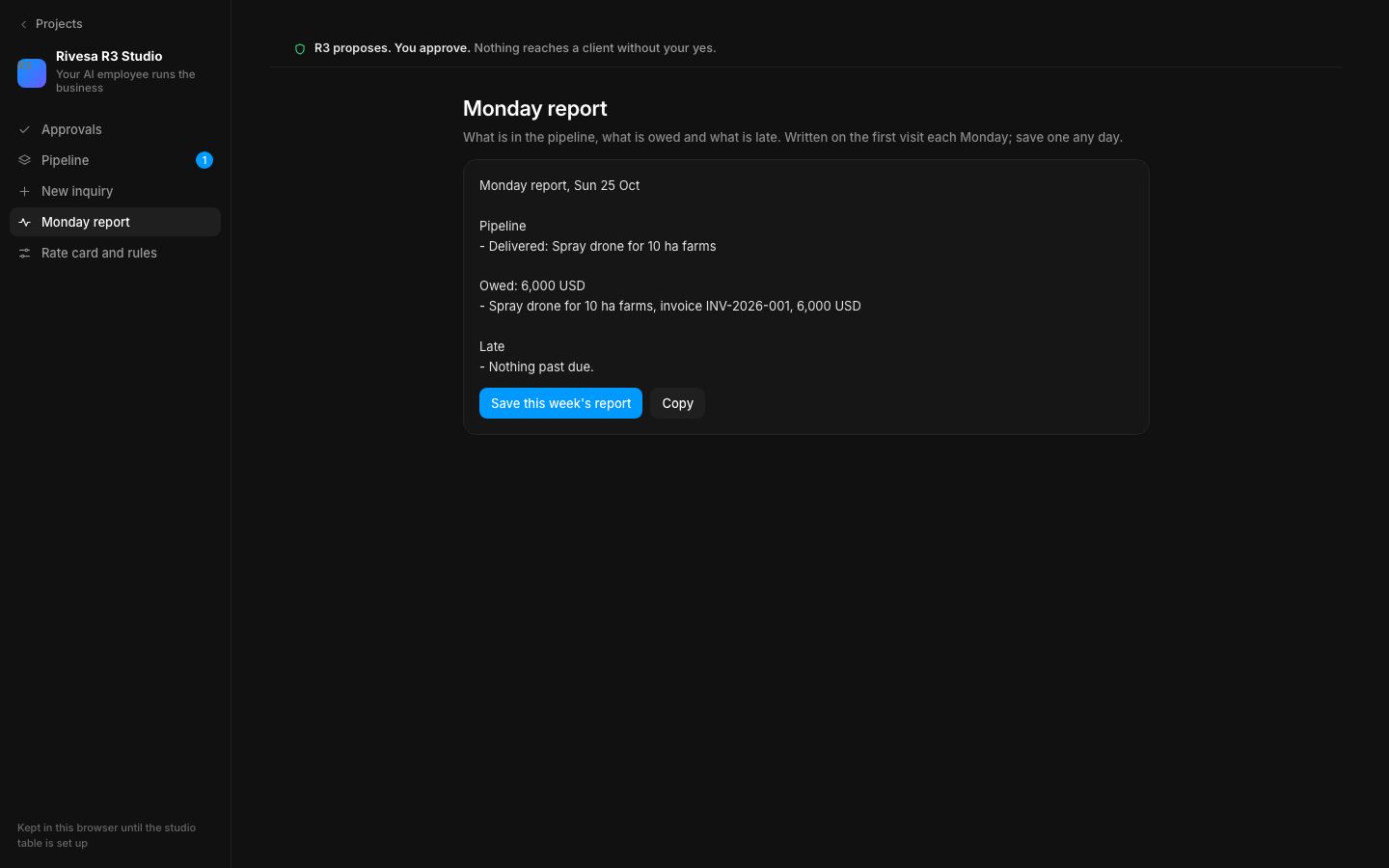
Every draft lands in Approvals. You edit it and approve or reject it; client emails then open in your mail app or copy, and are marked sent. The pipeline shows every job by stage with its next step and timeline, an approved brief can go straight to Rivesa R3 to build the design, and the Monday report says what is in the pipeline, what is owed and what is late. R3 reads your rate card and operating file before every draft, and prices and invoices only ever come from the rate card.
- Added
- Added Rivesa R3 Studio: Approvals, Pipeline, New inquiry, Monday report, Rate card and rules
- Added R3 drafts for replies, briefs, quotes, inputs, revisions and delivery with invoice
- Added Build it with R3 from an approved brief
- Try it
Open Studio from the top of the projects sidebar and add a new inquiry.
Open Speed- Shipped in
edbf376