Code that reads cleanly
Settings › Code shows the design file like a code editor: line numbers, colours, and coordinates on one line.
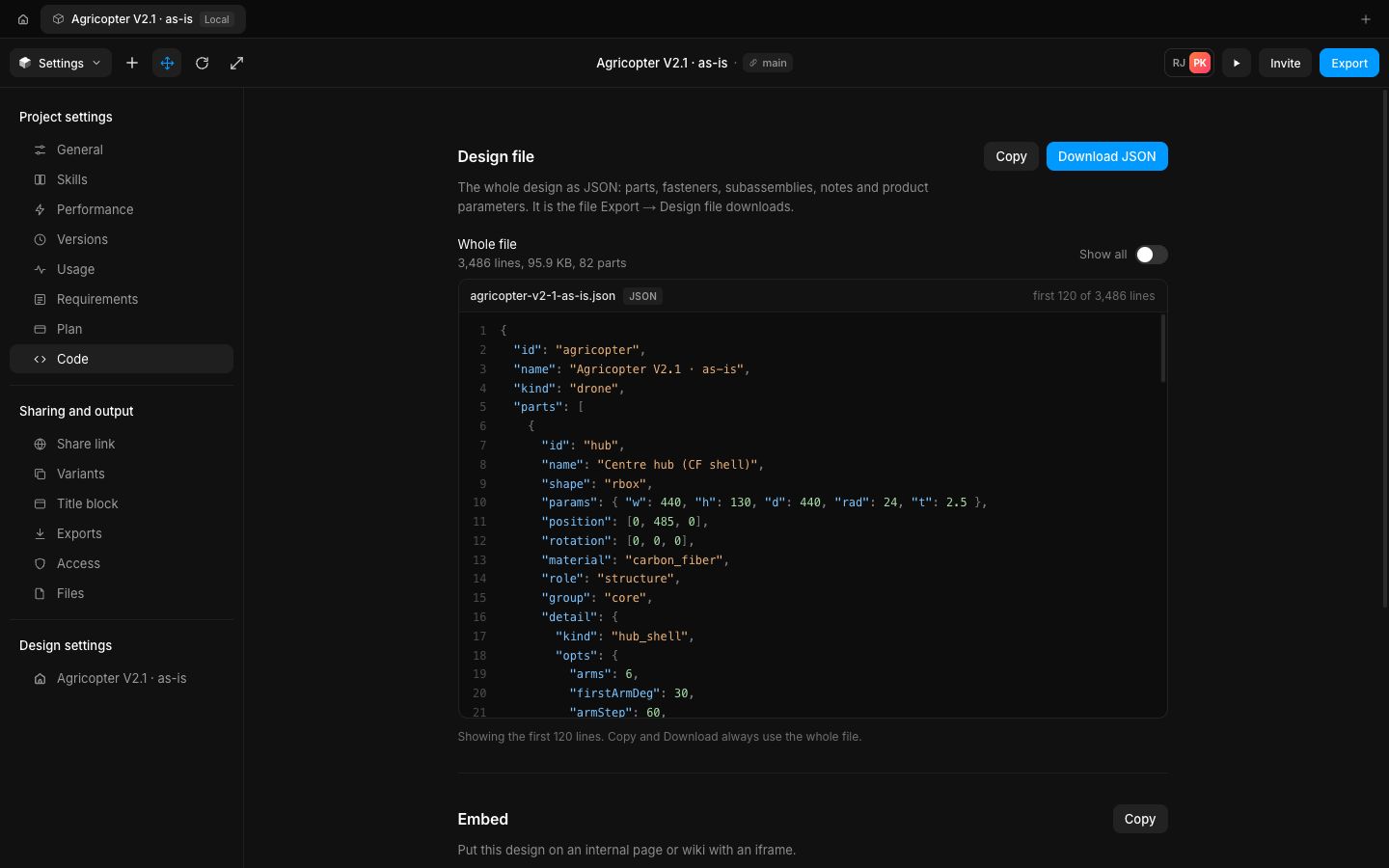
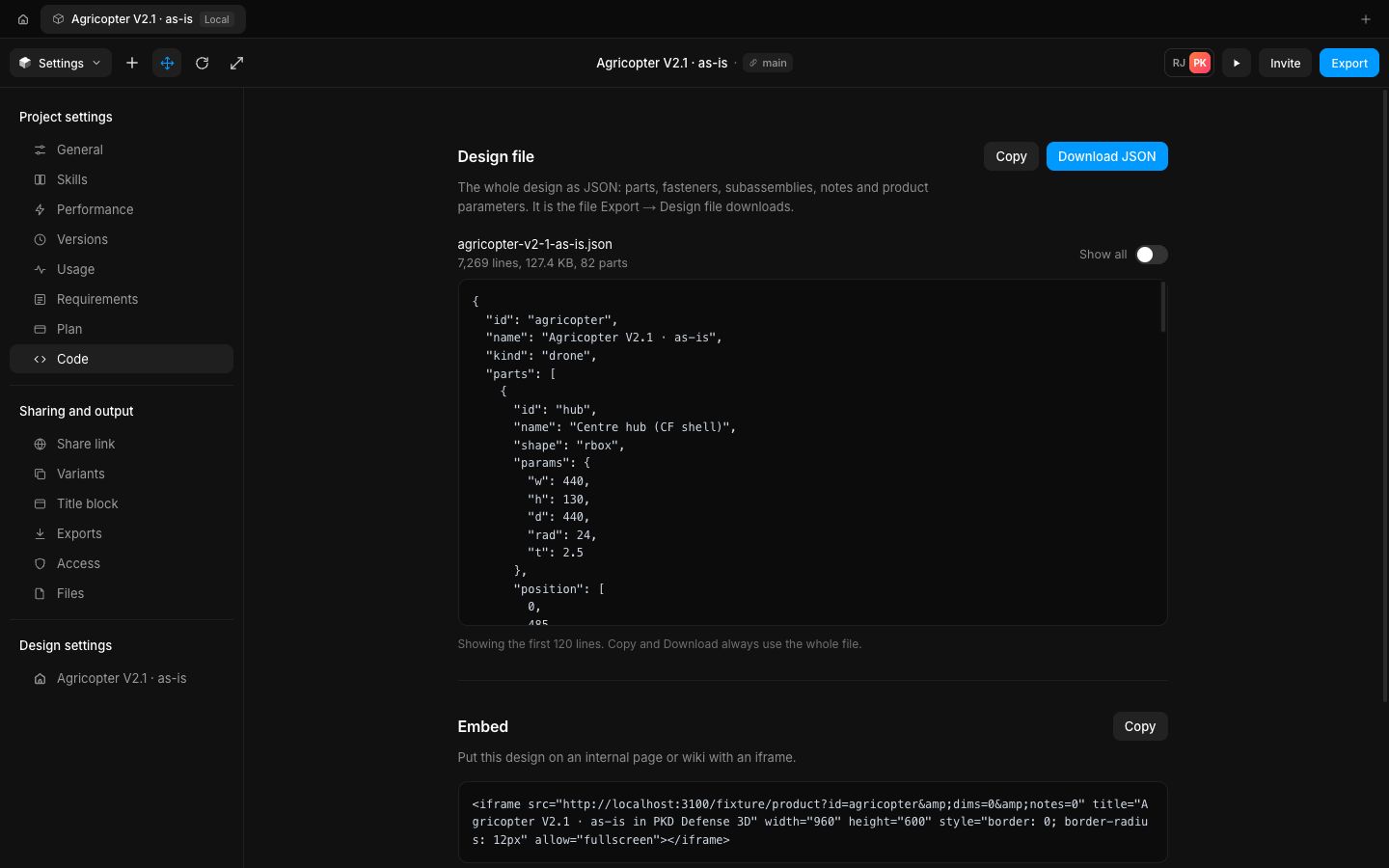
The design file is laid out for reading: short arrays and small objects stay on one line, so a part's position reads [0, 485, 0] instead of five lines, and the file is half as long (7,269 lines down to 3,486 for the Agricopter). It is still the same JSON value.
It sits in a code view with the file name and language on top, line numbers, and colours for keys, strings, numbers and keywords; the embed snippet gets the same treatment, one attribute per line.
- Improved
- Improved the design file view: compact layout, line numbers and colours
- Improved the embed snippet: one attribute per line, in colour
- Try it
Open the Canvas menu › Settings › Code.
Open Speed- Shipped in
2b2b55c