Sketch Chamfer: Angle–distance
Sketch Chamfer now has an Angle–distance type: a distance along the first line and an angle from it, held by a distance and an angle dimension. Editing the angle keeps the value you type, past 90° too.
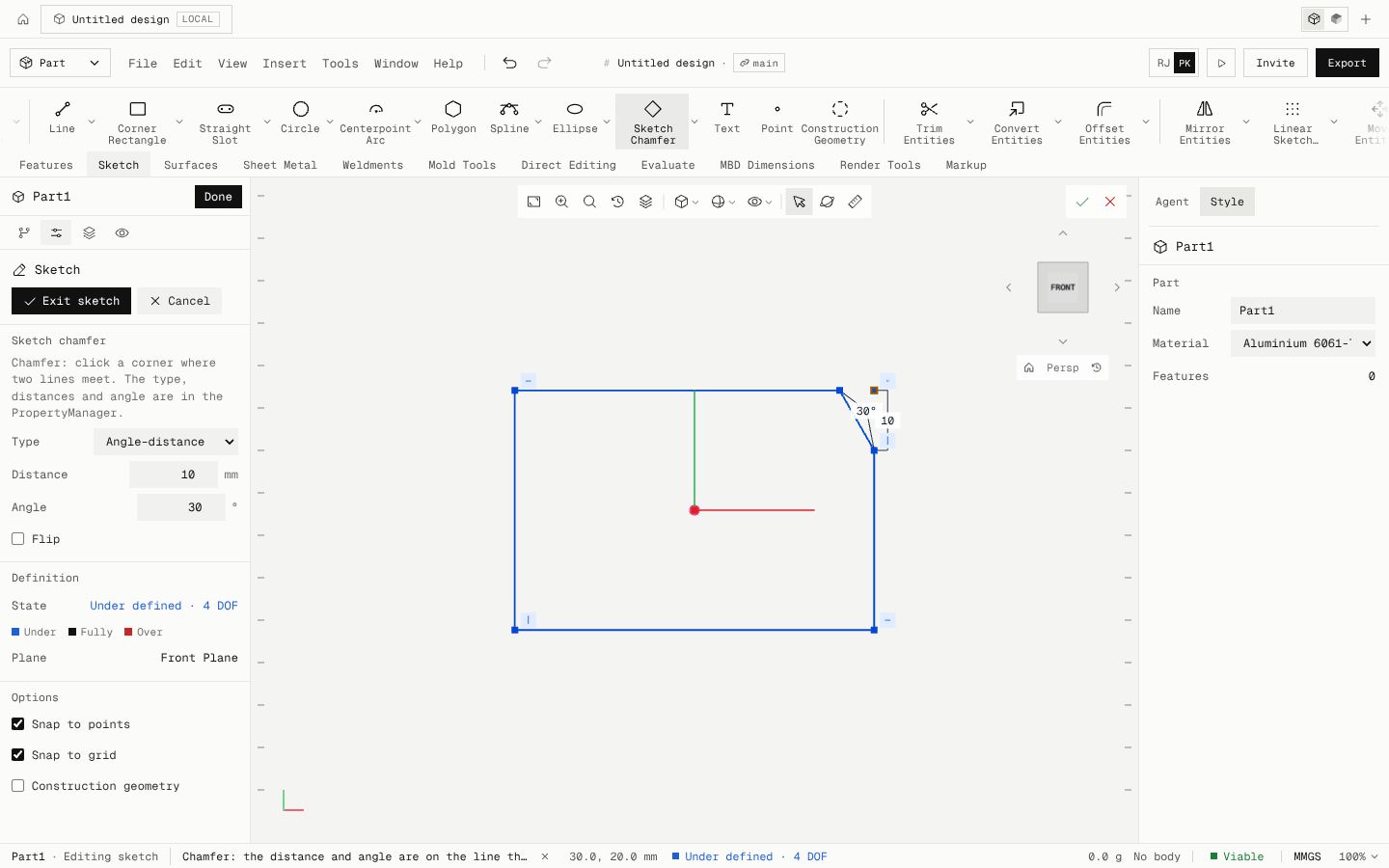
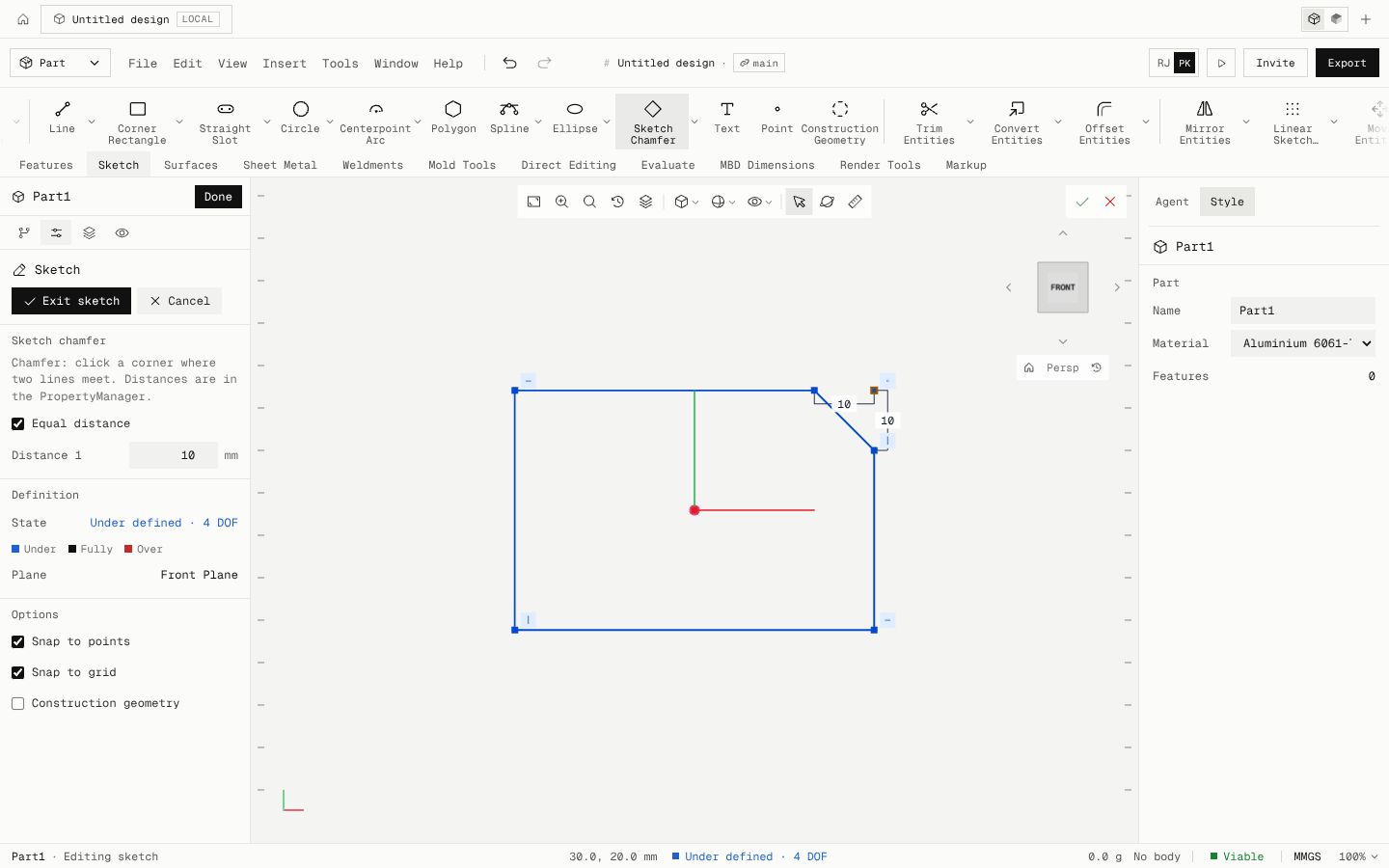
Pick Angle–distance in the Chamfer PropertyManager, type the distance and the angle, then click the corner. Flip puts the distance and angle on the corner's other line. Distance–distance and Equal distance work as before.
The sketch solver now holds the chamfer's angle as a directed angle, so editing it from 30° to 100° on a 56.3° corner gives the cut-back the law of sines says (9.804 mm) instead of quietly solving to the supplementary 80°.
The chamfer line is construction geometry exactly when the corner's first line is. Checked against closed form on 90°, 123.7° and 56.3° corners. Core parity is now 162 of 239.
- Added
- Sketch Chamfer Angle–distance type
- Fixed
- A sketch chamfer's angle dimension no longer solves to its supplement when edited across 90°
- Shipped in
80809b6