Building by hand on the full toolset: nine parts, assemblies and frames, and two fixes
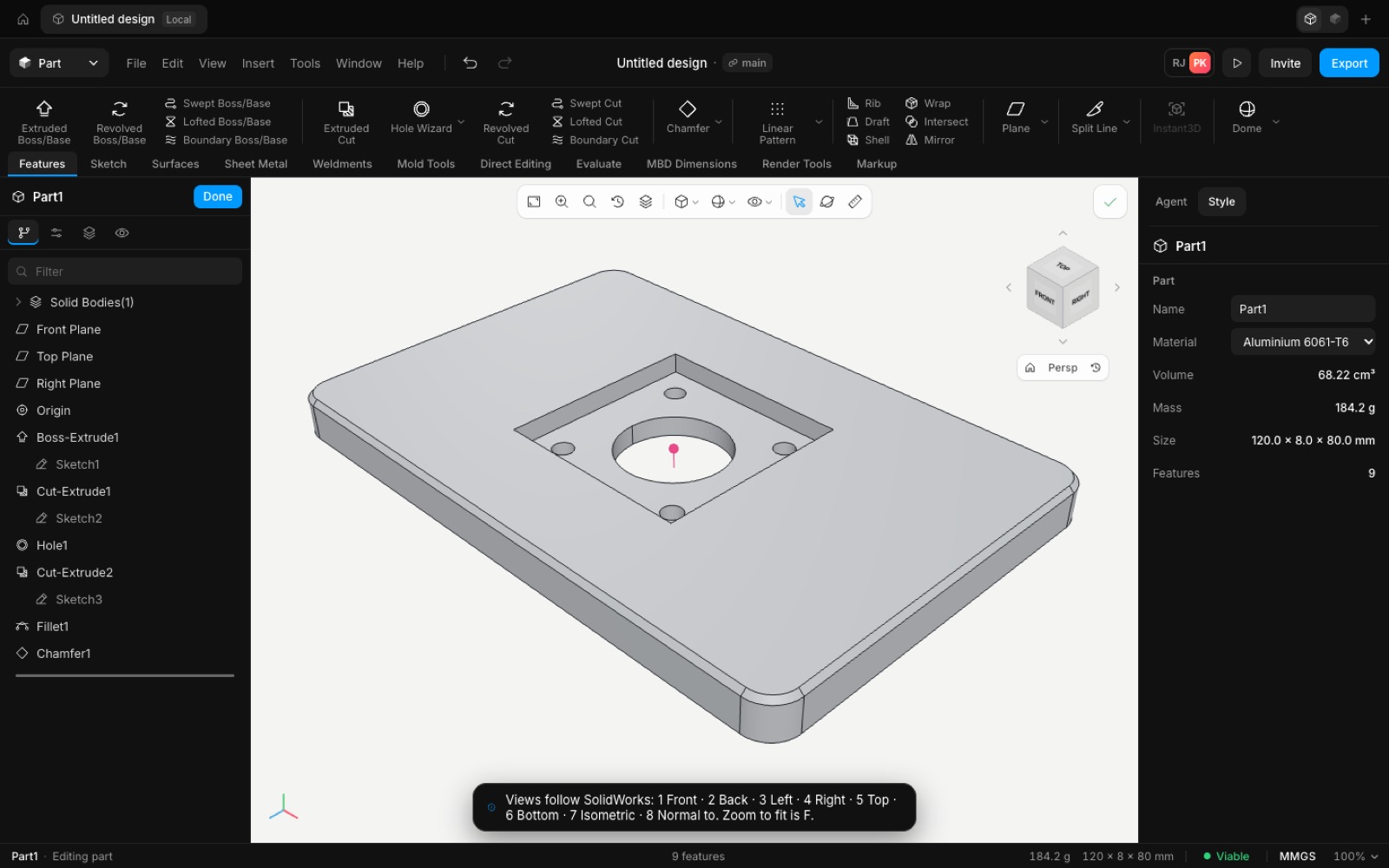
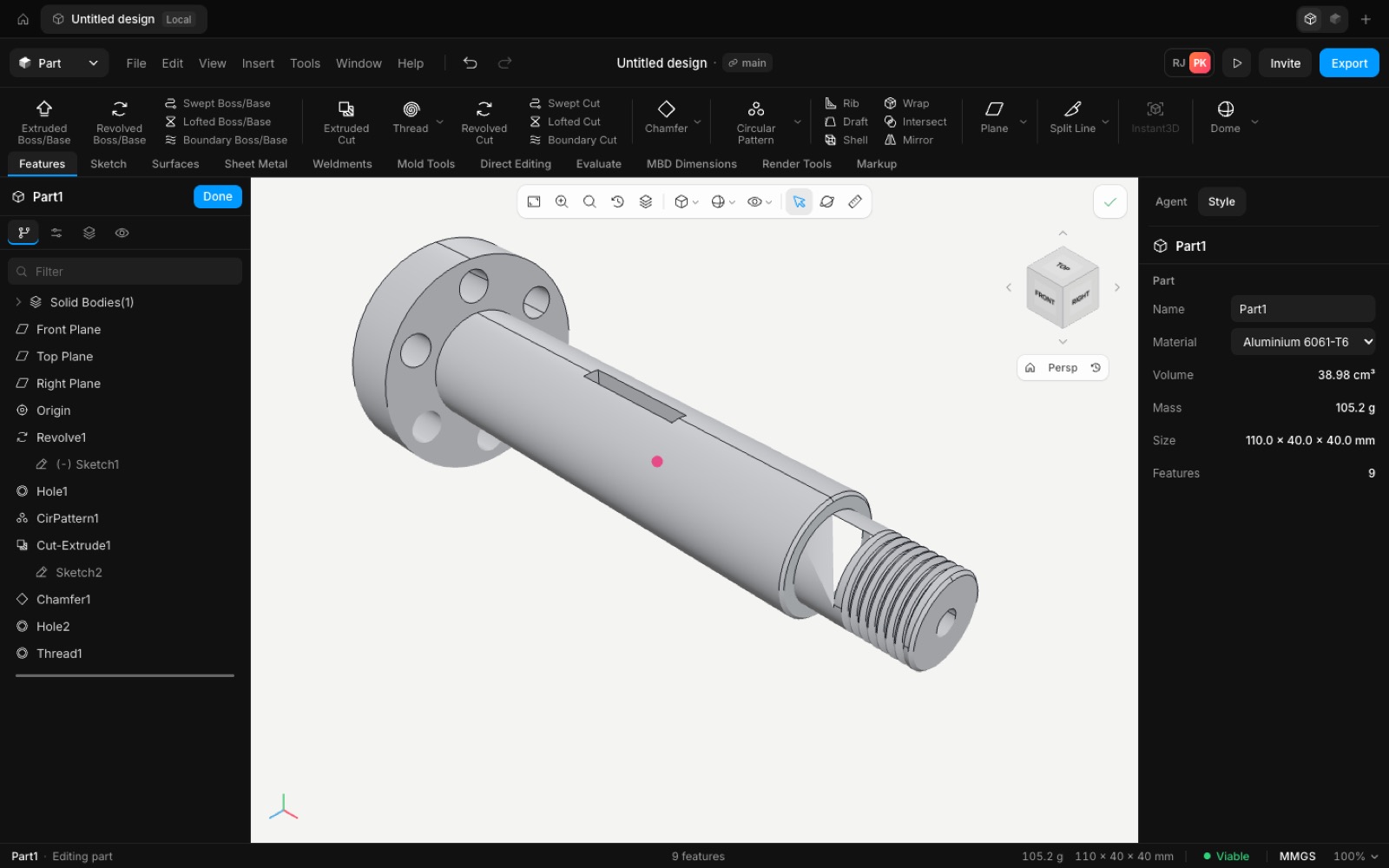
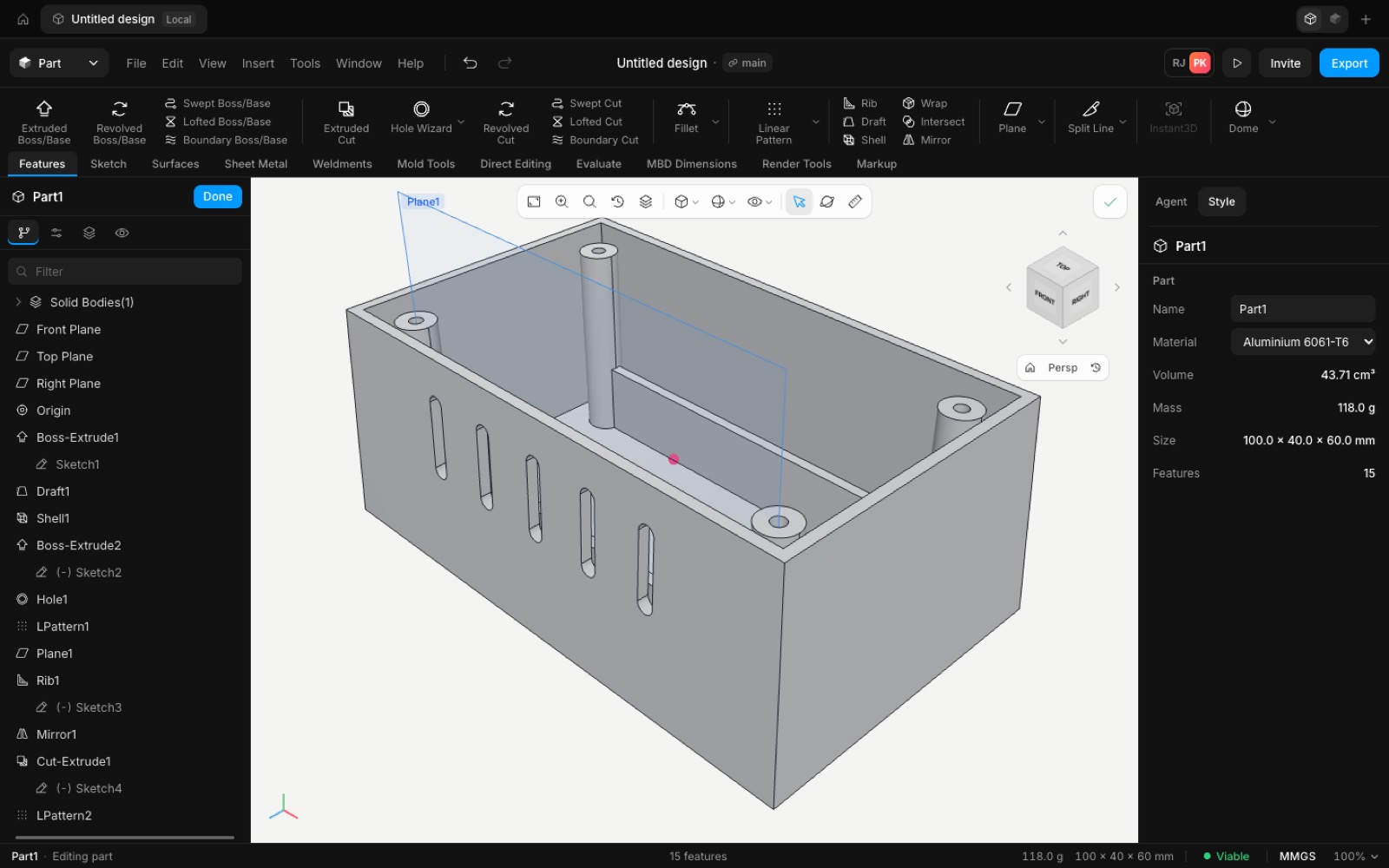
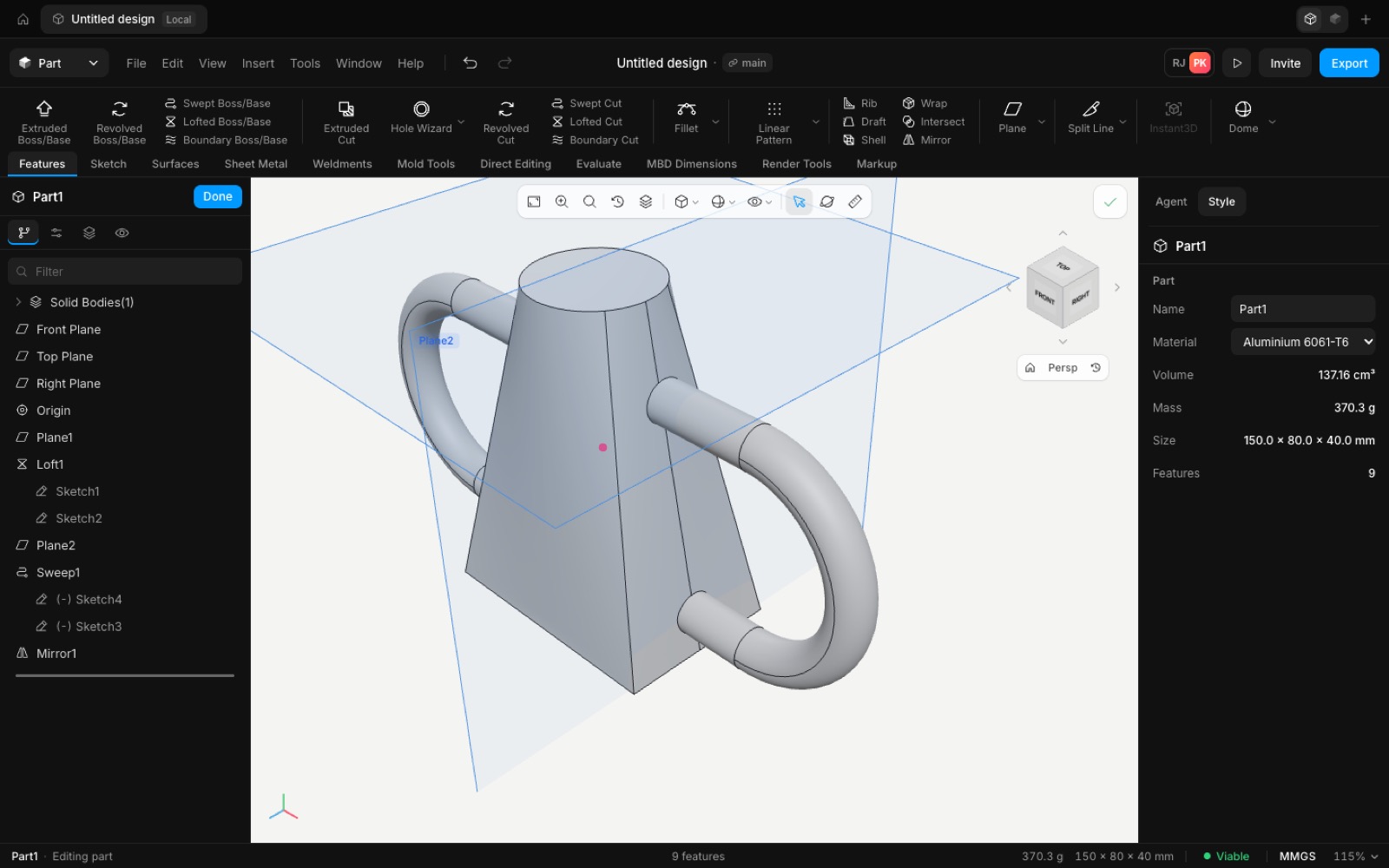
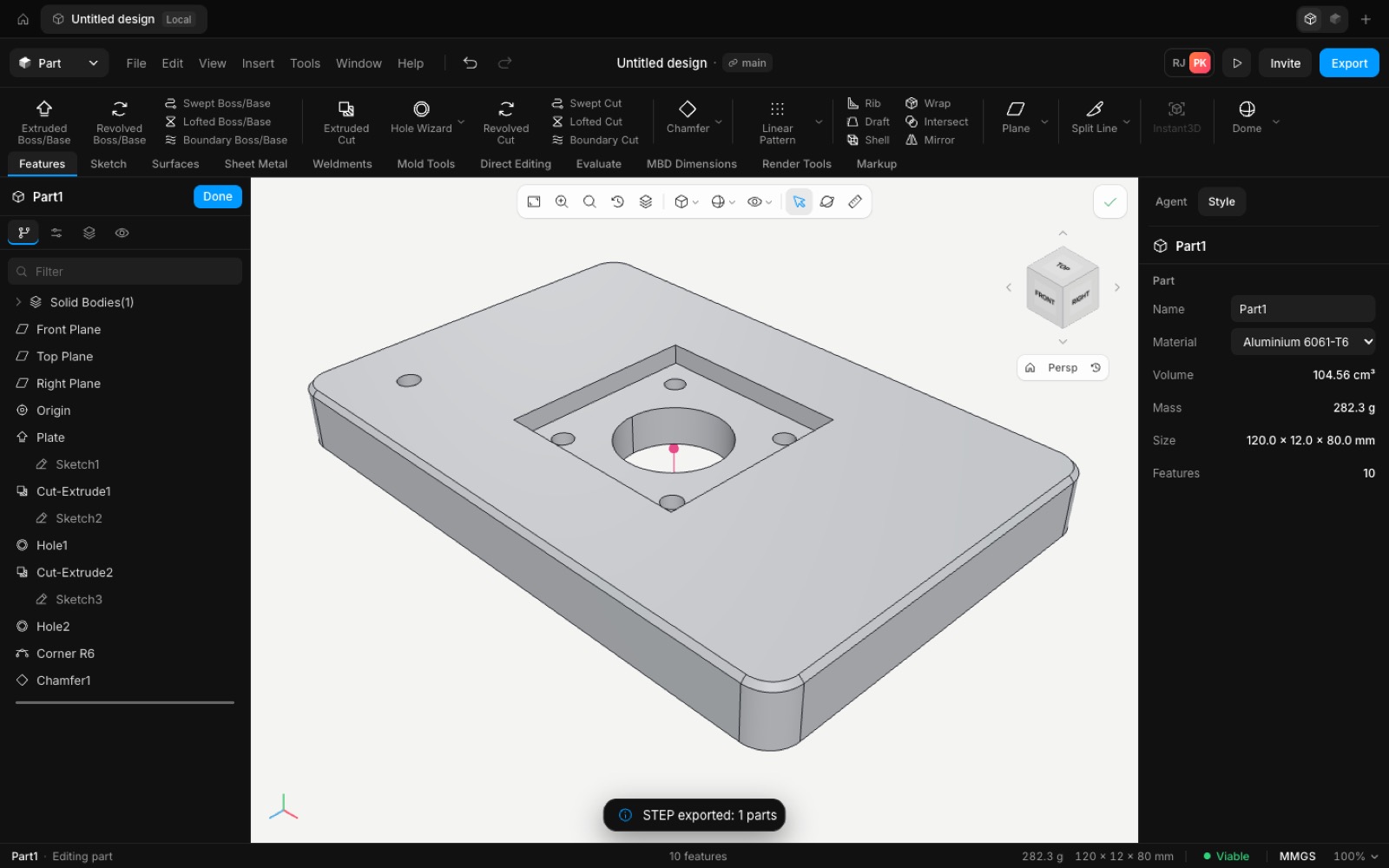
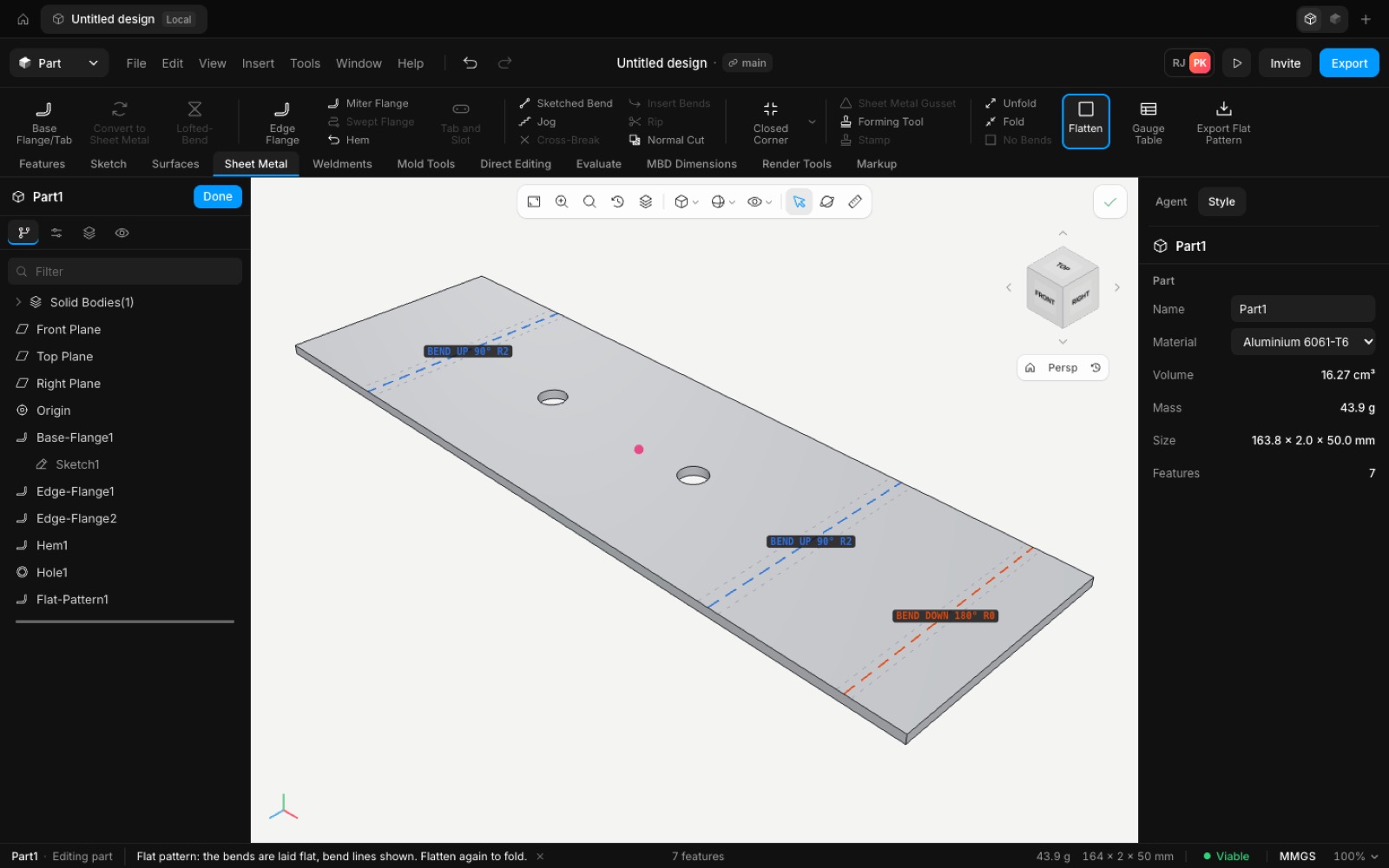
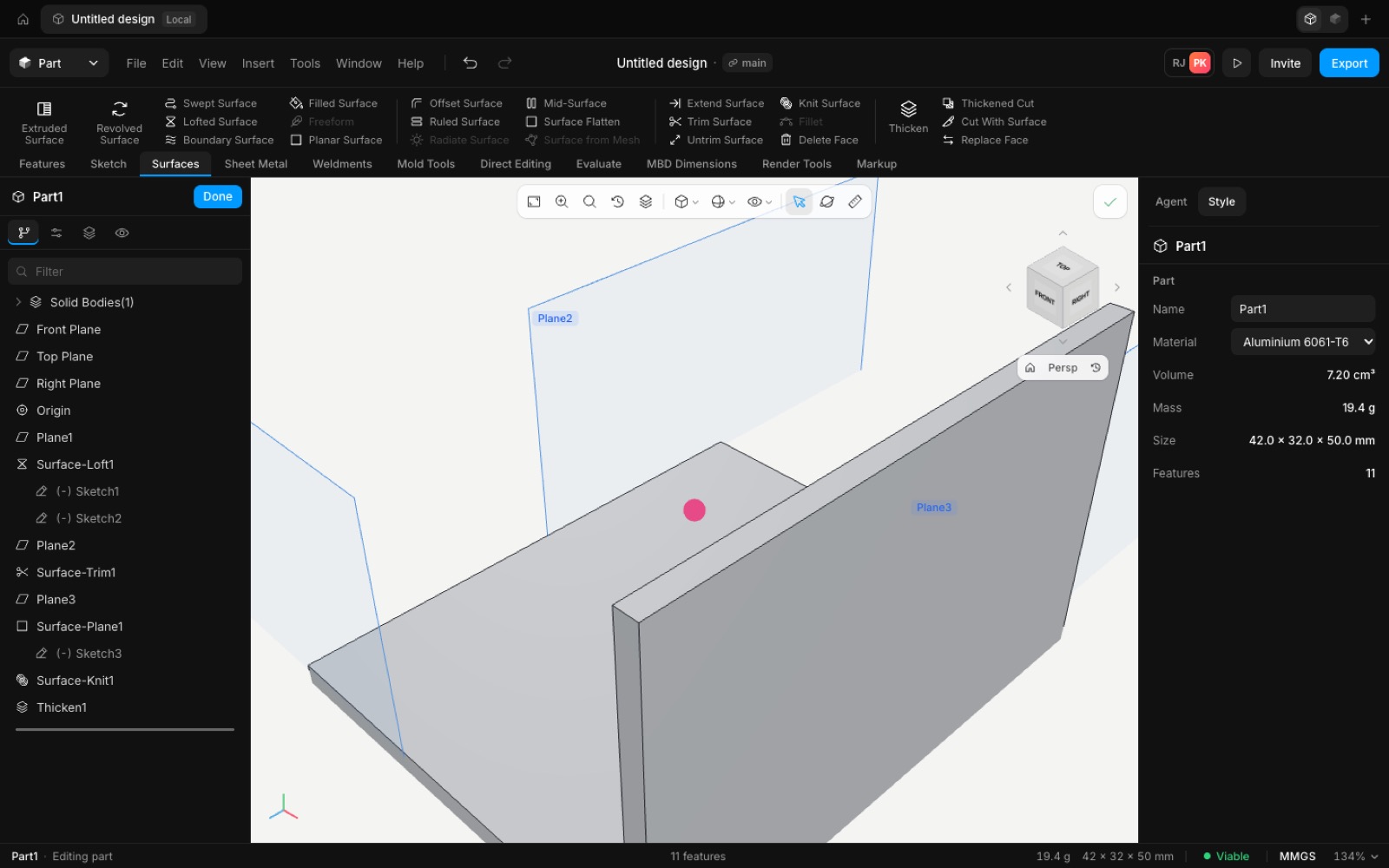
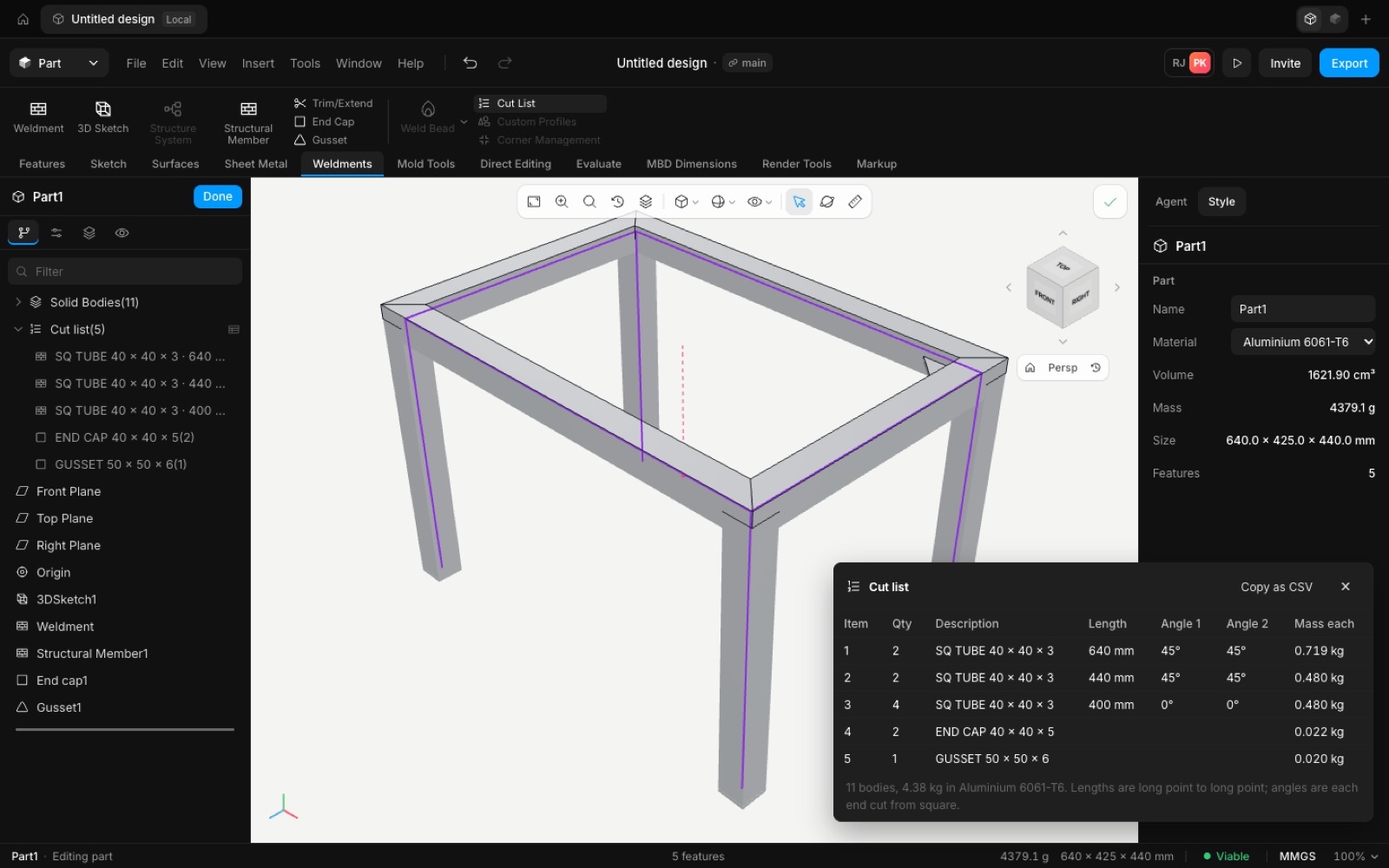
The hand-building test now drives the SolidWorks-style ribbon and builds ten designs through the real screen: the motor mount plate, flanged shaft, enclosure, duct and handle, an edit session, a sheet metal bracket, a surface model, a welded frame, a gearbox assembly and a drawing. Two problems it found are fixed: a new mate could flip a part upside down, and a double-click on Exit sketch or Cancel could also hit what sat behind it.
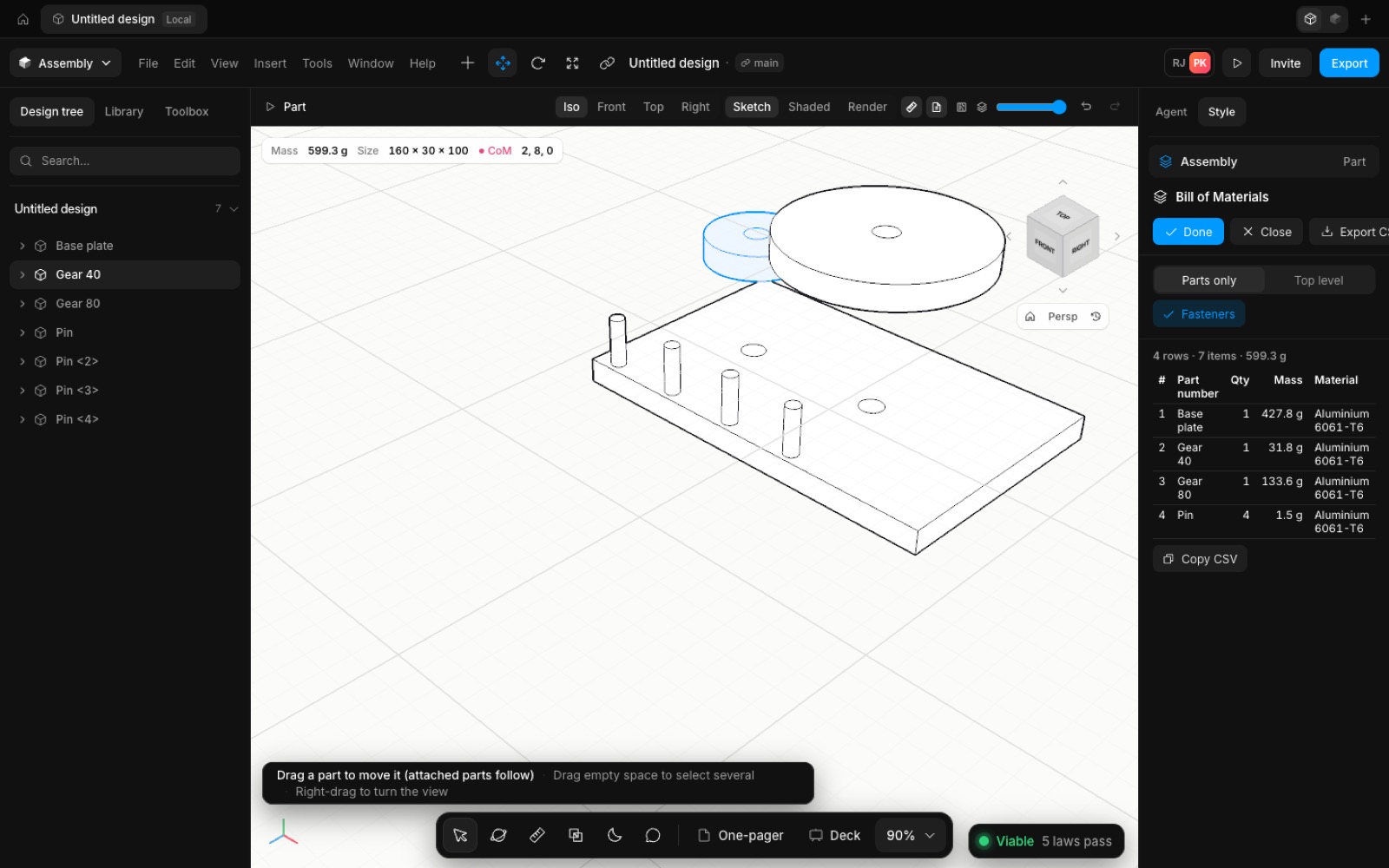
A new mate now starts with the alignment nearest to where the parts already are, so mating a gear to the base plate leaves it upright instead of flipping it.
Exit sketch and Cancel ignore the second click of a double-click, which used to land on the canvas or the next panel.
The test finds each button by its command id rather than its position, so it keeps working as the layout changes, and it can run the whole set several times in a row. The screenshots are the dark theme, taken at the end of each build.
- Improved
- The hand-building test drives the new ribbon and covers sheet metal, surfaces, weldments, assemblies and drawings
- Fixed
- A new mate could flip a part (it now keeps the nearest alignment)
- A double-click on Exit sketch or Cancel also clicked through
- Shipped in
8e6ae34