One platform: CAD first, the agent on top
No more choosing between Manual and R3. A new design opens as a blank part with its origin and three planes, like a new SolidWorks part. The design tree leads the left panel, and the agent works beside you in the right panel.
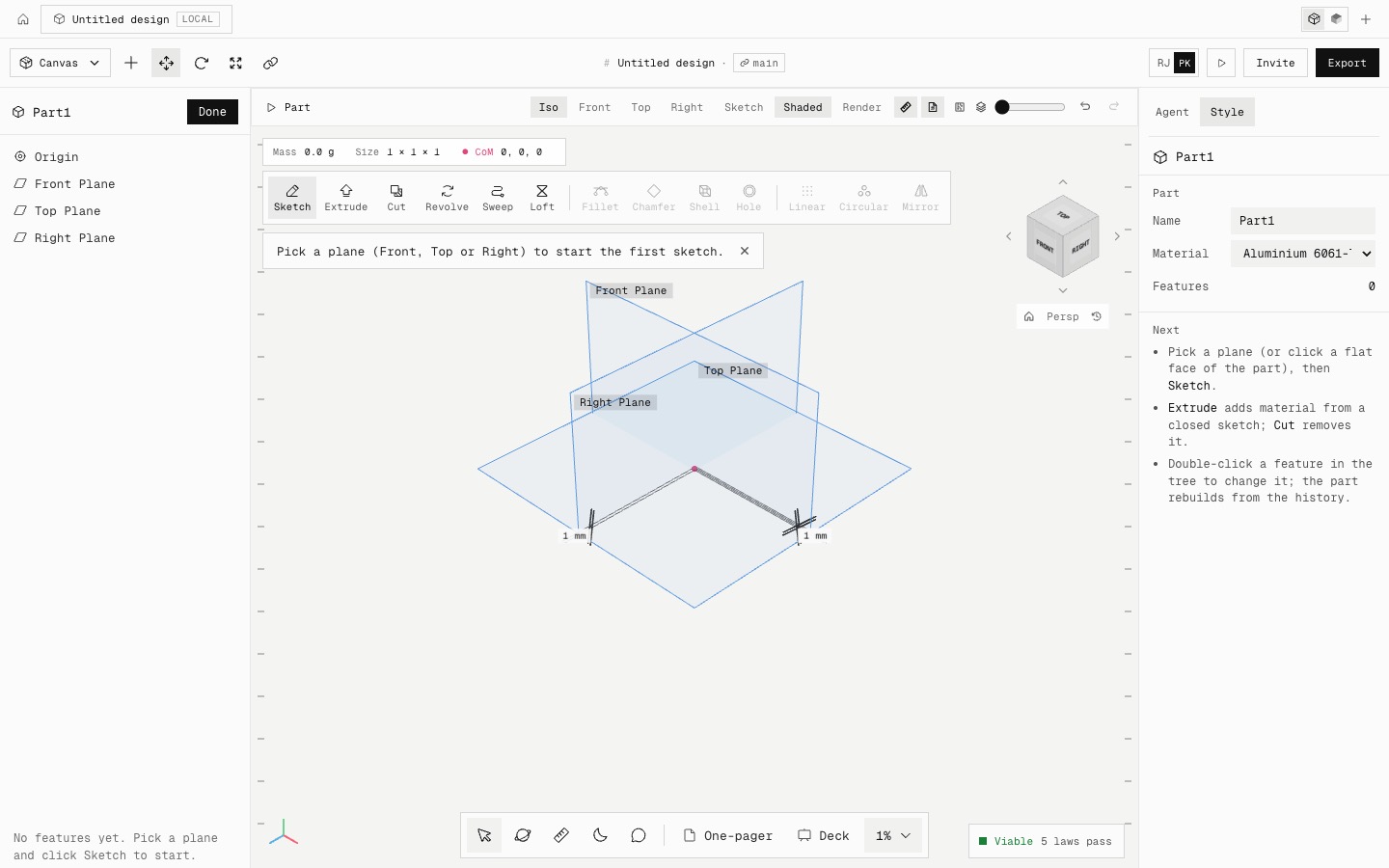
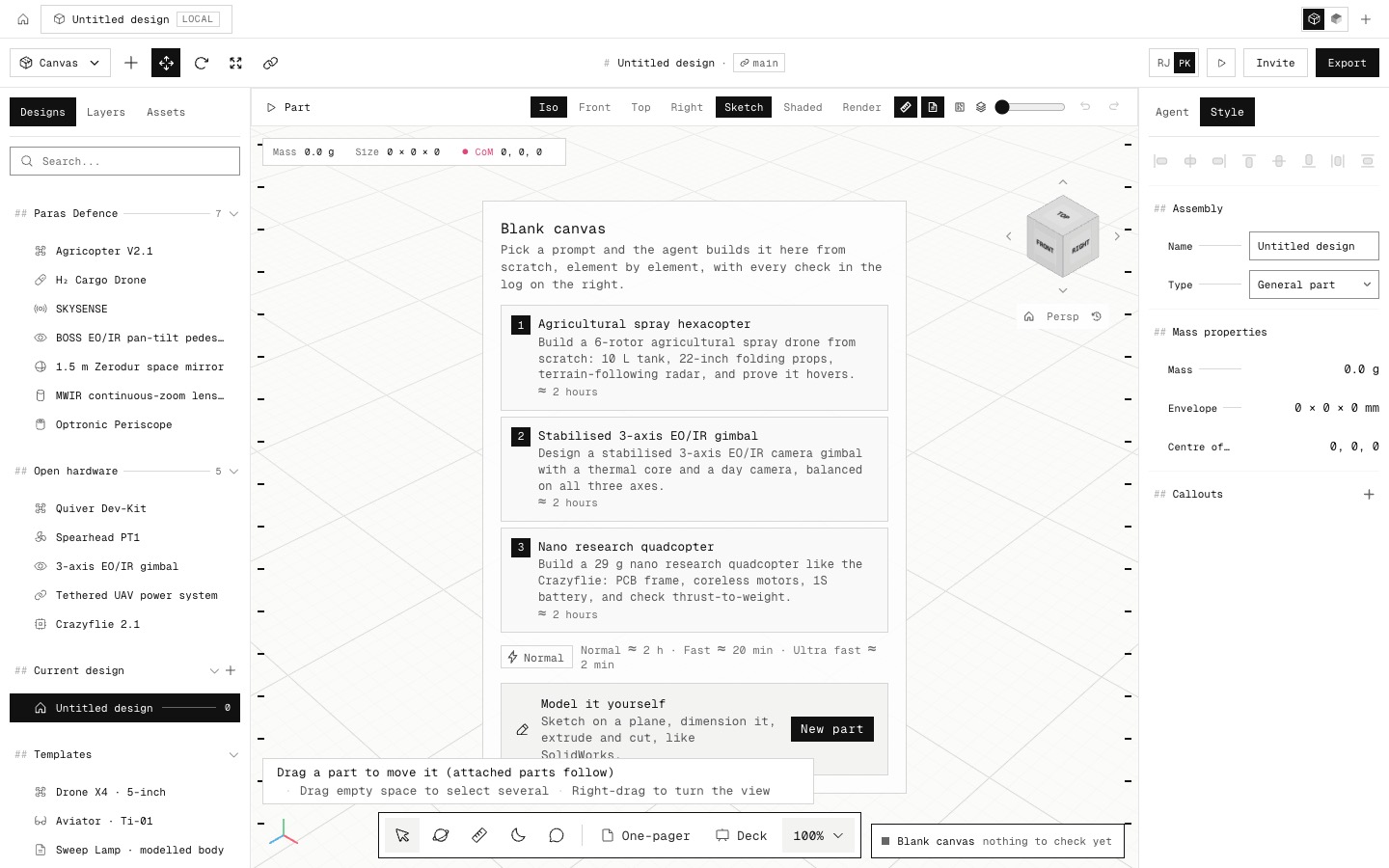
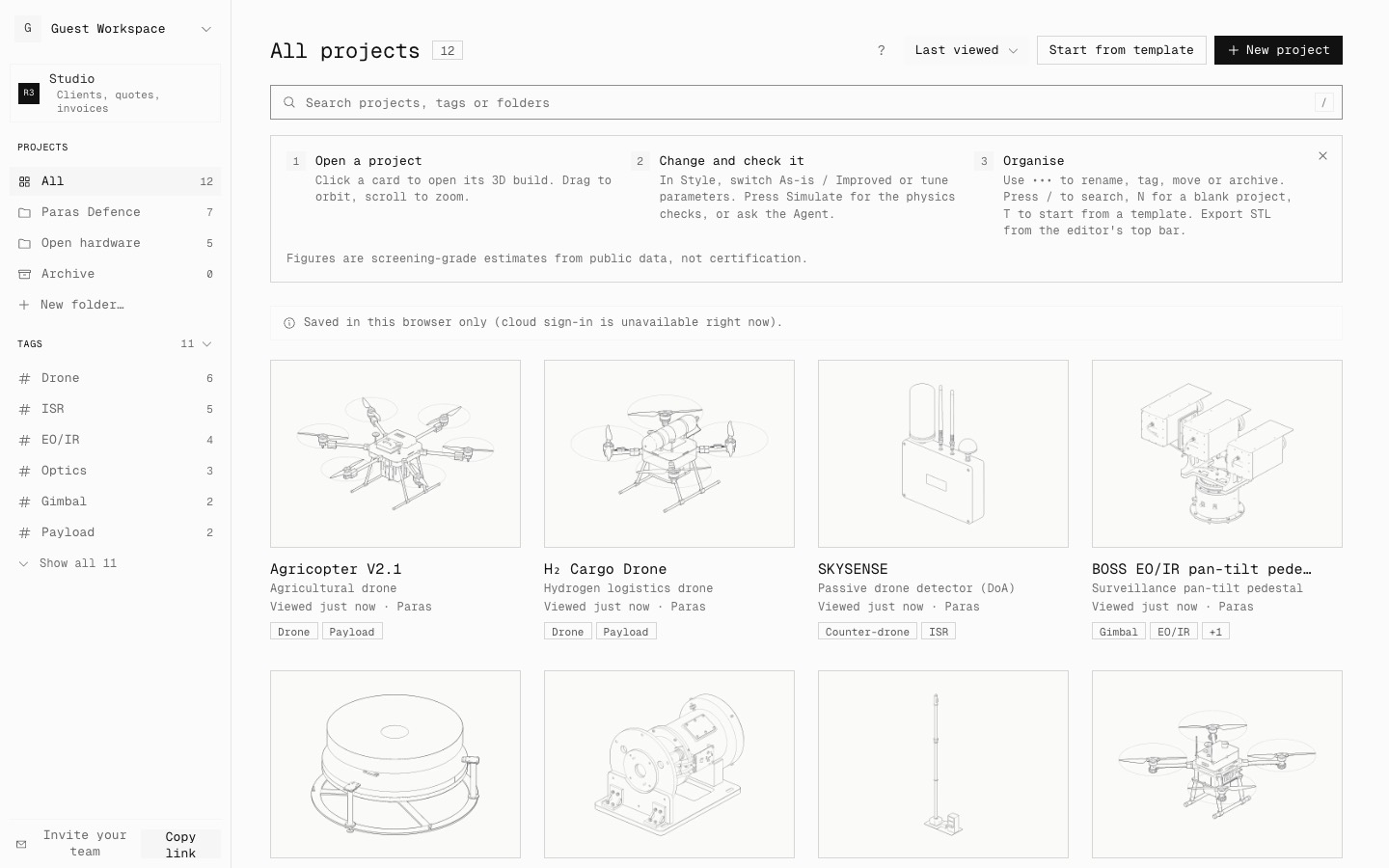
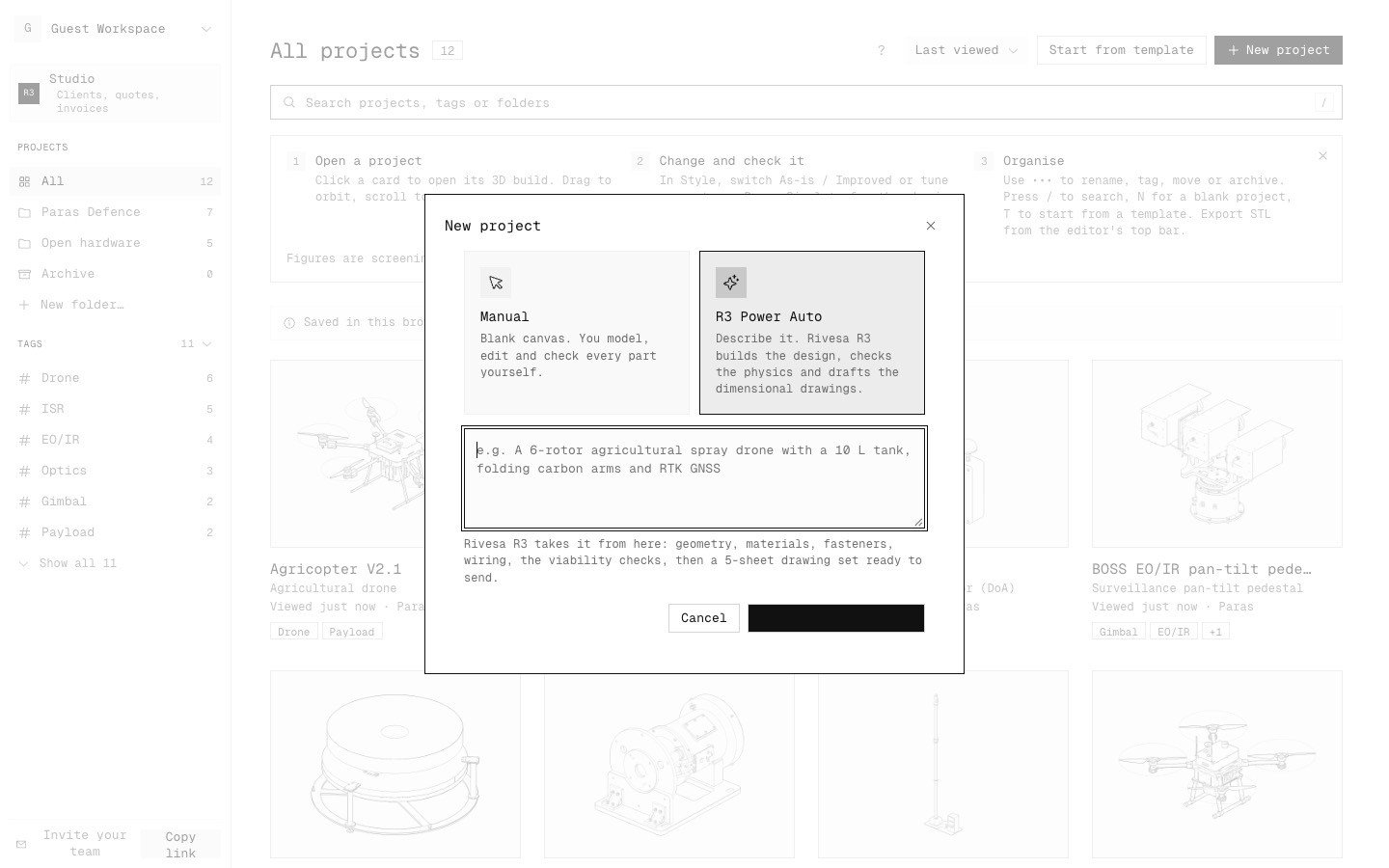
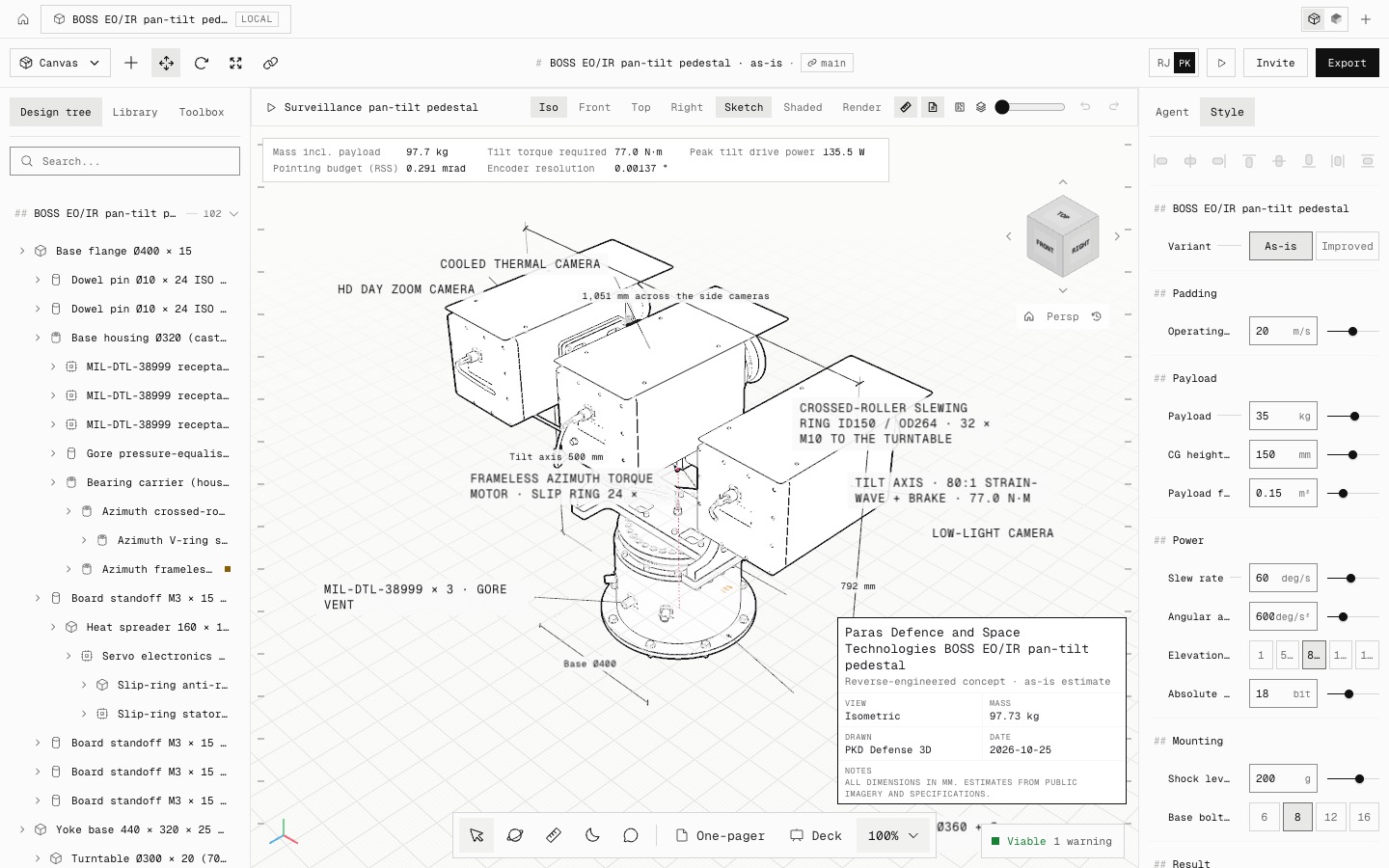
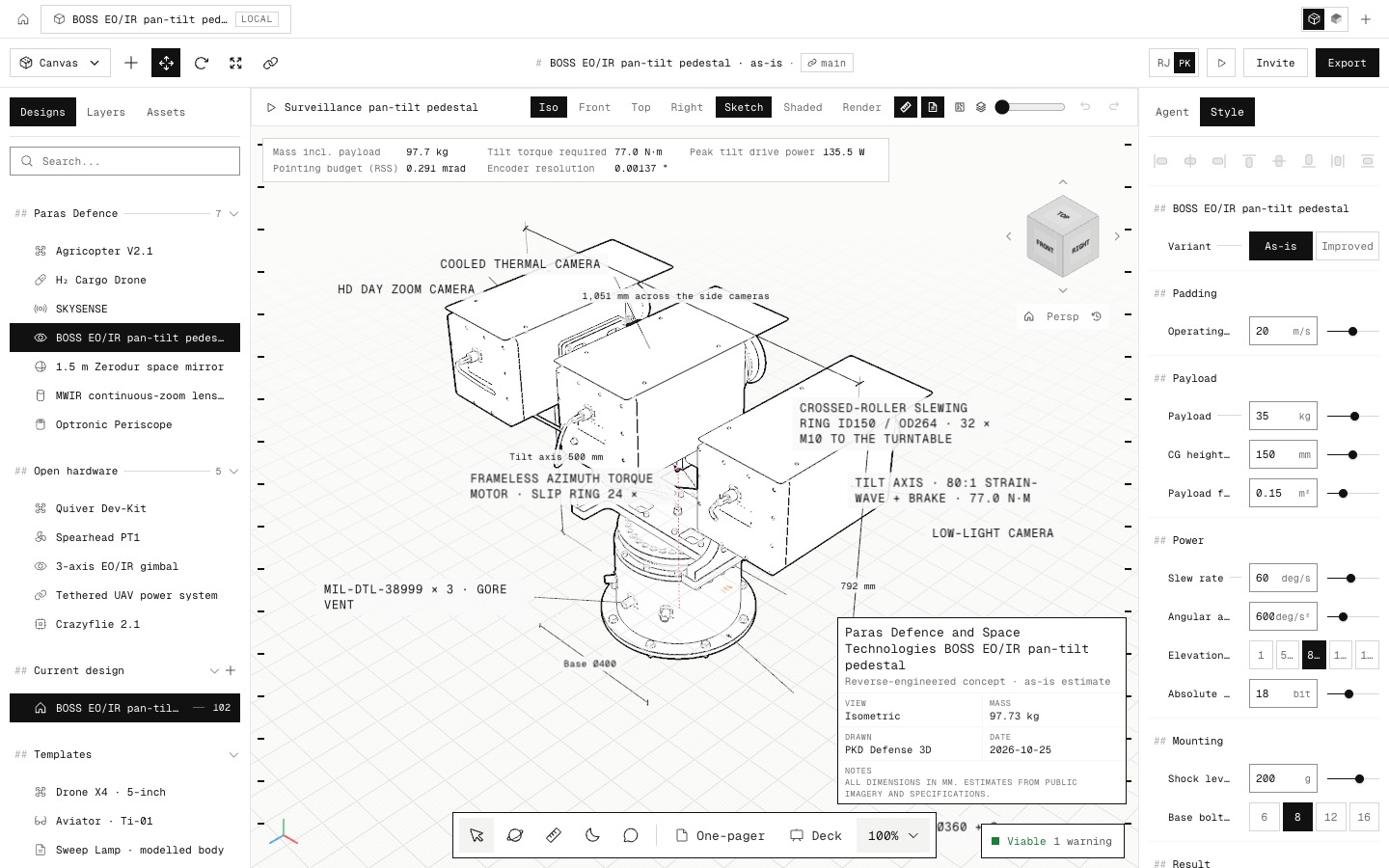
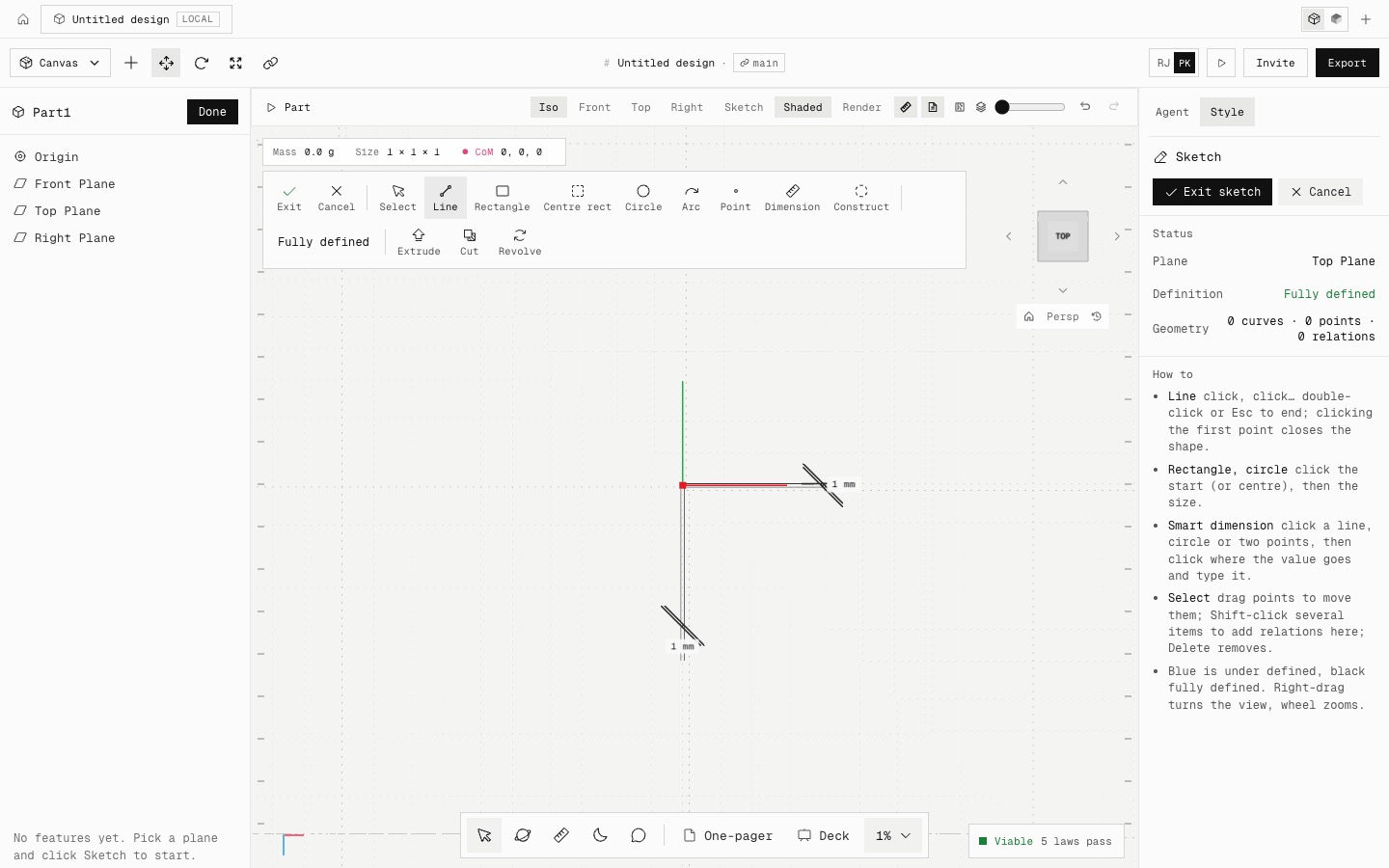
New project opens a blank design straight away. A blank design opens as Part1 with its Origin and Front, Top and Right planes in the design tree: pick a plane and sketch. The canvas no longer shows prompt cards or a separate Model it yourself button. Ask the agent in the right panel to build, fix or draft at any point, on the same design.
The left panel follows SolidWorks. Design tree, the FeatureManager rooted at the design's name, comes first and is open by default. Library holds the products, templates, physics laws and materials. Toolbox holds primitives and catalogue components.
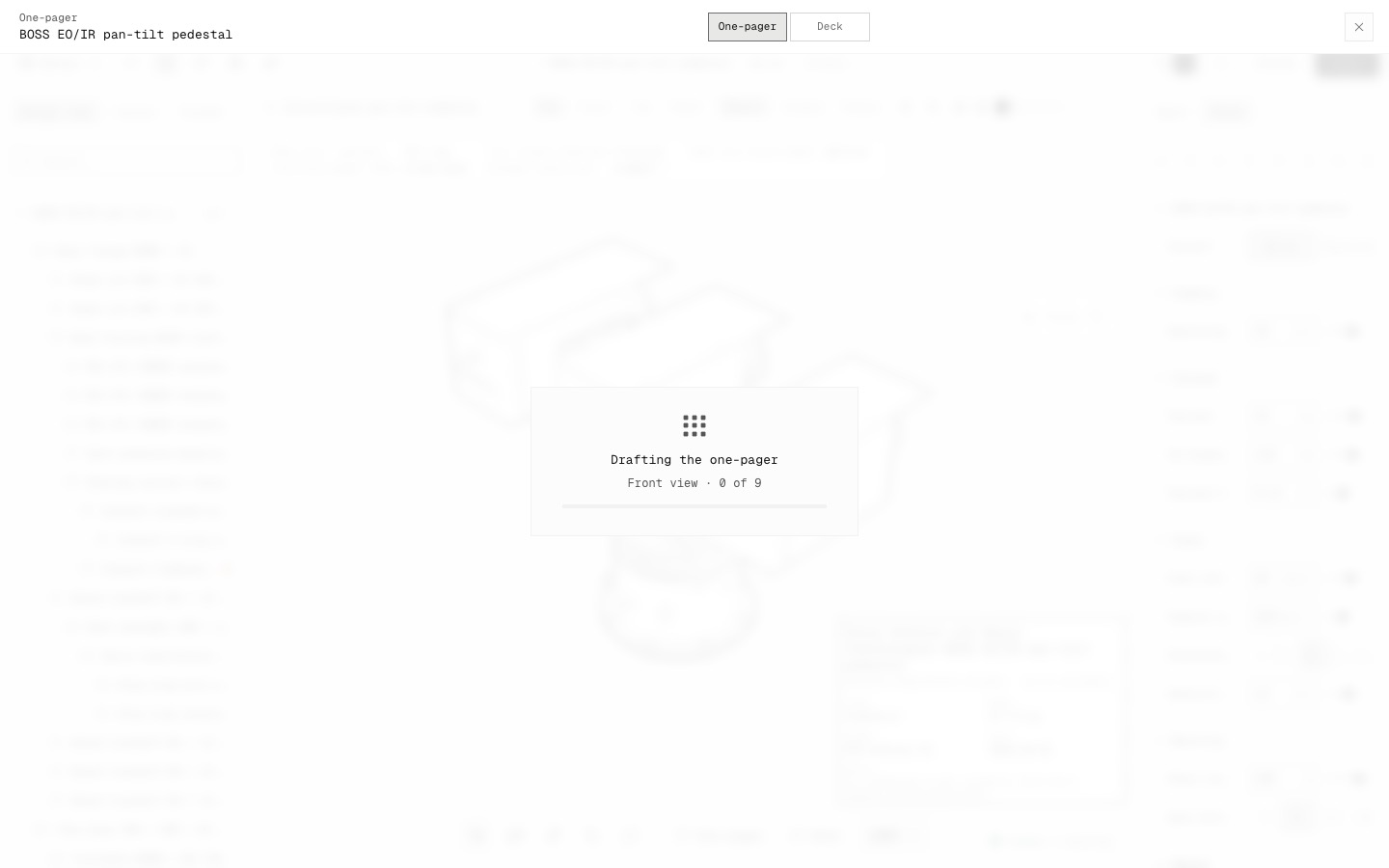
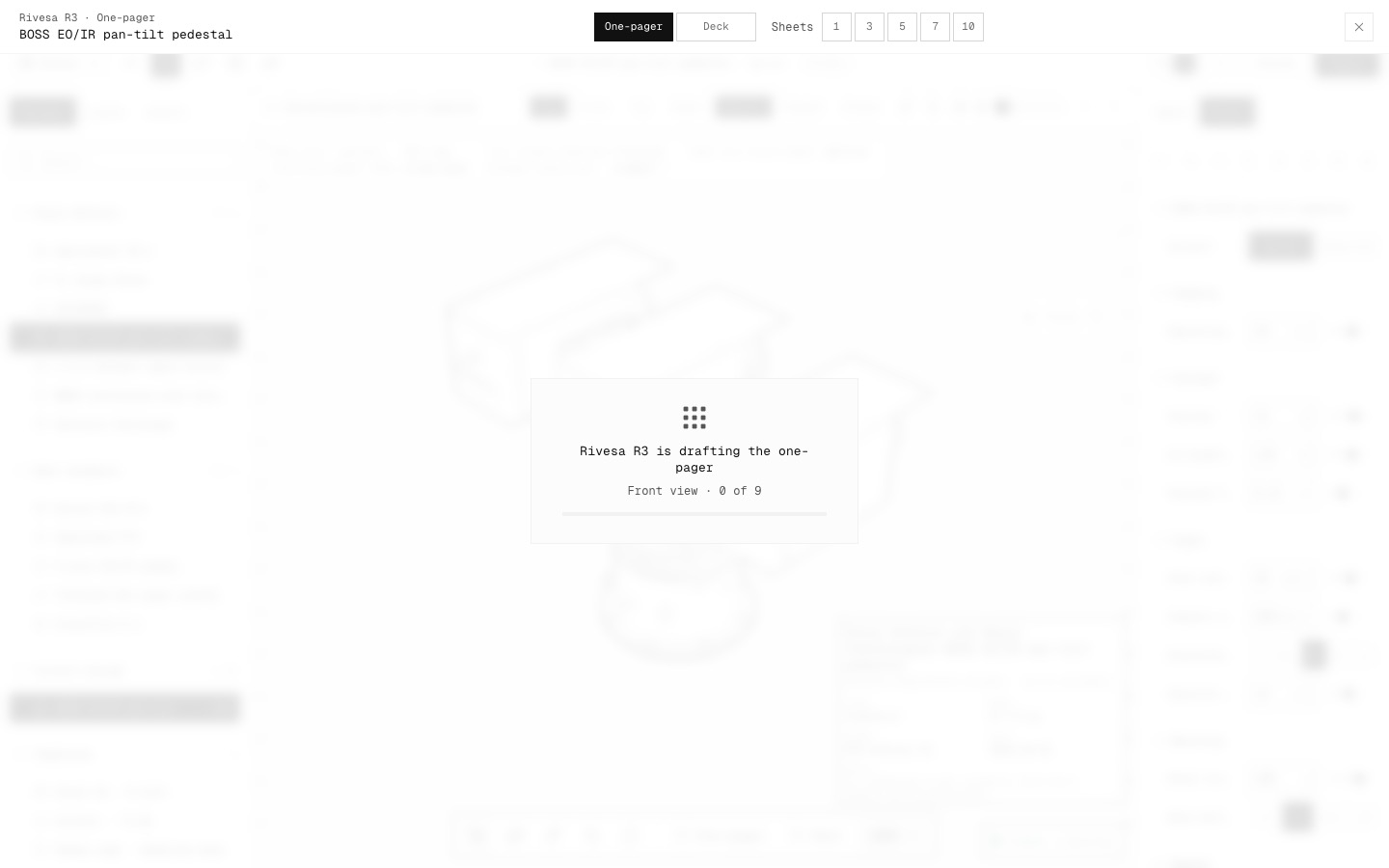
A one-pager is one sheet, so it no longer asks how many. A deck still offers 3, 5, 7 or 10 sheets.
The Tech theme is softer on the eye. Whatever is selected is a light grey instead of a black box, and menus, dialogs and the dock have hairline edges. The ticks down the canvas edges are lighter.
Fixed: the New project button text was invisible (black on black), Exit sketch wrapped onto two lines, and drafting an empty design now says to extrude or revolve a sketch first.
- Improved
- One platform instead of Manual and R3 modes
- Design tree first in the left panel
- Softer selection in the Tech theme
- One-pager without a sheet count
- Fixed
- Invisible New project button text
- Exit sketch wrapping
- Empty-design drawing message
- Try it
Click New project on the projects page, then double-click Top Plane in the design tree to start sketching.
Open Speed- Shipped in
5ba7ec5