Six modelling fixes from building five real parts by hand
Five parts were built from a blank part using only clicks and keys: a motor mount plate, a flanged shaft, a drafted and shelled enclosure, a lofted duct with a swept handle, and a round of edits. That turned up six modelling bugs, all fixed. The worst: a sketch on a face did not follow the face when the part changed.
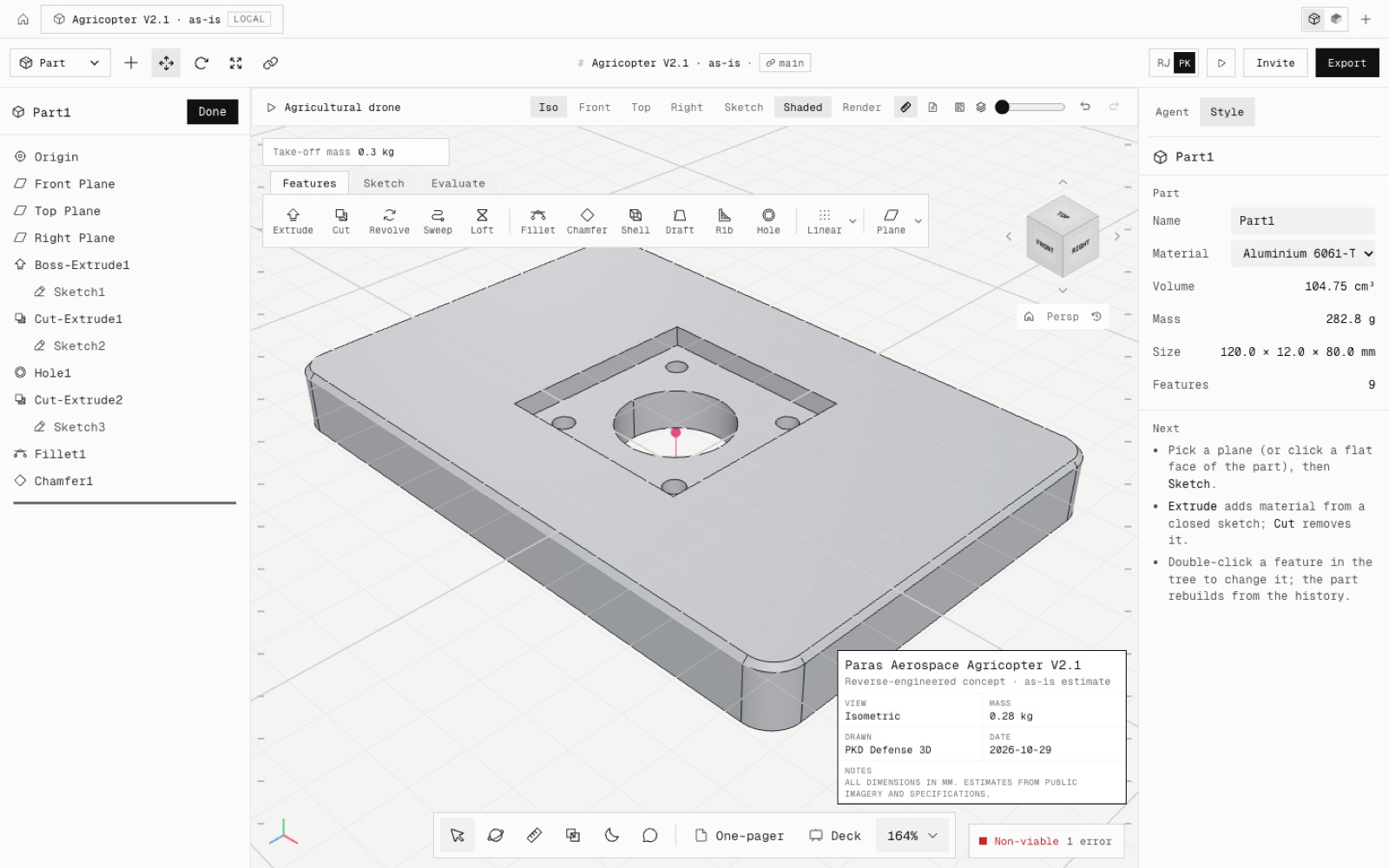
Sketches on faces now follow their face. Making the motor mount plate 12 mm instead of 8 used to leave the pocket as a sealed void inside it. The pocket, holes and bore now move up with the top face.
A rib sketched on a reference plane is built on that plane. It used to go to the Front plane, which put the first rib in the wrong place and made the second fail. Ribs can now be mirrored and patterned like extrudes and holes.
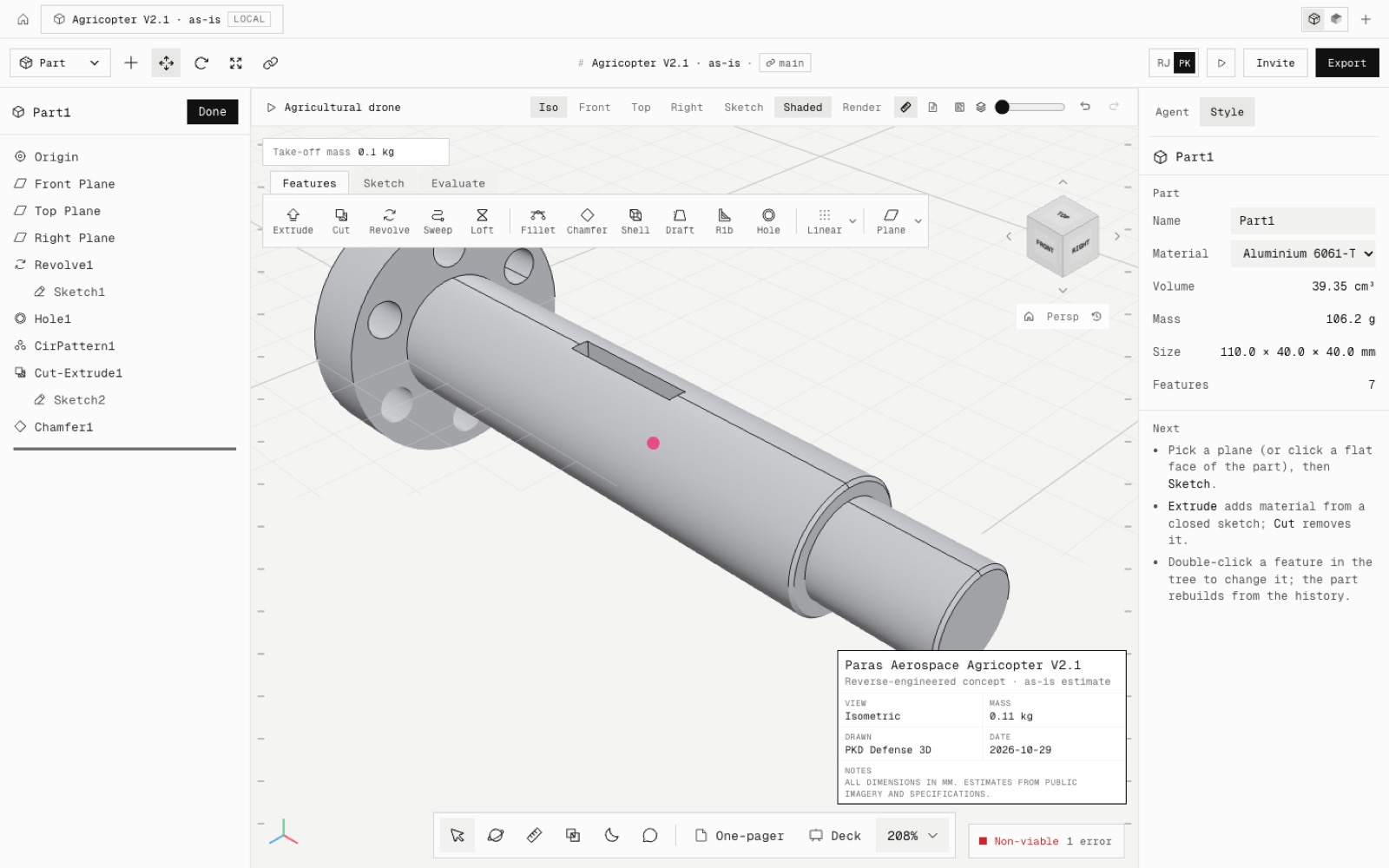
Smart Dimension picks a short line when you click its middle, instead of the nearest end point, so the flanged shaft's profile gets all 6 dimensions and is fully defined. It no longer creates a 0 mm dimension between a line and its own end. Delete with a feature selected in the FeatureManager now deletes it.
The five builds took 31 to 95 clicks each, close to an estimate of the same steps in SolidWorks. The findings and the steps still being improved are in docs/research/manual-build-findings.md, and the builds re-run with npm run audit:manual-builds.
- Added
- npm run test:manual-builds
- npm run audit:manual-builds (the five builds through the UI)
- Fixed
- Sketches on faces did not follow their face after an upstream edit
- Ribs on reference planes were built on the Front plane
- Ribs could not be mirrored or patterned
- Smart Dimension could not pick a short line
- Smart Dimension made 0 mm dimensions
- Delete did nothing on a FeatureManager row
- Shipped in
f9ef09b