Tech theme
The whole app now reads like a technical sheet: paper and ink, one monospace, square hairline boxes, ## headings and a leader line from every label to its value. The dark dark look stays one click away.
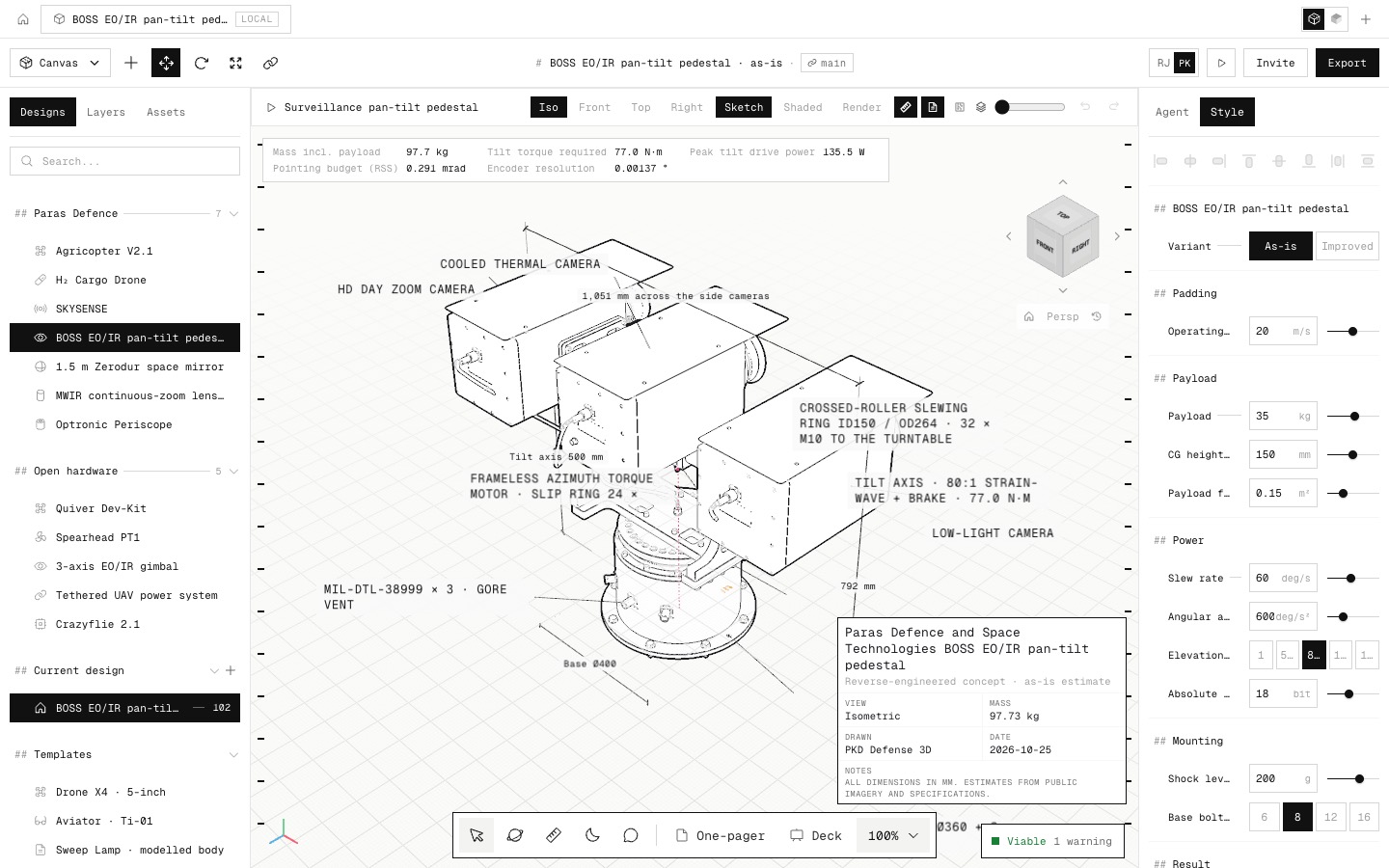
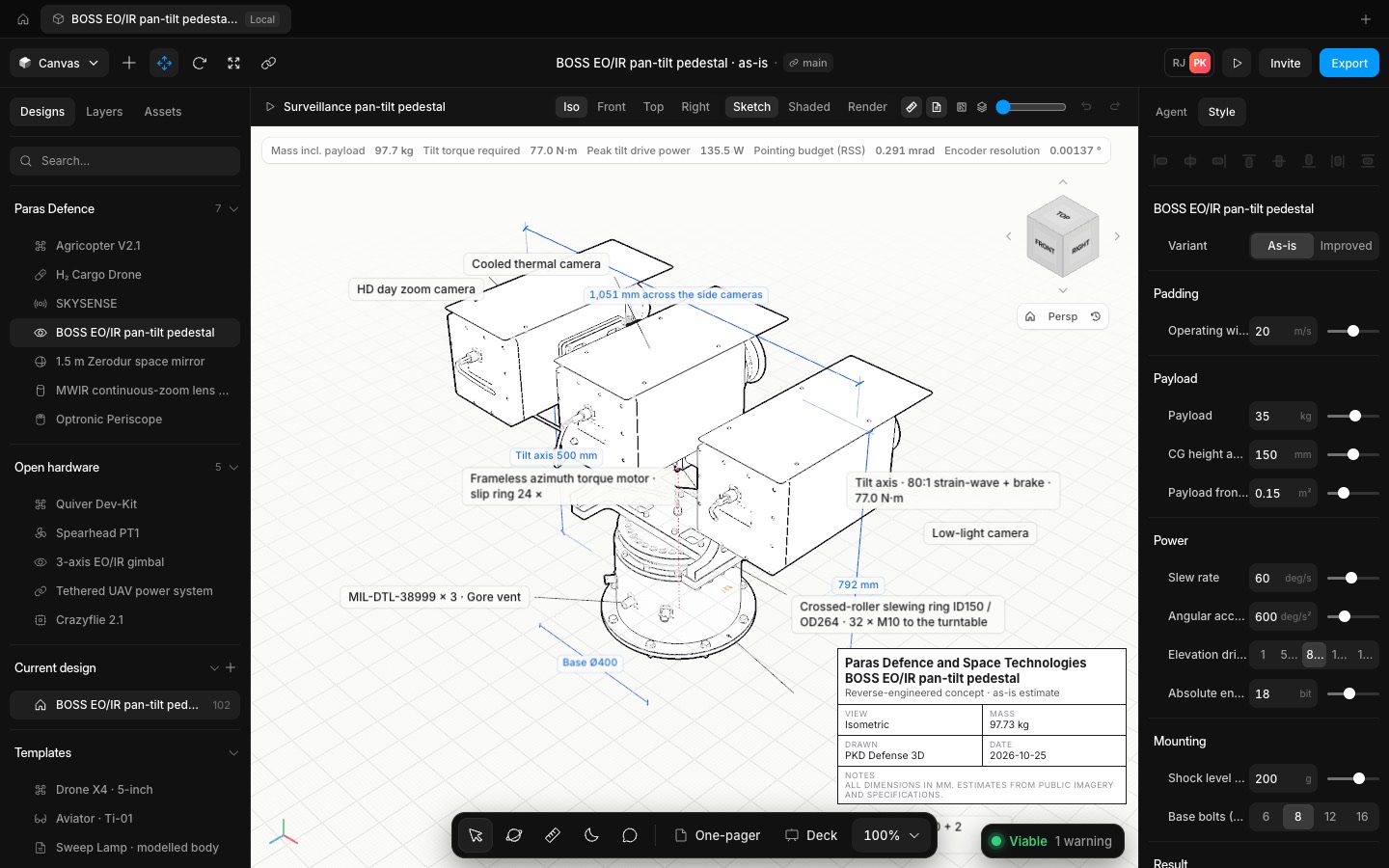
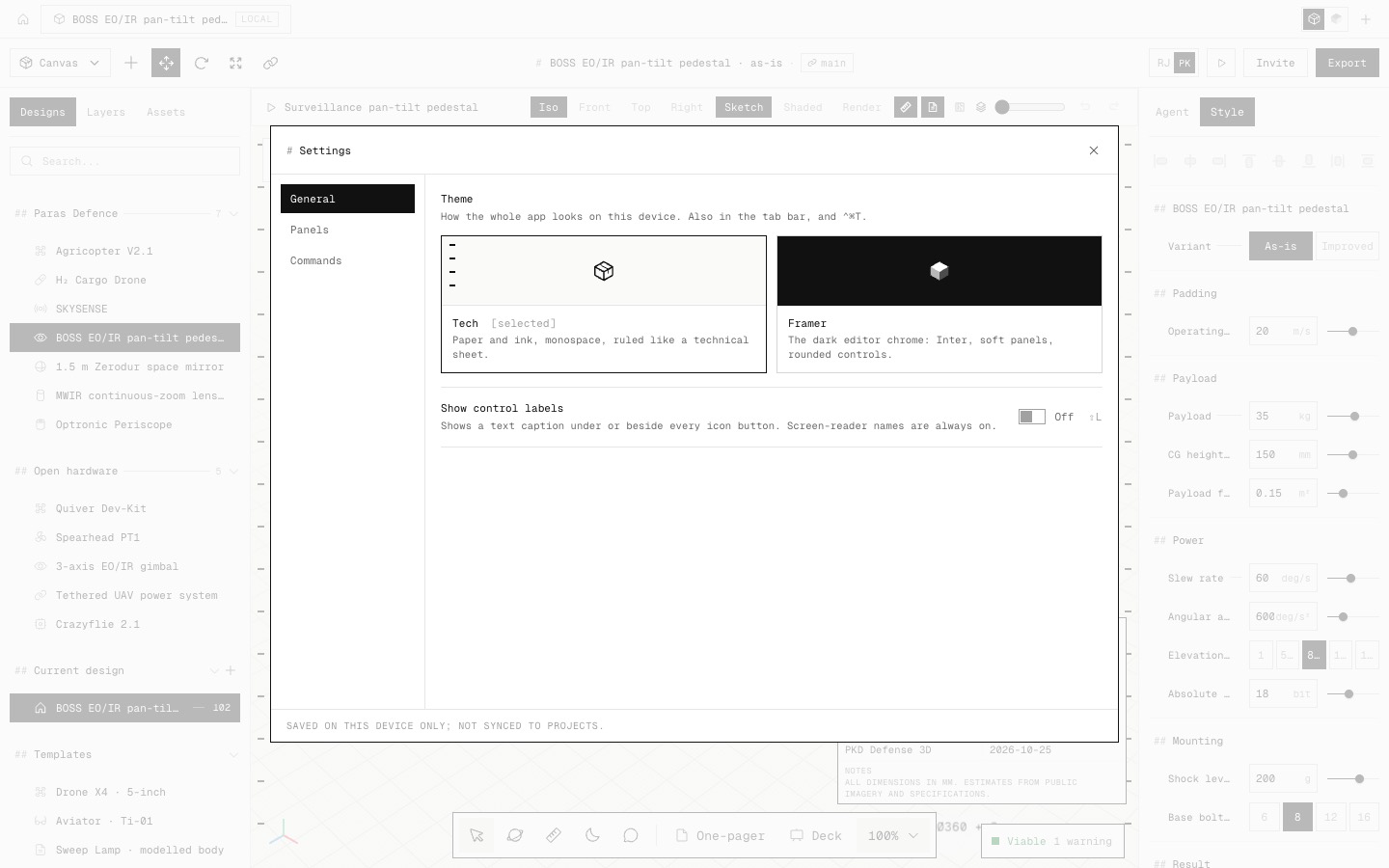
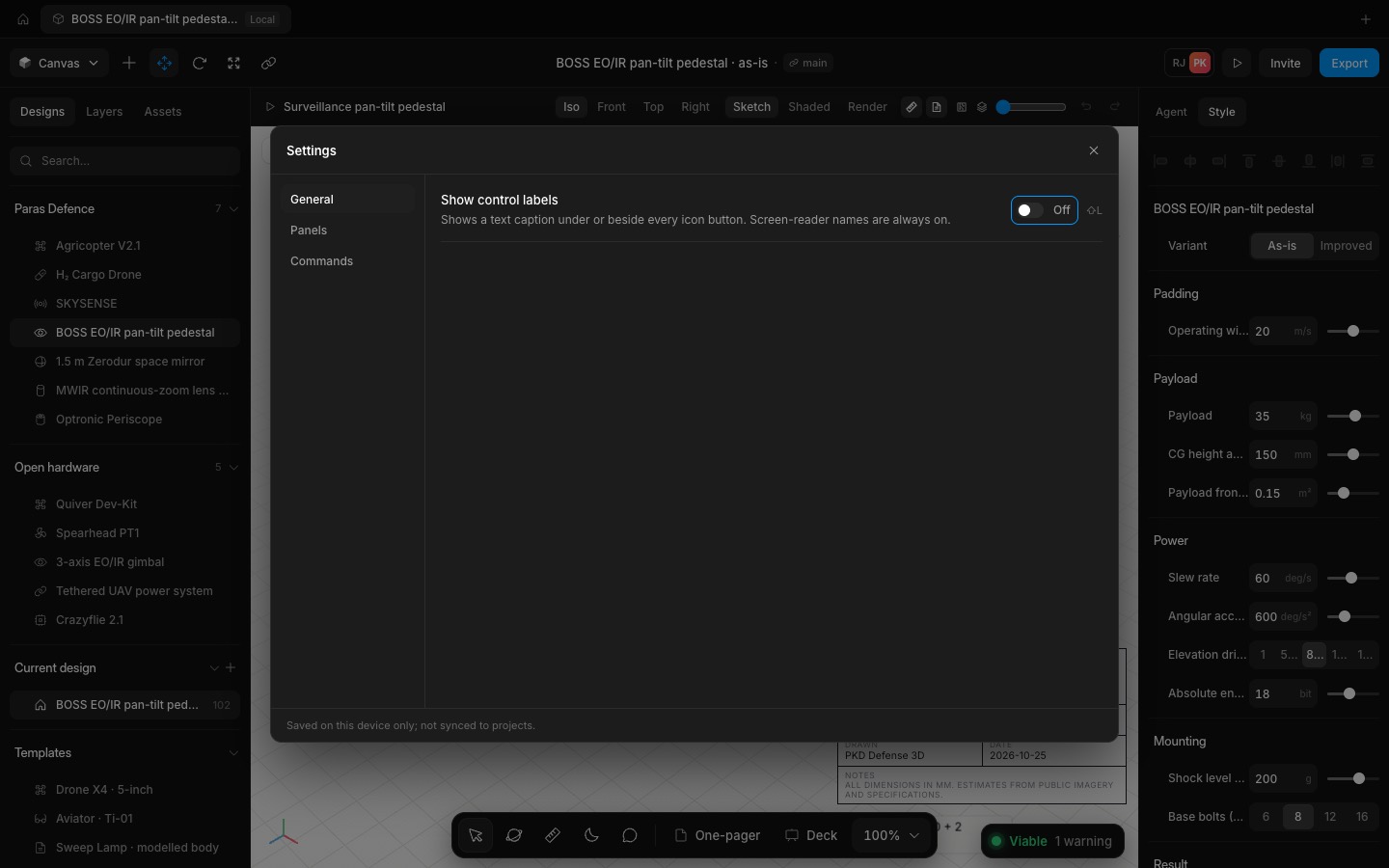
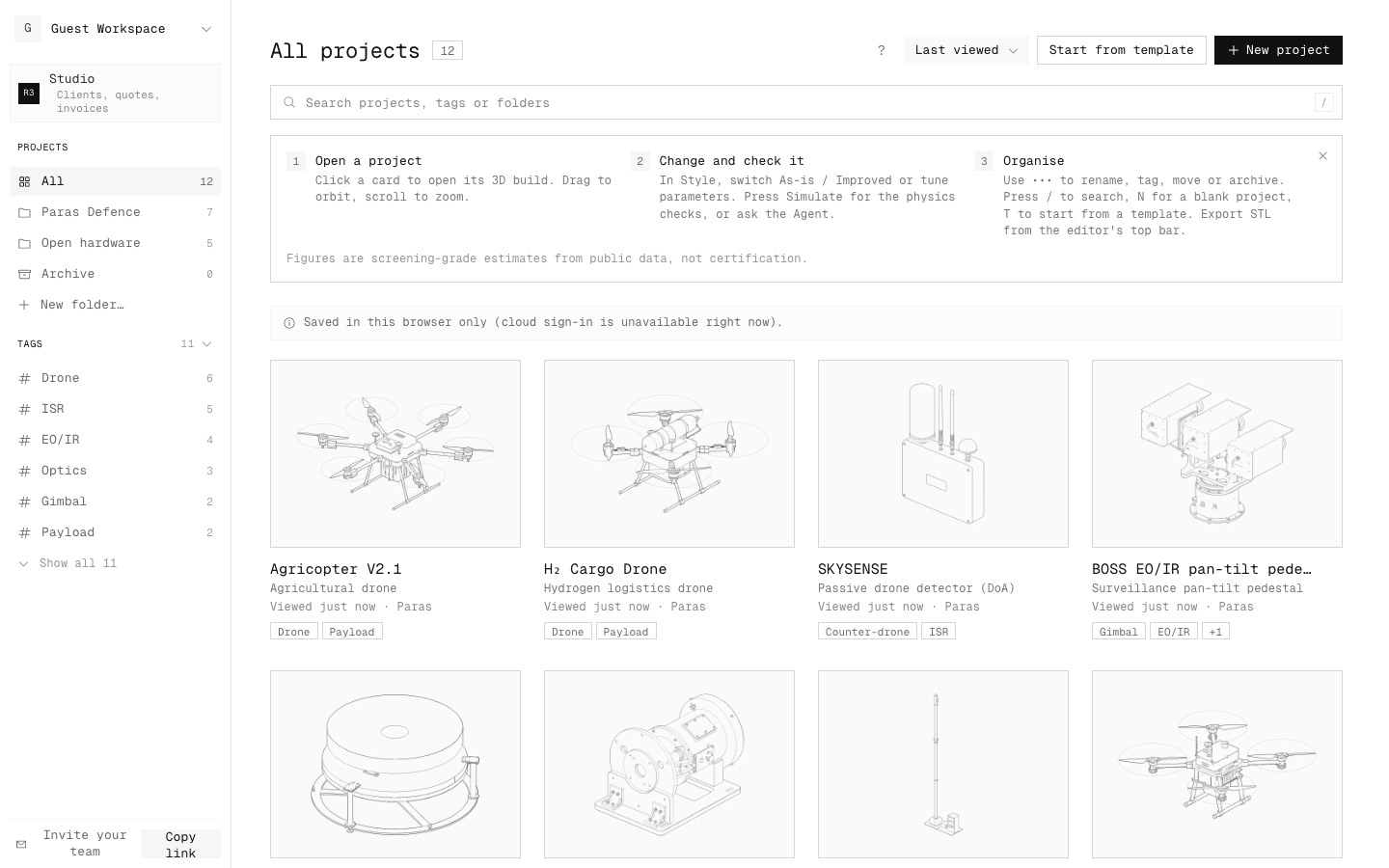
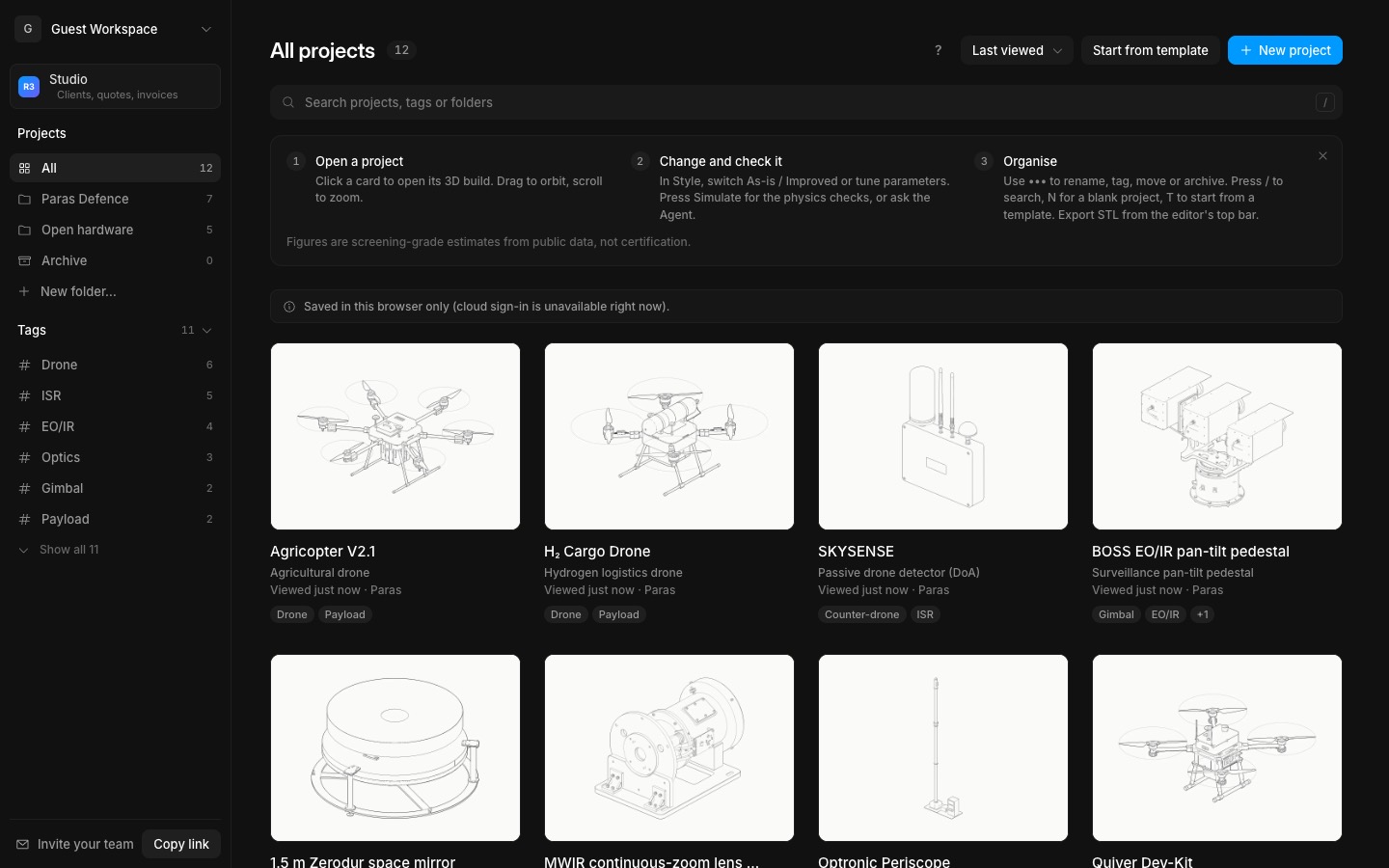
Tech is the new default, after the Interfaces scorecard and Jakub Krehel's /teardown illustrations:
• One monospace at one weight, with hierarchy from ink against grey instead of size and bold.
• Square hairline boxes for buttons and fields. Whatever is selected is a solid ink box: a tab, a layer, a segment, a menu item.
• Section heads read "## Payload". A thin leader runs from each label to its value, so "Payload —— 35 kg" scans like a parts list.
• Tick marks run down both edges of the canvas. Callouts are small uppercase labels and dimension lines are ink.
• No shadows, no rounding, no blue: colour is kept for state (viable green, error red).
It covers every page: the editor, Settings, project settings, the projects dashboard, Studio, this changelog and sign-in.
Switch themes from the two logos in the tab bar (the line-drawn cube is Tech, the shaded cube is the dark interface), from Settings → General, from the workspace menu, or with ⌃⌘T (Alt+T on Windows). The choice is saved on this device and applied before the first paint, so pages never flash the other look.
Loading indicators are now monochrome: an orbit for the agent's steps, twelve bars in the build log and a ring of pixels while drawings draft.
- Added
- Tech theme, the default
- Theme switch in the tab bar, Settings and the workspace menu (⌃⌘T / Alt+T)
- Monochrome loaders
- Improved
- Labels: one size, leader lines from label to value, quieter icons
- dark theme kept exactly as it was
- Try it
Click the shaded cube at the right of the tab bar to go back to the dark interface, and the line-drawn cube for Tech.
Open Speed- Shipped in
949f005