The Surfaces tab: 20 surface commands, from extruded and lofted to knit and thicken
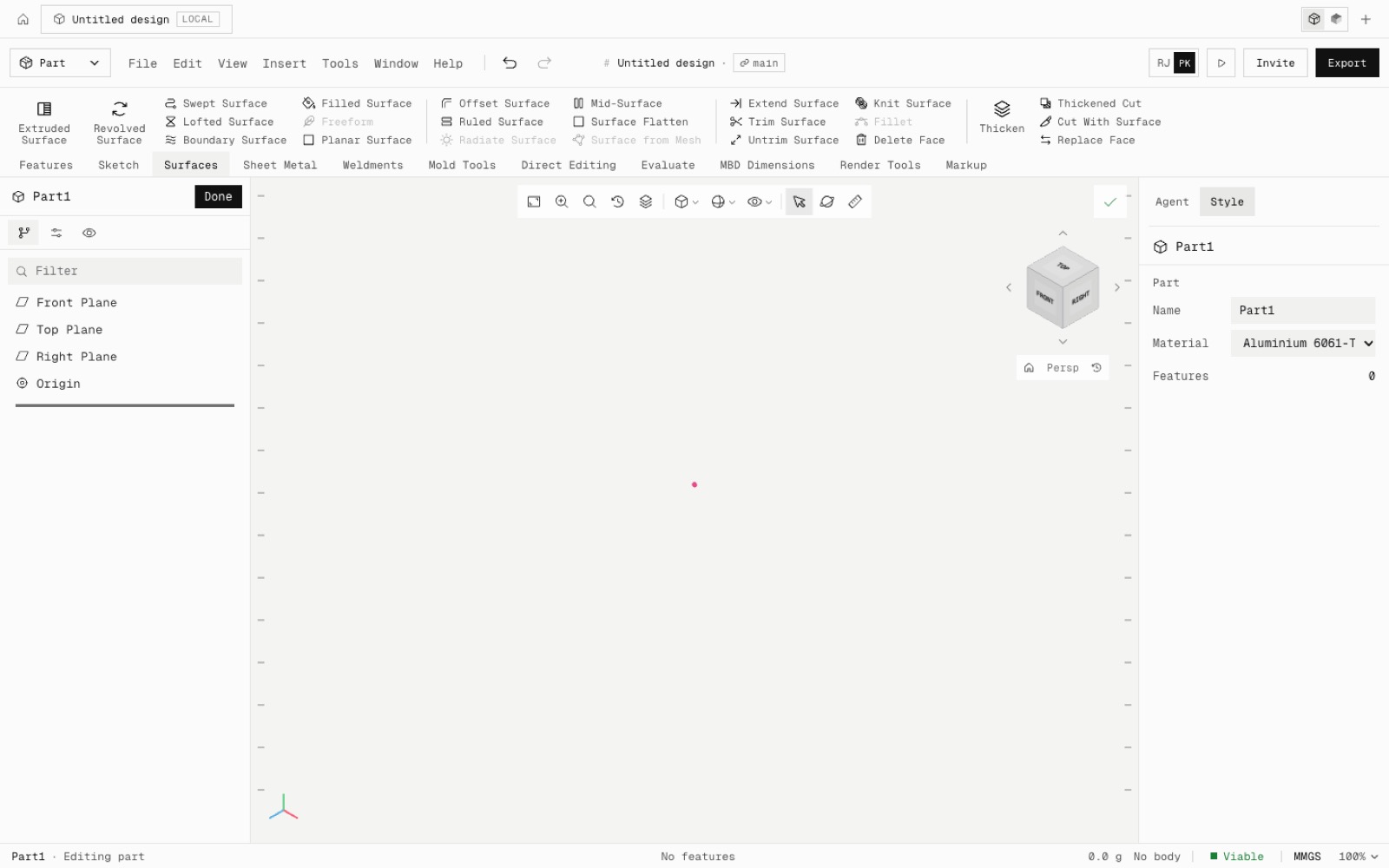
Surface modelling works. You can make extruded, revolved, swept, lofted, boundary, planar, offset, ruled and filled surfaces, then knit, trim, untrim, extend and thicken them into solids. Thickened Cut, Cut With Surface, Mid-Surface, Surface Flatten, Delete Face (delete, patch or fill) and Replace Face are there too. Surface bodies show as translucent sheets in their own Surface Bodies folder.
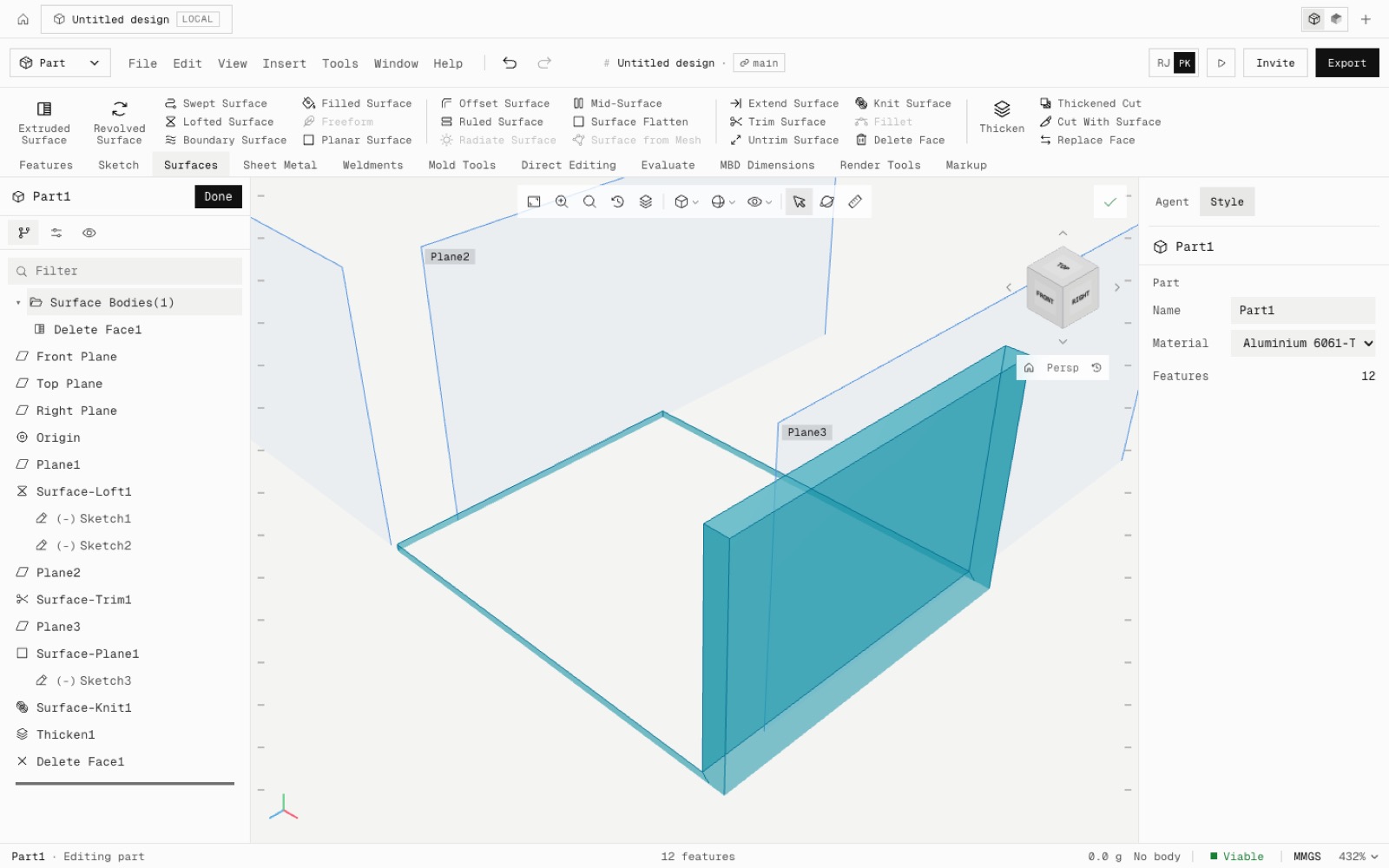
Surfaces are open shells kept beside the solid. They knit into a solid (Knit with Create solid), thicken into one, or cut it. Each command is checked against closed forms in the kernel. Knitting the six faces of a box gives exactly its volume, thickening a 100 × 60 surface by 5 gives 30,000 mm³, and flattening a half cylinder gives its exact area.
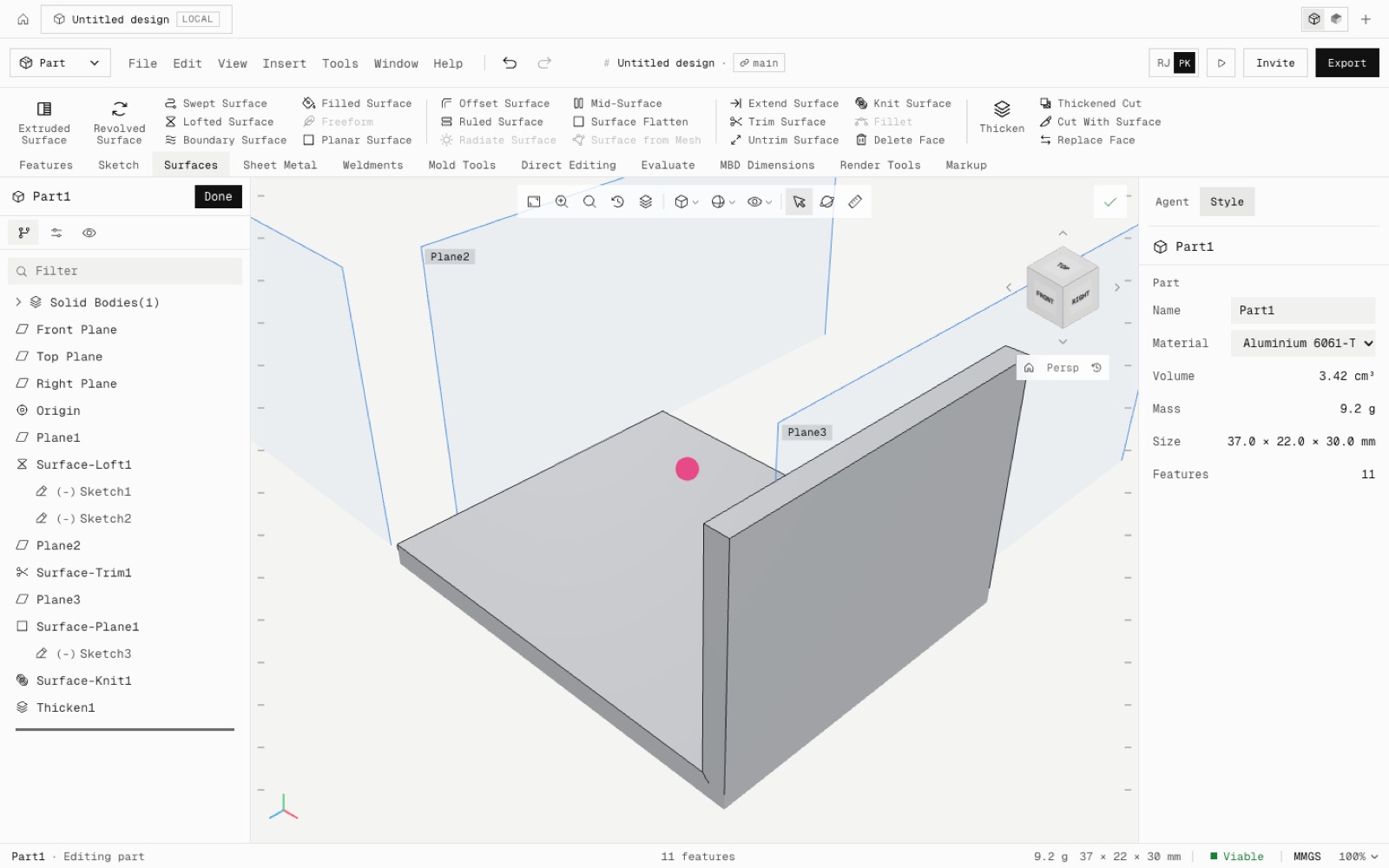
Tested by hand in the app: a loft between two sketches, trimmed at a plane, closed with a planar surface, knitted and thickened 2 mm. The solid matched its closed form, 3420 mm³, with one undo step per command.
Surfaces work with multibody parts: thickened and knitted solids go through the same Merge result rules as extrudes.
Not yet: Radiate Surface, fillets on surfaces, Freeform, Surface from Mesh, guide curves on surface lofts, surfaces in the assembly view and in STEP export. Core parity is now 94 of 239.
- Added
- 20 surface commands
- Surface Bodies folder
- npm run test:surfaces
- Shipped in
6d44691