A compact shell: one workspace menu, icon-only chrome
The top-left menu holds every workspace and command, the right panel is Agent and Style, and the chrome loses its captions.
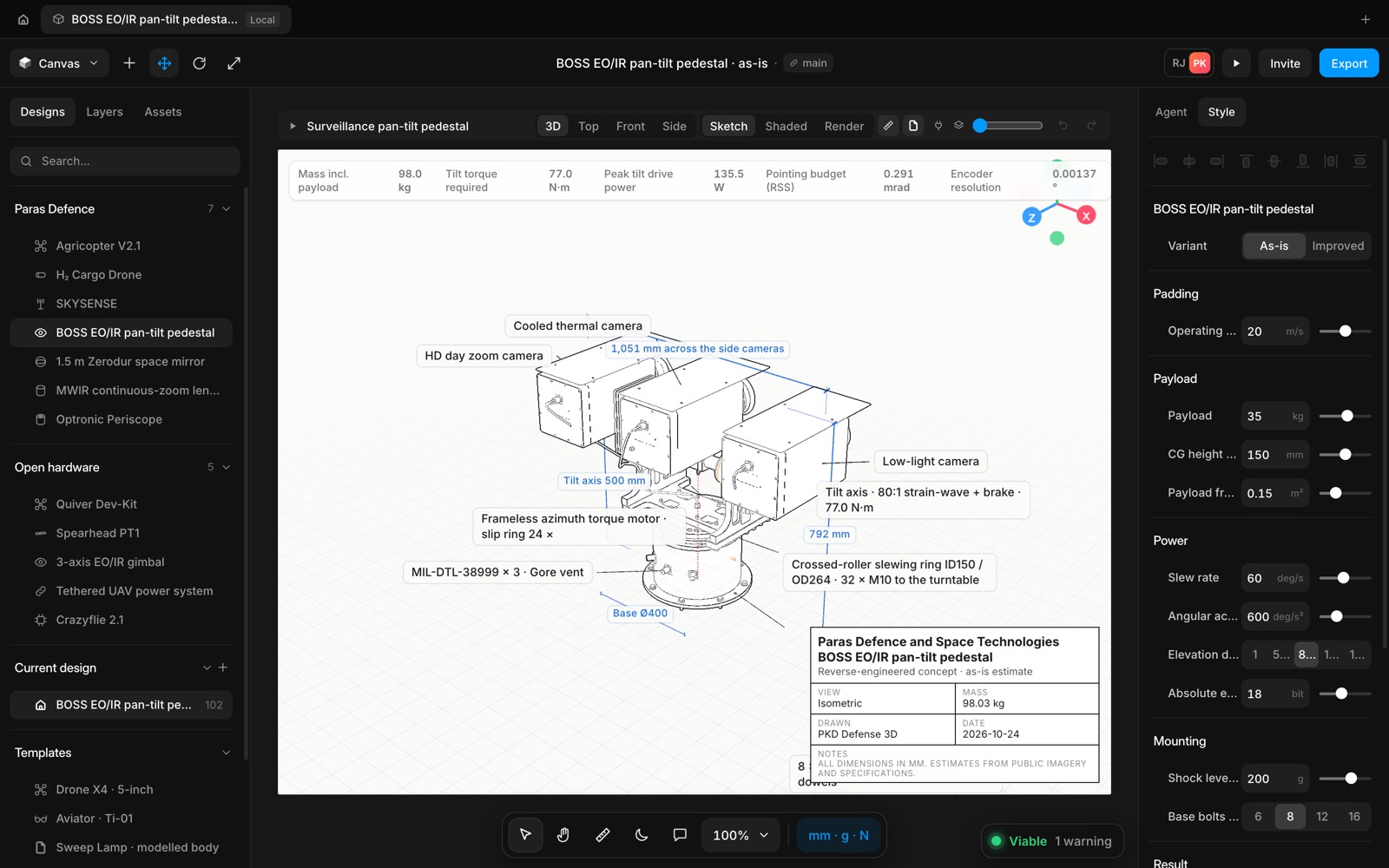
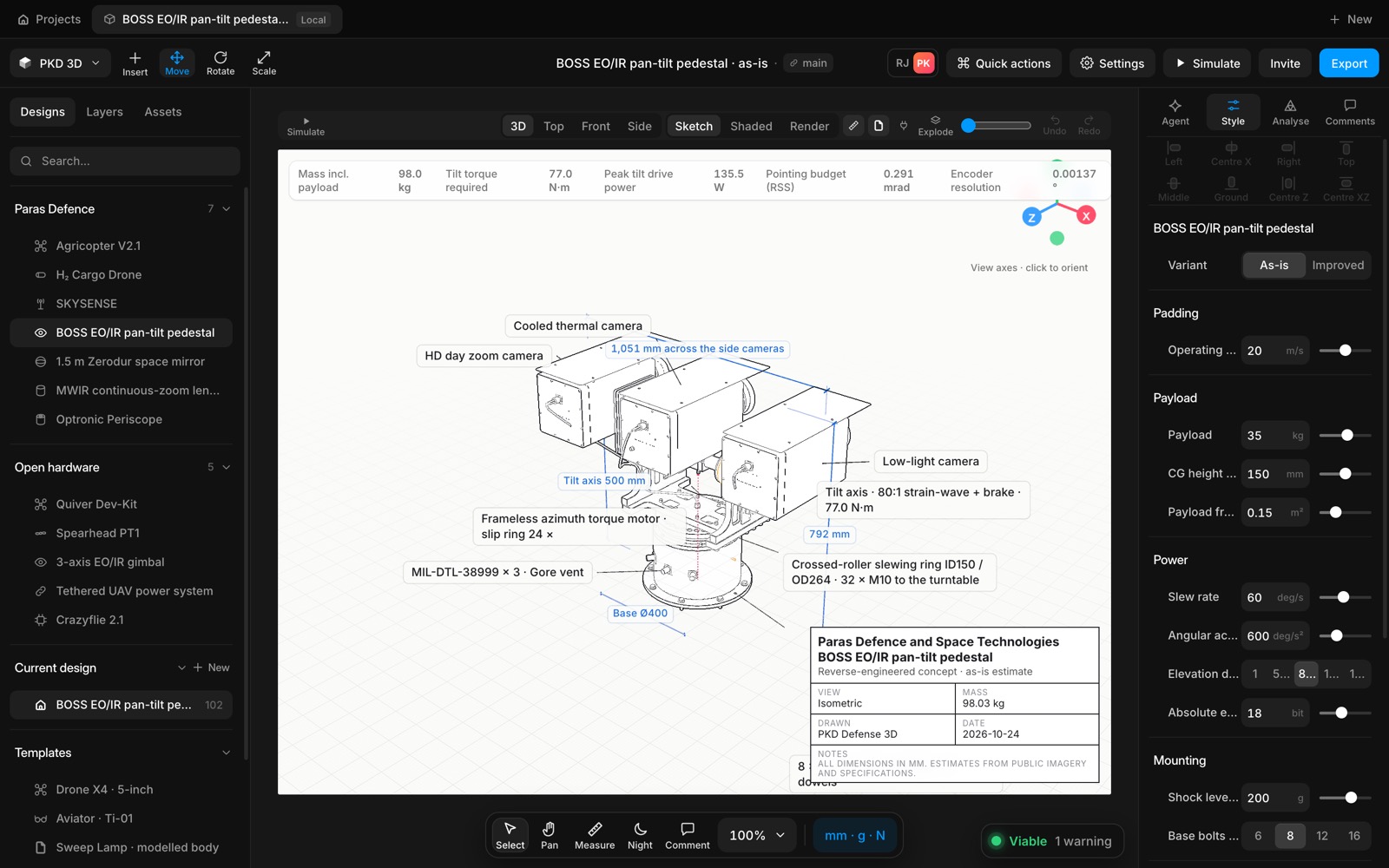
The top-left workspace menu follows the workspace menu: search every command, switch between Canvas, Wiring, FEA, Teardown and Render (Alt+1 to 5), go to the dashboard, Quick actions, Dimensional drawings (Alt+6) and the File, Edit, View, Tool, Preferences and Help flyouts. The button names the workspace you are in.
The right panel is Agent and Style only. Top right keeps avatars, Play, Invite and Export. Controls are icon-only by default; captions come back with Settings › Show control labels. The zoom menu has zoom in and out, 100 %, fit, selection and presets.
- Added
- Added the workspace menu with command search
- Added Sheets 1 / 3 / 5 / 7 / 10, with a one-page overview
- Improved
- Improved the chrome: icon-only by default, captions opt-in
- Improved the right panel to Agent | Style
- Try it
Click the Canvas menu at the top left.
Open Speed- Shipped in
67b38da