Evaluate tab, equations, configurations and design tables
The Evaluate tab works. Mass Properties and Section Properties come from the exact solid, Measure picks vertices, edges and faces, and Check finds bad geometry. Draft, undercut, parting line, thickness, curvature, zebra, deviation and symmetry analyses colour the part. Equations and global variables drive dimensions (type = in a value field), and configurations and a design table make variants of one part. Custom properties and sensors round it out.
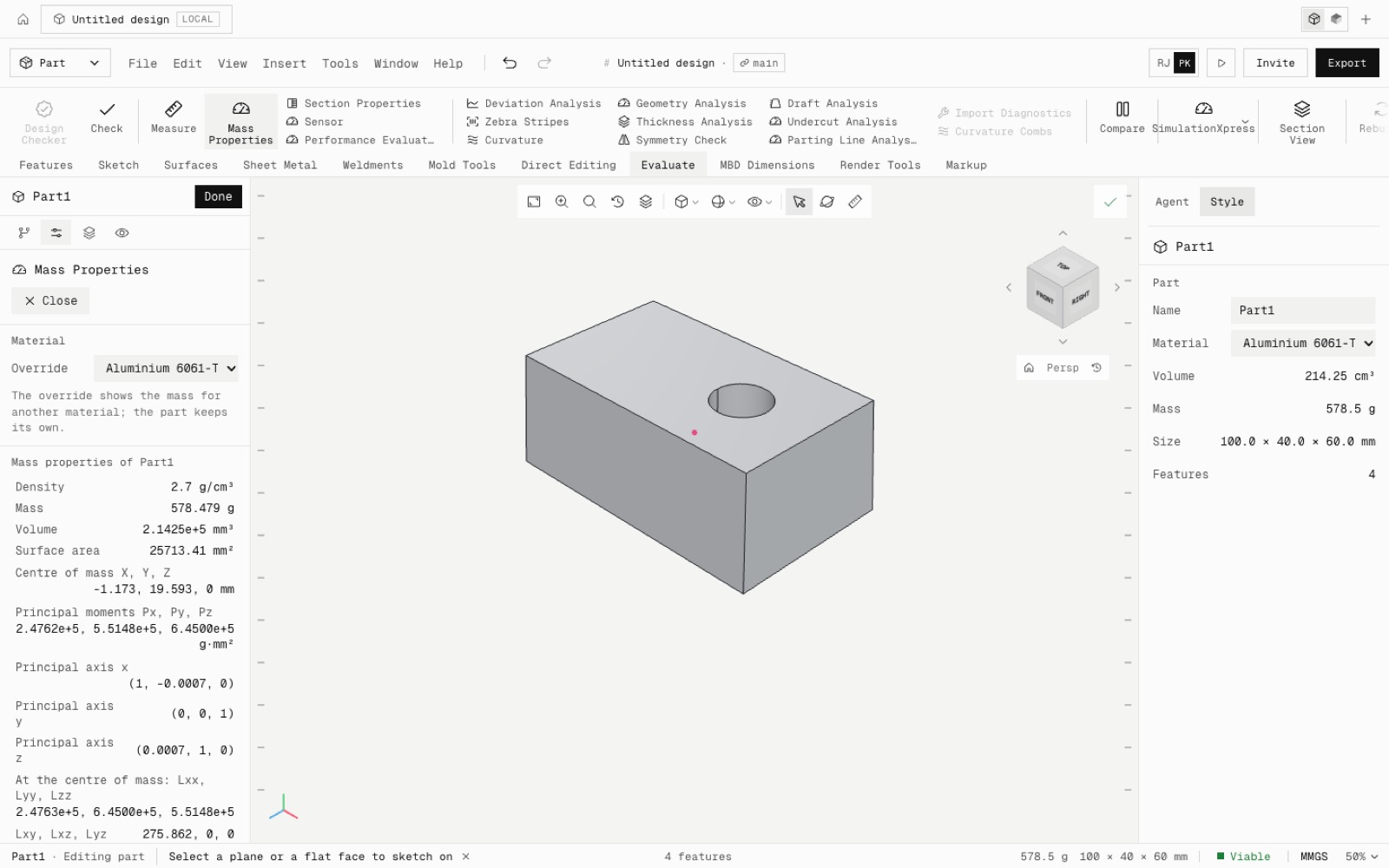
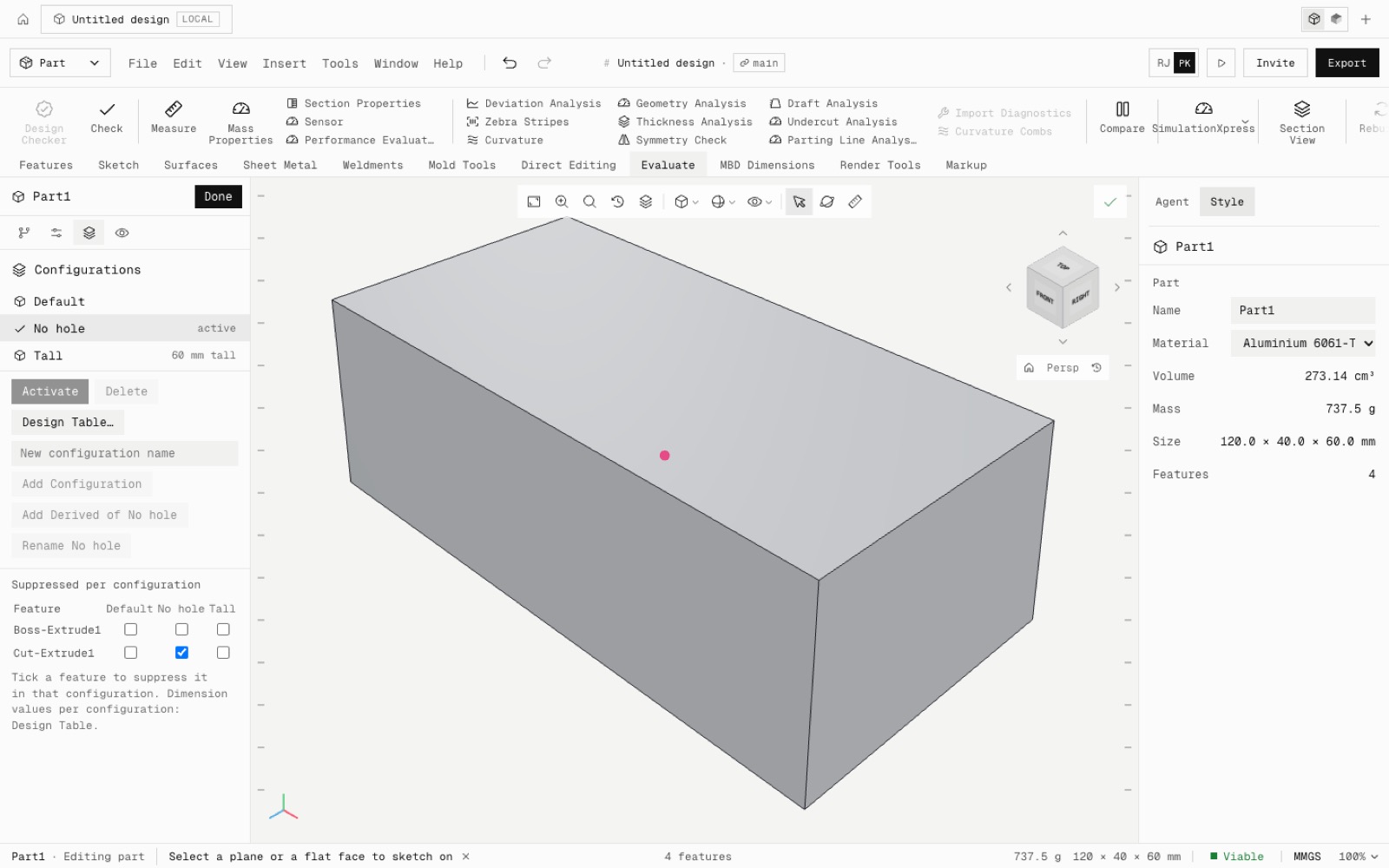
Mass Properties gives mass, volume, area, centre of mass, principal axes and moments of inertia. A 100 × 50 × 20 block reads exactly m(b²+c²)/12 about its centroid, a cylinder mr²/2, and a block turned 30° has its principal axis at 30.0000°. Section Properties matches bh³/12 for a rectangle.
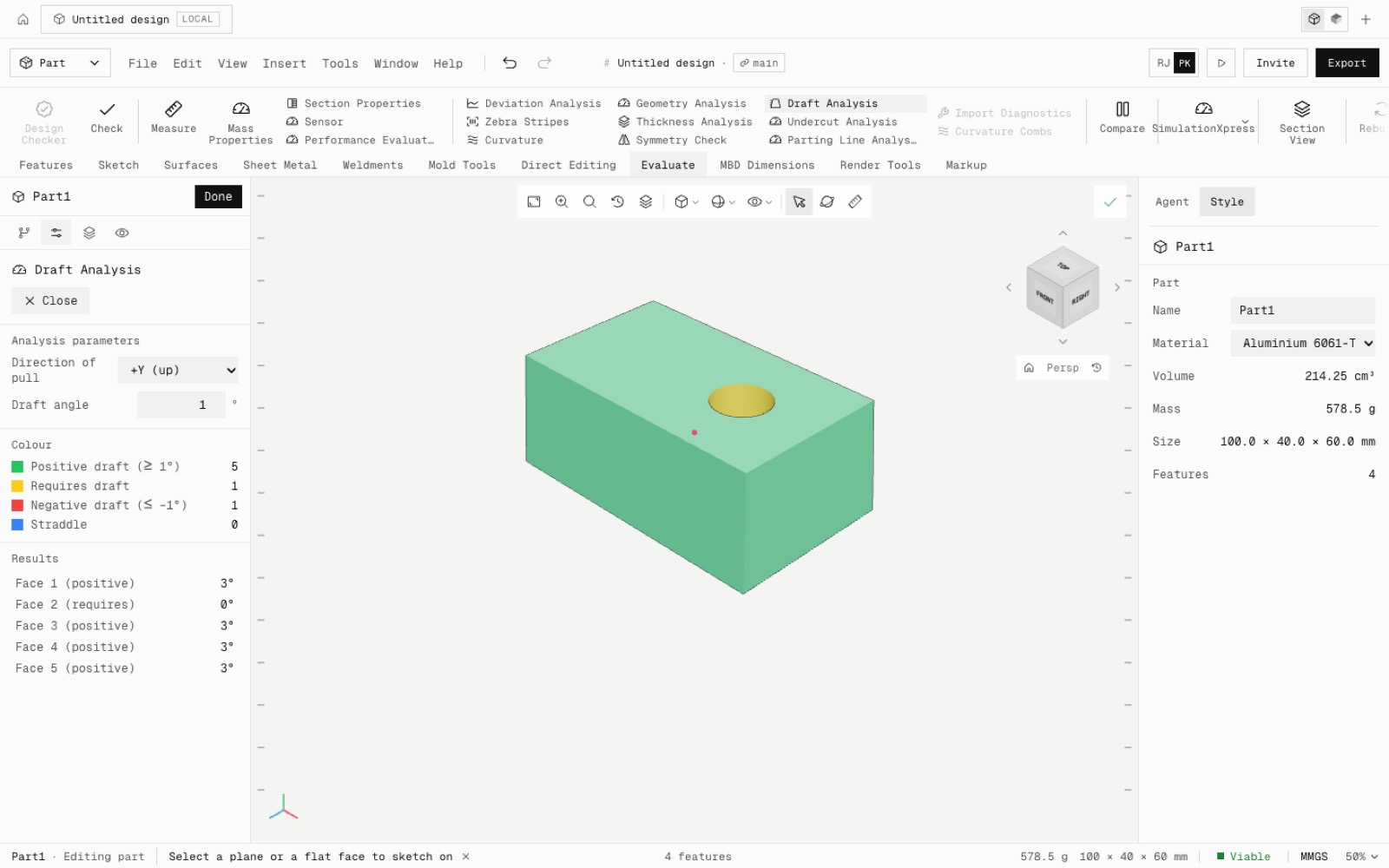
The analyses colour the part and never change it. A face drafted 3° reads 3.000°, a 2 mm shell reads 2.000 mm thick, and a Ø20 cylinder reads curvature 0.1 /mm.
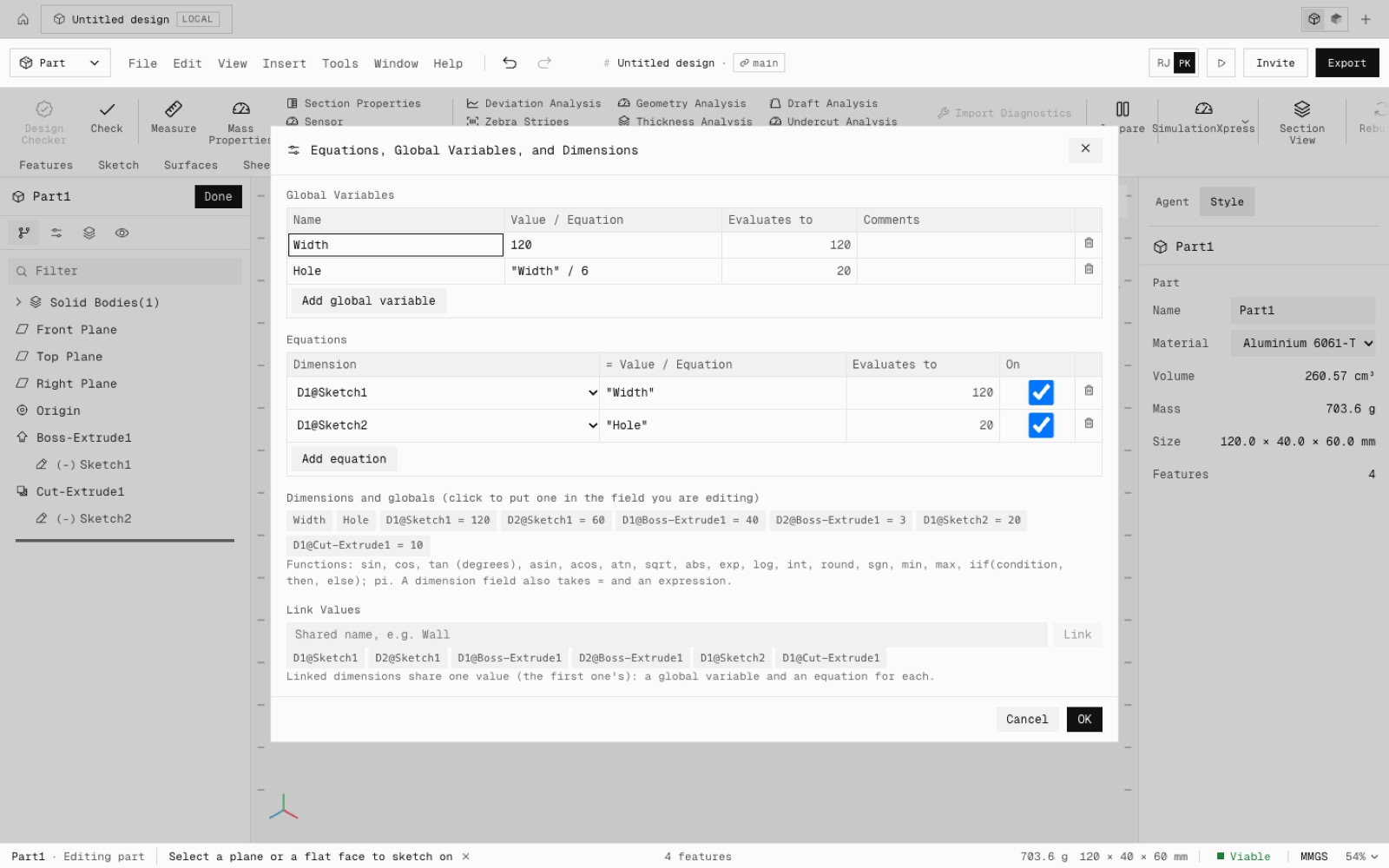
Equations and global variables run on every rebuild. Width = 120 rebuilds a block to 120 × 40 × 30, and typing ="Width"/4 into a depth gives 30. Configurations switch suppression and values, the design table builds variants from a grid, and every change is one undo step the agent can make too.
Not yet: curvature combs, Design Checker, costing, mass and centre-of-mass overrides, = in every number field, and title blocks reading custom properties. Core parity is now 113 of 239.
- Added
- Mass and Section Properties, Measure, Check
- Draft, undercut, parting line, thickness, curvature, zebra, deviation and symmetry analyses
- Equations, global variables, link values
- Configurations and design tables
- Custom properties and sensors
- npm run test:evaluate
- Shipped in
e12479f