Centerpoint arc in the sketch Arc flyout
Sketches get the Centerpoint arc: click the centre, then the start (which sets the radius), then the end. The arc runs the way you move the cursor round, with the circle shown as a guide and the radius and angle next to the cursor. Core SolidWorks parity is now 77 of 239 commands done.
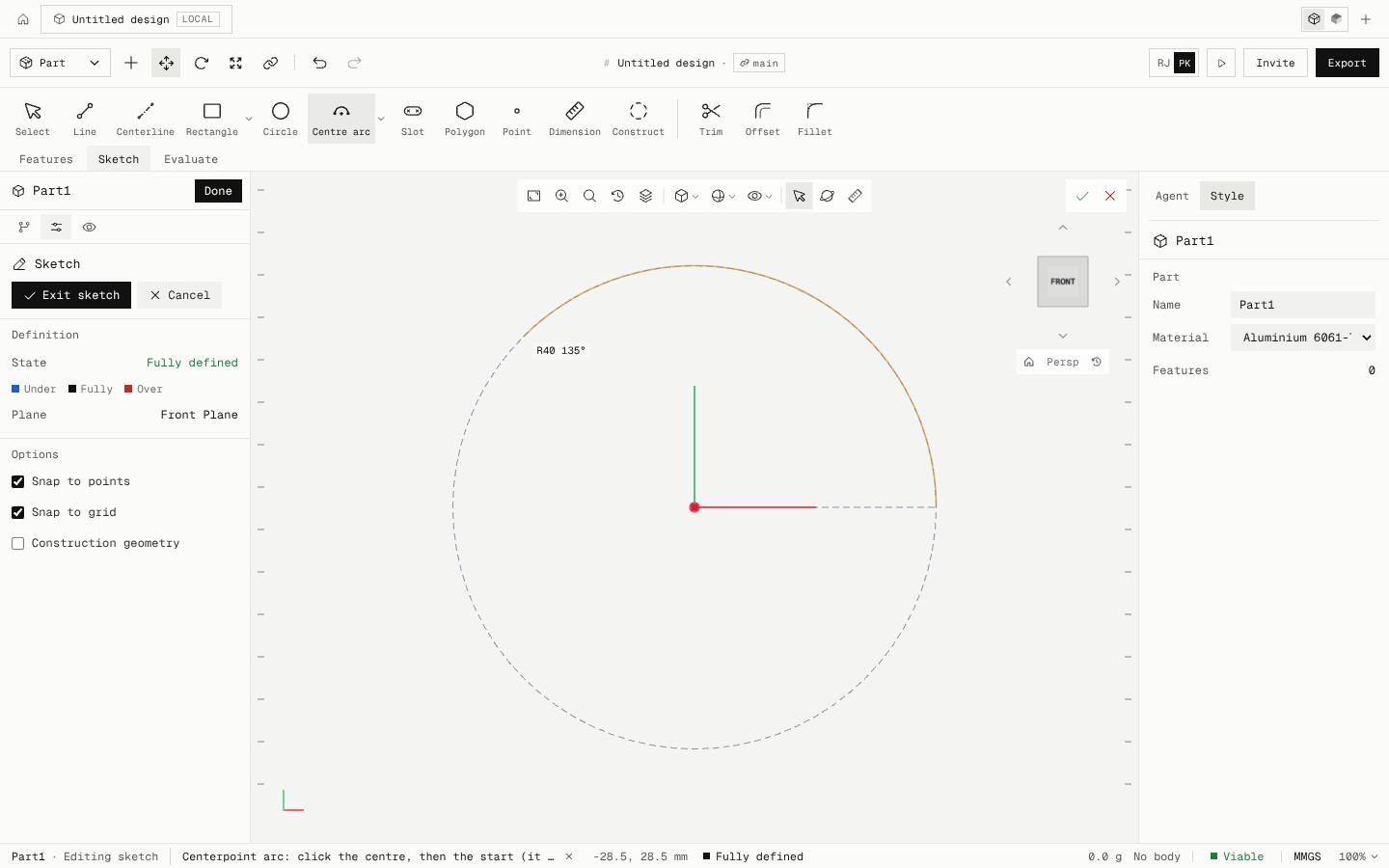
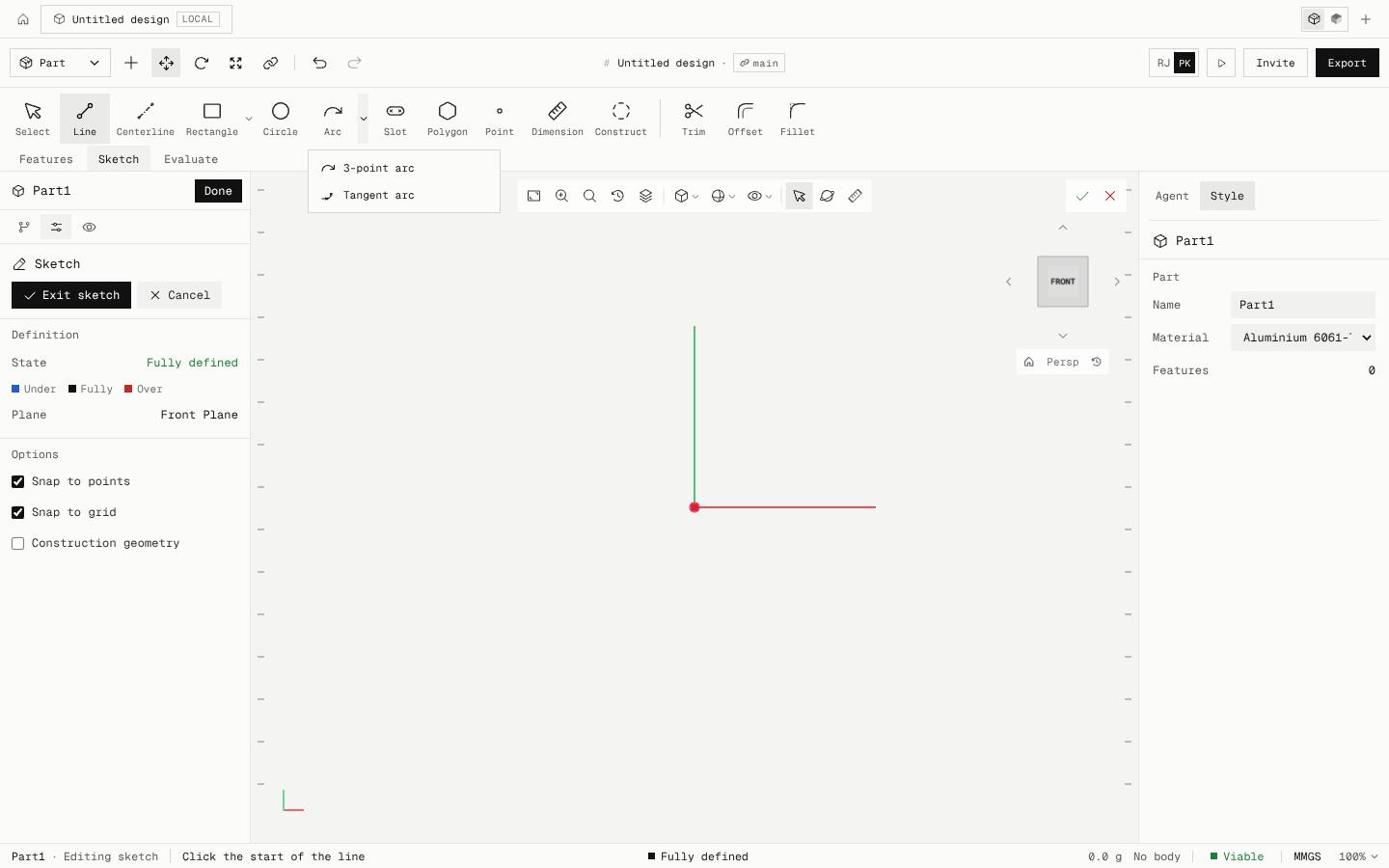
The Arc flyout lists 3-point arc, Centerpoint arc and Tangent arc. The end click only sets the angle, so the end always lands on the circle; clicked on an existing point that is already on the circle (the origin too), the arc reuses it, so a chord drawn first closes the profile.
Move anticlockwise from the start for an anticlockwise arc, clockwise for a clockwise one. An arc can't go a full turn: use Circle for that. Construction mode makes it a reference arc, and each arc is one undo step, the same as the agent's model.sketch arc.
- Added
- Centerpoint arc sketch tool
- Improved
- SolidWorks parity: 77 of 239 core commands done
- Try it
Open a sketch, open the Arc flyout and pick Centerpoint arc.
Open Speed- Shipped in
3e3620e