A proper CAD camera: view cube, standard views, view history
A view cube in the corner, seven standard views, perspective or orthographic, Previous view, and smooth 300 ms moves that you can always interrupt.
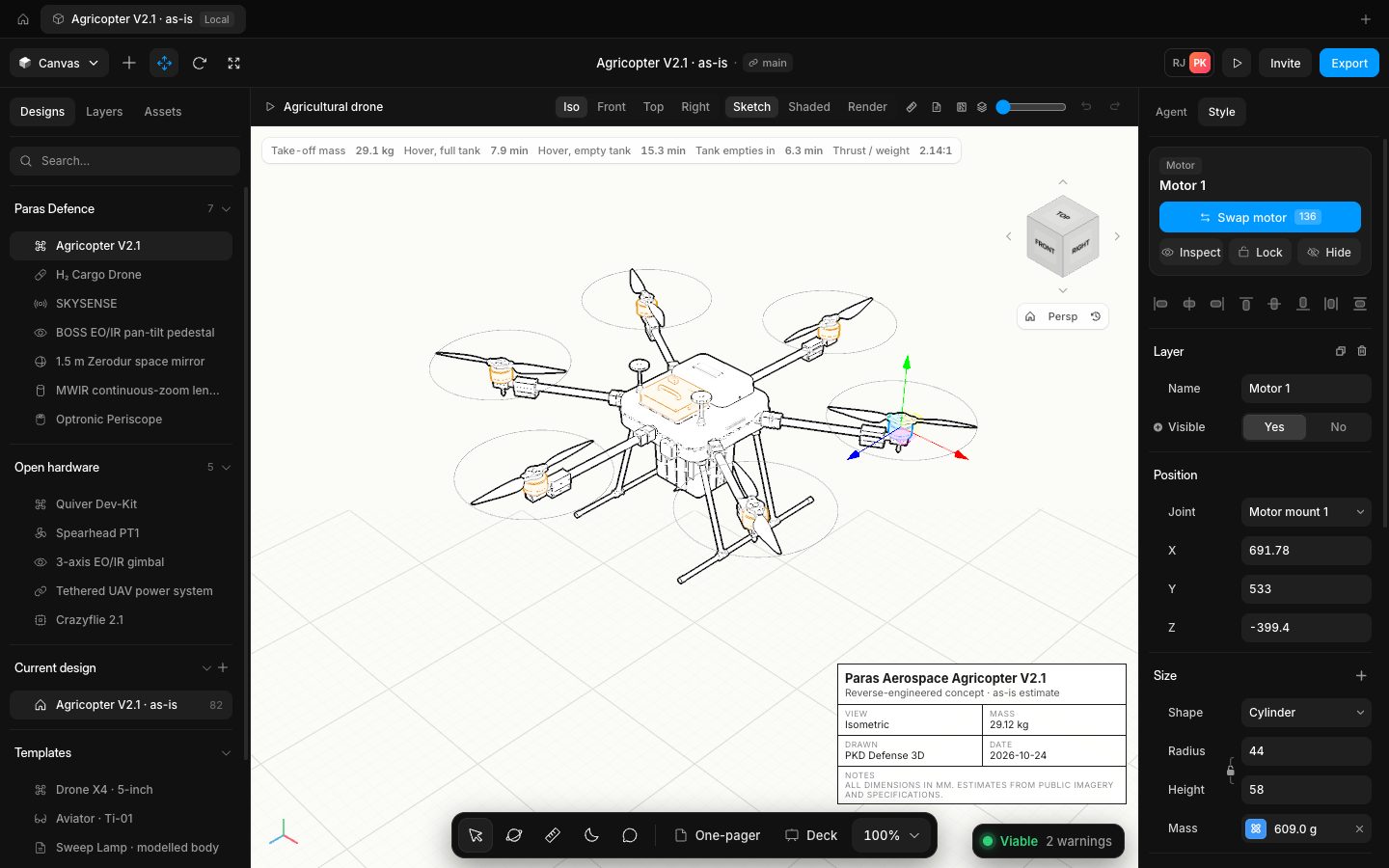
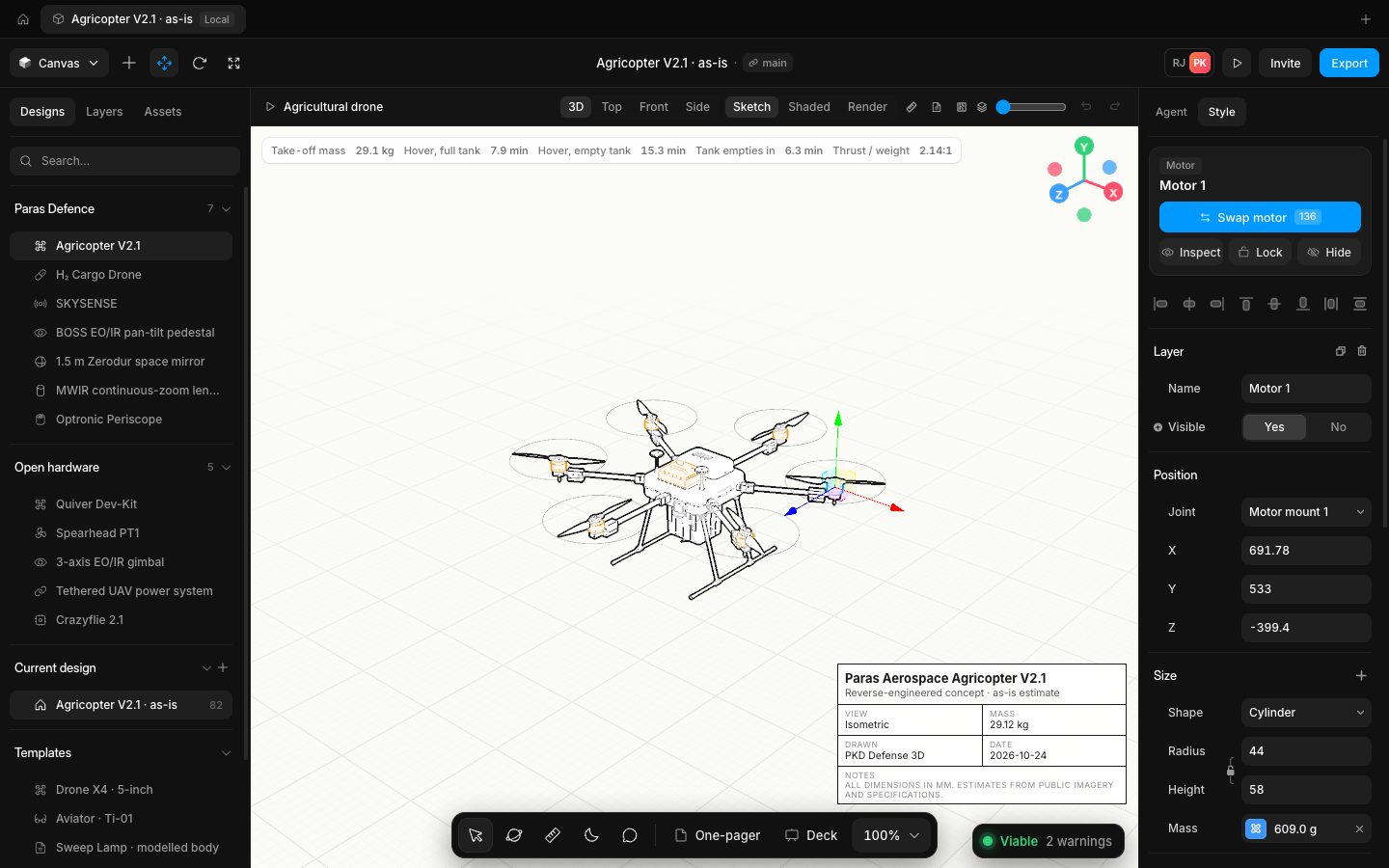
The canvas has a view cube: click a face, edge or corner to turn to it, or step with the arrows round it; Home fits the design, Persp switches between perspective and orthographic, and the history button goes back to the previous view. The canvas bar offers Iso, Front, Top and Right, and the View menu and keys reach all seven standard views (front, back, left, right, top, bottom, isometric) plus Normal to.
Every move is a short 300 ms tween that any press or scroll cancels, a view change keeps your zoom distance, and each document opens fitted once and then stays where you put it: no re-framing on edits, undo or resizes, and no slow turn on its own during builds. Detail rebuilds pause while the camera moves so it stays smooth, and the near plane follows the zoom so a screw head and a whole airframe both draw cleanly.
- Added
- Added the view cube with Home, perspective or orthographic, and Previous view
- Added the seven standard views and Normal to
- Improved
- Improved camera moves: short tweens you can interrupt, distance kept between views, no re-framing on edits
- Try it
Click a face of the view cube, then Previous view.
Open Speed- Shipped in
f31b9625f5249a