Assemblies by hand: advanced and mechanical mates, component patterns, exploded views and a BOM
The Assembly tab is built out. Insert Components places a part, a new part or a STEP file by clicking. The Mate panel has Standard, Advanced and Mechanical tabs: tangent, lock, width, symmetric, limit, path, linear coupler, profile centre, gear, rack and pinion, screw, cam, hinge, slot and universal joint. Component patterns (linear, circular, pattern-, sketch- and curve-driven) and Mirror Components, exploded views with explode lines, a bill of materials, Smart Fasteners, hole series and assembly cuts complete it.
Mates drive the parts through one solver that counts each component's degrees of freedom. A 20 : 40 gear mate turns the second gear −20° when the first turns 40°, a rack travels r·θ, a screw advances its lead per turn, and a limit mate clamps the distance to its range. The Mates folder lets you edit, suppress, flip and delete mates.
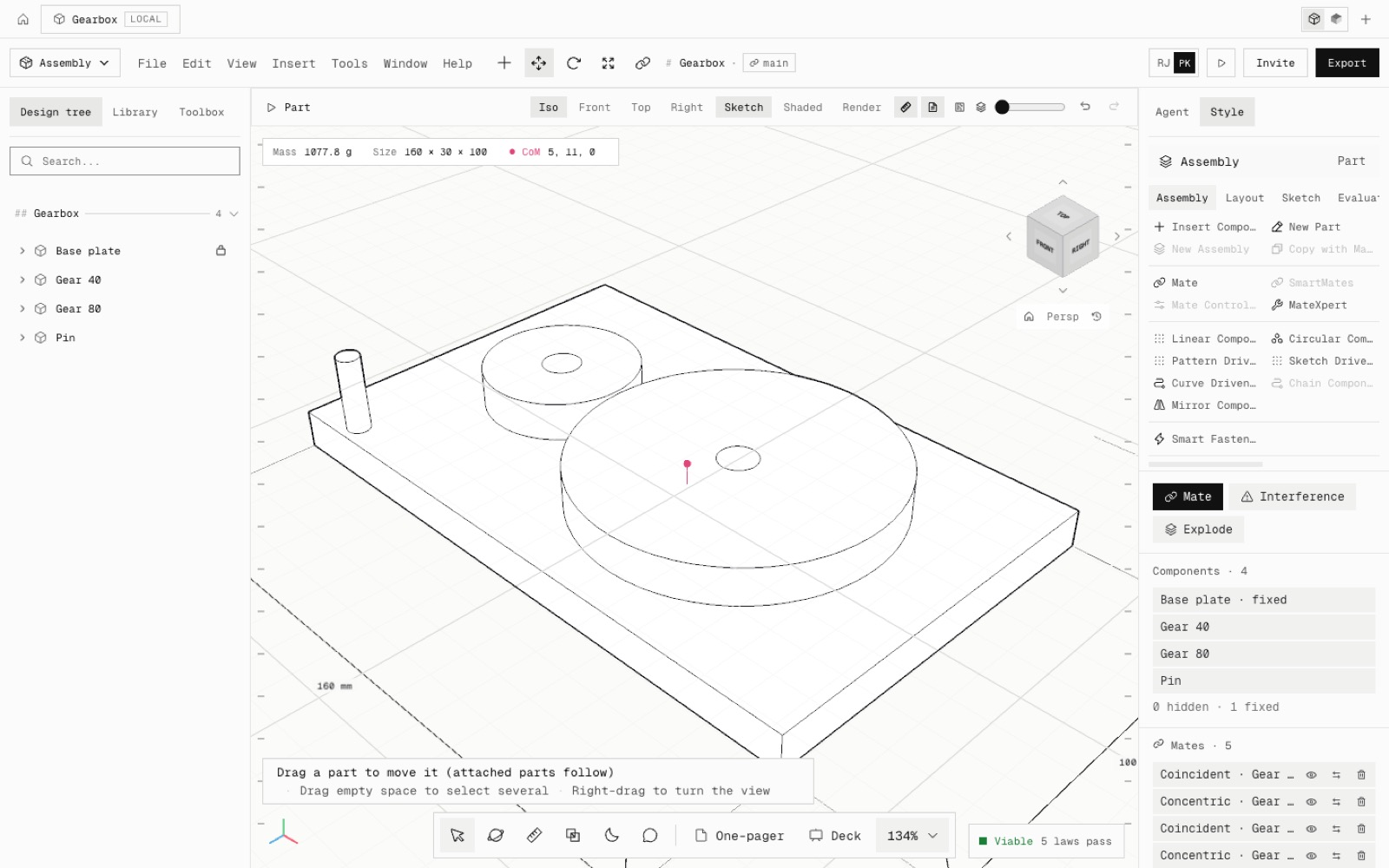
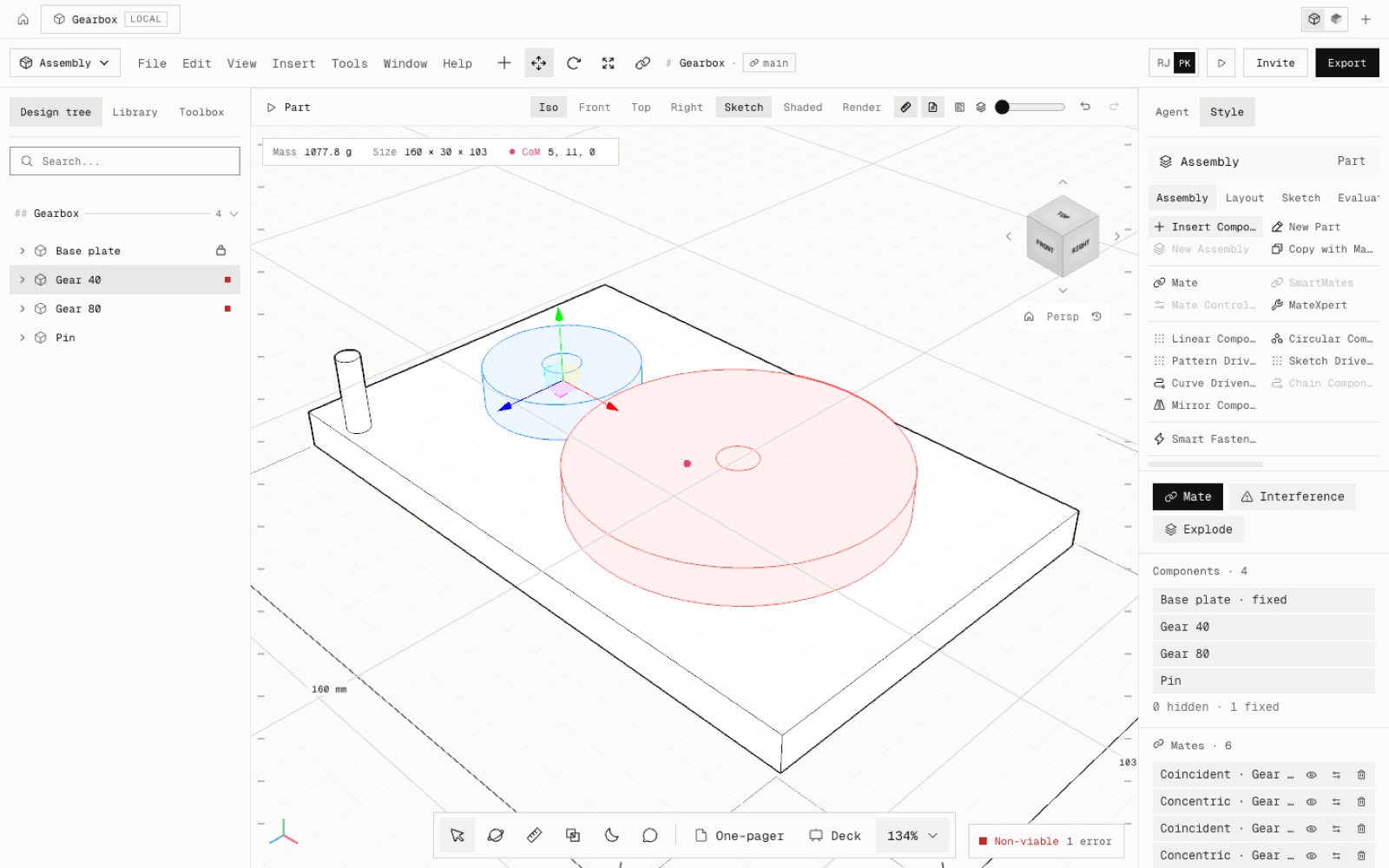
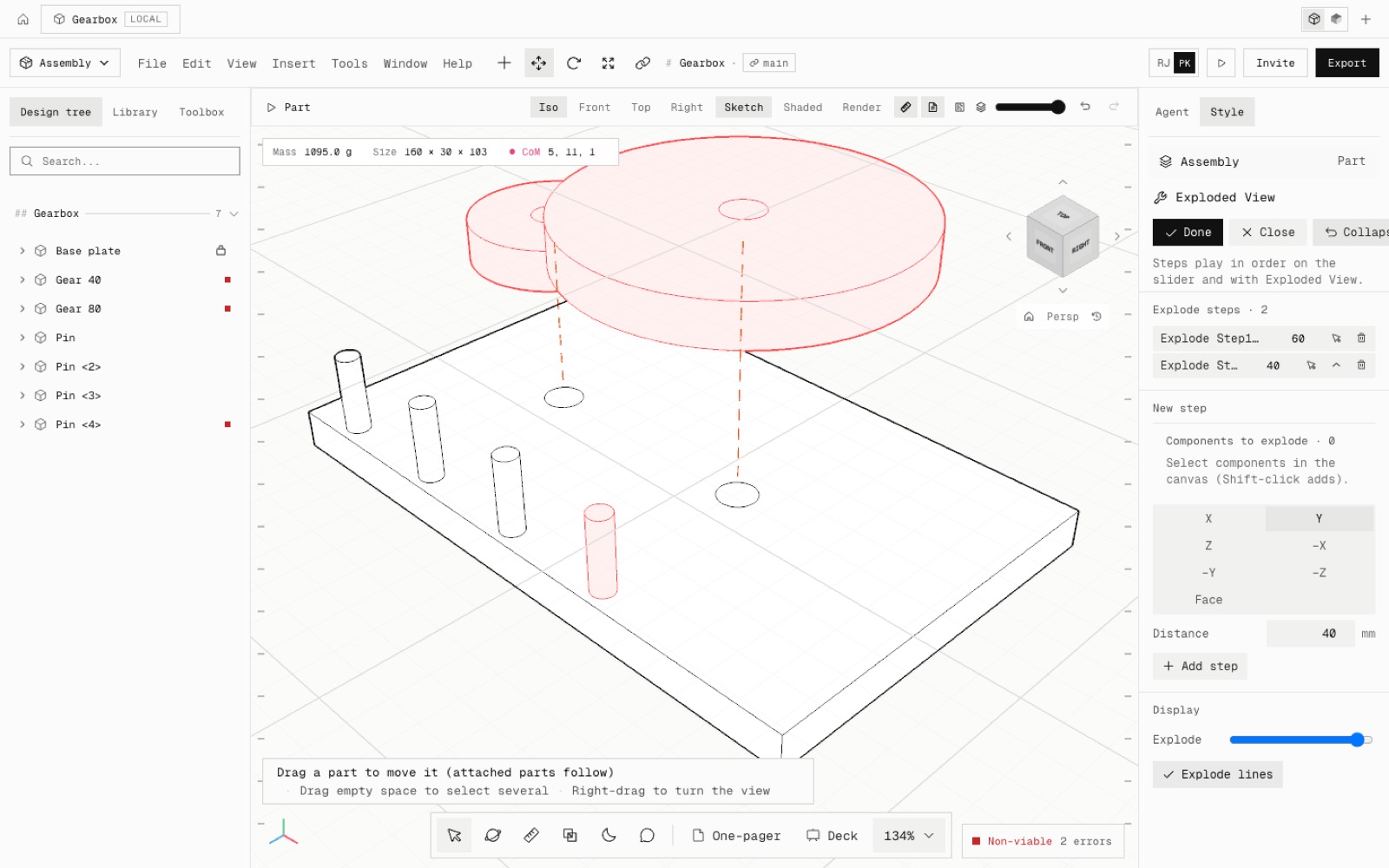
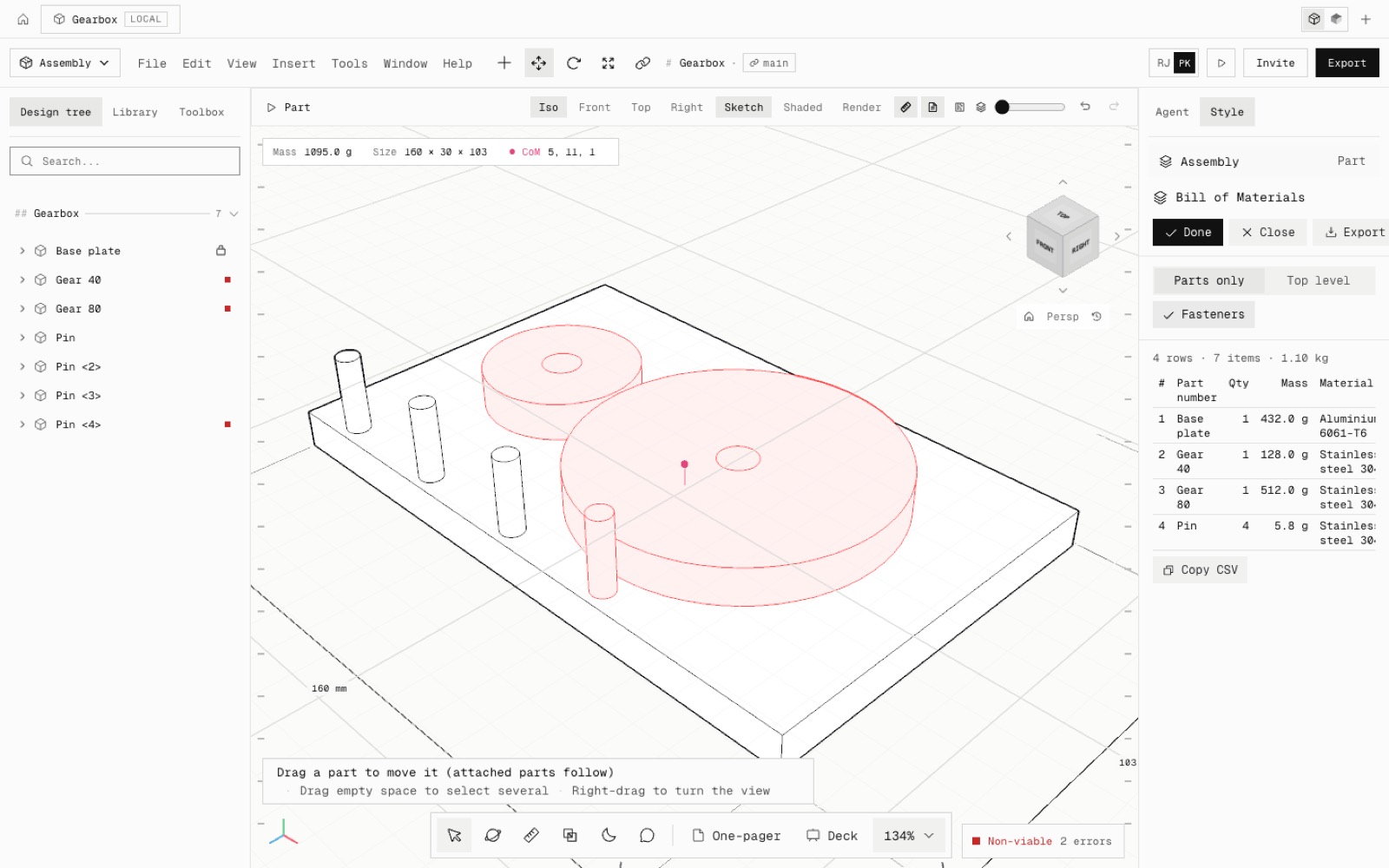
Tested by hand in the app: a small gearbox (base plate, two gears, a pin). The gear mate was picked by clicking both gears, and Move Component turned gear 1 by 40° and gear 2 followed to −20°. Interference Detection found no clash, a linear pattern made four pins, the exploded view has two steps with explode lines, and the BOM lists the pins as 4.
Assembly cuts and hole series cut through every part they cross, and Smart Fasteners fills matching bores with ISO bolts. Every command is one undo step the agent can also make.
Not yet: chain pattern, SmartMates, Mate Controller, physical dynamics, belts and chains, flexible subassemblies, forces in motion studies, and live-drag clearance. Core parity is now 160 of 239.
- Added
- Insert Components
- Advanced and mechanical mates, MateXpert
- Component patterns and Mirror Components
- Exploded views with explode lines
- Bill of materials
- Smart Fasteners, hole series, assembly cuts
- Collision detection, clearance and hole alignment checks
- npm run test:assembly2
- Shipped in
e41b9fb